Relevant for


The Prusa printers with a filament sensor can detect filament runout.
The filament sensor can be disabled from the printer menu. Whenever the sensor is disabled, a warning message with the following text is shown "Filament sensors are disabled. Enable them manually after printing".
Error name: Filament sensors disabled
Error code: #31115 (CORE One) #35115 (CORE One L) #36115 (CORE One INDX) #17115 (XL) #26115 (MK4S) #13115 (MK4) #27115 (MK3.9S) #21115 (MK3.9) #28115 (MK3.5S) #23115 (MK3.5) #12115 (MINI/+)
Enable the filament sensor, in LCD Menu -> Settings -> Filament Sensor. In case of issues with the filament sensor, follow the dedicated articles to start troubleshooting, or do not hesitate to contact our Customer Support.
On the INDX, check the side filament sensor for any debris.
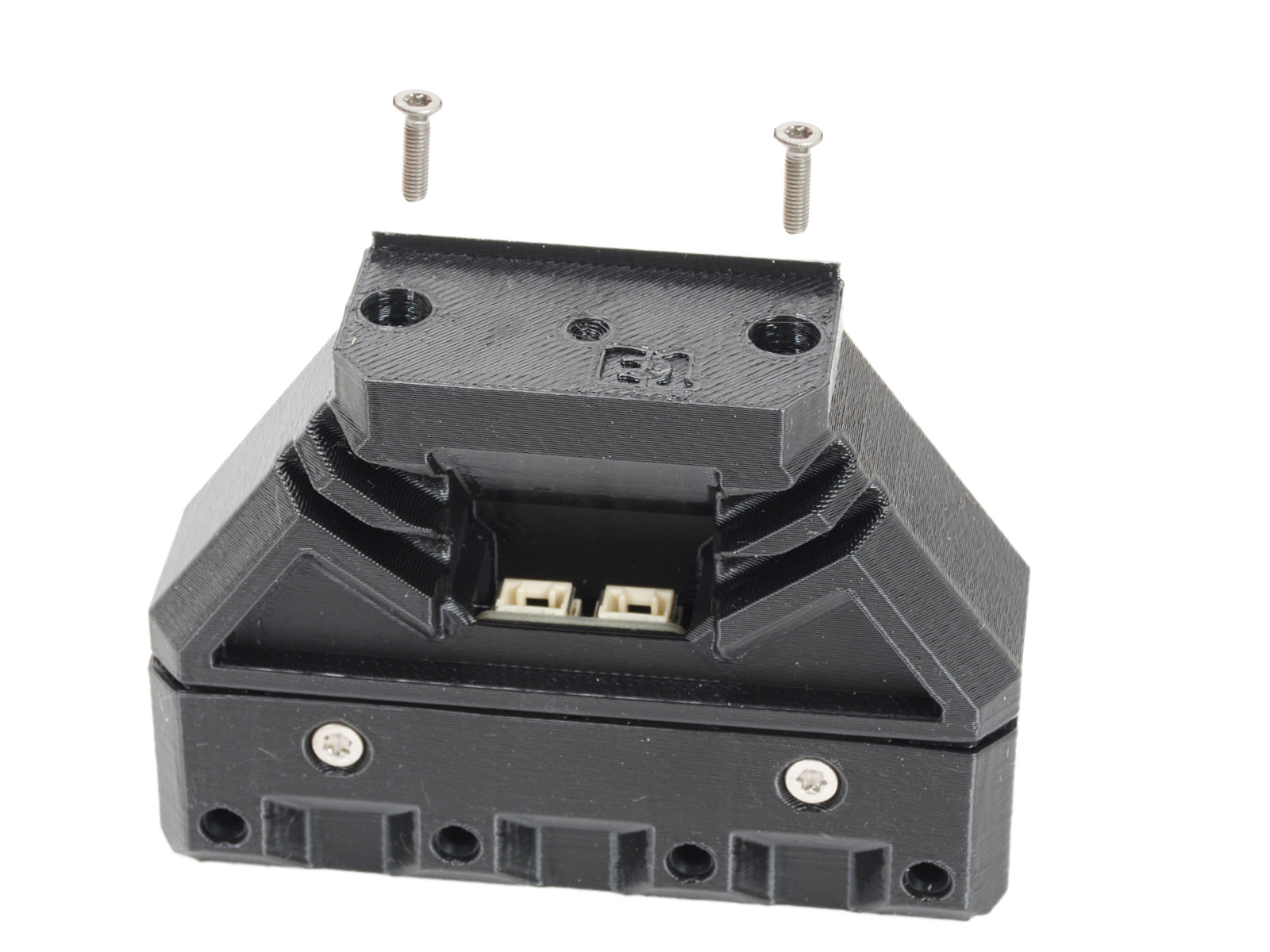 | 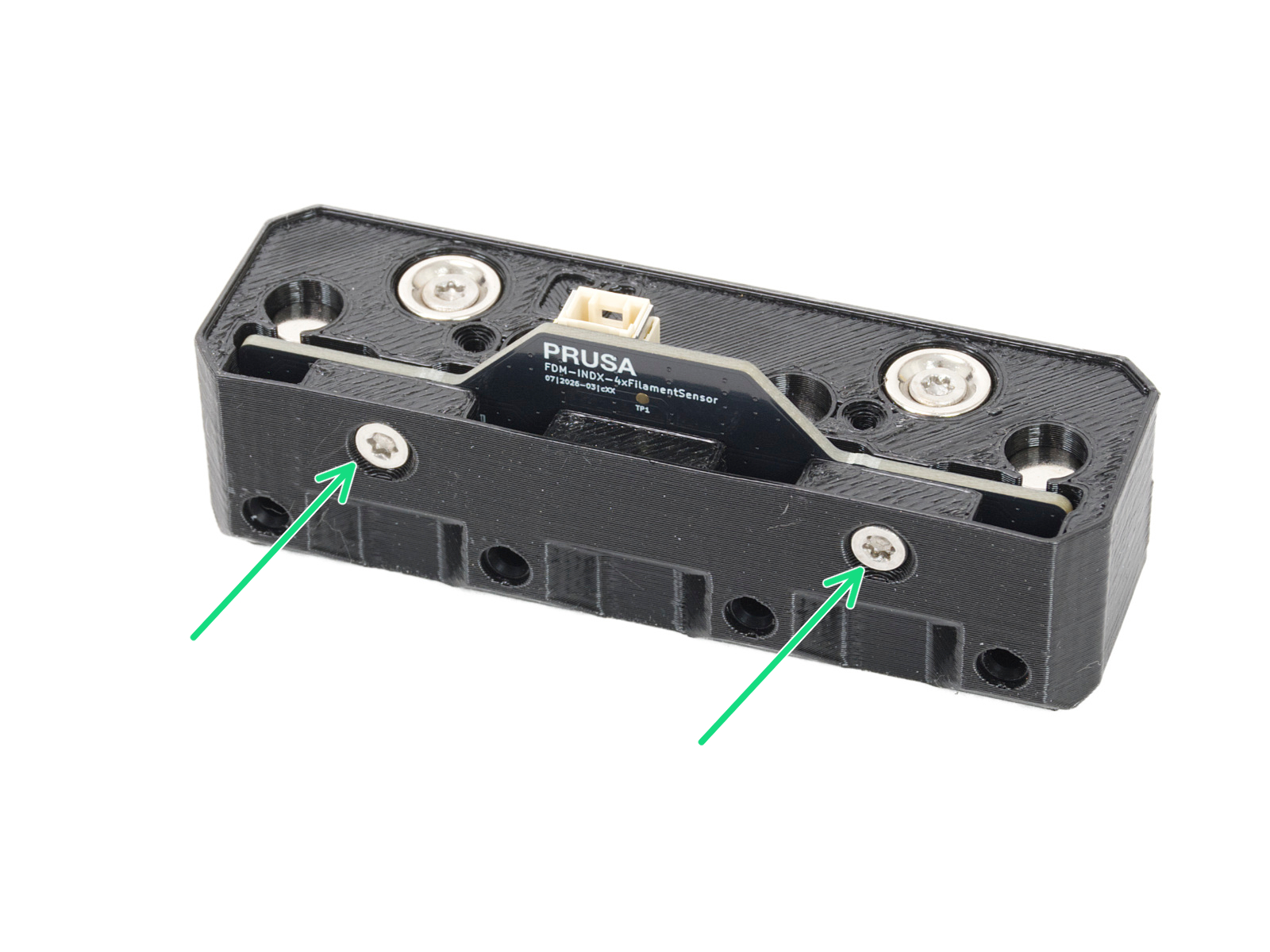 |