Relevant for


The printer is showing the message "Print fan not spinning. Check it for possible debris, then inspect the wiring."
Error name: Print fan error
Error code: #31816 (CORE One) #35816 (CORE One L) #26816 (MK4S) #27816 (MK3.9S) #28816 (MK3.5S) #13816 (MK4) #21816 (MK3.9) #23816 (MK3.5) #17816 (XL) #12816 (MINI)
Check if nothing is stopping the fan from spinning. Use compressed air to clean the fan blades.
If the issue persists, check the fan cables:
 |  |
| Loveboard wiring (CORE One, CORE One L, MK4/S, MK3.9/S) | Dwarf board (XL) |
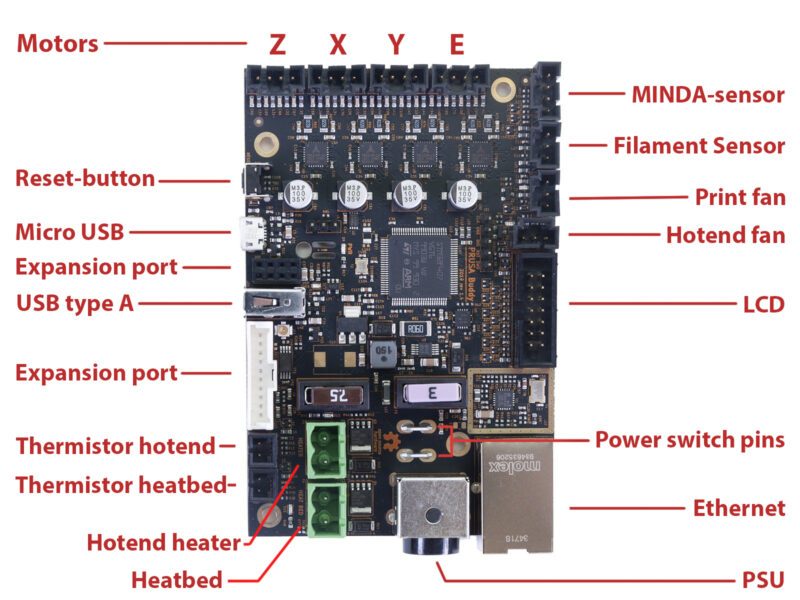 Buddy board (MINI/+)
In case you see any damage, make some Photo and video documentation and contact our Customer support.