Relevant for


The printer displays the message "Failed to home the Y-axis. Make sure there is no obstacle on the Y-axis."
Error name: Homing error Y
Error code: #31305 (CORE One) #35305 (CORE One L) #36305 (CORE One INDX) #17305 (XL)
The error is most likely caused by a bad movement of the print head along the Y-axis.
Make sure there are no obstructions in the path of the Y-axis. For example, there might be a piece of filament stuck around the belt, or on a linear rail, from a previous print.
A loose or overtightened belt can cause inconsistent movement that can trigger the error. Check the belt tension, following the dedicated guide for your printer model.
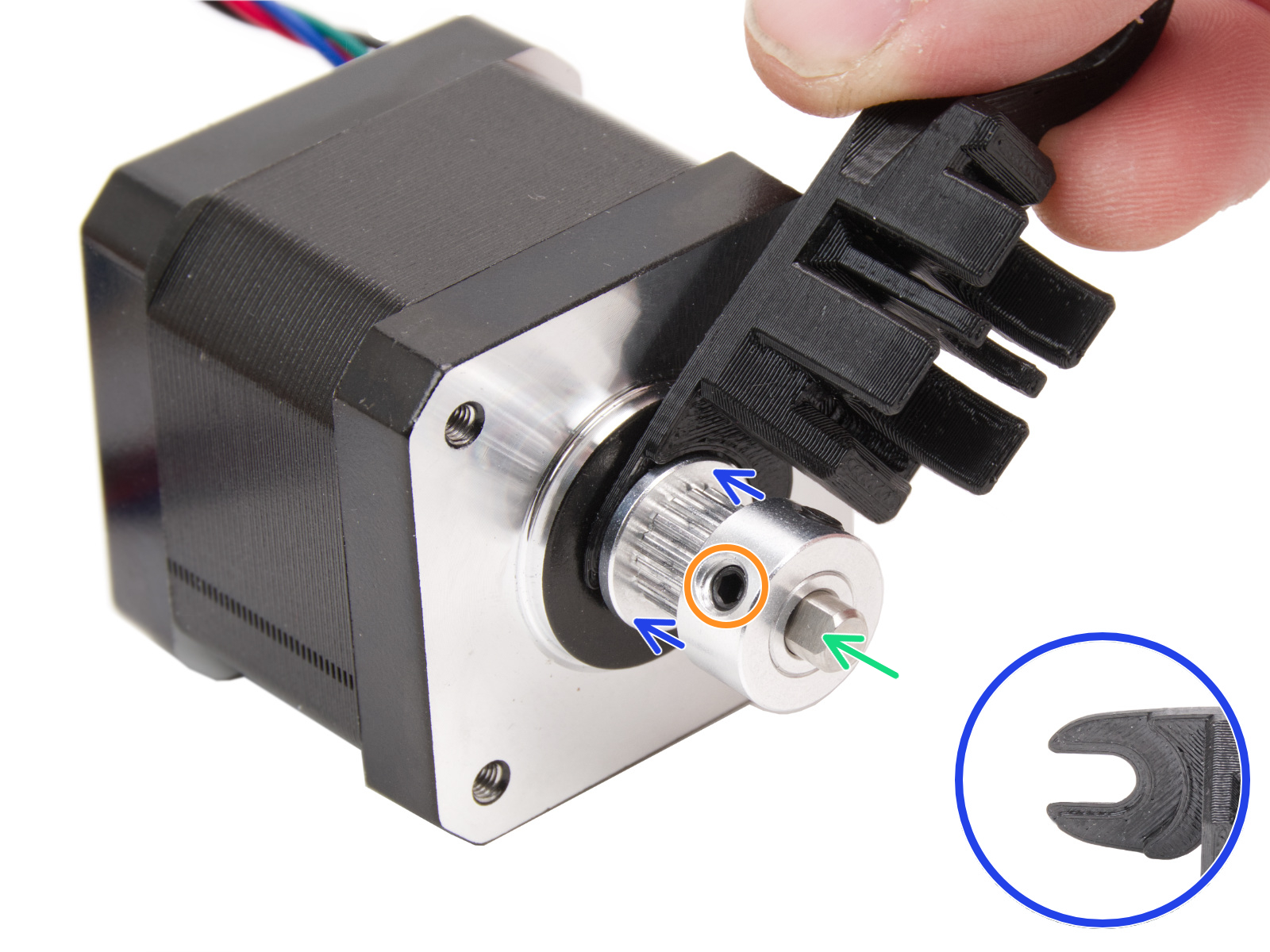
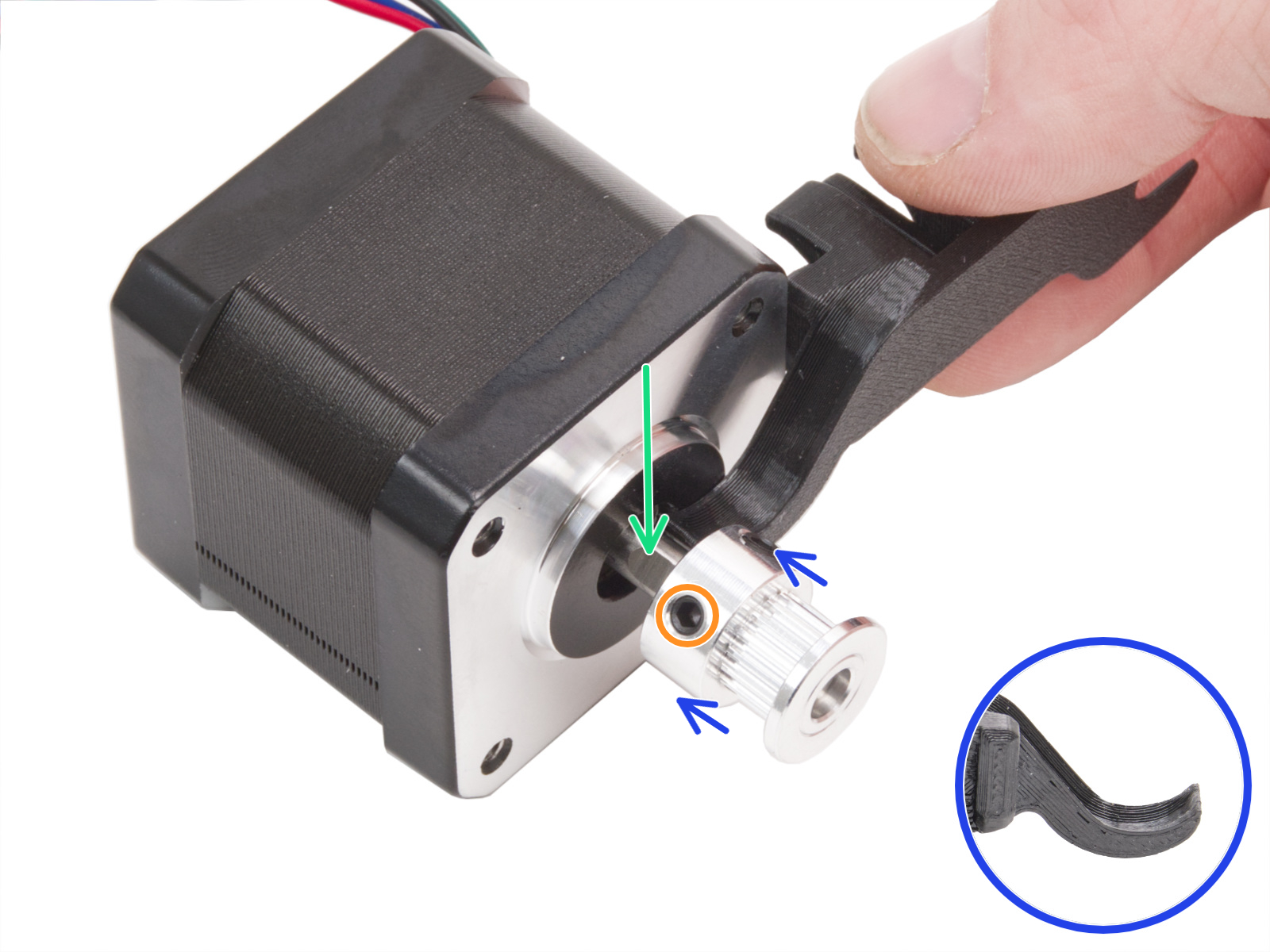
If one of the motor pulleys loosens over time, it will misalign and contribute to inconsistent movement. The pulleys are positioned differently on each of the two XY motors. Each motor pulley has two set screws, one of which has to be aligned with the flat part of the motor shaft.
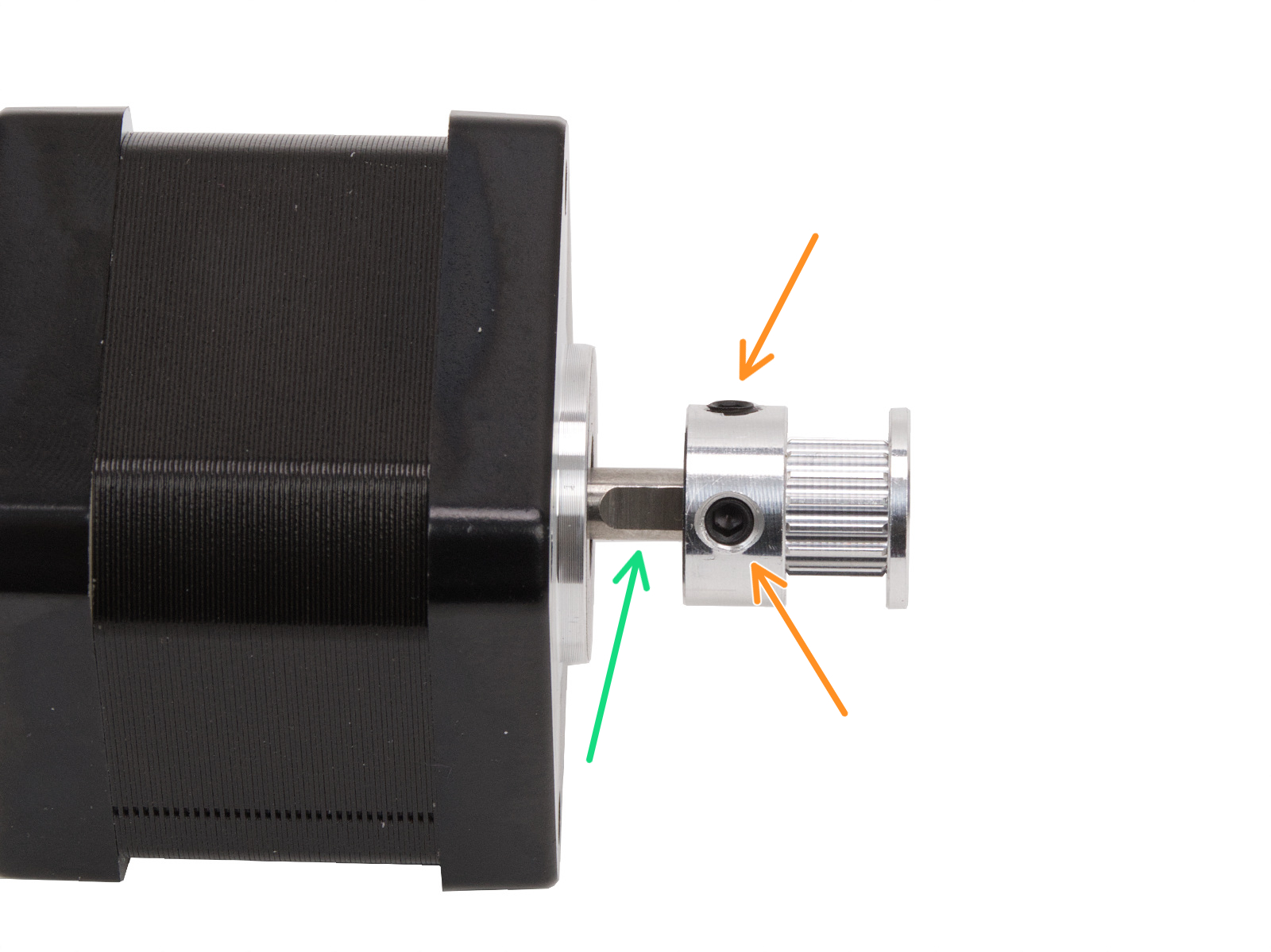
Note that the pulley position and orientation can vary across printers and their motors.
The pulleys are positioned differently on each of the two X and Y motors. Looking from the front of the printer:
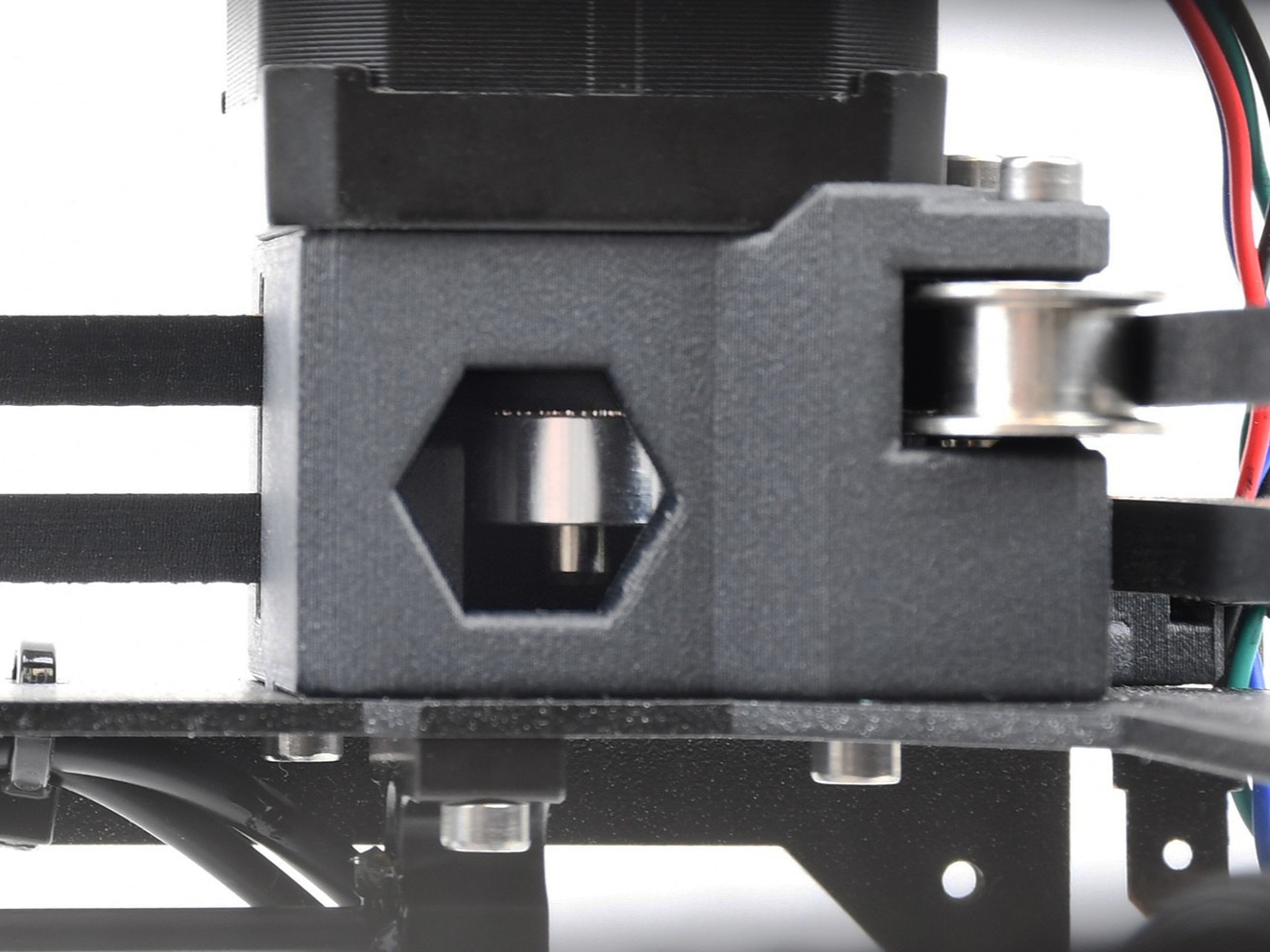 | 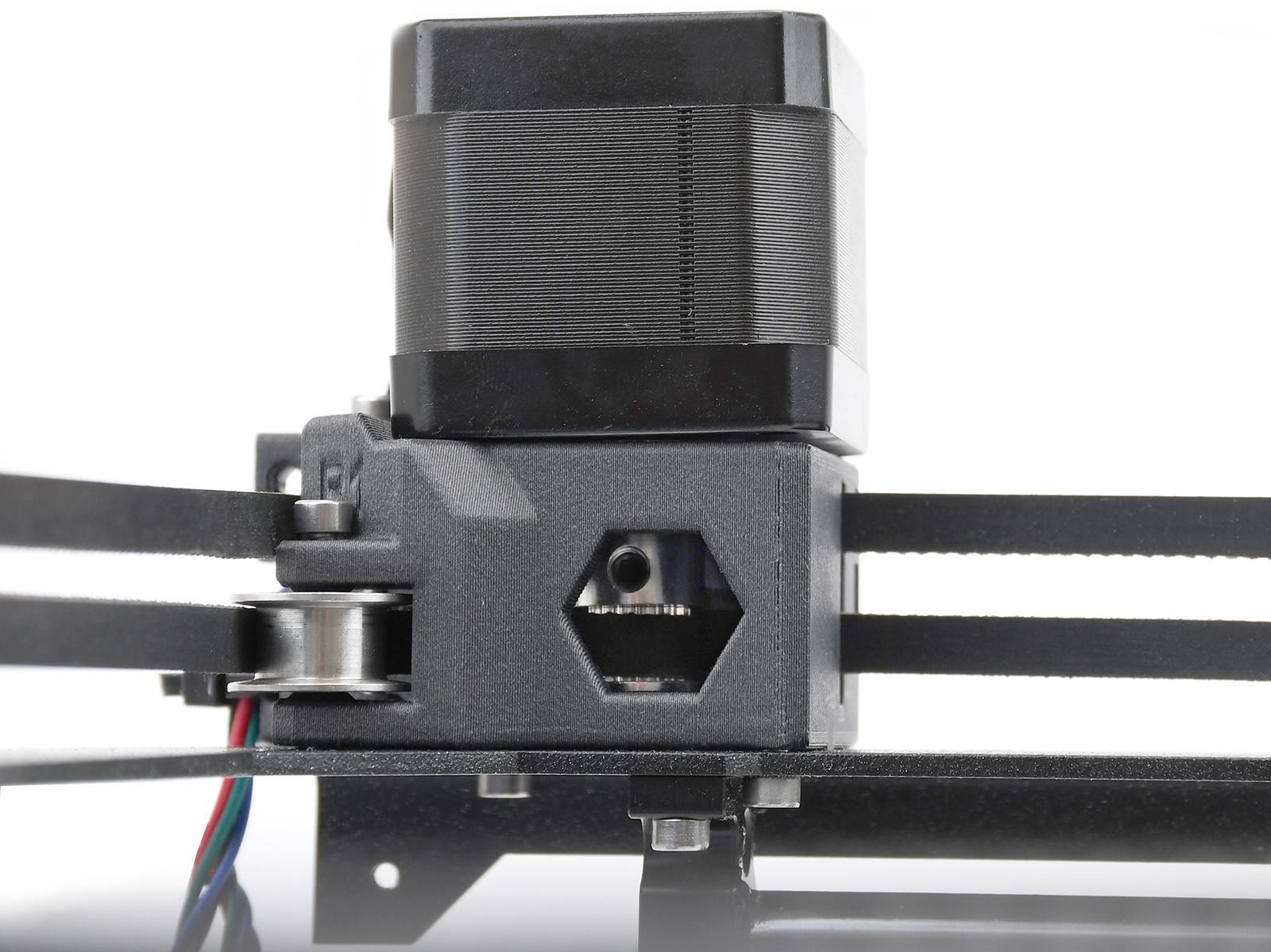 |
The pulleys are positioned differently on each of the two XY motors. Looking from the front of the printer:
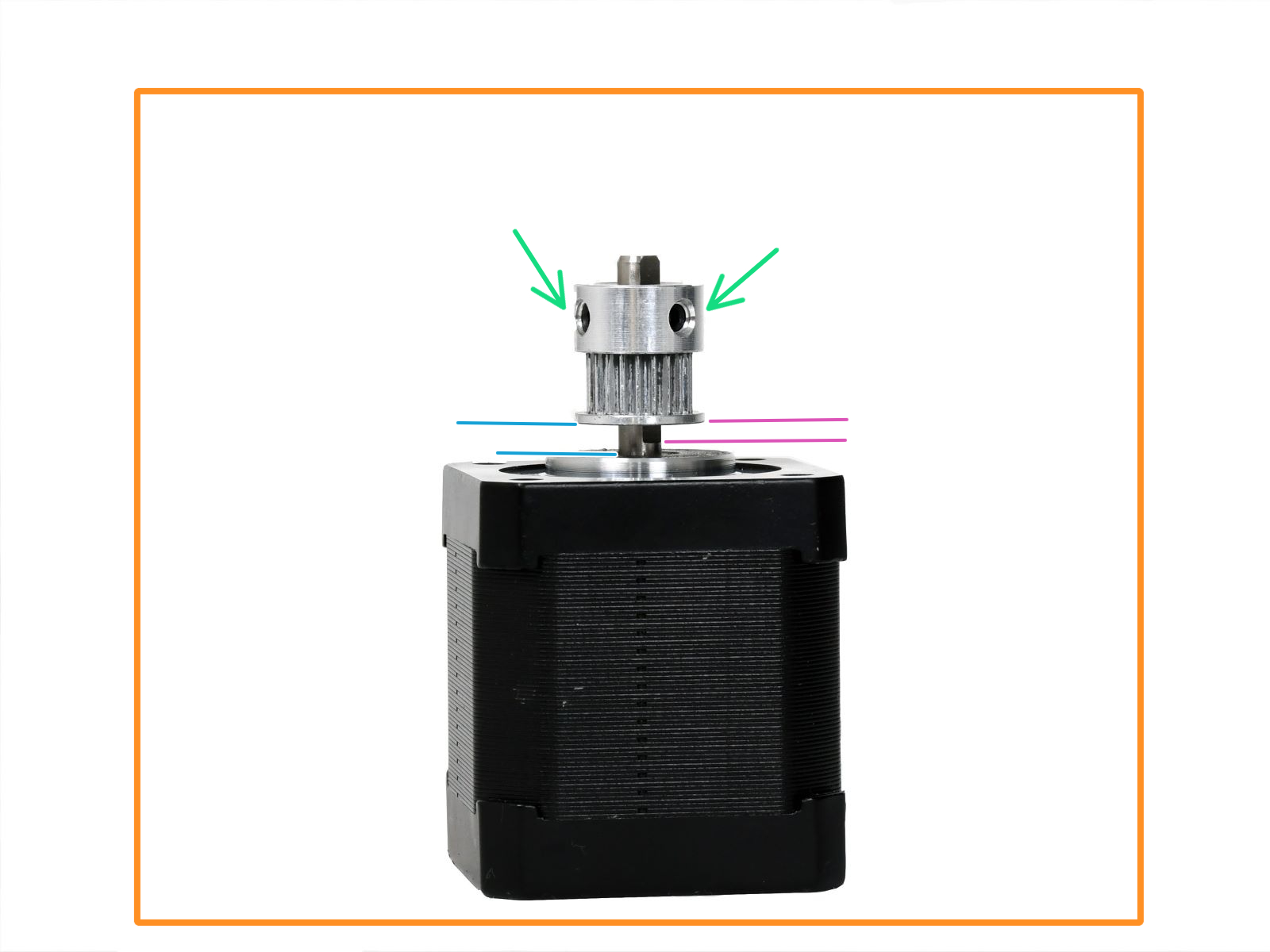 |  |
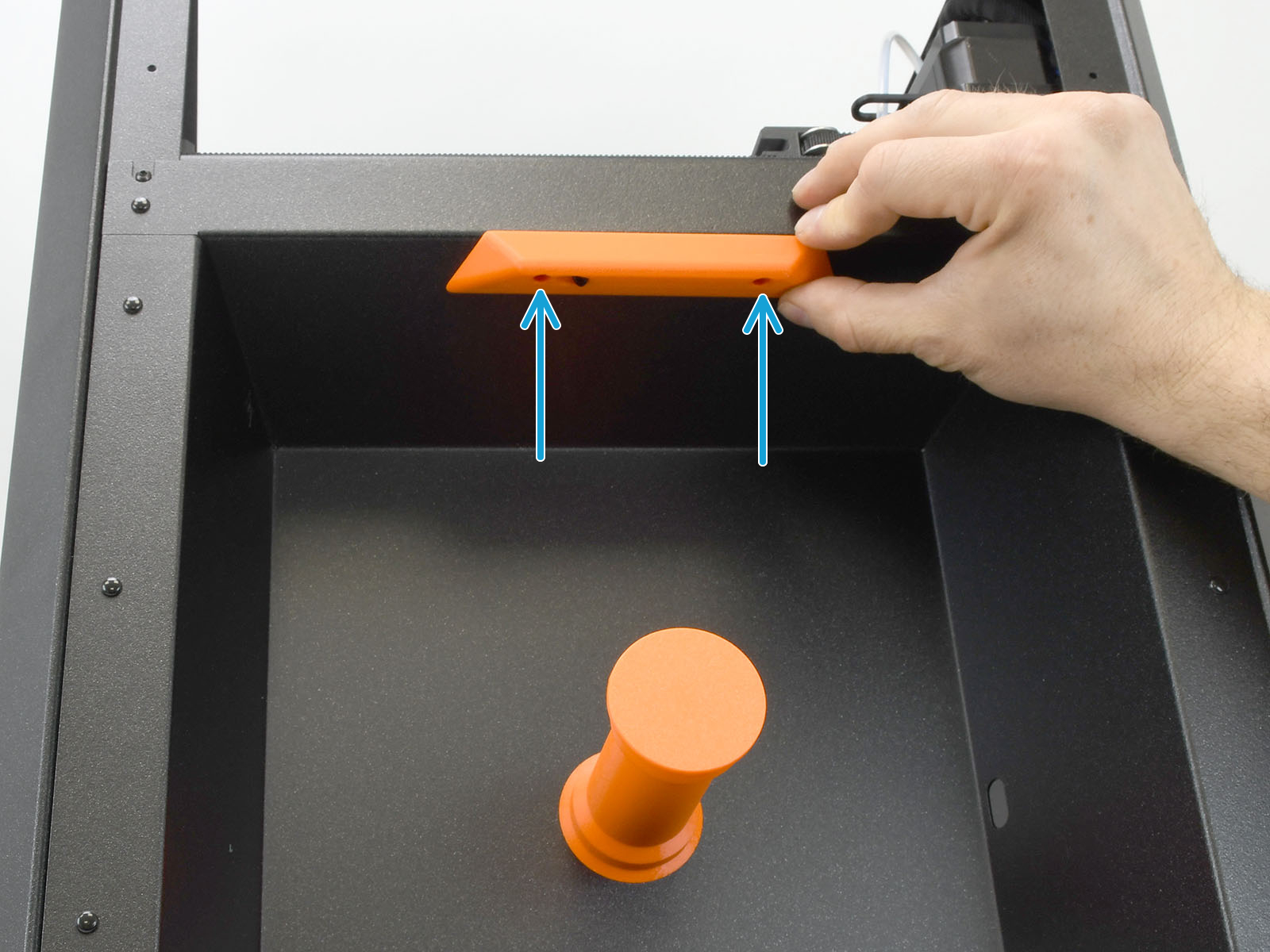
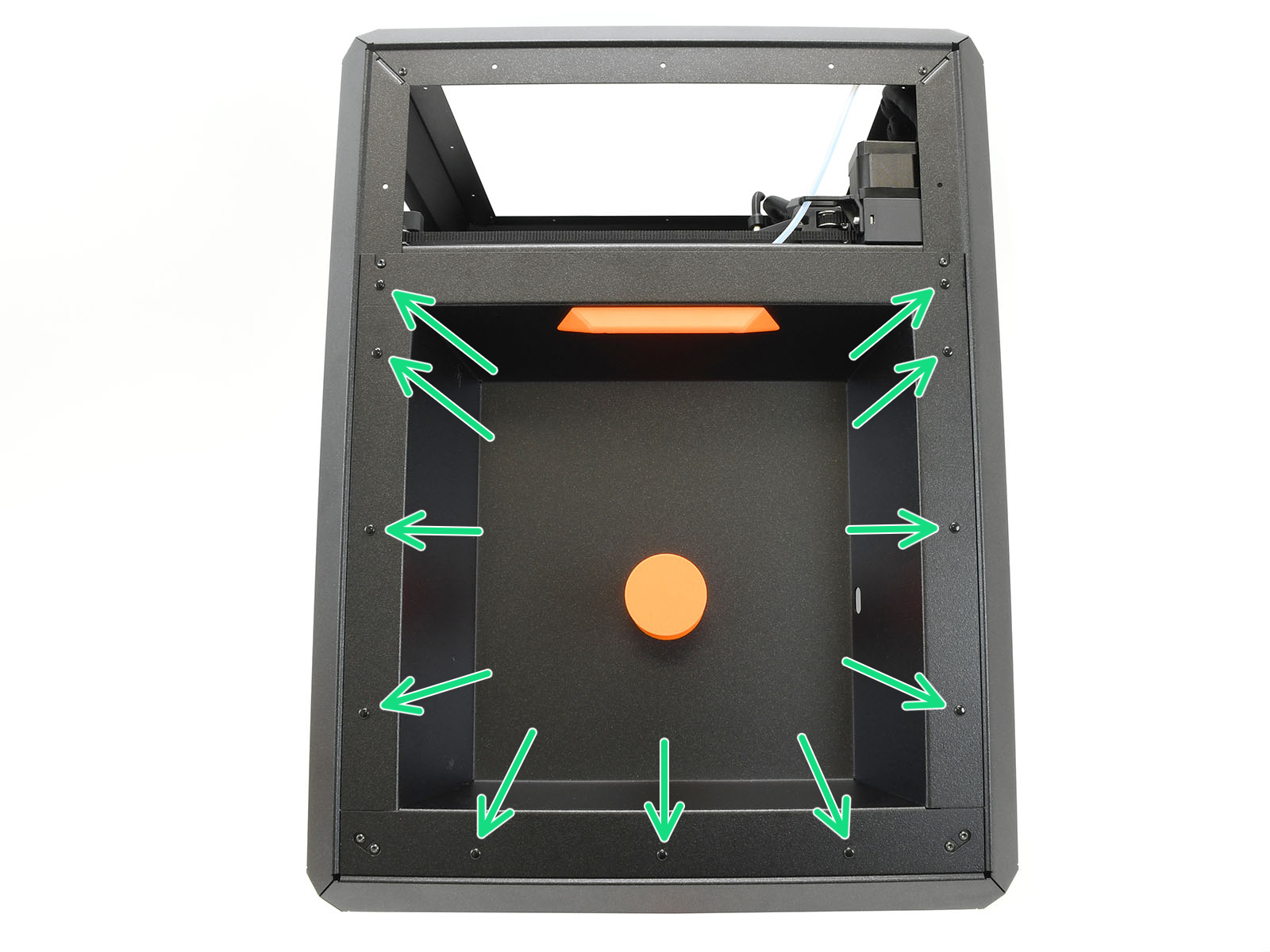
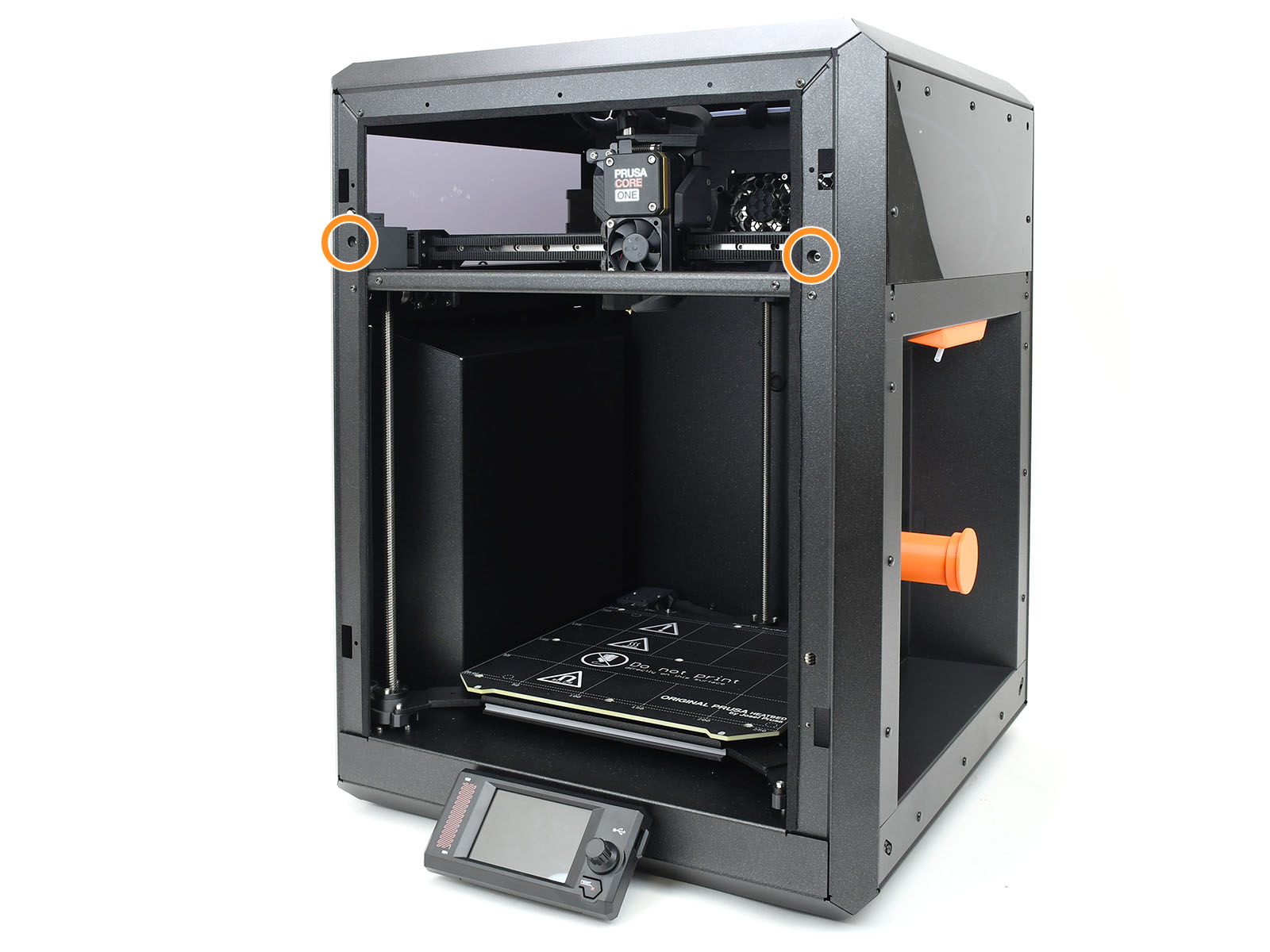
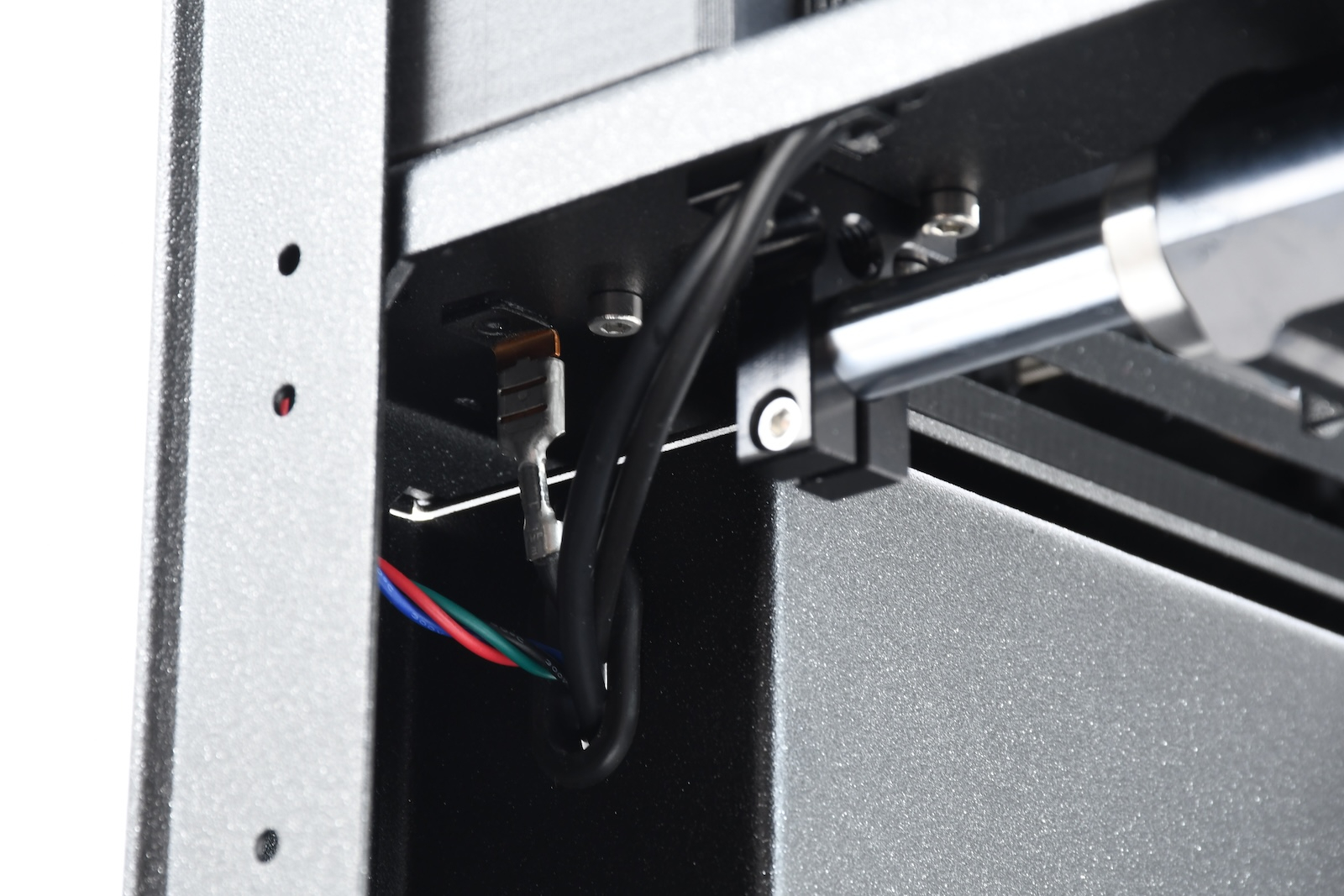
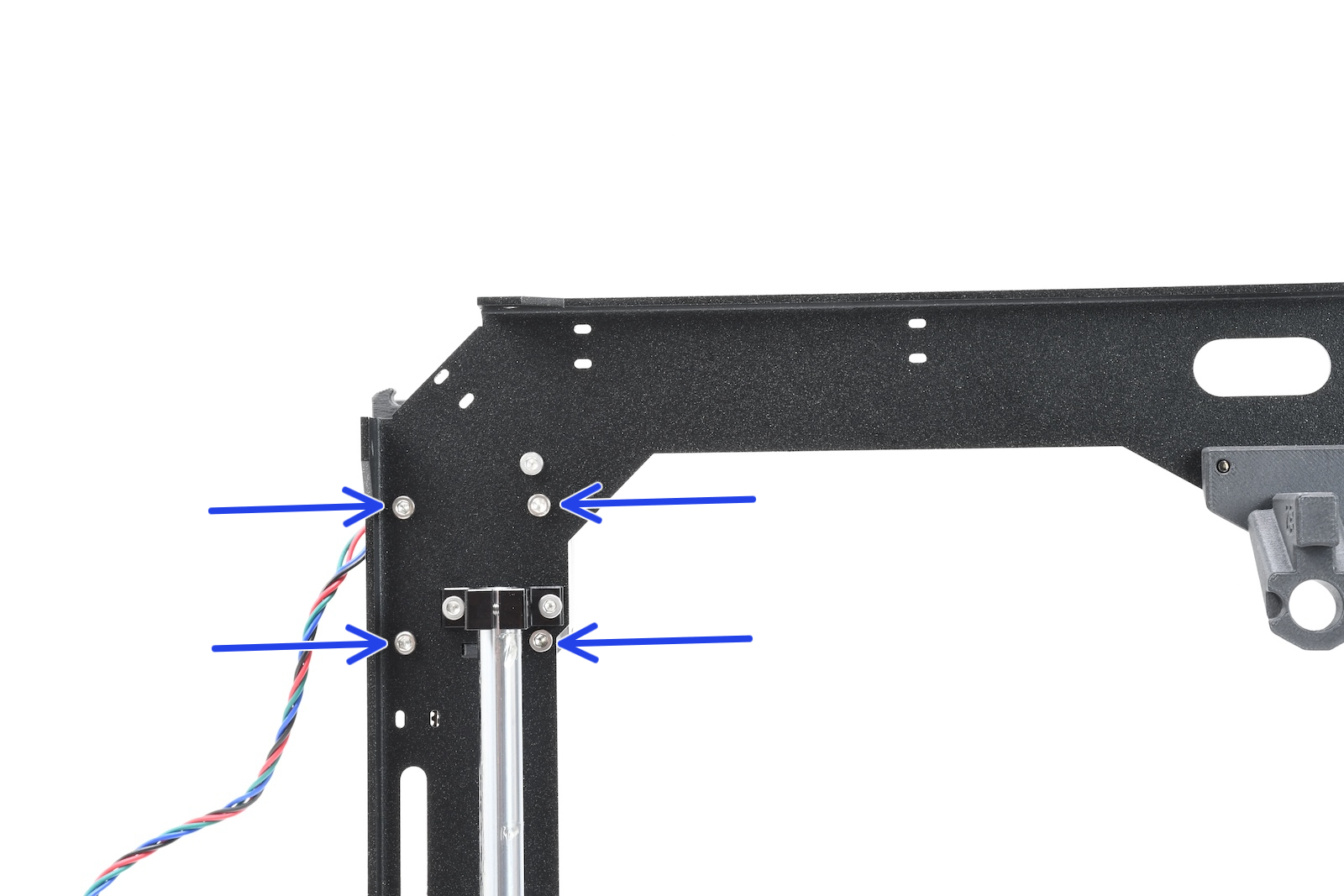
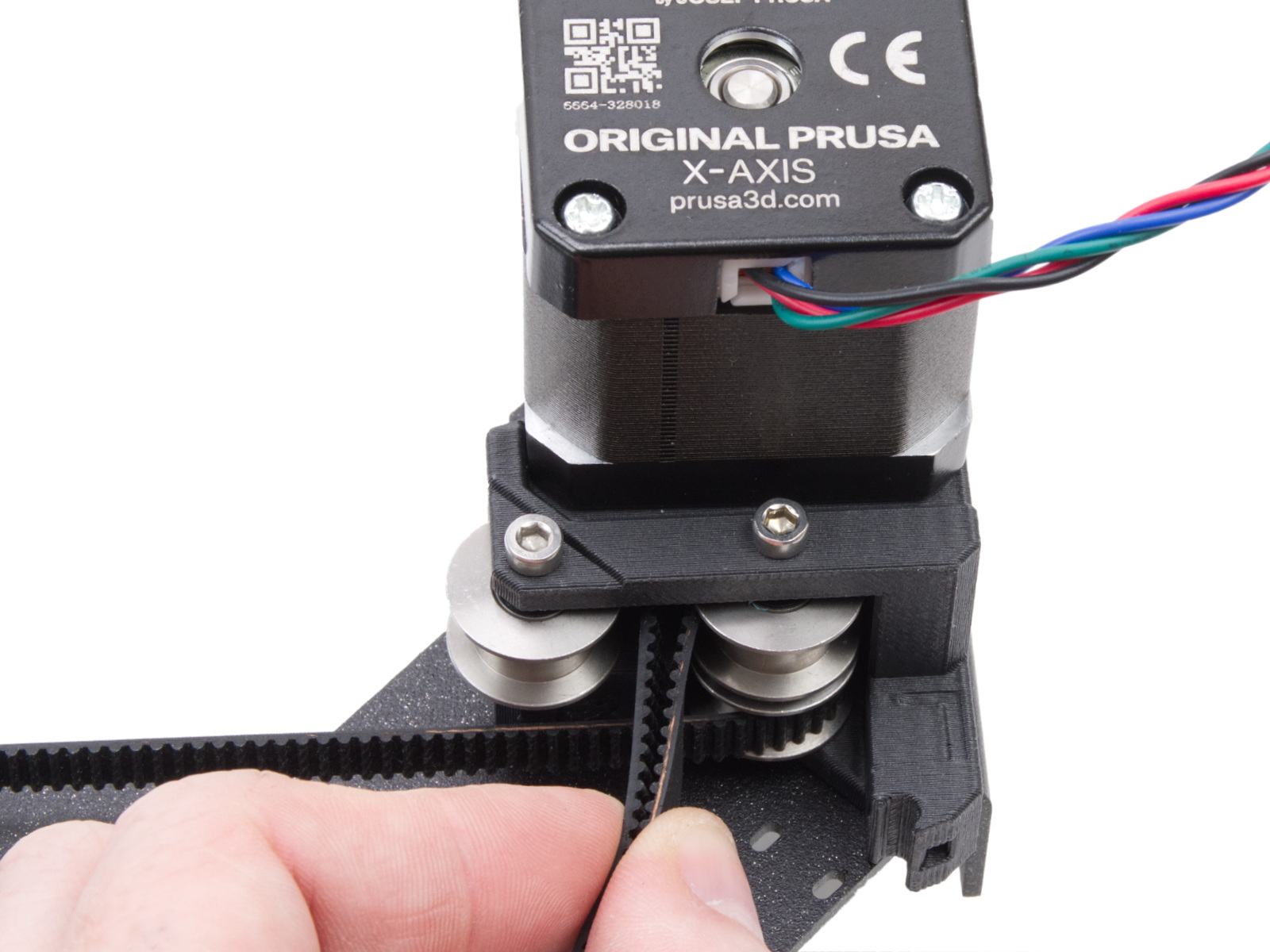
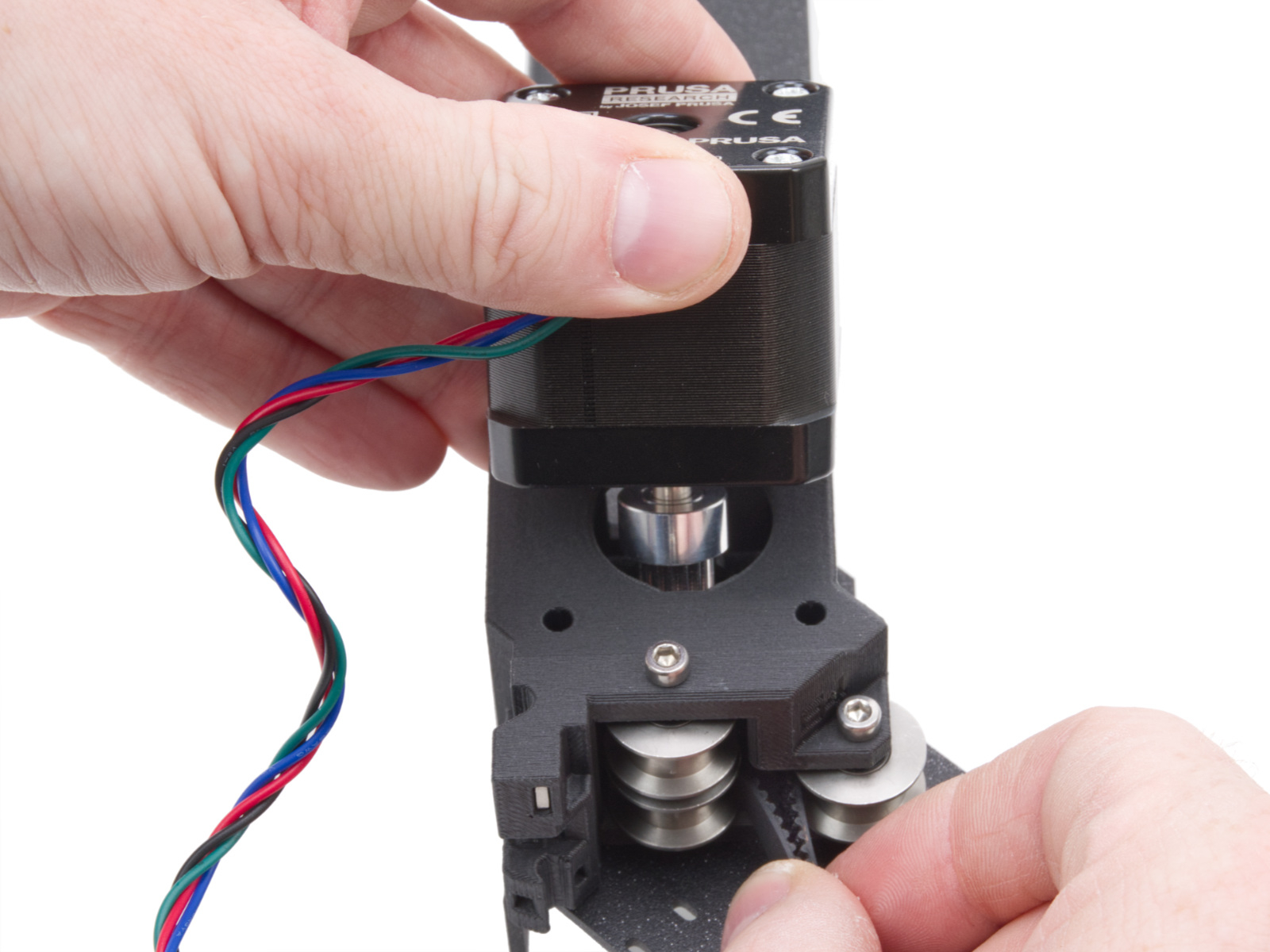
To access the pulley attached to one of the XY motors, follow the steps below:
 |  |
 |  |
| Corner view | Bottom view |
 |  |
 |  |
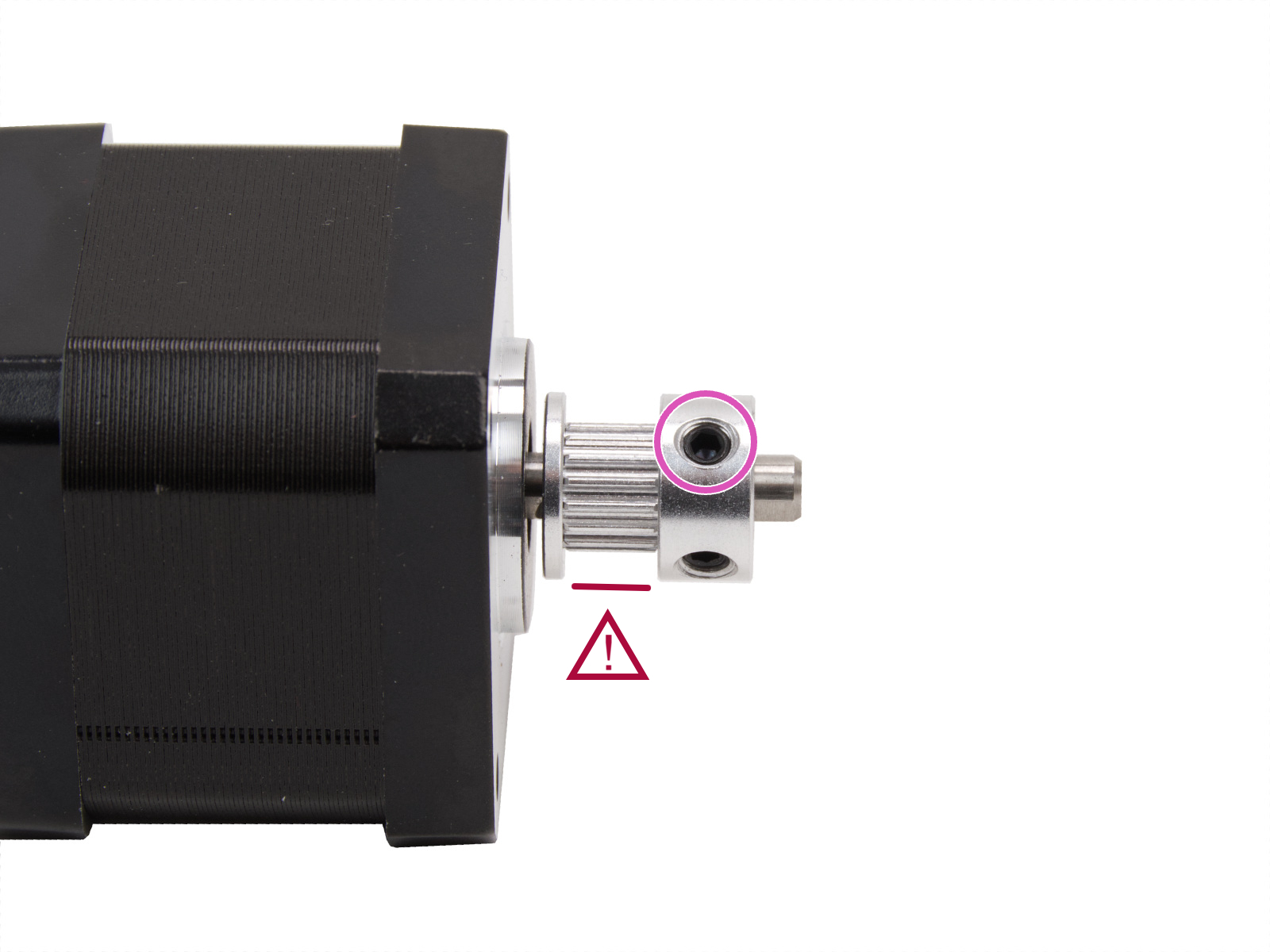 | 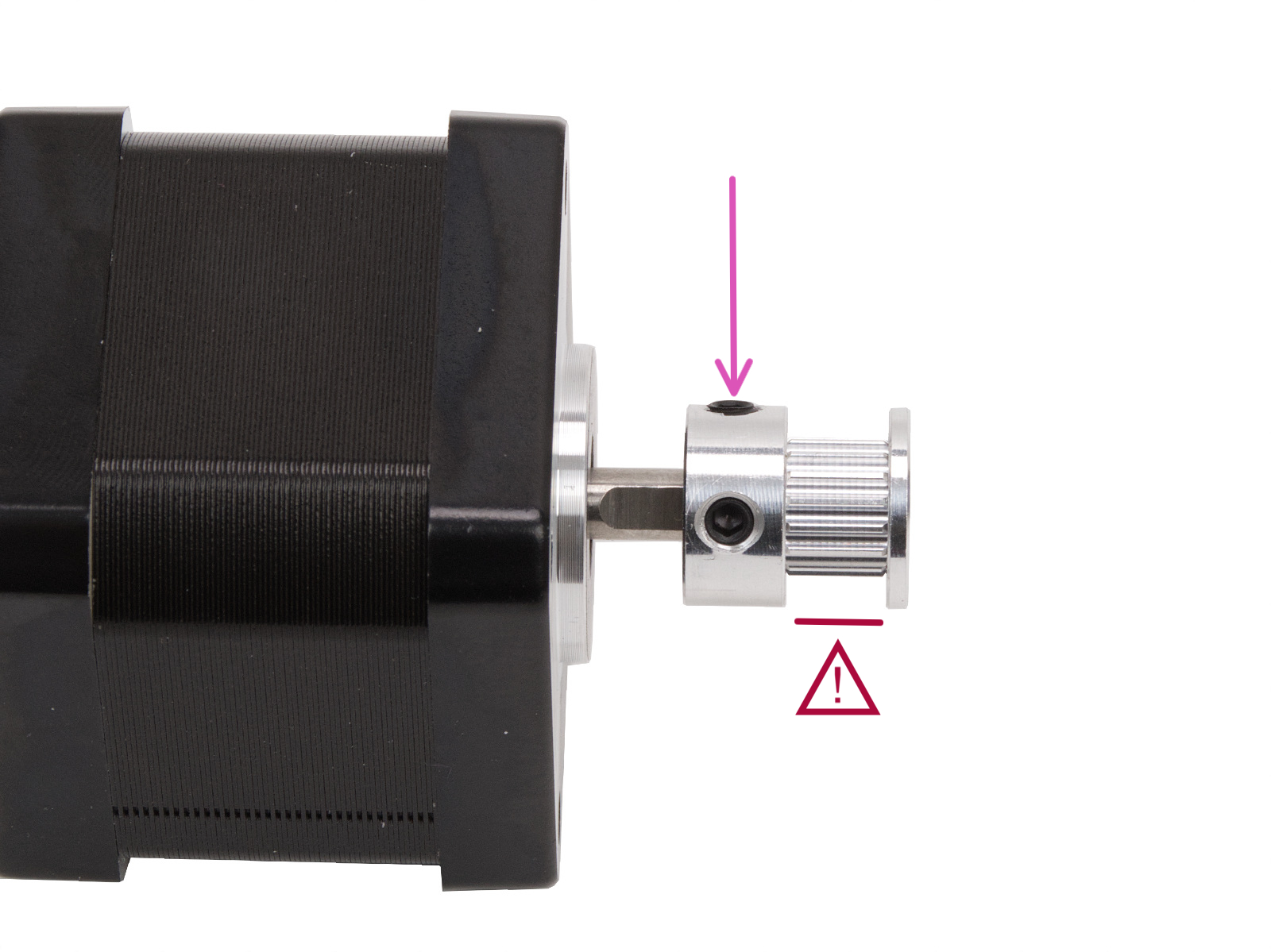 |
| X-motor (left from the front of the printer) | Y-motor (right from the front of the printer) |