Relevant for


On the Prusa CORE One L/+, Prusa CORE One/+, Prusa CORE One/+ INDX, Original Prusa MK4/S, MK3.9/S, MK3.5/S, and XL, the firmware is flashed using a USB flash drive. This is valid for all ways of firmware updating.
If you need to downgrade the firmware or re-flash the same firmware, follow this guide: How to downgrade firmware.
 |
|
If your printer is connected to Prusa Connect, an over-the-air firmware update is also possible.
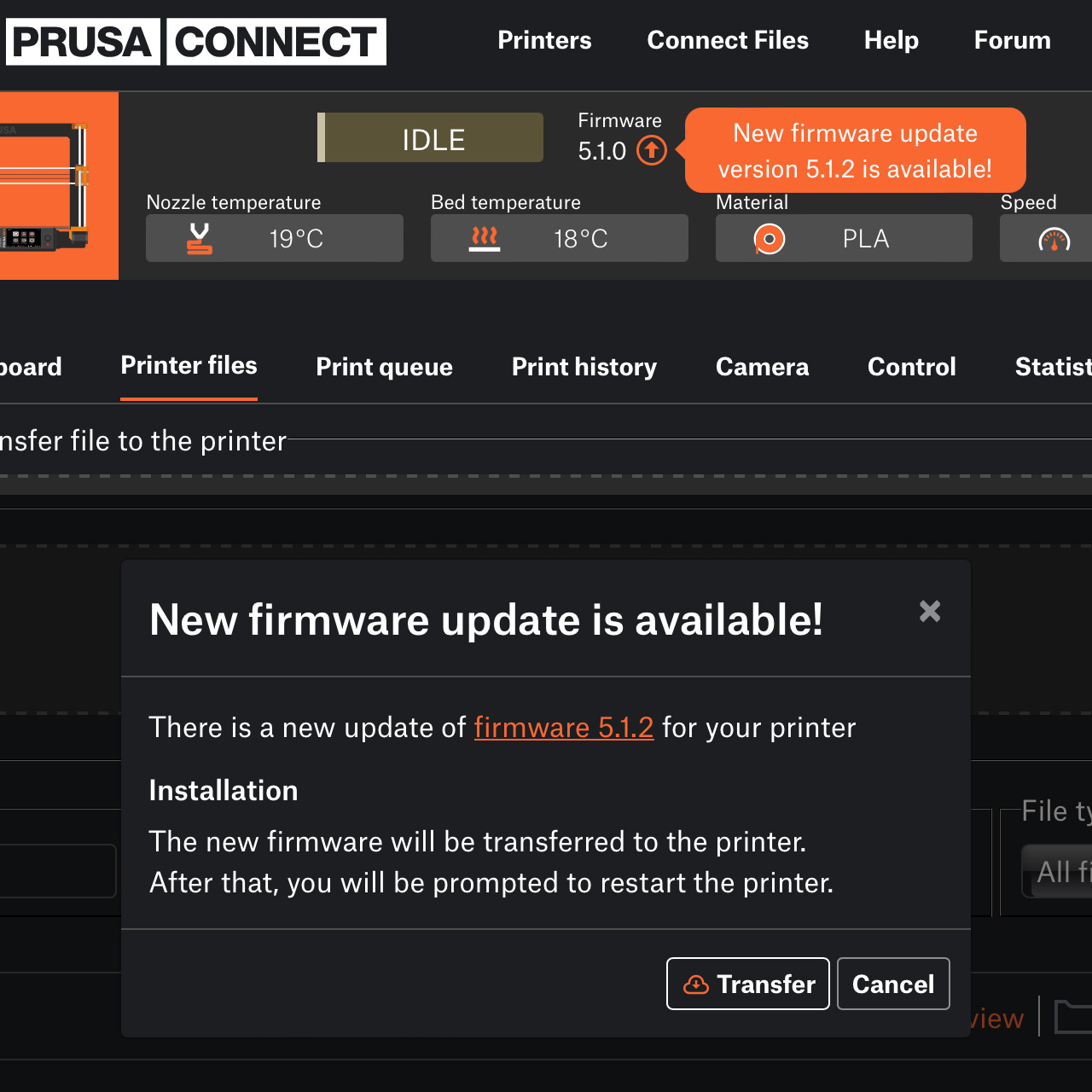
Prusa Connect checks the printer’s firmware version and offers you an option to remotely update it if a newer version is available. Click on the orange arrow icon to open a new window, with the option to transfer the new firmware file to the USB drive inserted in the printer.
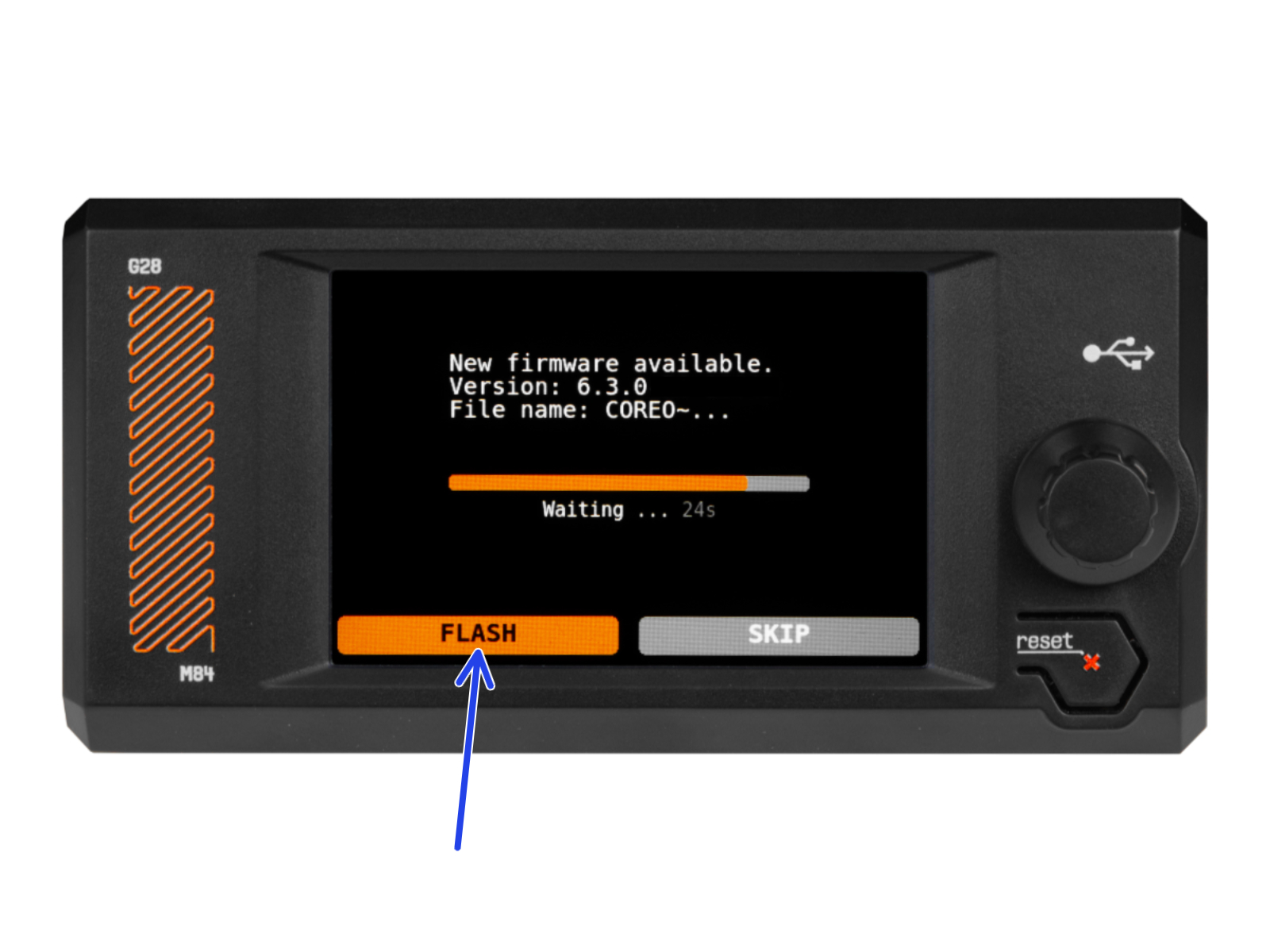
If you do a hard Factory Reset, it is necessary to insert a USB drive with a firmware file. This firmware file is installed in the printer, so this can be used as a way to update the firmware.
18 comments
Si vous rencontrez des difficultés avec cette mise a jour, veuillez s'il vous plait contacter notre support technique.
https://help.prusa3d.com/fr/article/support-client_2287