0 item in your cartitems in your cart
Your cart is empty
My profile
Log in to see orders, saved items
Signed in as
October 22, 2026
August 28, 2026
December 01, 2025
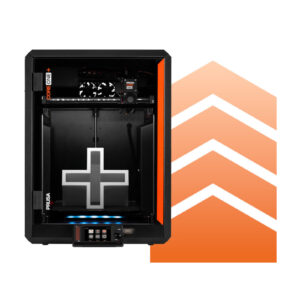
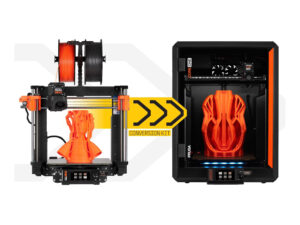
This article will help you determine the correct assembly manual needed to upgrade your current printer to the latest Prusa CORE One+ (Gen 2) specification or previous CORE One+…
If you are using PrusaSlicer for the first time to generate a gcode or bgcode for printing, you can follow the steps below. Click on the links to get more information about the…
Prusa Connect and PrusaLink are two remote printing solutions developed in-house by Prusa. Its origin is in the management system used in our record-sized print farm located in…
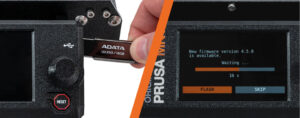
On the Prusa CORE One L/+, Prusa CORE One/+, Prusa CORE One/+ INDX, Original Prusa MK4/S, MK3.9/S, MK3.5/S, and XL, the firmware is flashed using a USB flash drive. This is valid…
Current lead time estimates for new orders Updated: December 10th, 2025 --> The…
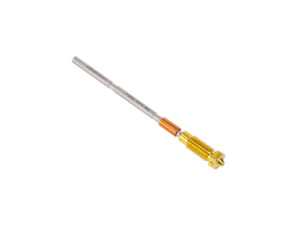
Replacing the Prusa Nozzle on your printer varies depending on the model of your printer. This article provides an overview of the different methods to replace the Prusa Nozzle,…
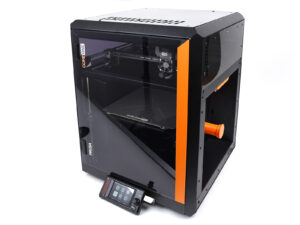
On the Prusa CORE One/+, the selftest checks for issues in the printer's assembly, wiring, and electronic components. It is the first part of the Calibration Wizard, which is prompted…