Relevant for


The printer shows the message "Extruder motor is not spinning on tool #". In place of #, the number of the Dwarf board is shown.
This problem occurs due to increased resistance between the Dwarf and the cable connector, caused by the cable and connector being held too firmly in position.
Error name: Extruder error
Error code: #17536
Make sure that you have firmware 6.2.0 or newer.
Remove the dwarf-cover connector, as it might hold the cable and connector too firmly. Fully loosen the bolt holding the part and remove the bolt. Repeat the print without the cover. If the issue is solved, replace the cover: How to replace the main cable connector cover (XL).
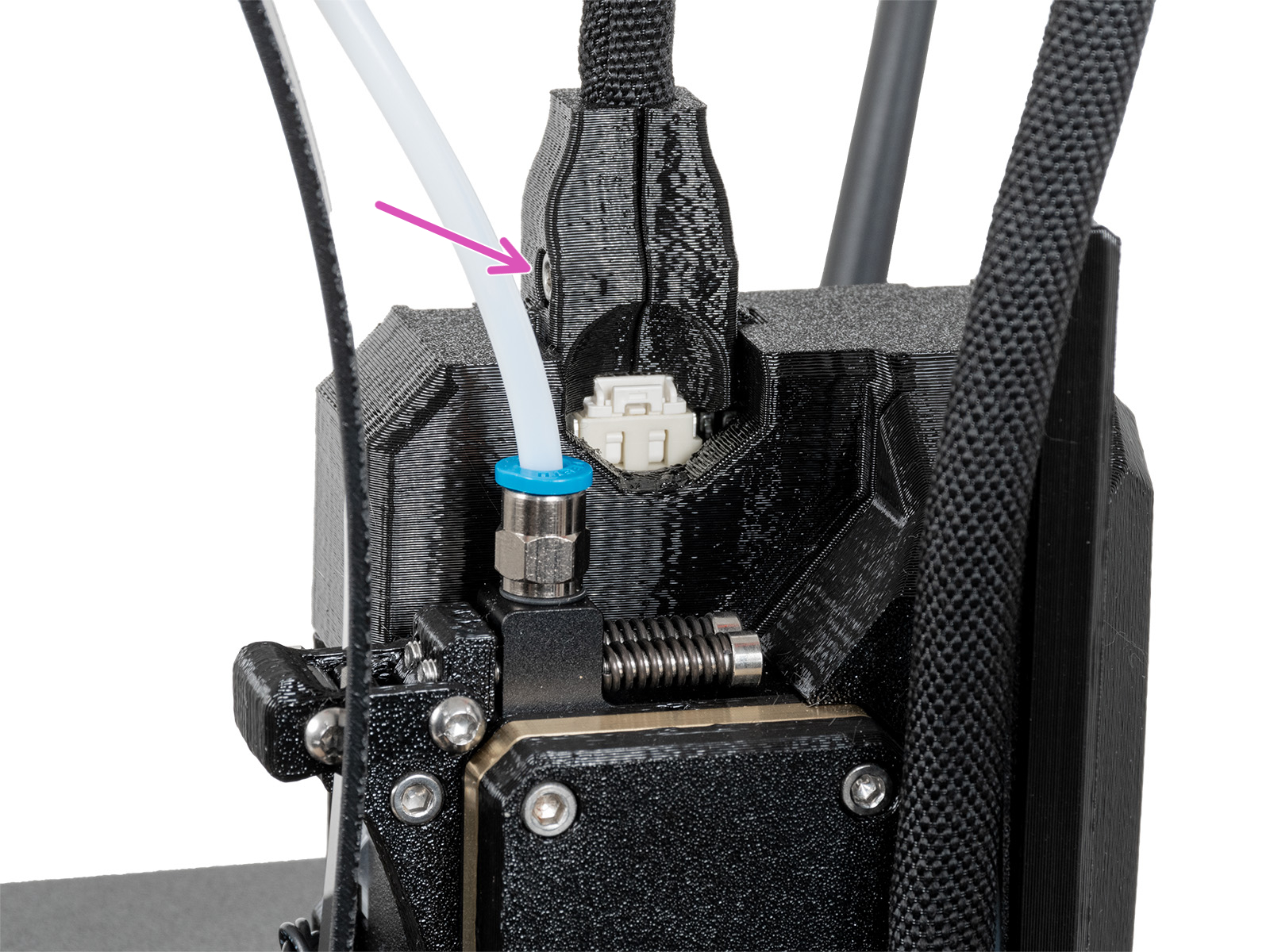 | 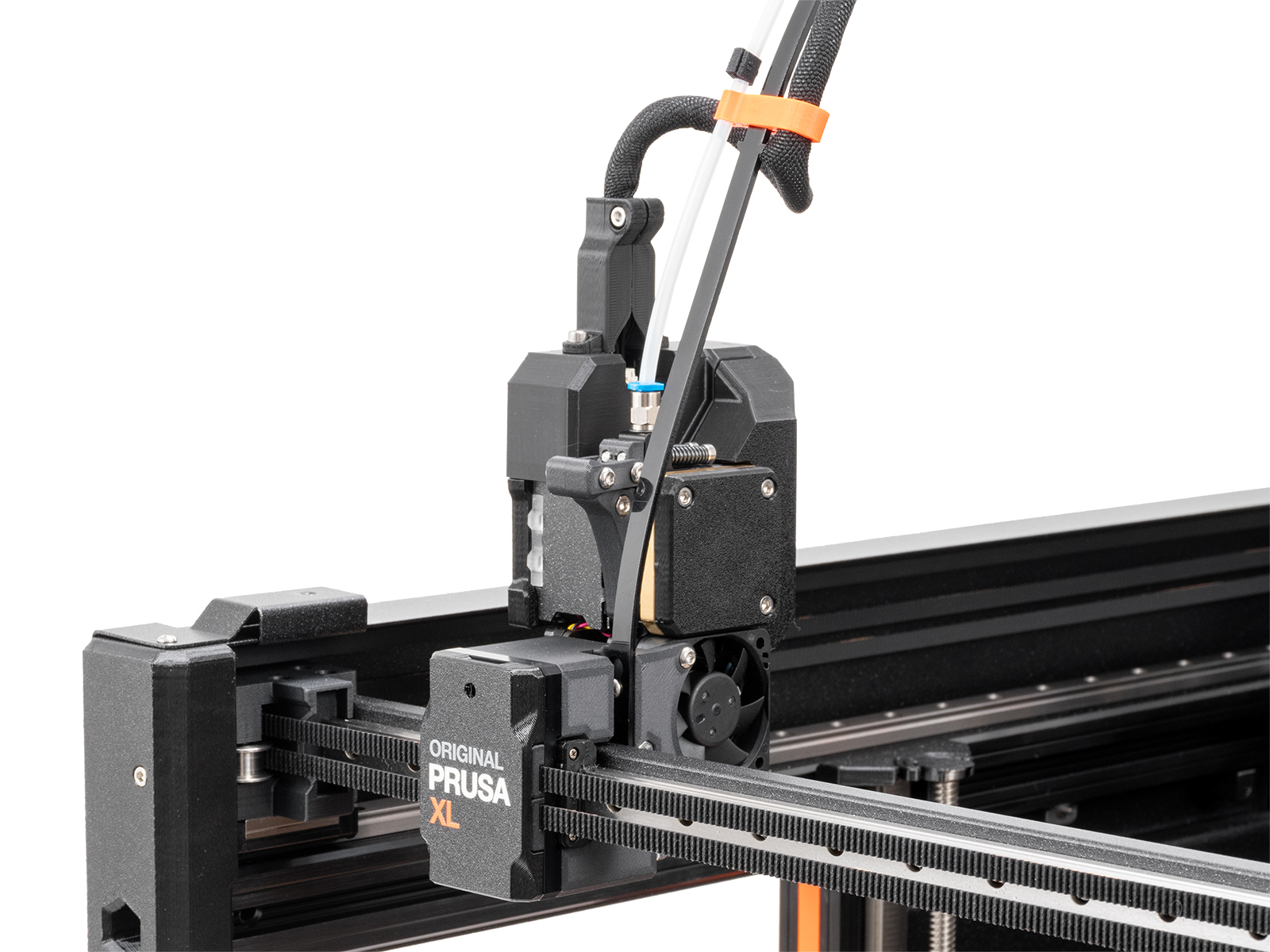 |
| Old main cable cover | New main cable cover |
If the issue is not solved, contact our customer support.
75 comments
After cleaning the connector pins on the extruder it worked again.
I decided to change them all right away, and ran some tests, I still couldn´t get tool 5 to work. I double checked everything placement of the cables the "route" the cables came from and everything was as it should.
After some time and reading some earlier comments below I decided I would try the WD-40 contact cleaner, but before I did I took the cable an made it go the opposite way around the filamenttube, and now it works just fine.
sometimes its the little things (have made a test cube for now, and hoping it will continue running smoothly)
Additionally, I would appreciate an option to resume printing after this type of interruption. At the moment, the safety feature seems overly sensitive. While I understand the intention behind it, a brief loss of contact immediately results in a failed print, which can ruin many otherwise successful long-duration prints. In my case, cleaning the contacts appears to have resolved the issue for now, but it would be nice if the printer could recover more gracefully from temporary contact interruptions.