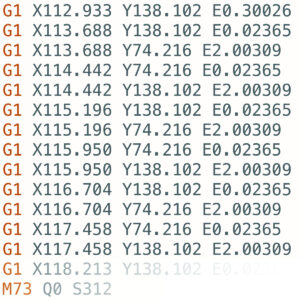
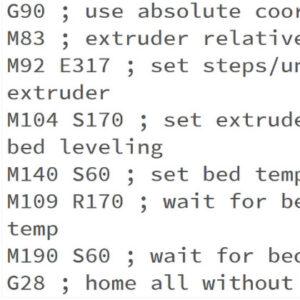
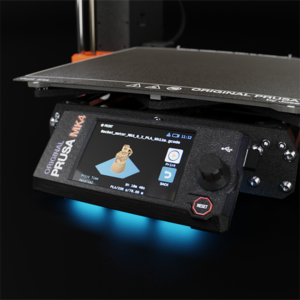
Each Original Prusa printer is shipped with a bundle of sample G-codes. These G-codes are tested and tailored specifically for your printer model and can be used to see the printer's…
This is a list of currently implemented G-Codes in Prusa firmware for i3 series printers. The description is only for Prusa Research-specific G-codes. The rest can be found on…
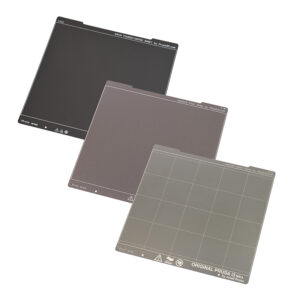
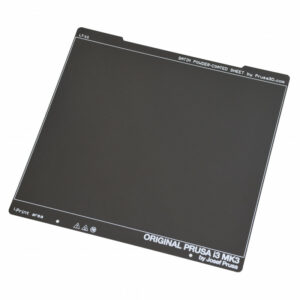
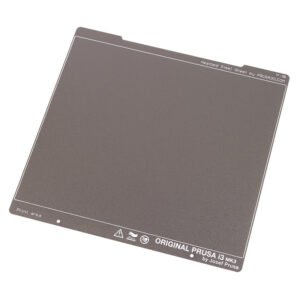
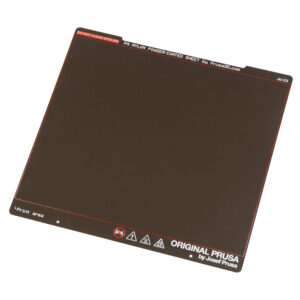
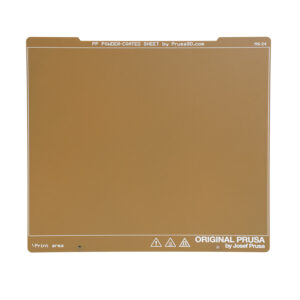
The Original Prusa magnetic heatbed is designed to hold a removable double-sided flexible spring-steel sheet, designed specifically for easy removal of printed objects from the…
Starting from firmware 3.12.0, the Original Prusa MK3/S/+ has Thermal model protection. This results in better operation when dealing with thermal errors. How it works During the…
The Magnetic heatbed enables you to use flexible, removable steel sheets. There are different properties and strengths of each sheet, but they also have different thickness which…
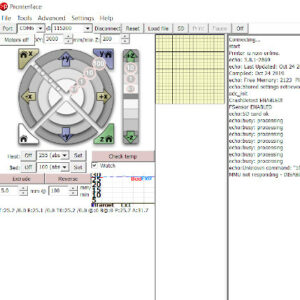
Pronterface is an application where you can monitor and send commands to your printer. It is also possible to use it to start prints over USB, however, performance may vary. Pronterface…
The Original Prusa magnetic heatbed is designed to hold a removable, double-sided, flexible print sheet, specifically designed for easy removal of printed objects from the print…
Trinamic drivers on the EINSY board can detect skipped steps and prevent layer shifting caused by a nozzle crash. It works only in the Normal mode (not in the Stealth mode). The…
The Original Prusa magnetic heatbed is designed to hold a removable, double-sided, flexible spring-print sheet, specifically designed for easy removal of printed objects from the…
Prusa printers are well known for being very silent, even in the standard mode. But actually, our printers also offer an option for even quieter operation. In the instructions…
The Original Prusa magnetic heatbed is designed to hold a removable, double-sided, flexible spring-steel sheet, specifically designed for easy removal of printed objects from the…
The optical filament sensor detects the presence of a filament and also its movement. Make sure you are running the latest firmware since new versions offer a higher-frequency…
The printer can fully recover from a complete loss of power without the need for batteries or a UPS. A special sensor detects mains voltage, and in case of an interruption, it…
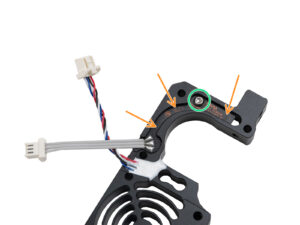
The filament sensor equipped on our Nextruder printers detects the presence of a filament and filament run-out. The sensor is a Hall sensor, triggered by a mechanism composed of…
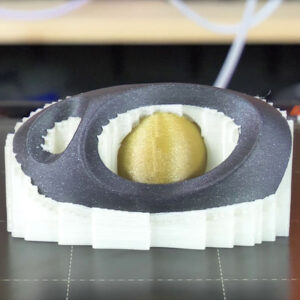
Supports can be hard to remove and leave imperfect surfaces above them. Depending on the shape of the object, there is also the risk of ruining the print in the process. Some geometry…
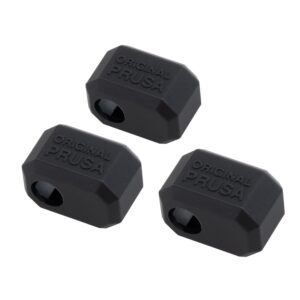
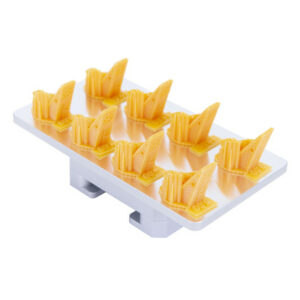
The Original Prusa Printers with the Nextruder are equipped with a Prusa Nozzle. A dedicated silicone sock can be attached to this nozzle. We offer Nextruder silicone socks in…
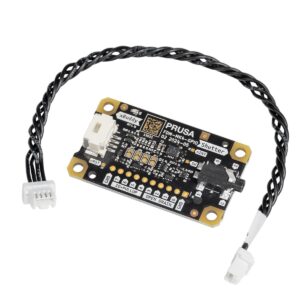
The GPIO module (General Purpose Input Output) is an additional, optional PCB that can be connected to the Prusa CORE One/+, and to the Original Prusa MK4/S, MK3.9/S, or MK3.5/S. IMPORTANT:…
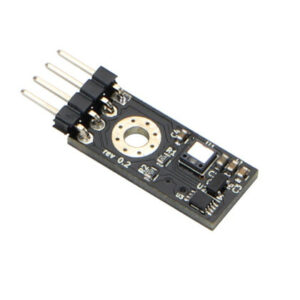
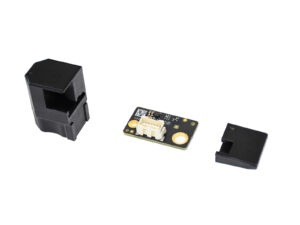
The Input Shaper functionality on the Prusa CORE One/+, and on the Original Prusa MK4/S, MK3.9/S, and MK3.5/S can be calibrated using an optional accelerometer. The accelerometer…
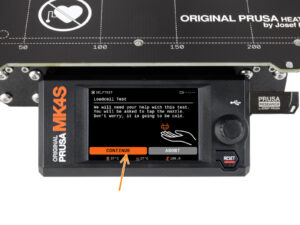
The Prusa CORE One, CORE One L, and the Original Prusa XL, MK4/S, MK3.9/S are equipped with a loadcell. Thanks to this component, starting from firmware 6.0.0, the printer can…
Both Original Prusa SL1 and SL1S SPEED have a growing library of resin print profiles in the PrusaSlicer, which were tested and verified by Prusa Research. However, the printers…
This is a list of currently implemented G-Codes in Prusa Buddy firmware for MINI/MINI+/XL/MK4/MK3.5 printers. The description is available only for Prusa Research-specific G-codes…
With filament sensor detection, the printer will be able to recognize if the connection with the sensor was interrupted (e.g. broken wire or disconnected cable) and take appropriate…
The Original Prusa MK4/S, MK3.9/S, and XL are equipped with a loadcell. This component incorporated in the hotend heatsink detects if the nozzle is close enough to the steel sheet…
If you have spools with just a small amount of filament, and not enough for a print, you do not need to throw them away, or manually change the filament every time it ends. You…
Due to some inconsistencies in readings from the optical filament sensor we created the MK3 to MK3S upgrade to address this. The new IR filament sensor still uses an optical sensor…
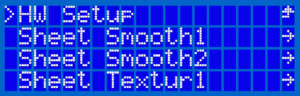
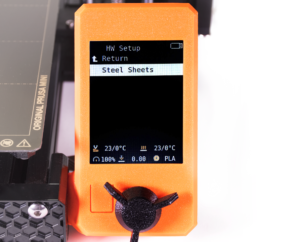
Introduced in the firmware version 3.8.0 on the MK2.5, MK2.5S, MK3, MK3S, and MK3S+ there is a section in the Settings menu, called “HW setup”. It allows you to inform the printer/firmware…
The printer tracks printing statistics. When you access this option during a print, you will see statistics for the running print. If you do so while the printer is idle, you will…
The components installed on your printer rely on firmware configuration. To facilitate the use of components sourced from third-party vendors, firmware version 3.9.1 introduced…
The components installed on your printer rely on firmware configuration. To facilitate the installation of components sourced from third-party vendors, we introduced an experimental…
Starting accidentally another action during the print (e.g. XYZ calibration, switching sheet profiles, ...) can cause damage to the printer. This is why during the entire printing…
This article refers to legacy printers MK3/S/+ and MK2.5/S. For more recent models, refer to Blue Screen of Death (BSOD) #31538 (CORE One) #35538 (CORE One L) #26538 (MK4S) #13538…
The Original Prusa MINI/MINI+ introduces 4 levels of acoustic signalization - Loud, Once, Silent and Assist. You are able to choose between each level in the printer's menu Settings…
Selected Original Prusa printers are equipped with status LEDs located on the lower edge of the LCD screen. Together there are three physical RGB LEDs. The system will change their…
In case you experiencing issues with the screen readability, you can try adjusting the contrast on the LCD-module. On the back of the LCD-module, you will find a small potentiometer…
The order of the files on the SD card can be changed. Change the sorting method in the LCD Menu -> Settings -> Sort: [name/date/no sorting]. Folders are always shown on the top…
An optional accessory for the Original Prusa MINI is its filament sensor. It uses a simple sensor mechanism to detect whether a strand of filament is inserted or not. The mechanical…
Before you start the calibration process, it is advised to connect the printer to the internet, so that it can download updated firmware files (if they are available). There are…
Any cured bit of resin left in the tank after a print can cause failed prints (holes, missing geometry) and even damage to the print display. Firmware version 1.7.0 introduces…
Starting firmware version 3.9.0, for the Original Prusa MK3S manufactured after June 2019, it is possible to adjust the brightness of the screen directly from the LCD menu and…
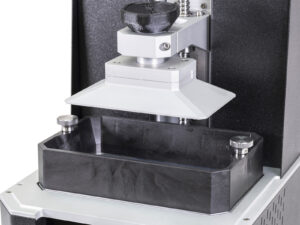
Pouring resin into the tank Before you start printing, always make sure the FEP film on the bottom is clear (transparent), clean, and has no holes, dents, or deep scratches. Check…
This guide will show the easiest way to set up and print supports with different materials for the Original Prusa XL. Before starting, make sure you have the two or five tool-heads…
When printing multiple objects within the same print, it is possible that one or more objects might not have an optimal finish or get loose from the plate, while at the same time,…
The Prusa CORE One L, Prusa CORE One, Original Prusa MK4S, and Original Prusa MK3.9S include an Ethernet port (RJ45) and a WiFi module. Connecting to Ethernet Connect a LAN cable…
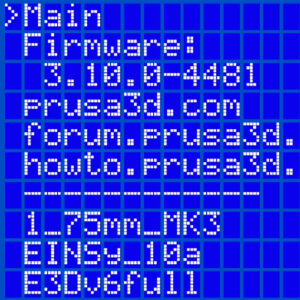
At the bottom of the LCD menu on the Original Prusa MK2.5/S and MK3/S/+, you will find information on your specific machine's hardware, and firmware as well as real-time sensor…
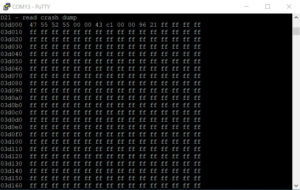
The memory dump is not used for troubleshooting normal printer errors! Please only supply the Memory dump if requested. Starting from firmware version 3.10.1, the Original Prusa…
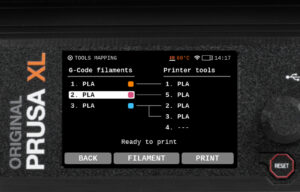
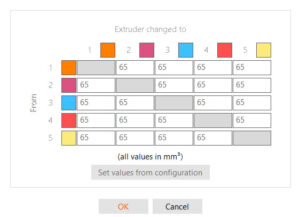
On the Original Prusa XL, when slicing for a Multi-Tool object, the resulting G-code carries information on how individual materials and extruders are assigned, along with the…
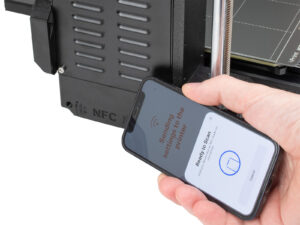
The Prusa CORE One, and the Original Prusa MK4S/MK3.9S are equipped with a Near Field Communication antenna, abbreviated NFC. This allows you to quickly write data into the NFC…
Both the Original Prusa MINI+ and the SL1 offers a user-friendly feature where the printer automatically displays the project ready for immediate print if: The USB flash drive…
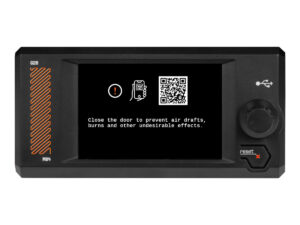
The Original Prusa SL1/SL1S Speed comes with a touchscreen that can be used to navigate the printer menu. Touch each option to select them, and use the Back option on the top left…
This guide will show you how to use your own model to generate a resin Calibration-object. We recommend this approach only to experienced users. The pre-made Resin calibration…
Introduced in version 4.3.0 for the MINI and MINI+, there is a section in the Settings-menu, called “HW setup”. It allows you to inform the printer/firmware of hardware changes…
If your printer has the xLCD, you can navigate it by using the touchscreen. Note that some functions will still need the knob, such as setting the target temperature manually or…
Starting from firmware 1.5.0, you are able to manually set the backlight intensity in the SL1. You can also configure a screensaver timer of how long the screen should be on. You…
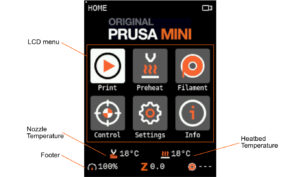
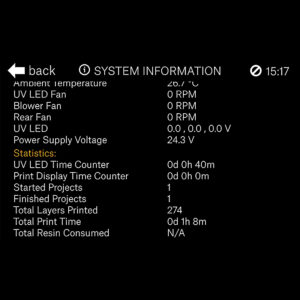
The printer has available all information on your specific machine, like temperatures, RPMs of fans, and voltages. Additionally, you can view your printer's statistics which cover…
On printers with a graphic display, like the Original Prusa MK4/S, MK3.9/S, MK3.5/S, Original Prusa MINI/+, and Original Prusa XL, it is possible to see a thumbnail of your print…
Starting from firmware 1.5.0, the Original Prusa SL1 will show top bar notifications. If you see an envelope on the top right of the screen near the time. To see the notifications…
Some materials are hygroscopic, meaning it is necessary to dry them before printing and keep them in an environment with as low humidity as possible during printing. We offer the…
On the Original Prusa MK4S and MK3.9S, it is possible to use a Prusa CHT nozzle or a Prusa Nozzle. These printers are also compatible with the Original Prusa MMU3. There are a…
The Original Prusa XL multi-tool and the Original Prusa MMU3 are suitable for multi-filament printing. When slicing for a multi-filament object, the resulting G-code carries information…
The default print head on the Prusa Pro HT90 is a high-flow print head. This allows a high volumetric rate which will let you print faster. The print head also has a fan control…
The Prusa Pro HT90 comes with a high-temperature print head that can be installed in the printer. The default on the printer is the High-flow print head. The print head can reach…
Your Original Prusa Printer has a main electronics board with the printer firmware. In their factory state, our printers only accept official firmware. To flash any unofficial…
Starting firmware 1.8.0, the Original Prusa SL1 and SL1S SPEED have customizable profile parameters. This gives users the ability to customize and fine-tune the individual parameters…
Safety is a crucial aspect of operating a machine, and we take it seriously. Our Prusa CORE One, CORE One L, and our Original Prusa XL, MK4/S, MK3.9/S, and MK3.5/S have dedicated…
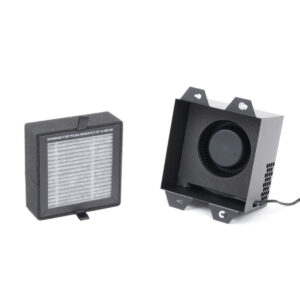
It is possible to have a HEPA filter on the CORE One/+ and the CORE One L. The XL enclosure comes with a HEPA filter. The filtration can be adjusted in the printer menu in Settings…
Below is a list of parts needed to upgrade an MMU2S to MMU3 (for MK3S+ or MK3.5/S), and to convert an MMU3 for MK3S+ to an MMU3 for MK4/S or MK3.9/S. MMU2S to MMU3 (for MK3S+,…
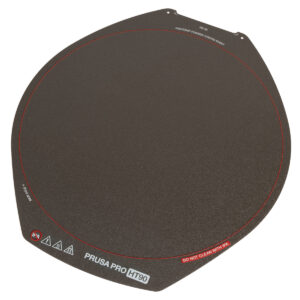
The Prusa Pro HT90 magnetic heatbed is designed to hold a removable double-sided flexible spring-steel sheet, designed specifically for easy removal of printed objects from the…
Air-gapped workflow One of the advantages of Prusa printers is their full-fledged functionality without an internet connection. This applies across the entire workflow - from designing…
This article guides you through the community version of the Prusa CORE One to the Prusa CORE One+ upgrade. It lists all the components required for the upgrade and provides instructions…
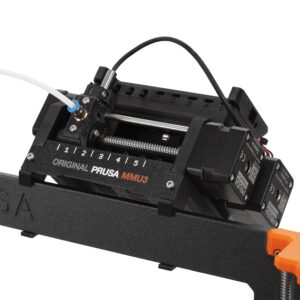
Although INDX is the go-to multi-material option for most CORE One L users, the MMU3 remains as a community-supported alternative for those preferring an efficient, classic multi-color…
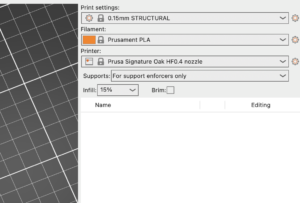
The Signature Oak print profile is available in PrusaSlicer 2.9.4 and newer. If you do not see Signature Oak in your printer list, it is most likely due to an outdated PrusaSlicer…