Relevant for


It is possible to have a HEPA filter on the CORE One/+ and the CORE One L. The XL enclosure comes with a HEPA filter. The filtration can be adjusted in the printer menu in Settings -> Chamber Filtration, or in the Tune menu during printing.
Studies have shown that most of the commonly used 3D printing materials should be safe; however, some are marked as "Requires filtration."
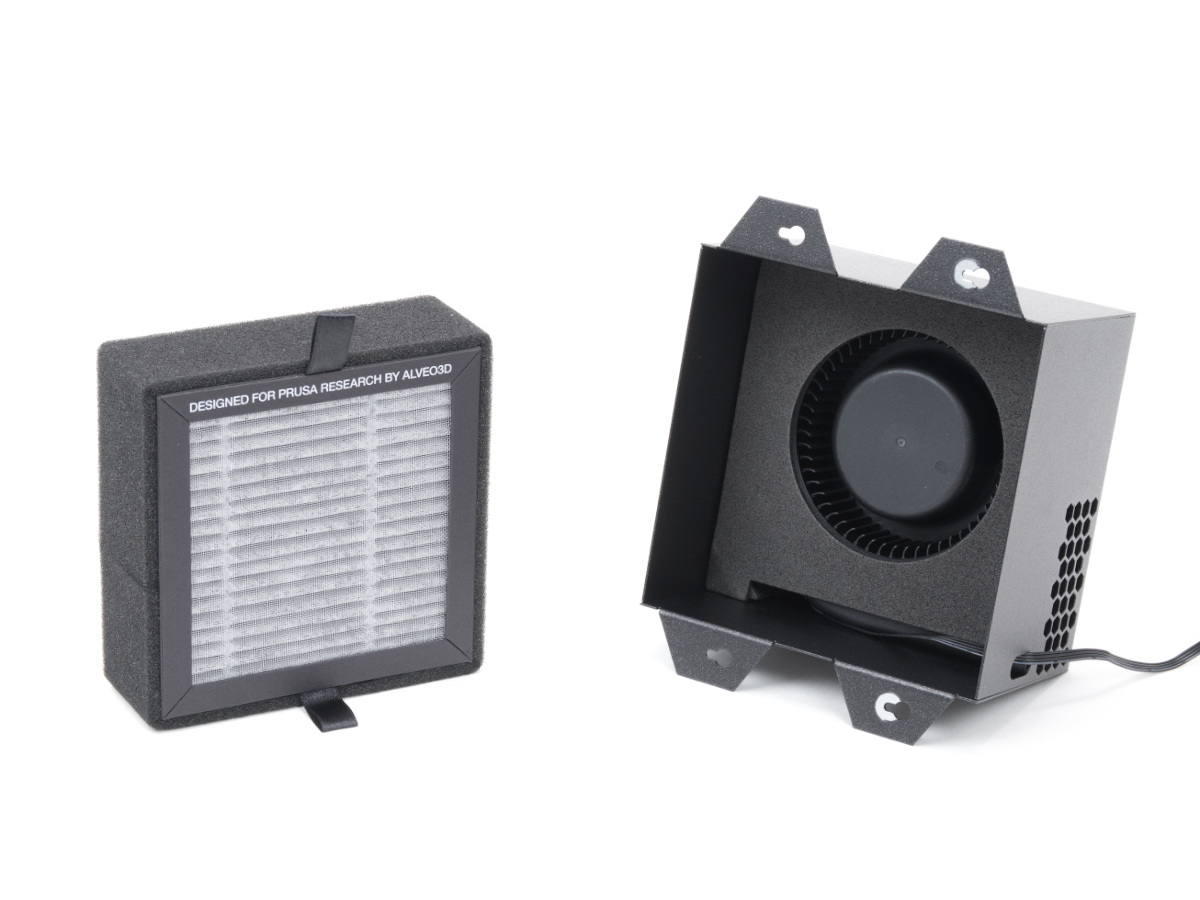 | 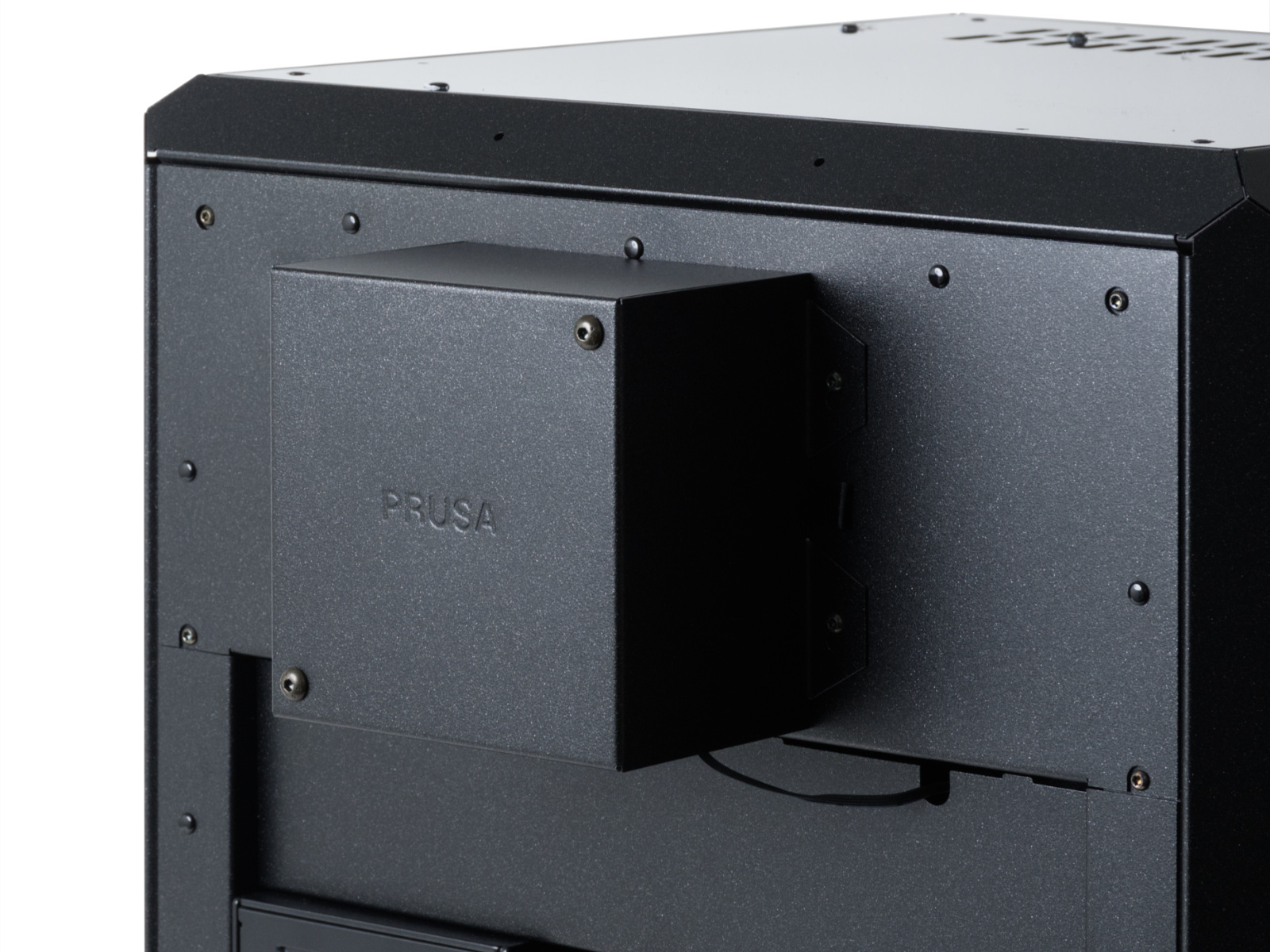 |
| CORE One/+, CORE One L | |
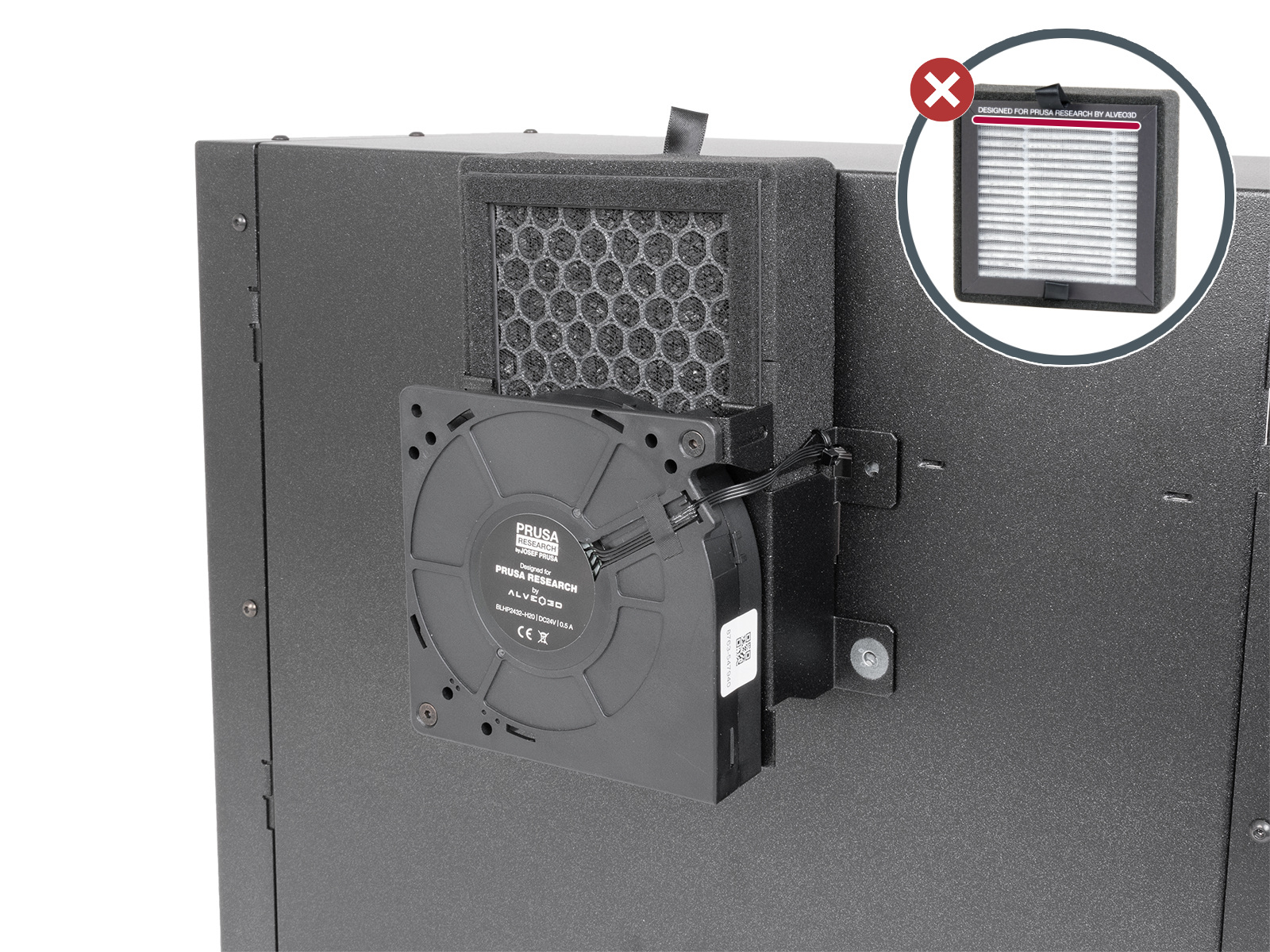 | 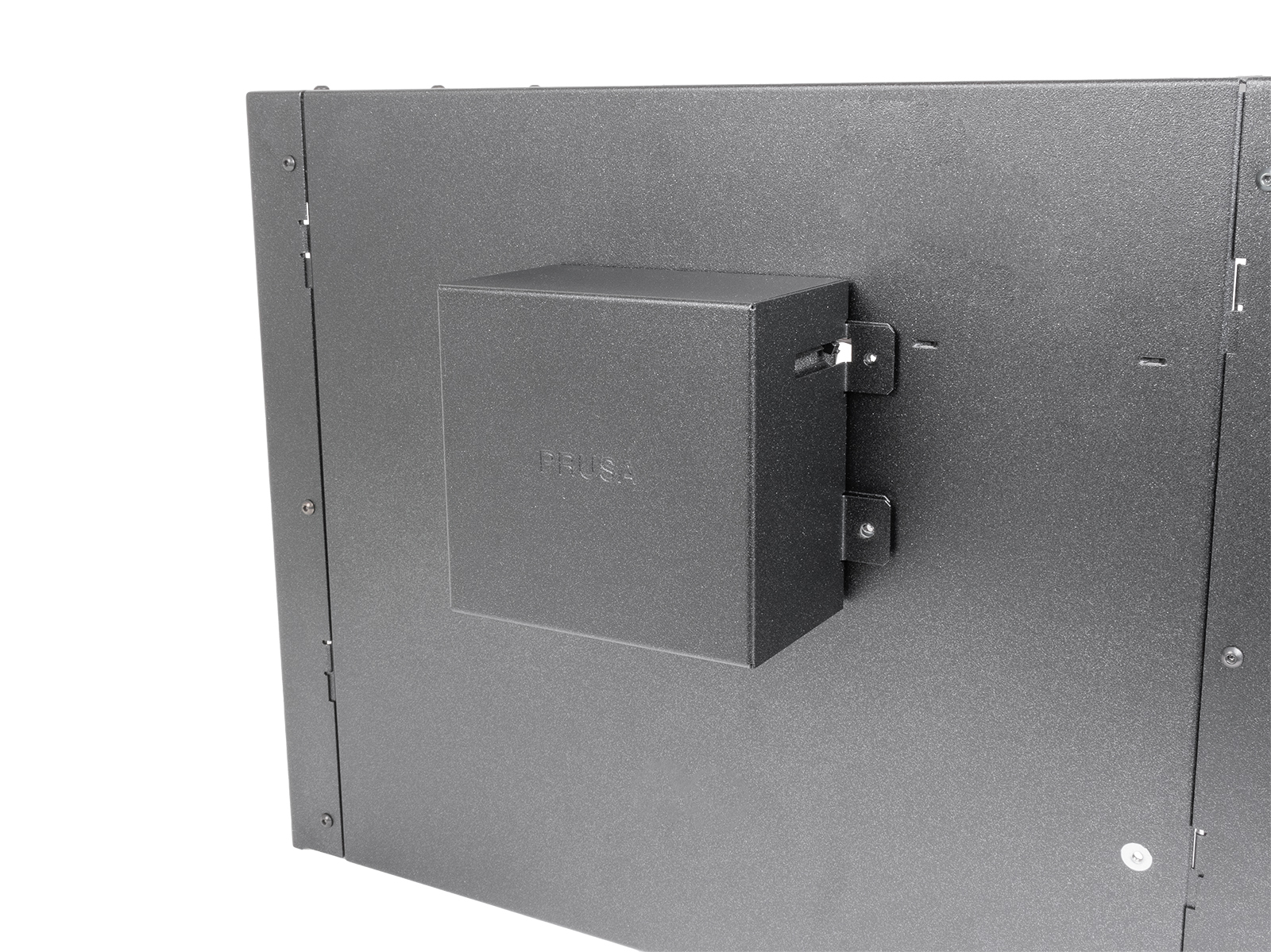 |
| XL with Enclosure | |
On the menu, you can choose between having the filtration off (None), using the standard HEPA filter (Adv. Filtration), or using your own filter without a dedicated filtration fan (DIY). In the DIY mode, the existing cooling fans handle both cooling and filtration.
Filter Usage: Hours of filter usage. Note that this value will be reset if a hard factory reset is performed.
Change Filter: Select this option when you change the filter, and the Filter Usage counter will reset.
Print Filtration: Toggles chamber filtration during the print.
Minimum Power: Sets the minimum power level for the additional filtration fan. The printer will adjust the fan speed based on the chamber temperature control system, up to the “Chamber Fans Limit” setting. Note that a minimum of 40% is needed for effective filtration of the entire chamber.
Post-print Filtration: Toggles chamber filtration after the print is finished. Keeping this option on is strongly recommended.
Post-print Duration: Sets the duration of additional filtration after the print is complete.
Post-print Power: adjusts the power level of post-print filtration to suit your needs. Note that a minimum of 40% is needed for effective filtration of the entire chamber.
Filter All Materials: When this option is off, the filtration system will be activated when the filament is marked as "Requires filtration". When it is on, all filaments will be filtered.
Starting from firmware 6.4.0, it is possible to use two G-codes to control the chamber filtration activation. Note that the G-codes will override the menu.
M147 will set the Automatic Filtration and Post-print Filtration to ON. M148 will set the Automatic Filtration and the Post-print Filtration to OFF. Note that the code needs to be set in the starting code before the purging code.
8 comments
Is there only an USB-C Socket behind the printer, but the plug is not for it.
should i open the printer somehow?
Thanks in advance for any guidance you czn provide