0 item in your cartitems in your cart
Your cart is empty
My profile
Log in to see orders, saved items
Signed in as
August 28, 2026
This support page covers documentation for PrusaSlicer 2.9.6 and the public preview of PrusaSlicer 3.0.
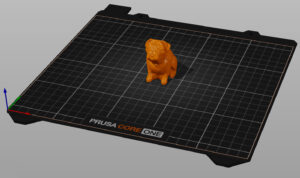
Before printing your 3D file, it needs to be converted into a file type called .gcode or .bgcode. That is done by a program called a slicer. The best one for your Prusa or even…
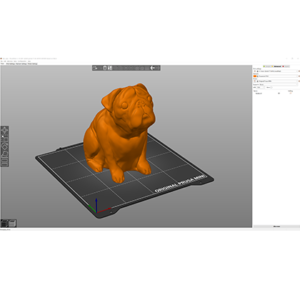
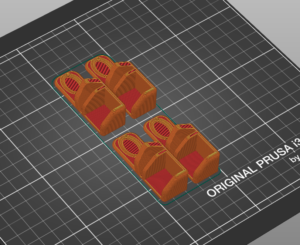
If you are using PrusaSlicer for the first time to generate a gcode or bgcode for printing, you can follow the steps below. Click on the links to get more information about the…
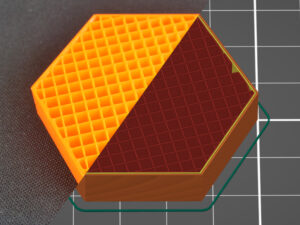
PrusaSlicer offers many infill patterns to choose from. When choosing an infill pattern, these are the main things to consider: Print speed Density per material used (better support…
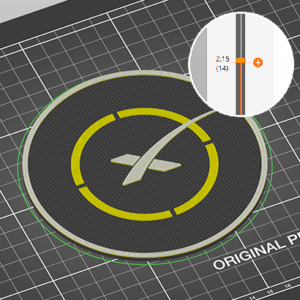
PrusaSlicer lets you schedule a filament change at a certain layer. This can be used to print basic multicolored models. The printer automatically pauses the print as soon as it…
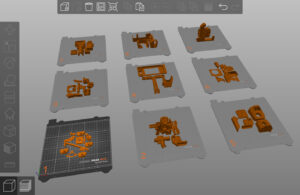
Starting from PrusaSlicer version 2.9.0, you can work on multiple build plates. This functionality allows users to manage many objects efficiently and better organize their projects.…
Standalone PrusaSlicer G-code Viewer is a lightweight application, which you can use to quickly preview G-codes from all popular slicers. Its behavior is identical to the preview…
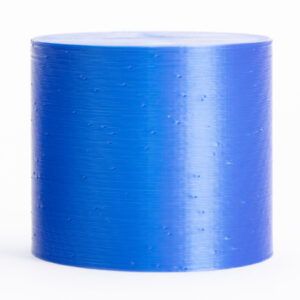
Unless you're printing in the Spiral vase mode, each perimeter loop has to start and end somewhere. This start/endpoint creates a potentially visible vertical seam on the side…
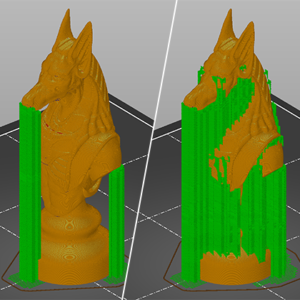
3D printers work by laying layer over layer of plastic to create a 3D object. Each new layer must be supported by the one beneath it. If part of your model starts in mid-air and…
Some options will only appear when Expert mode is selected. Layer height Height of the individual slices/thickness of each layer. Layer height is the main factor affecting both: print…