Prusa
  • SHOP
    • Latest products
    BY CATEGORY
    • 3D printersnew
    • 3D printer upgradesnew
    • Materials
    • Accessories
    • Spare parts
    • Courses
    • Merch
    • Get a price quote
    QUICK LINKS
    • Shipping & delivery
    • Returns & refunds
    • Payment & financing
    • Warranty
    • VAT & Customs fees
    • FAQ

    0 item in your cartitems in your cart

    Your cart is empty

    Go to cartShop 3D printers

    My profile

    Log in to see orders, saved items

    My profile

    Signed in as

    • Orders
    • Logout
  • 3D PRINTING
    • Explore 3D printing
    FOR BEGINNERS
    • 3D printing 101
    • How FDM printing works
    • Buying your first printer
    • 3D model catalog
    BY APPLICATION
    • Rapid prototyping
    • Manufacturing
    • Engineering
    • Research
    • Arts & design
    GO DEEPER
    • Materials guide
    • Courses
    • Webinars
    • Case studies
    • Custom 3D printing
  • 3D PRINTERS
    • All 3D printers
    FOR
    • Home or garageHobbyists, tinkerers and home printing
    • BusinessIn-house production for small teams
    • EnterpriseFleets, security and scale
    • Which Prusa is right for me
    SHOP & BROWSE
    • CORE One+new
    • CORE One+ INDXnew
    • CORE One L+new
    • CORE One L+ INDXnew
    • XL+new
    • MK4S
    • Prusa Pro HT90
    • Prusa Pro AFS
    • Prusa Pro SLX
    MORE FROM PRINTERS
    • Parts & upgradesnew
    • Critical infrastructure
    • Case studies
    • Signature Oak
    • Kits
  • MATERIALS
    • All materials
    BY USE
    • Every-day & design
    • Functional engineering
    • Composites
    • Pro speciality
    • SLA resins
    PRUSAMENT
    • PLA
    • PETG
    • ASA
    • PC
    • PA11
    • Flex
    • TPU
    MORE FROM MATERIALS
    • Materials guide
    • We make material in house
    • Sustainability
    • Order on the store
  • SOFTWARE
    • All software
    PREPARE THE PRINT
    • PrusaSlicer 3.0New
    PRINT & MONITOR
    • Prusa Connect
    • EasyPrint
    • iOS & Android app
    • Prusa Farm
    GET STARTED
    • Download & install
    • Knowledge base
    MORE FROM SOFTWARE
    • 3D model catalog
  • SUPPORT
    • Explore support
    FIND ANSWERS
    • Knowledge base
    • Troubleshooting
    • Courses
    • Webinars
    GET HELP
    • Contact us
    • Livechat
    • Shipping & delivery
    • Warranty
    • Returns & refunds
    • Service & spare parts
    • Service & Repair
    COMMUNITY
    • Forum
    • Reddit
    • Printables
  • TRUST CENTER
    • Trust Center overview
    BY TOPIC
    • GDPR
    • Certificates
    • Security
    • Compliance
    COMMITMENTS
    • Sustainability report
    TALK TO US
    • Contact the security team
  • COMPANY
    • About Prusa
    GET TO KNOW US
    • Our story
    • How we make printers
    • Open source
    • Brand & media kit
    NEWS
    • Blog
    • Newsroom
    • Events
    TRUST & PARTNERS
    • Sustainability
    • Resellers & distributors
    • Affiliate program
    • Contact
    • English
    • Čeština
    • Deutsch
    • Español
    • Français
    • Italiano
    • Polski
    • 日本語
  • Signed in as

    • Orders
    • Address
    • In-stock Alerts
    • My Courses
    • Subscription
    • Edit Account
    • Logout

Log in to see orders, saved items

Signed in as
  • Orders
  • Address
  • In-stock Alerts
  • My Courses
  • Subscription
  • Edit Account
  • English
  • Čeština
  • Deutsch
  • Español
  • Français
  • Italiano
  • Polski
  • 日本語
Shop

0 item in your cartitems in your cart

Your cart is empty

Go to cartShop 3D printers

My profile

Log in to see orders, saved items

My profile

Signed in as

  • Orders
  • Logout
SHOP
  • Latest products
BY CATEGORY
  • 3D printersnew
  • 3D printer upgradesnew
  • Materials
  • Accessories
  • Spare parts
  • Courses
  • Merch
  • Get a price quote
QUICK LINKS
  • Shipping & delivery
  • Returns & refunds
  • Payment & financing
  • Warranty
  • VAT & Customs fees
  • FAQ

Featured products

    Popular categories

      Trending searches

        Articles

          Blog

            Products

              Categories

                Suggested searches

                  Searching…
                  No results
                  Something went wrong.
                  ↑↓ Select↵ OpenEsc Close search
                  1. Support
                  2. Prusa Pro HT90
                  3. Printer features
                  4. Flexible steel sheets (guidepost)
                   

                  Contents

                  • HT90 steel sheets
                  • General information
                  • Steel sheet profiles (MK2/S, MK2.5/S, MK3/S/+, MK3.5/S, MINI/+)
                  • Removing prints
                  • Differences between the sheets
                  • Prints don’t stick

                  Blog

                  • Prusament Pellets: Raw material batches for large-format 3D printing or small-scale polymer research & development
                  • Print colorful and glowing Halloween decorations with our spooky offer
                  • Factorio Has Arrived on Printables

                  Newsletter

                  Signup and get our monthly squeeze on updates, blog, printables and much more.

                  By clicking, you agree to receive our newsletter.

                  This site is protected by reCAPTCHA Enterprise and the Google Privacy Policy and Terms of Service apply.

                  Heavy Duty Keyboard Holder (No Supports)
                  E-shop
                  • 3D Printers
                  • Printer Upgrades
                  • Filaments
                  • Accessories
                  • Prusa Merchandise
                  Prusa

                  © Prusa Research a.s.

                  Printables
                  • 3D Models
                  • Store
                  • Clubs
                  • 3D Design Contests
                  • Brands
                  Community
                  • World Map
                  • Forum
                  • User Groups
                  • Events
                  Help
                  • Prusa Help
                  • Prusa Academy
                  • 3D Printing Calculators
                  Software
                  • PrusaSlicer
                  • Prusa.app
                  • Prusa Connect
                  • Drivers and Software
                  Company
                  • About Us
                  • Blog
                  • Official Prusa Resellers
                  • Contact Us
                  • Certified for ISO 9001, ISO 14001, ISO 45001
                  • General Terms and Conditions
                  • General Terms and Conditions of Use of the PRUSA Websites
                  • Privacy Policy
                  • Information about cookies
                  • Customer Complaints Policy
                  • Status Page
                  • Do Not Sell or Share My Personal Information
                  • Supplemental Statements
                  Prusa
                  • General Terms and Conditions
                  • General Terms and Conditions of Use of the PRUSA Websites
                  • Privacy Policy
                  • Information about cookies
                  • Customer Complaints Policy
                  • Status Page
                  • Do Not Sell or Share My Personal Information
                  • Supplemental Statements

                  © Prusa Research a.s.

                  JOSEF PRUSA®, PRUSA RESEARCH®, PRUSA POLYMERS®, PRUSA ORANGE®, PRUSA 3D ® AND PRUSAMENT® are registered trademarks of Prusa Development a.s. used by Prusa Research a.s. under licence from Prusa Development a.s.

                  Flexible steel sheets

                  (guidepost)

                  Relevant for

                  MK4 family
                  XL family
                  PRO family
                  MINI family
                  MK3 family
                  +
                  31 comments
                  Article is also available in following languages
                  English
                  Čeština
                  Polski
                  Deutsch
                  Français
                  Español
                  Italiano
                  日本語

                  The Original Prusa magnetic heatbed is designed to hold a removable double-sided flexible spring-steel sheet, designed specifically for easy removal of printed objects from the print surface.

                  We offer six different types of sheets, with different strengths and attributes.

                  • Smooth sheet provides excellent adhesion with most filaments and geometries. So much in fact, that some filaments, like TPU and PETG, will adhere too much and can damage the sheet when removed.
                  • Powder-coated textured sheet, aimed at production environments using PETG and other high-adhesion filaments.
                  • Satin sheet, which in both texture and properties lies between the smooth and the textured sheet.
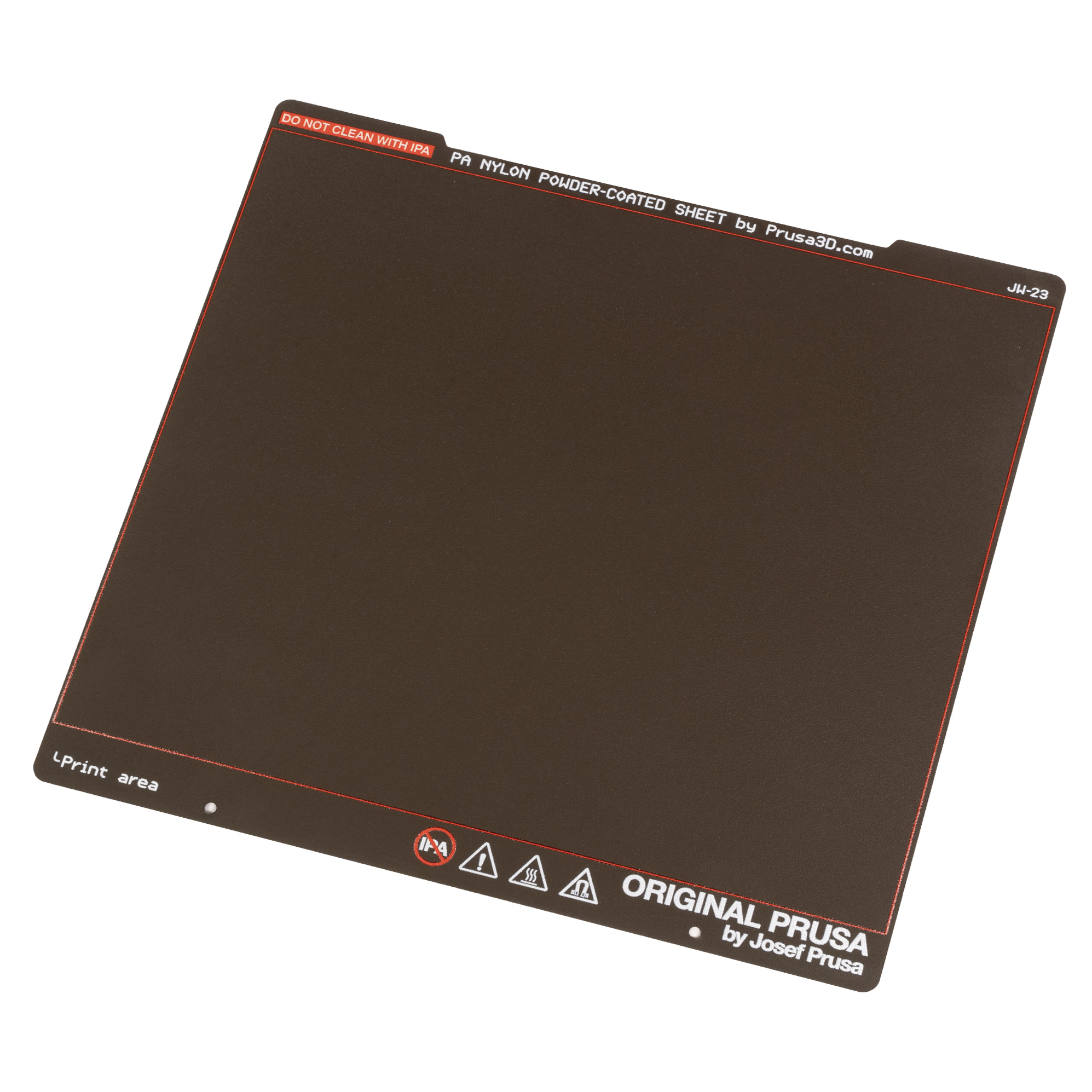
                  • PA Nylon sheet, designed specifically for printing polyamides (Nylon) since their adhesion to standard PEI sheets is generally very poor.
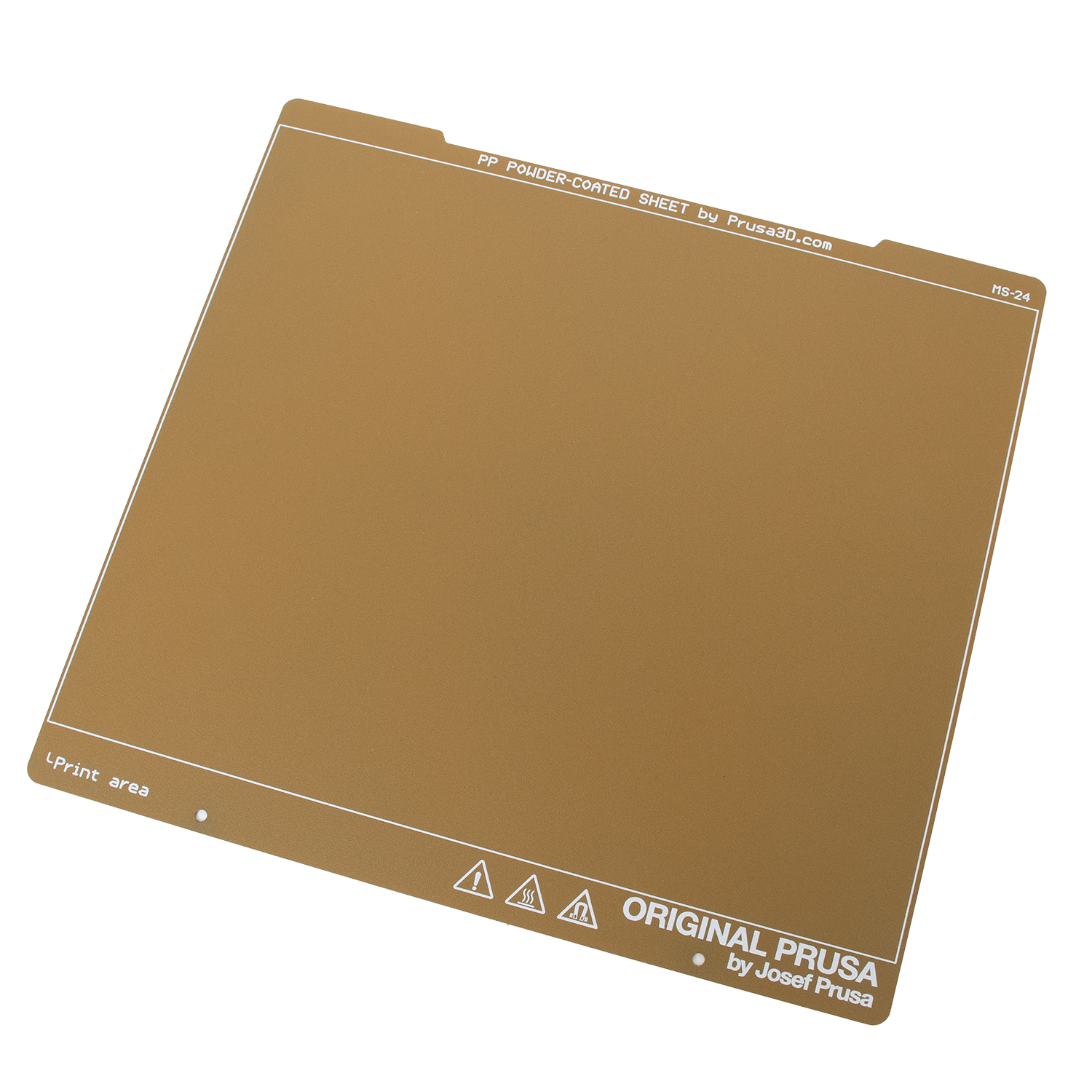
                  • PP Sheet is suitable mostly for printing polypropylene since its adhesion to other print surfaces is very poor.
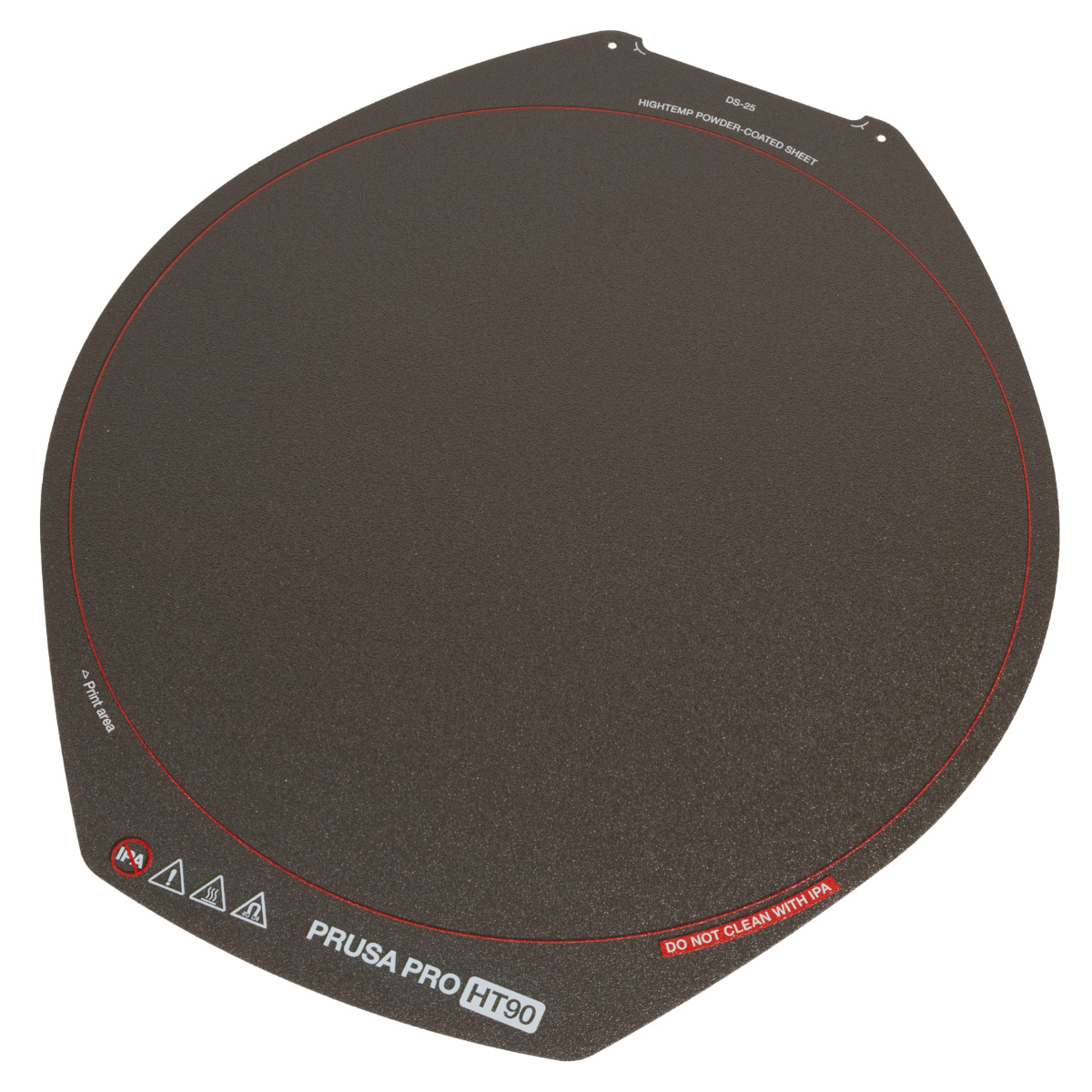
                  • HighTemp sheet is intended for printing with special high-temperature materials, such as PEEK, PEEK-CF, PEI, PEKK, and PPSU, which may otherwise have poor (or too strong) adhesion on standard steel sheets.
                  Smooth sheetTextured sheetSatin sheet
                  PA nylon sheetPP sheetHighTemp sheet
                   

                  HT90 steel sheets

                  The Prusa Pro HT90 can use three types of print sheets. Textured, PP, PA Nylon, and HighTemp. 

                  General information

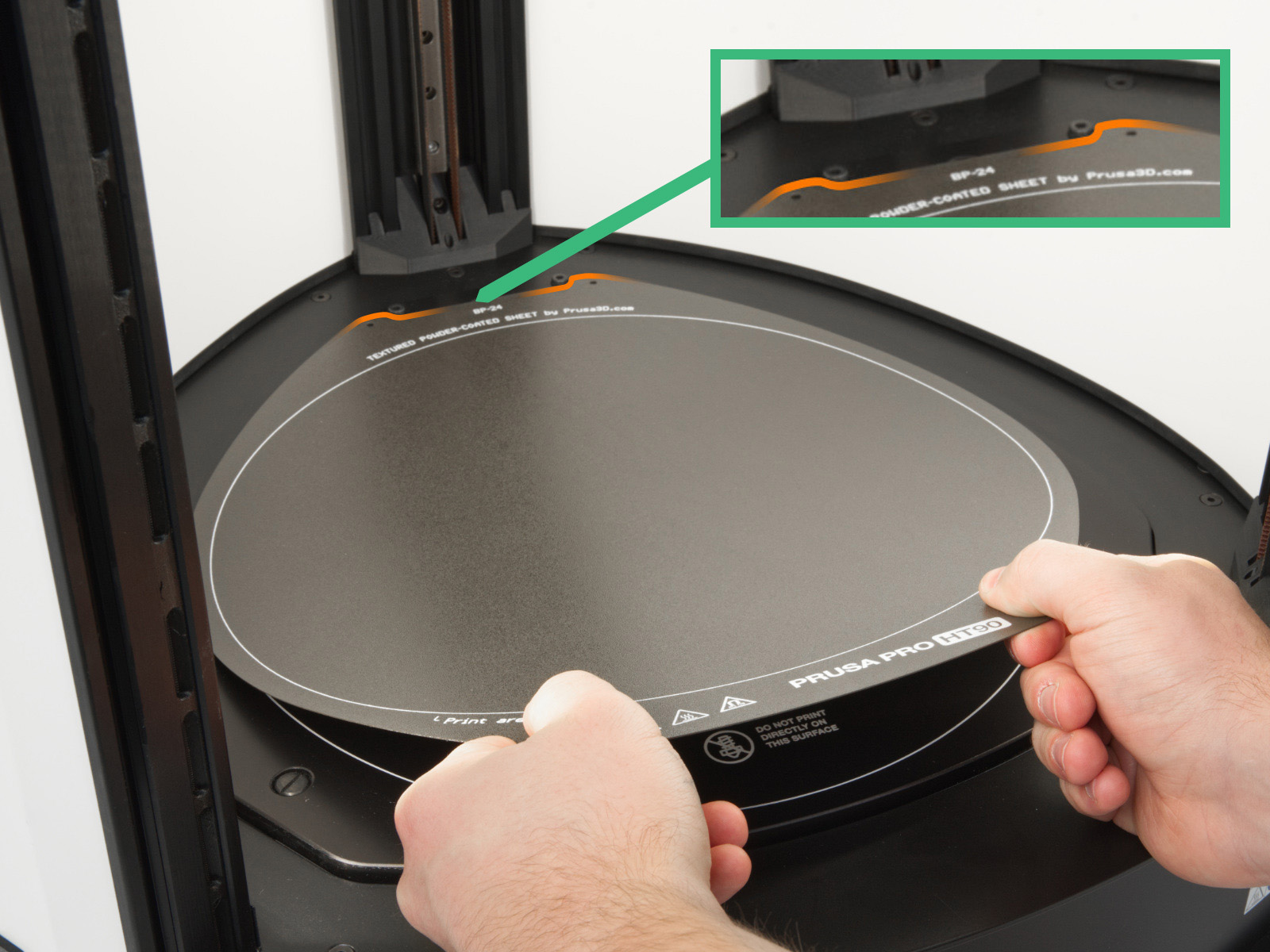
                  The removable spring steel sheet is held in place by several magnets glued to the heatbed from the bottom side. On MK-series, MINI/+, XL, and HT90, the top of the heatbed has two pins that align perfectly with a notch in the spring steel sheet. 

                  Before putting the steel sheet on the heatbed, make sure the heatbed is clean and free of any filament debris.
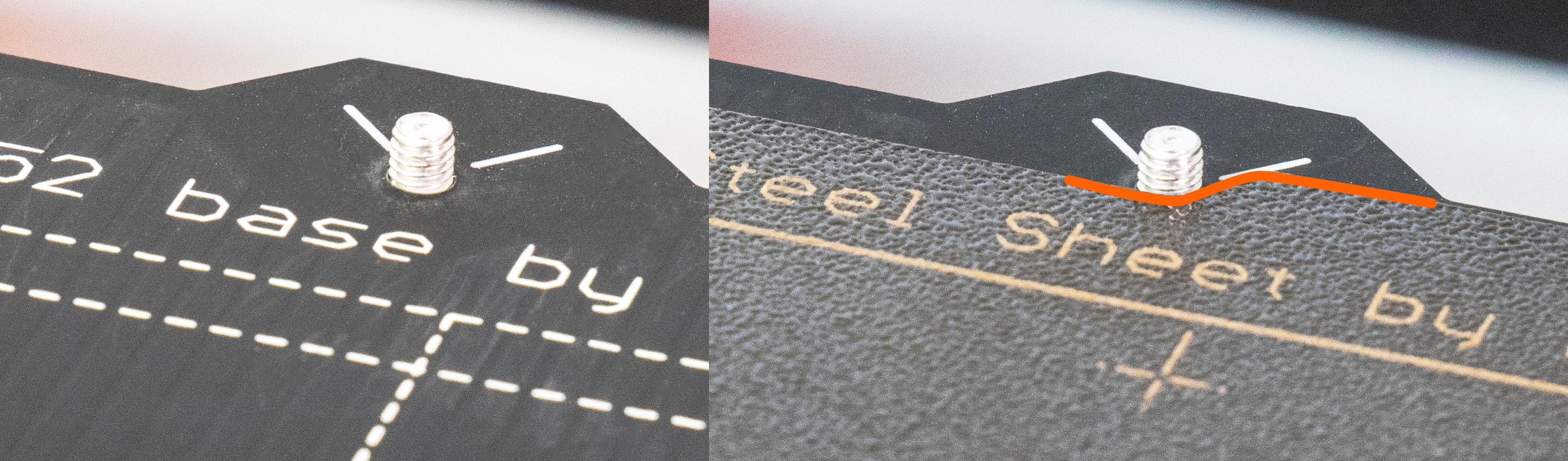
                  On MK-series and MINI/+, please ignore the two holes in the steel sheet that are on the opposite side of the notch. Those are from the manufacturing process and are not for aligning the sheet on the bed.

                  Steel sheet profiles (MK2/S, MK2.5/S, MK3/S/+, MK3.5/S, MINI/+)

                  For printers not equipped with a loadcell, each sheet needs a different Live-Z value, as they have slightly different thicknesses. If you are using multiple different sheets, the value for each sheet can be stored in the Steel sheet profiles. For more information see the article Steel sheet profiles. 

                  Removing prints

                  To remove the printed object from the print surface, always wait until the steel sheet cools down to room temperature. Then you can take it off by bending the sheet inwards and outwards, but you may need to use a spatula to avoid damage to the sheet. For materials like PETG, ASA, ABS, and PC Blend, and/or prints with a large first layer surface, a separation layer in the form of gluestick may be required.
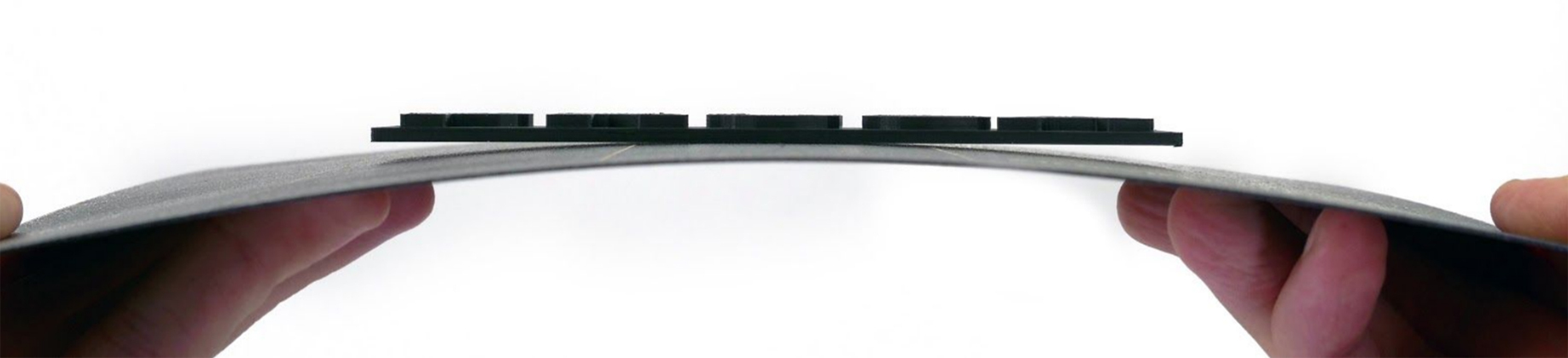
                  In case you are still having trouble removing the model even after letting it cool down or the surface got damaged during the removal (a piece of the surface was ripped off or cracked), you might be using a filament type that is not suitable for being printed on this kind of print sheet or the surface was not prepared correctly. Please see our Material table for filament and print sheet compatibility and surface preparation.

                  If you are using a spatula to help with the model removal, make sure to avoid damage to the sheet surface. Bend the sheet slightly and insert the spatula under the model whenever possible, instead of digging under the model on a flat surface.

                  For a stubborn print that refuses to be released from the print surface, you can try to re-heat the heatbed for a few minutes (to the original print temperature) and then let it cool down again. This can sometimes help with the removal of the prints that are too stuck to the print surface.

                  Consumable parts, such as print sheets (satin, smooth, textured, etc.) are not covered by warranty as the coatings will diminish over time. Unless failure has occurred due to a defect in materials or workmanship, cosmetic damage, including but not limited to scratches, dents, cracks, or any other cosmetic damage is also not covered by the warranty. Only defective sheets on arrival are covered by warranty.

                  Differences between the sheets

                  We have done a lot of testing with filament material and sheet combinations and compiled our results. To easily see the sheet and material compatibility, and how to prepare your sheet for any filament type, please see our Material table.
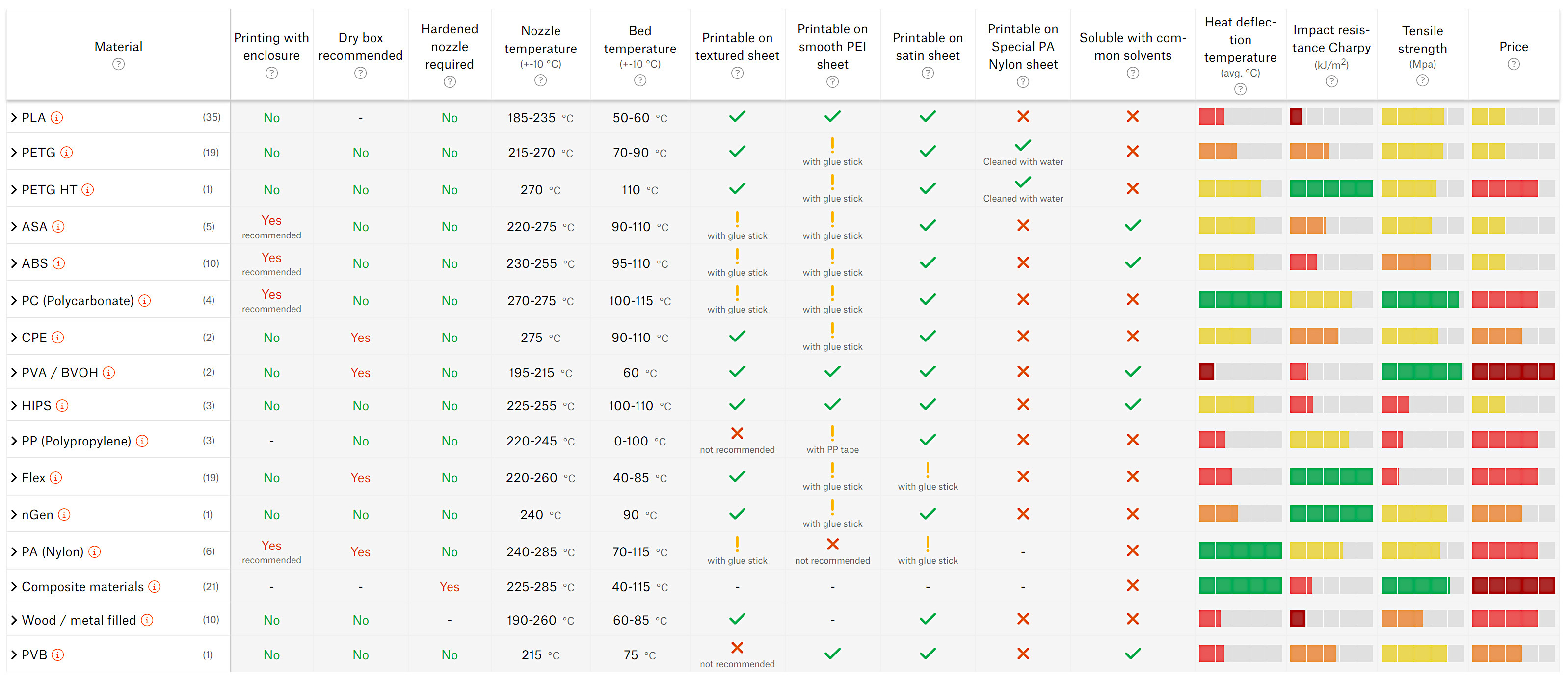
                  *Values in this screenshot may not be up to date.
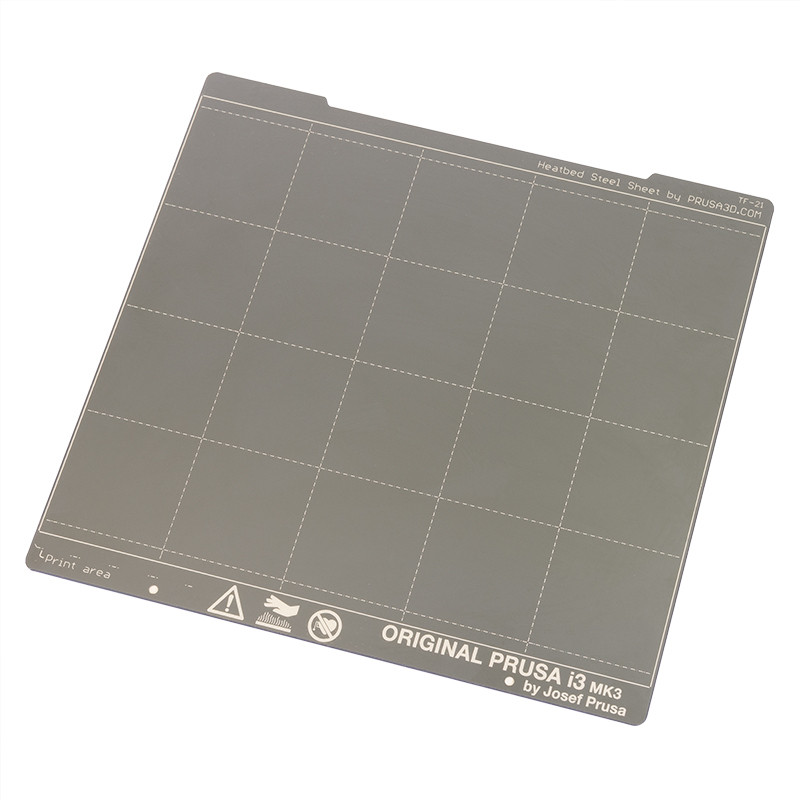
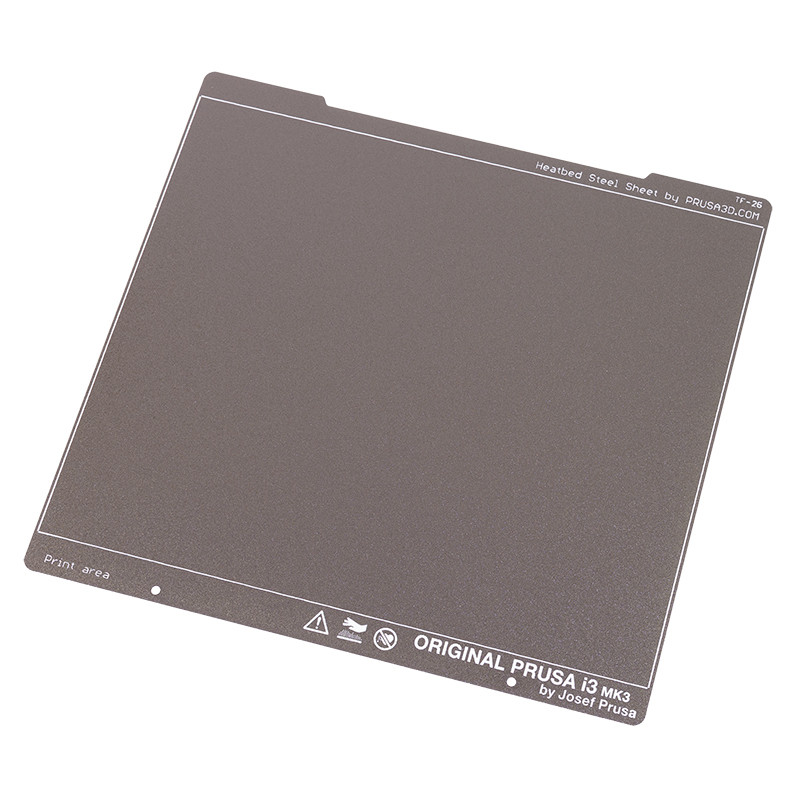
                  Different sheet types have different thicknesses. On printers not equipped with a loadcell, changing the sheet requires you to redo the First Layer Calibration (i3) or make use of different Steel sheet profiles, when switching between them.

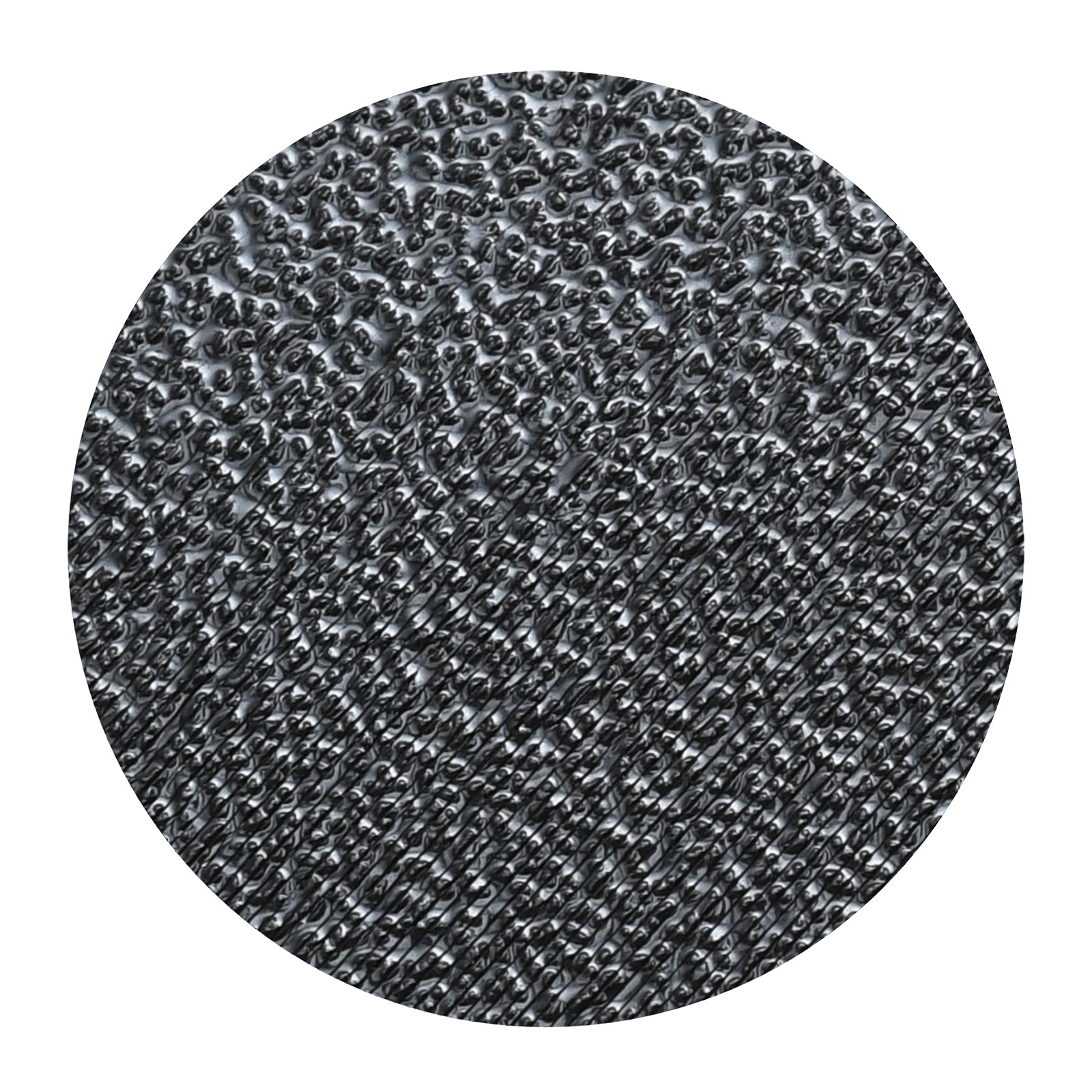
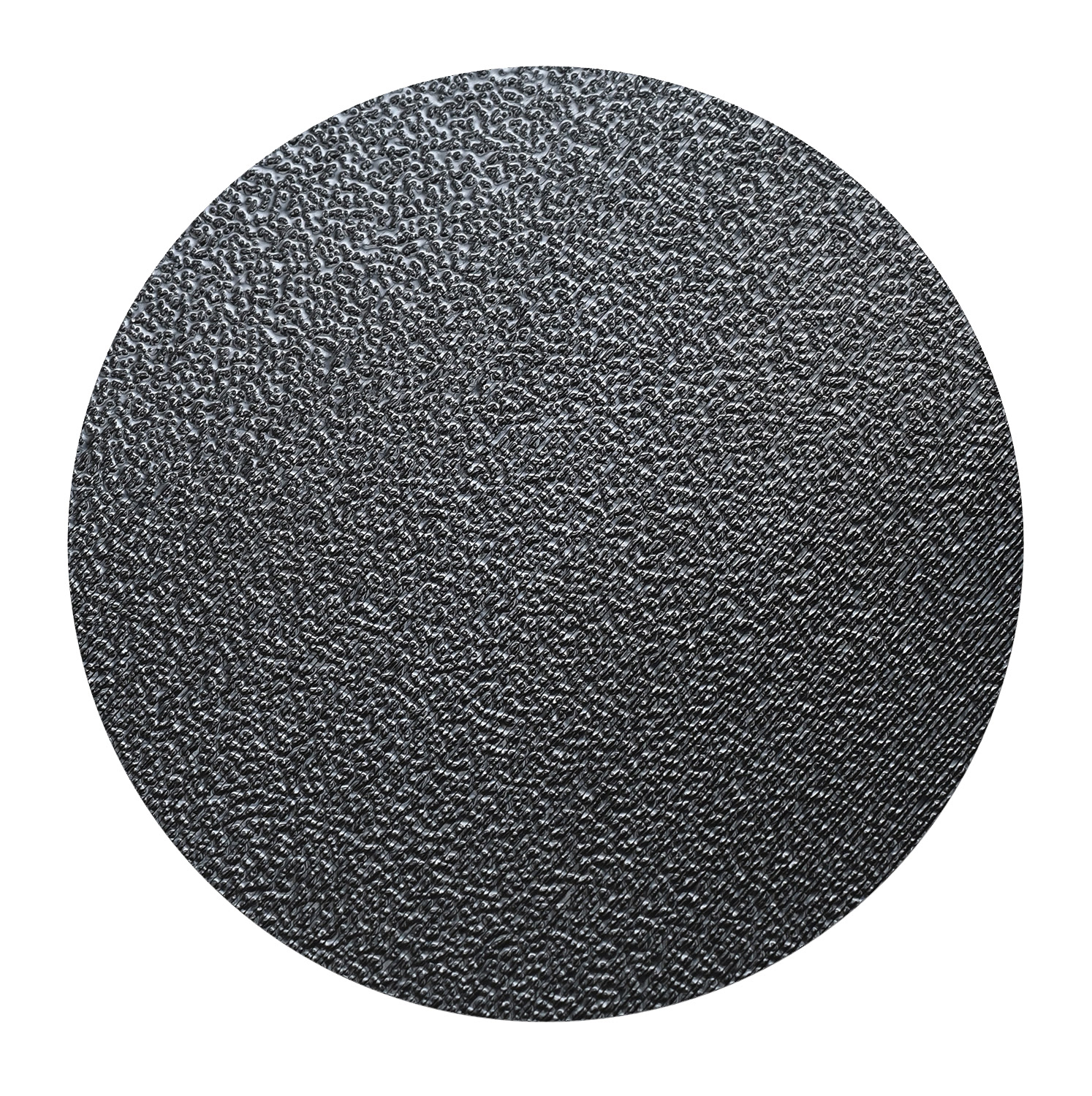
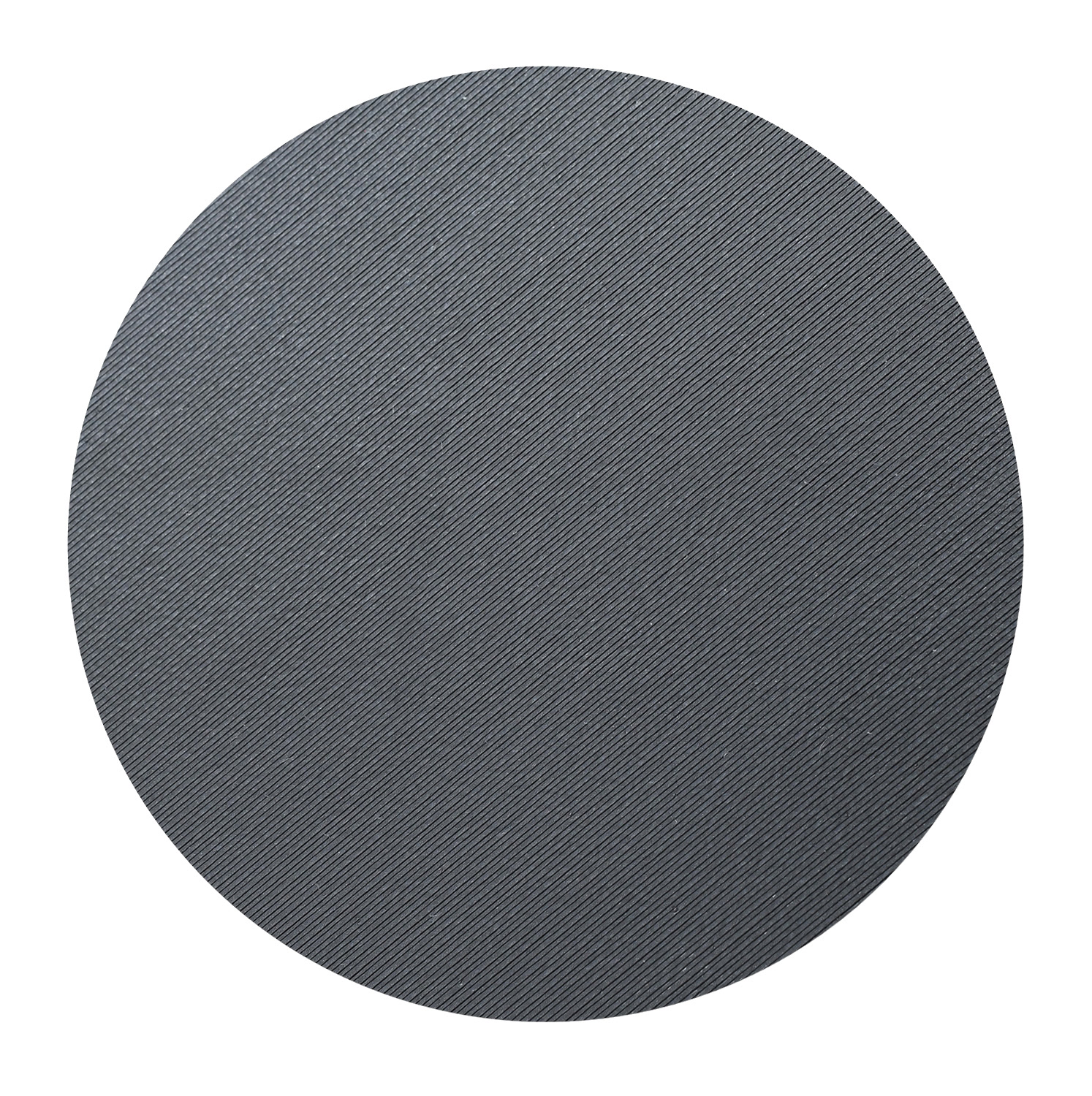
                  Close-up of a printed
                  object on the

                  Smooth sheet

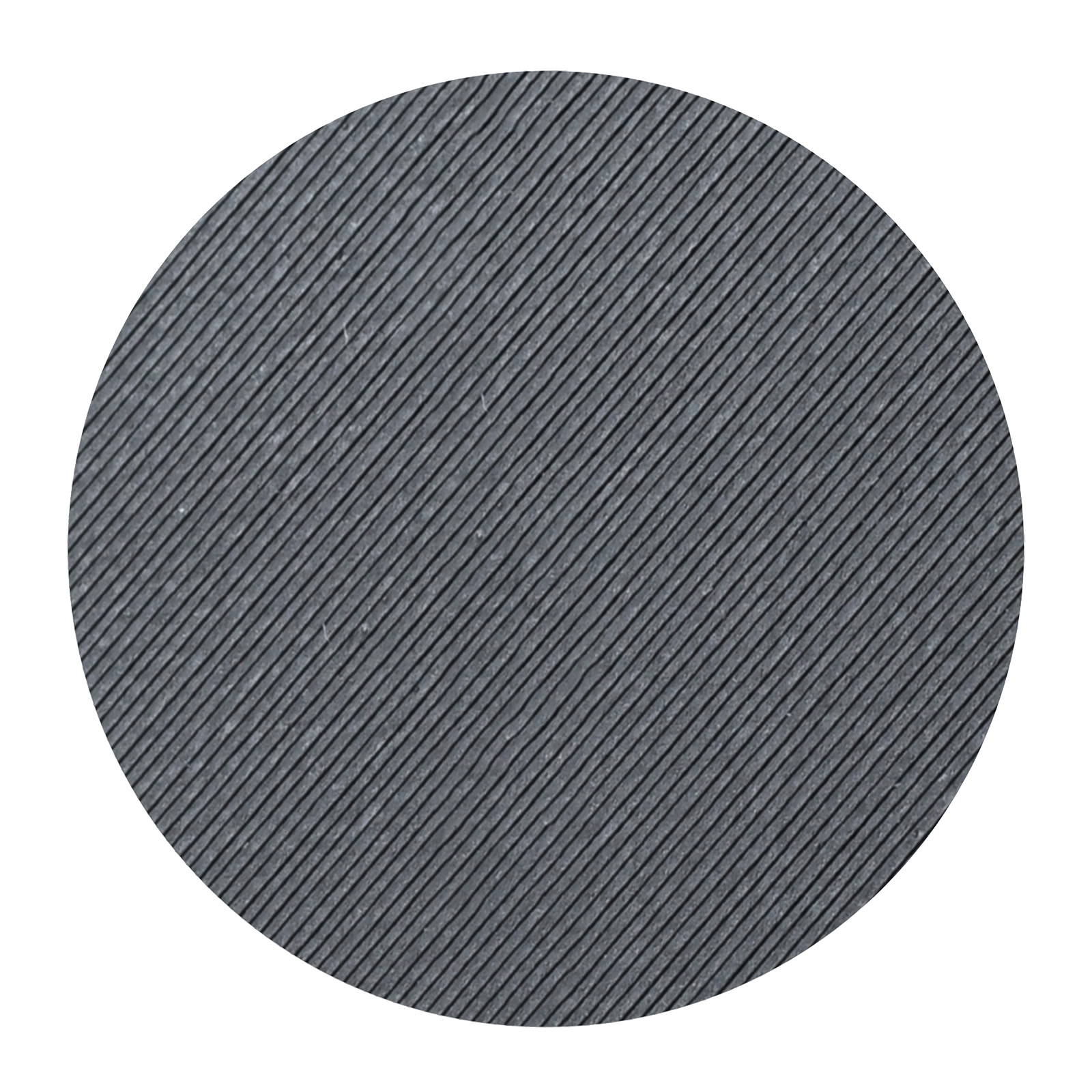
                  Close-up of a printed
                  object on the

                  Textured sheet

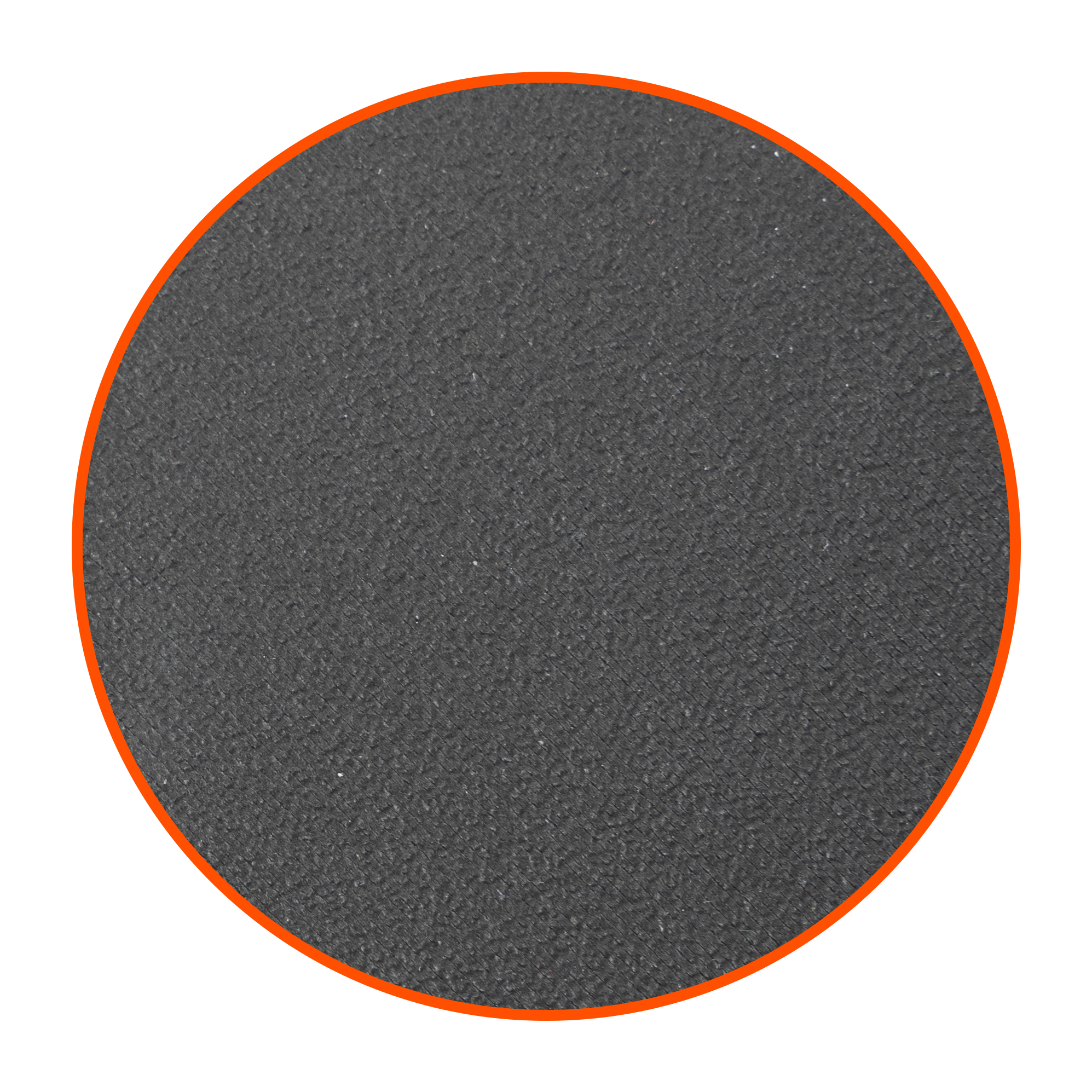
                  Close-up of a printed
                  object on the

                  Satin sheet

                  Close-up of a printed
                  object on the

                  PP, PA nylon and HighTemp sheets

                  Smooth PEI sheet

                  Both sides of this sheet are covered by a sticker made from smoothed PEI plastic. This is the same time-tested surface type that was used on the older MK2S printers. Prints with a small area touching the print surface or with sharp corners are less likely to detach when printing on a smooth spring steel sheet. Some users also like the smooth and shiny bottom side of their prints. For all details and considerations of the Smooth sheet, please see Smooth Steel Sheet.

                  Powder-coated textured sheet

                  The surface of this sheet is covered with a special polymer (Ultem) to ensure perfect adhesion. The powder-coated steel sheets are better for printing objects with materials such as PETG, CPE, or Flexfill (TPU) which tend to adhere too much to a smooth surface, but can be more easily removed from the textured one. For all details and considerations of the Textured sheet, please see Textured steel sheet.

                  Satin sheet

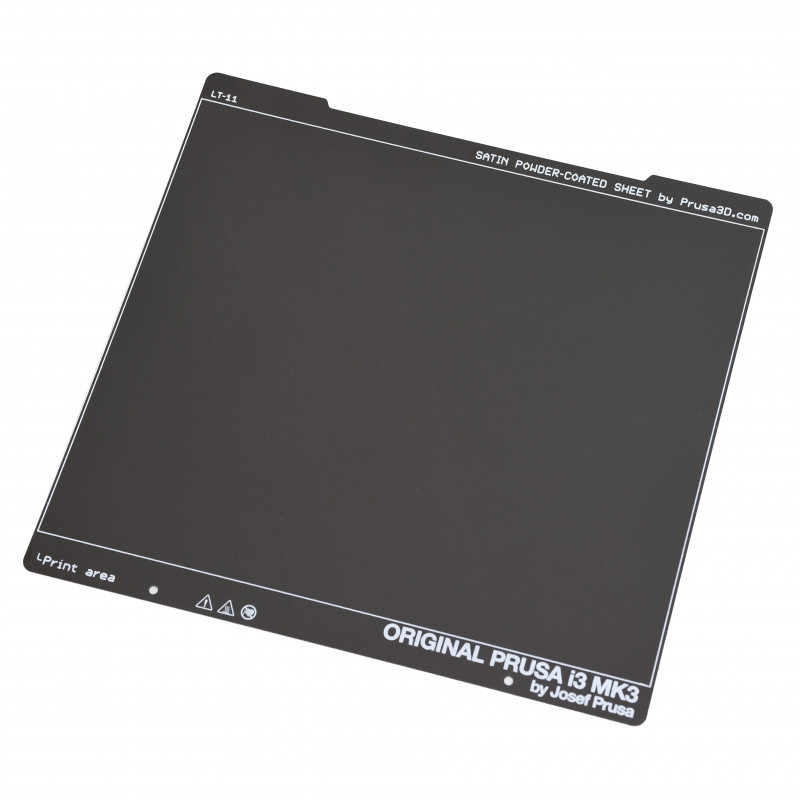
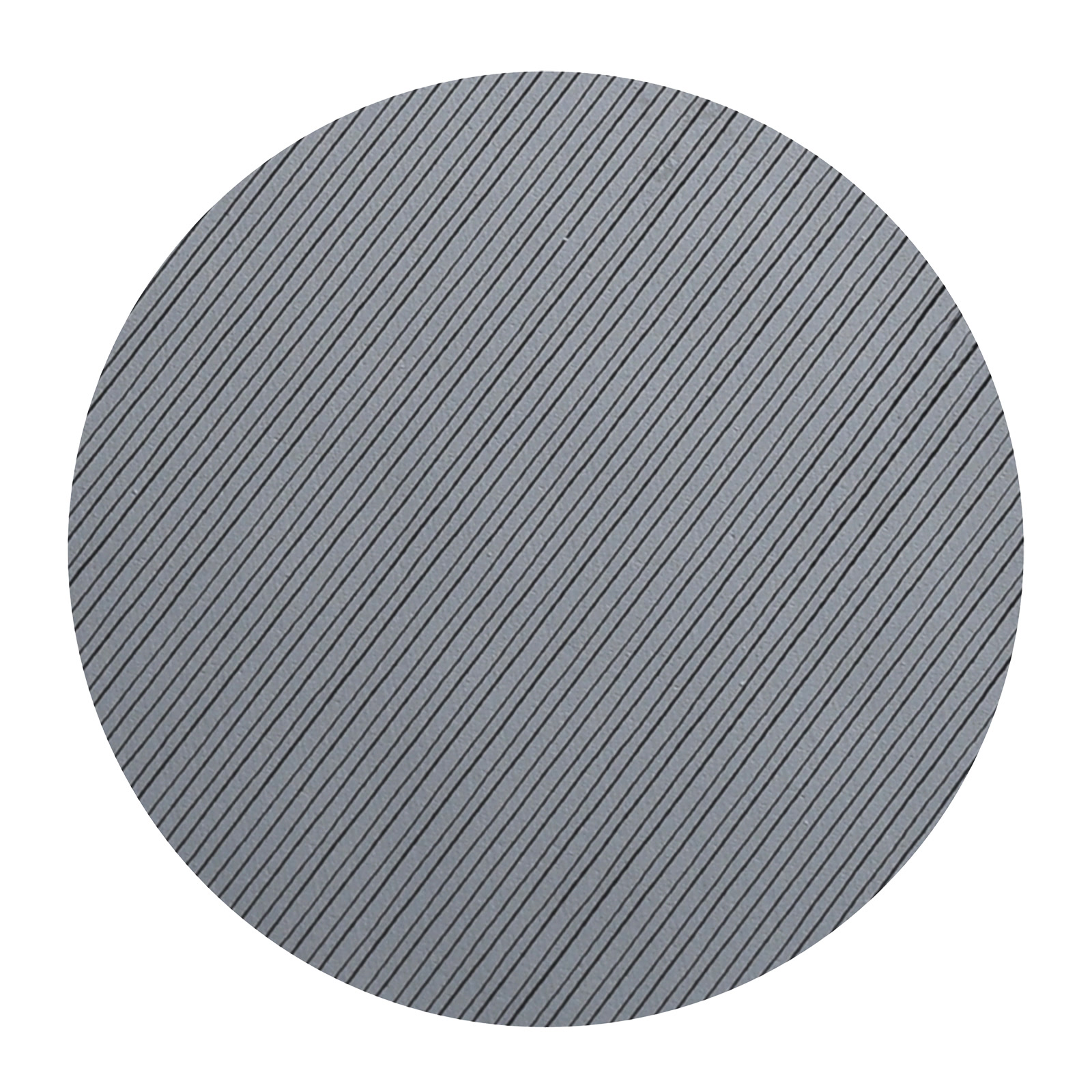
                  The Satin sheet further expands our line-up of print sheets. Its powder-coated surface with a lightly textured matte finish offers an optimal level of adhesion and is fully compatible with a wide range of common and less-common filaments. For all details and considerations of the Satin sheet, please see Satin steel sheet.

                  PA nylon sheet

                  The special PA nylon sheet is made for printing polyamides (Nylon) since their adhesion to standard PEI sheets is generally very poor. The sheet comes with a matt texture, similar to the satin steel sheet with a PEI surface. The sheet is compatible with most polyamides and PETG, other materials may have insufficient adhesion and should be printed on our standard PEI sheets. For all details and considerations of the PA nylon sheet, please see PA nylon sheet.

                  PP sheet

                  This print sheet is specially designed to print polypropylene-based filaments, especially the Prusament PP Carbon Fiber Black. The PP-type materials have generally a lower adhesion on textured or satin print sheets. This sheet has a special surface finish that increases the adhesion and is perfect for Prusament PP. The PP sheet has a lightly textured surface finish similar to the Satin Powder-coated Steel Sheet. For all details and considerations of the PP sheet, please see PP sheet.

                  HighTemp sheet

                  The HighTemp print sheet is intended for printing with special high-temperature materials, such as PEEK, PEEK-CF, PEI, PEKK, and PPSU, which may otherwise have poor (or too strong) adhesion on standard steel sheets. Basic materials such as PLA or PETG do not adhere very well, as this print sheet was developed for high-performance, high-temperature materials. This sheet is made for the Prusa Pro HT90 printer only. For all details and considerations of the HighTemp sheet, please see HighTemp sheet.

                  Prints don’t stick

                  If your print surface is perfectly clean and all grease has been removed by wiping it as in the guidelines for your steel sheet type, and if the first layer height is set up perfectly, yet your print still does not adhere reliably to the print surface, check out First layer issues.
                  Was this article helpful?
                  This action is available only to registered users. Please log-in.

                  Topics

                  • About your printer
                    • Printer features
                      • HW setup (MK2.5/S & MK3/S/+)
                      • Steel sheet profiles
                      • Crash detection
                      • Filament sensor MK3 (non-S)
                      • Flexible steel sheets (guidepost)
                      • Print statistics
                      • Power-modes
                      • SD card sorting
                      • Pronterface and USB cable
                      • Prusa firmware-specific G-code commands
                      • IR Filament Sensor (MK2.5S, MK3S/+, MK3.5/S)
                      • LCD brightness adjustment (MK3S)
                      • Tune Menu
                      • Sound mode (MINI/MINI+)
                      • LCD screen contrast adjustment (i3)
                      • IR Filament sensor detection (MK3S)
                      • Experimental menu (MK3/S/+)
                      • Noisy filament sensor (MINI)
                      • Water-soluble materials (PVA/BVOH)
                      • Satin steel sheet
                      • Textured steel sheet
                      • Smooth Steel Sheet
                      • HW setup (MINI/MINI+)
                      • One-click print
                      • Support menu (MK3/S/+)
                      • Dump memory (MK3/S/+ and MK2.5/S)
                      • Experimental settings (MK4/S, MK3.9/S, MK3.5/S, XL/+, MINI/+)
                      • Special PA Nylon steel sheet
                      • Crash dump (MK3/S/+, MK2.5/S)
                      • Thermal model calibration
                      • Loadcell (MK4/S, MK3.9/S, XL/+)
                      • Status LED explained (MK4/S, XL/+)
                      • Nextruder filament sensor (CORE One, CORE One L, MK4/S, MK3.9/S, XL/+)
                      • Sample G-codes
                      • Buddy firmware-specific G-code commands
                      • Nextruder silicone sock (CORE One/+, CORE One L/+, XL/+, MK4/S, MK3.9/S)
                      • Model preview
                      • Cancel Object (MK4/S, MK3.9/S, XL/+, CORE One+/GEN 2, MINI/+)
                      • Tools Mapping (XL)
                      • Support settings for the XL/+
                      • Touch screen (CORE One L, CORE One, MK4/S, MK3.9/S, MK3.5/S, XL/+)
                      • NFC antenna
                      • Prusa Pro Filament Drybox
                      • High temperature print head (HT90)
                      • High flow print head (HT90)
                      • Accelerometer (CORE One, MK4/S, MK3.9/S)
                      • Tools Mapping and Filament Mapping (XL/+, INDX, MMU3)
                      • GPIO Module
                      • MMU3 Prusa Nozzle vs. CHT nozzle
                      • PP steel sheet
                      • HT90 HighTemp Powder-coated Print Sheet
                      • Offline Workflow with Prusa 3D Printers
                    • Printer description
                    • General Information

                  17 comments

                  Log in  to post a comment
                  Marek Němec
                  •
                  man, my pla prusament print just slightly damaged my new smooth PEI sheet :/
                  Reply
                  bleakraven
                  •
                  What exactly are the dimensions on these sheets?
                  Reply
                  Elad
                  •
                  Just a suggestion,  On the 2 sided Plates, such as the Satin,  I use one side till it gets worn,, then I switch to the other side, Till I manage to accidently switch the sides..   Why don't you mark the sides and add the words  Side 1,  and Side 2 ,  on the top near the name.   Then us forgetful people or clumsy people don't manage to mix them up.   :)
                  Reply
                  NickyDoes
                  •
                  Four sheet types, but all are called "Heatbed steel sheet" on the sheet itself.Suggestion: Print the sheet type on the sheet.
                  Suggestion2: Print the sheet type on the sheet *near the front* so I can confirm sheet type with sheet type setting before starting a print.
                  Reply
                  Joe O
                  •
                  A quick 2c on this topic - These sheets have different names in different places.  Smooth, textured, satin. PEI, powder coated, etc.  These names get a bit confusing for a newbie.                 Second - The sheets themselves don't say what they are!  An easy win to help newbies. Bonus points if you include the most common materials eash sheet is good for right on the sheet screenprinting.                   Third - Y'all are delightful and I hope you have a pleaseant day.  -Joe                    Edit - Saving removed all my formating and line breaks, if that is intentional, fine. If not now you know.  :D                 Edit 2 - The time stamp on my post leads me to believe I will post this message in the future (Nemacol in 5 hours) localization is only sort of working on this page - I assume?
                  Reply