関連するもの


Some processes in your Original Prusa Printer might generate a rare outcome, not included on our red QR code errors or warning screens, and thus give you an error with a blue or black screen and some code on it.
This is commonly known as BSOD (Blue or Black Screen of Death).
Error name: Internal Error
Error code: #31538 (CORE One) #35538 (CORE One L) #36538 (CORE One INDX) #26538 (MK4S) #13538 (MK4) #27538 (MK3.9S) #17538 (XL) #21538 (MK3.9) #28538 (MK3.5S) #23538 (MK3.5) #12538 (MINI)
Starting from firmware version 6.5.1, the “Blue Screen of Death” becomes the “Black Screen of Death”, still keeping the familiar BSOD acronym.
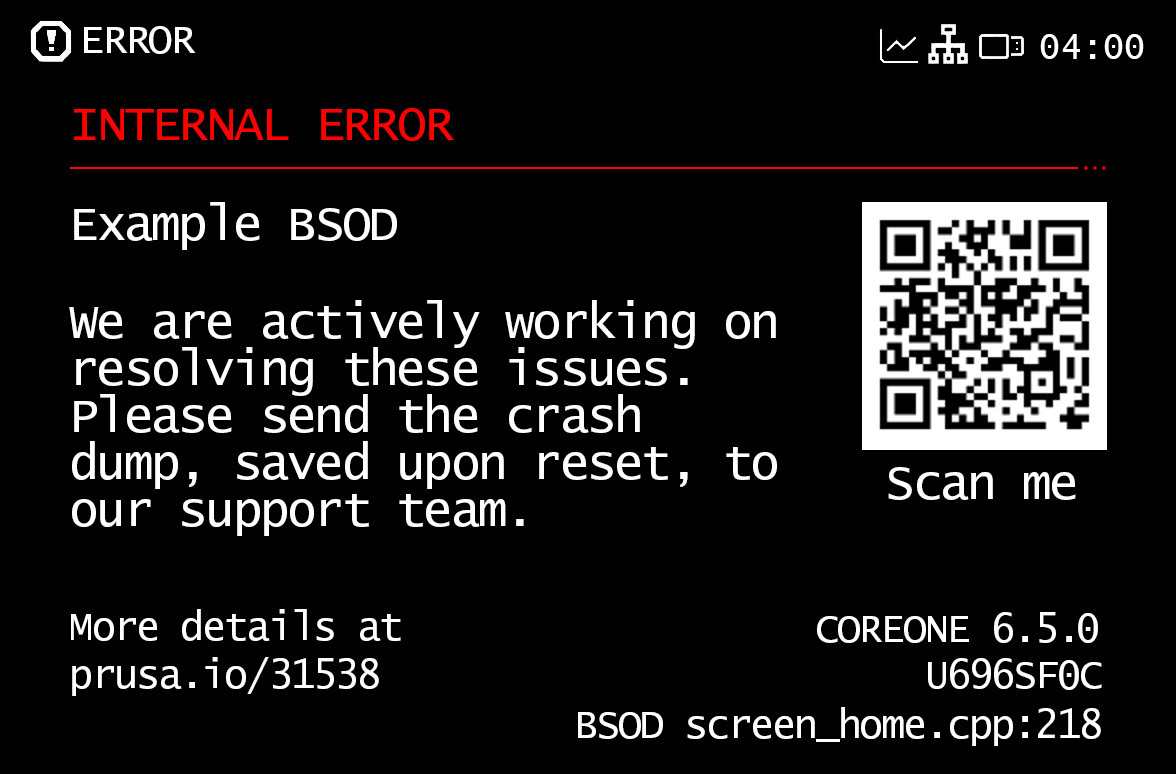 | 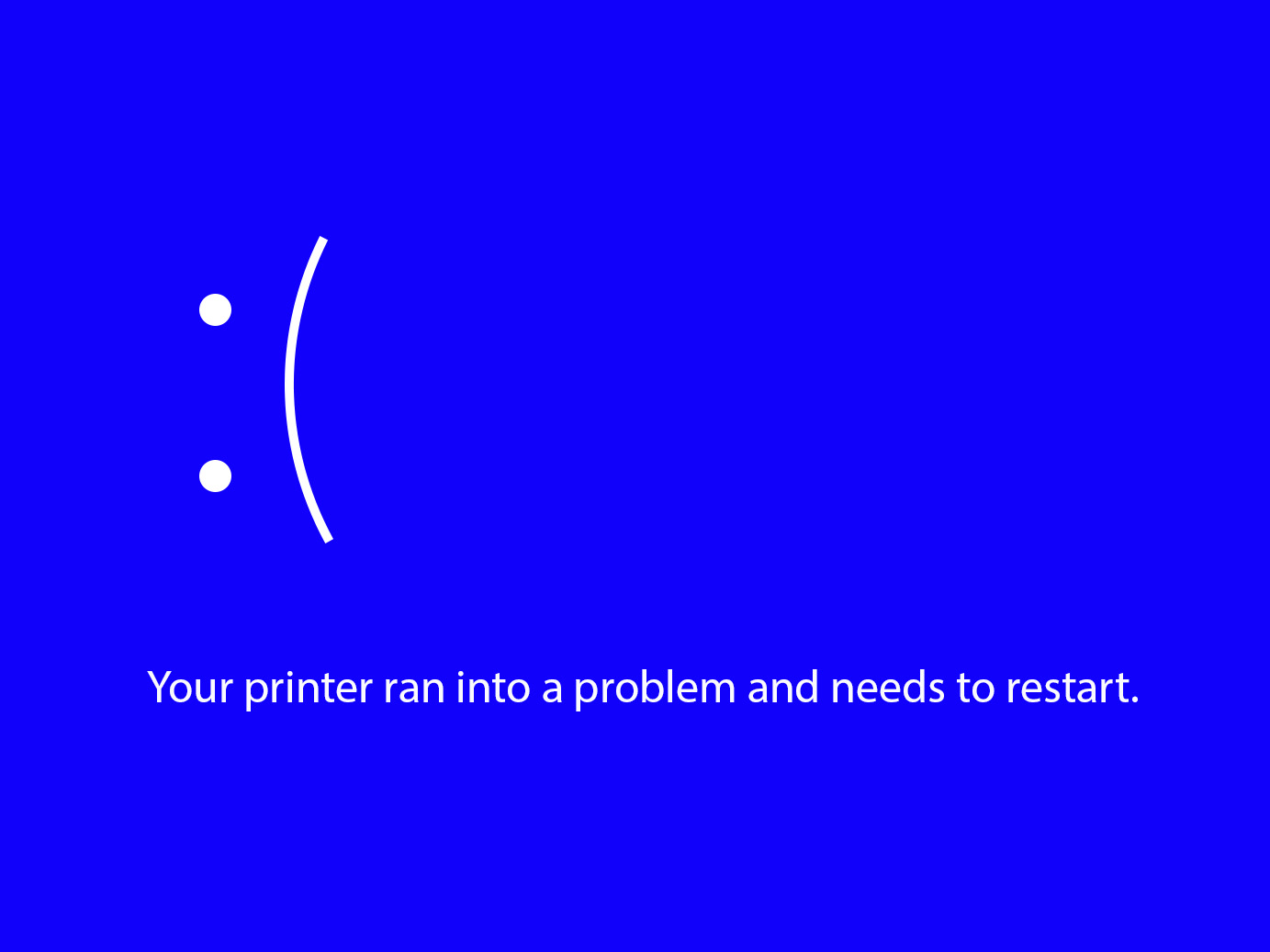 |
| Black Screen of Death | Blue Screen of Death |
If the BSOD appears after trying to select a file from the USB, try using another USB drive, or format your drive to FAT32.
If the issue happens when sending a file from Connect, it should be a momentary issue that will go away on its own. If the issue persists, attempt a power cycle, by switching off the printer, and switching it on again.
The BSOD might appear after you install your MMU3, or try to flash its firmware. If this happens, switch the printer off, and disconnect the MMU cable(s) from the printer's main board. Check the xBuddy board and the MMU board for visible damage.
Our technical support is available at any time. Do not hesitate to contact us to report the BSOD.
If requested from our side, with a USB drive inserted into the printer, go into the printer menu to Settings -> System -> Save Crash Dump, and send it to [email protected] so we can check the best way to solve the problem. However, please note that this email address is not for our technical support.
Please follow these guidelines when sending the crash dump.
1 コメント
Short version: on restart of power, with the MMU plugged in, before the startup progress bar reaches 50% press and hold the left button and the hidden button next to the MMU USB micro port. For some reaaon this will bypass the BSOD and allow you to re-flash the firmware to the MMU.