関連するもの


As a safety feature, if our printers are in the idle state, they automatically disable any heating, including the nozzle, after 30 minutes of inactivity. If this occurs, the printer shows the message "Heating disabled due to 30 minutes of inactivity".
Error name: Nozzle Timeout
Error code: #31819 (CORE One) #35819 (CORE One L) #36819 (CORE One INDX) #26819 (MK4S) #13819 (MK4) #27819 (MK3.9S) #21819 (MK3.9) #28819 (MK3.5S) #23819 (MK3.5) #17819 (XL) #12819 (MINI)
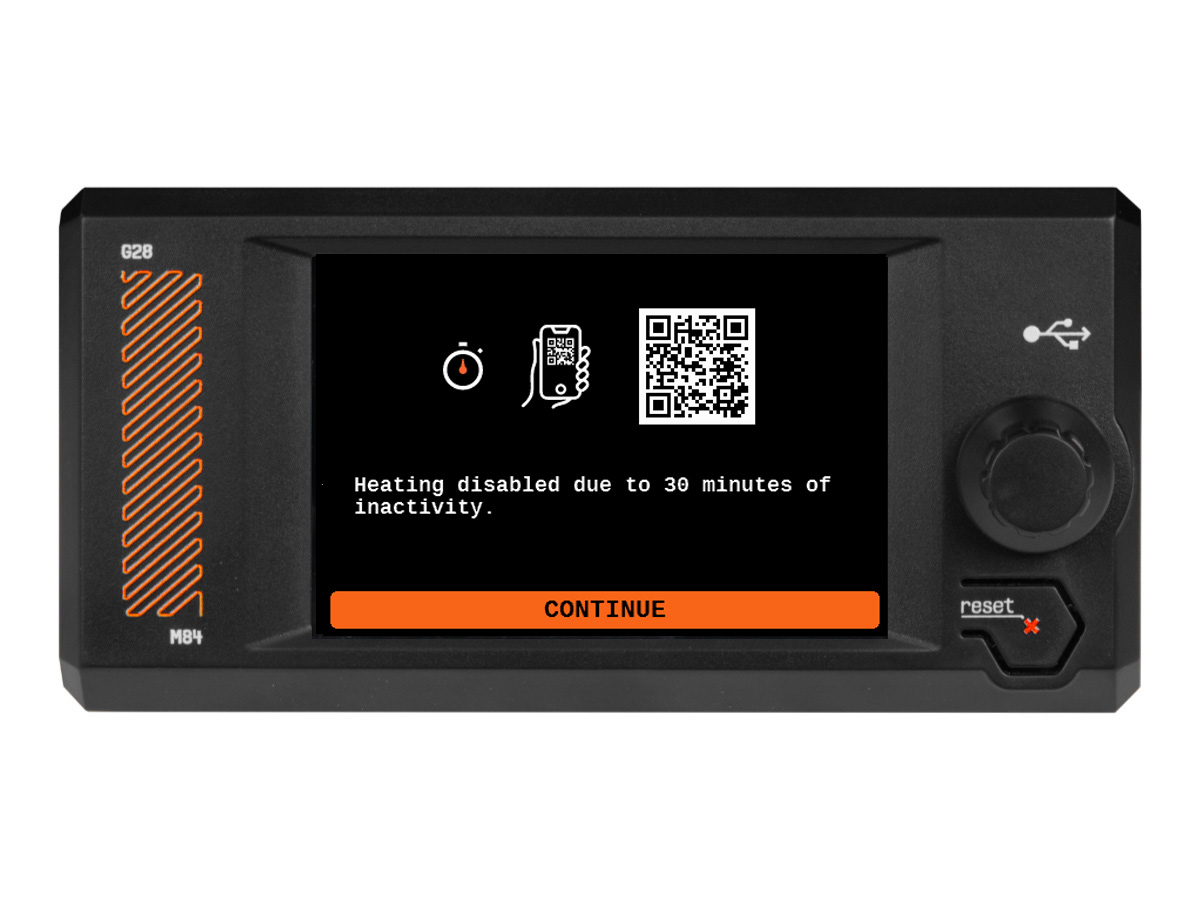
If the printer needs to be heated again, clear the message and heat it using LCD Menu -> Control -> Temperature, or LCD Menu -> Preheat.
If heating is not needed, we recommend clearing the message and waiting for the printer to fully cool down at room temperature before switching it off.