Relevante para


The enclosed printers have chamber temperature measurement.
In certain conditions, there is a risk of the chamber overheating. In this case, the printer pauses the print and shows a warning message "Chamber temperature above safety limit. Ensure better ventilation".
Error name: Chamber overheating
Error code: #31260 (CORE One) #35260 (CORE One L) #36260 (CORE One INDX) #17260 (XL)
On Prusa CORE One and CORE One L, cool down the chamber by setting the chamber fans' speed to the maximum, from the printer LCD Menu -> Control -> Temperature -> Chamber Fans.
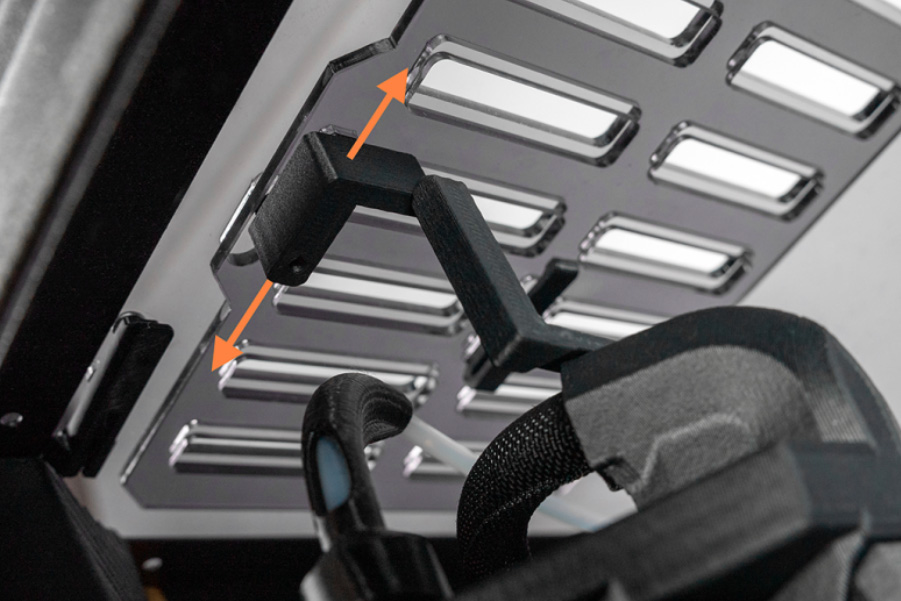
On the standalone and INDX CORE One, open the top lid ventilation holes by sliding the screws on the vents.
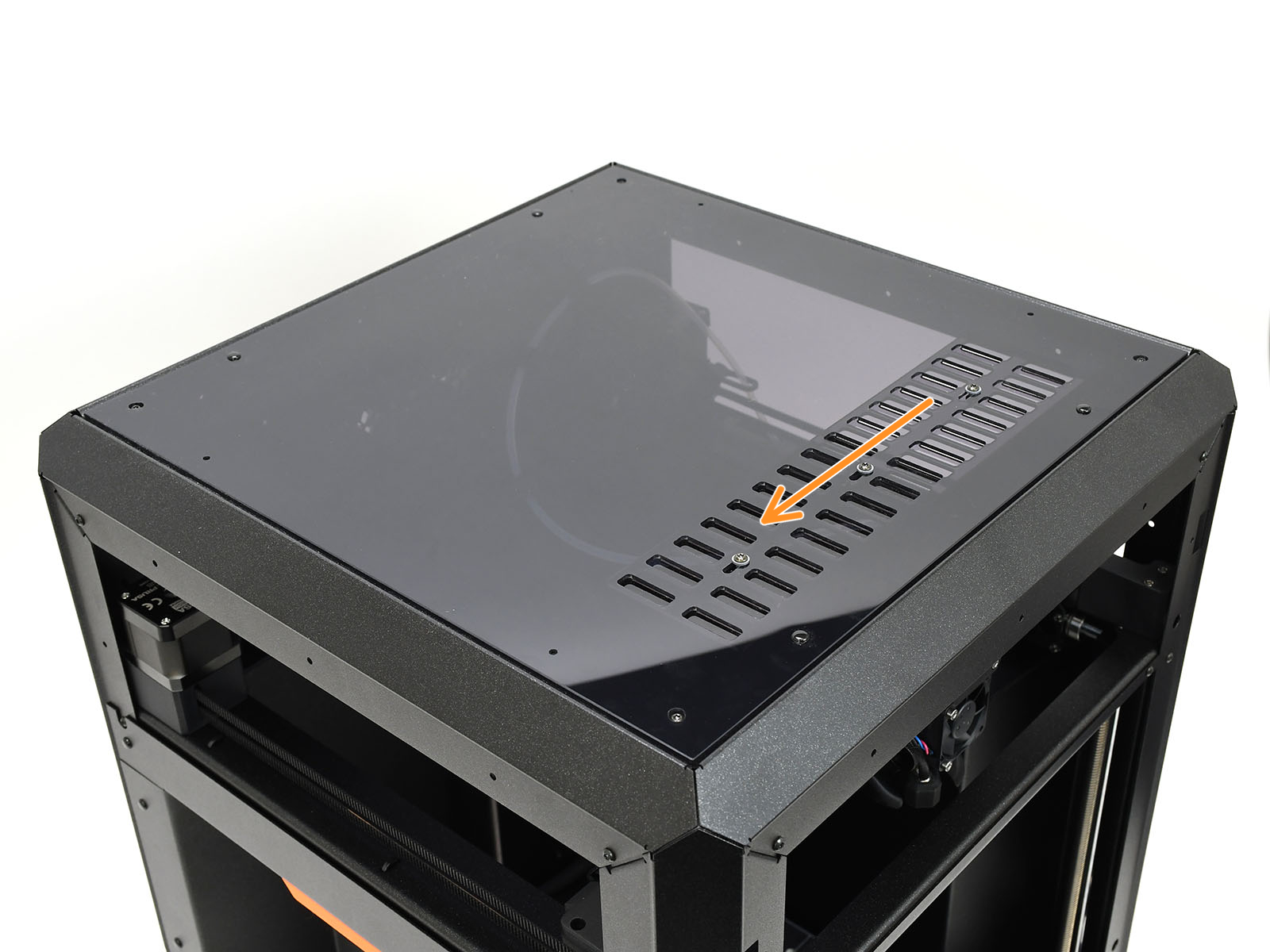 | 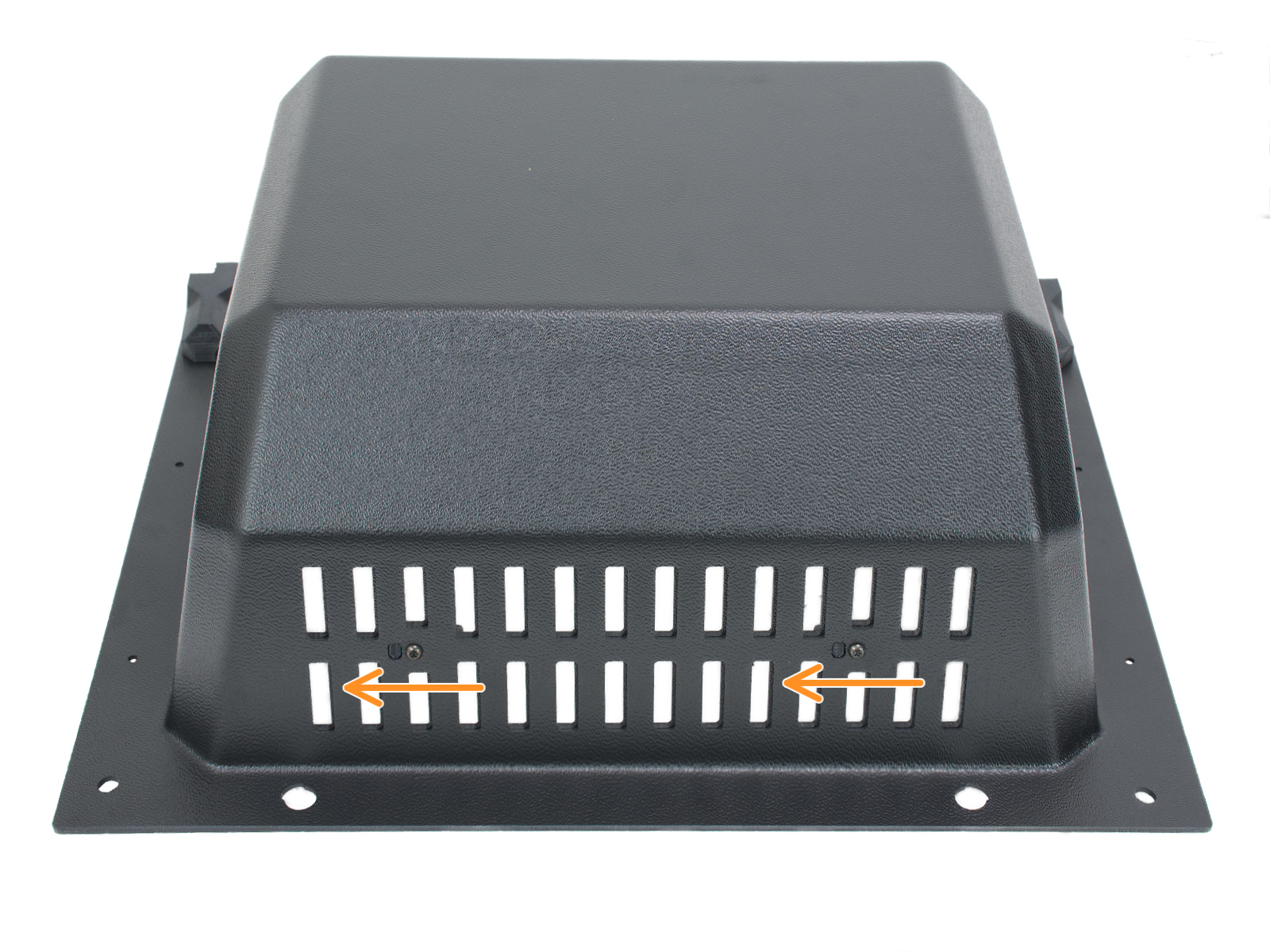 |
| Standalone CORE One | CORE One with INDX |
The CORE One L can open the ventilation holes automatically by pushing the lever on the top of the Nextruder.
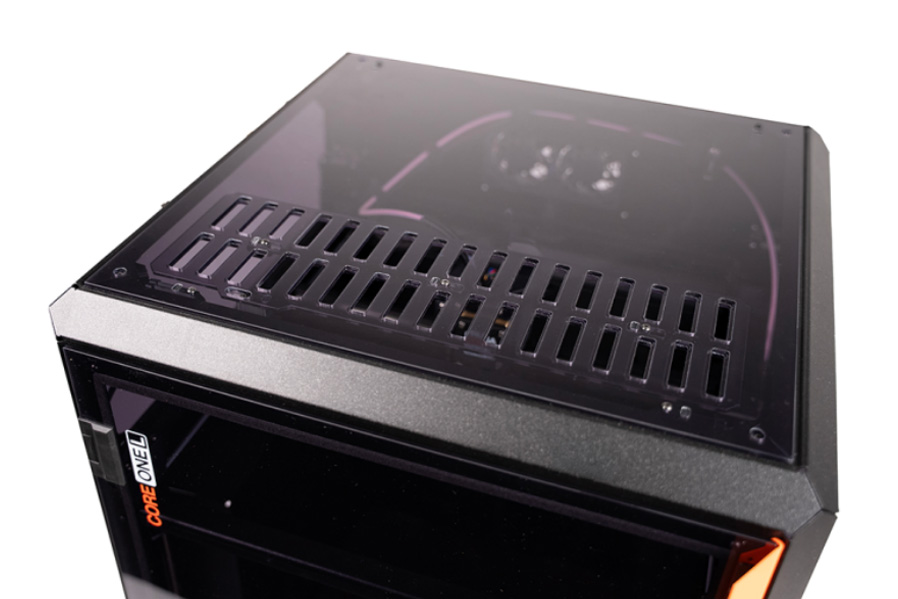 |  |
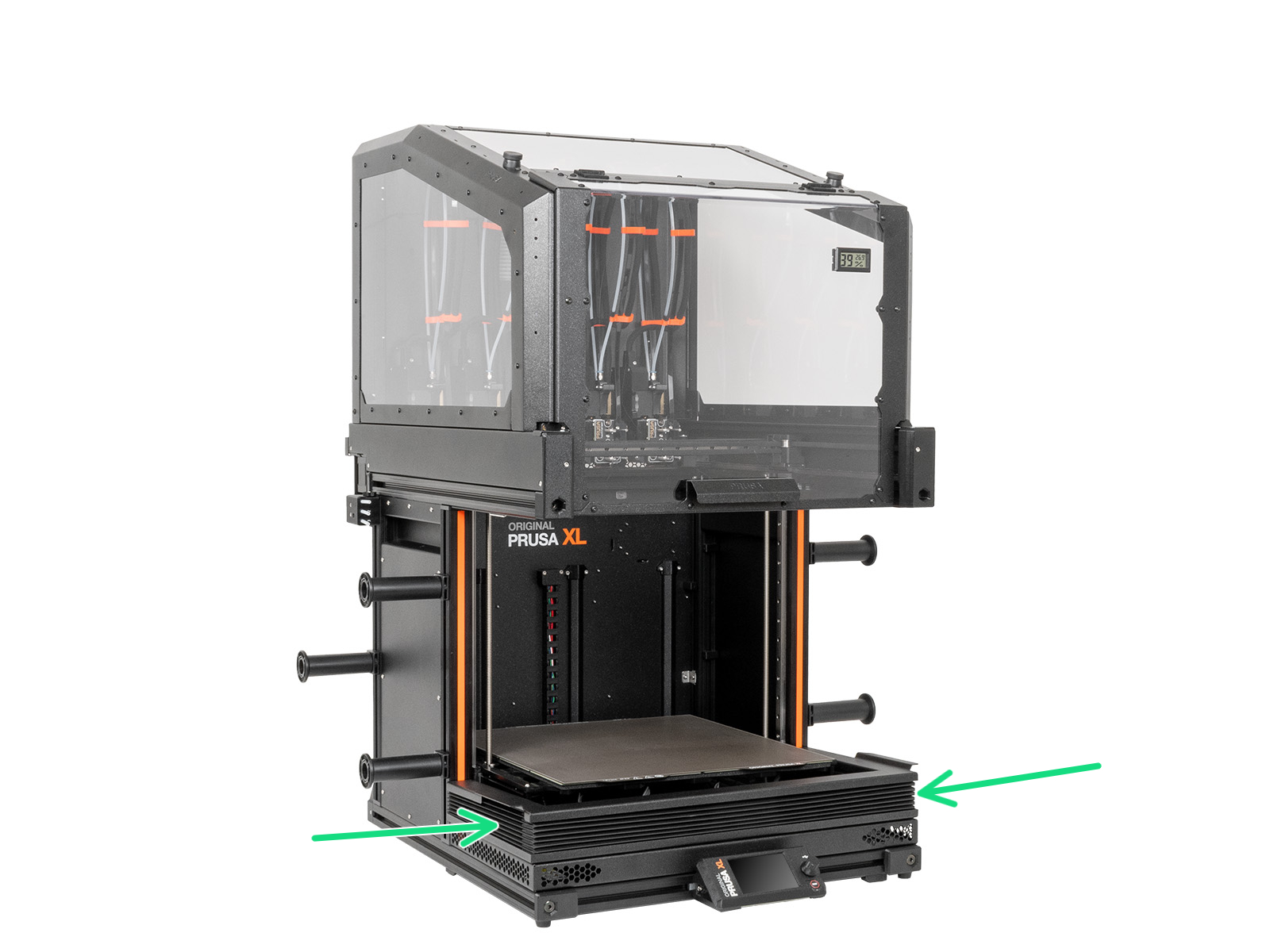
On Original Prusa XL with Enclosure, set the enclosure fan speed to the maximum, from the printer LCD Menu -> Control -> Enclosure settings -> Manual settings -> Fan rotation.
At the same time, slide down the bellows.