Relevant for


The OpenPrintTag standard is an open-source initiative by Prusa Research, creating a single smart spool standard that works across all brands and ecosystems. It is free to use, free to extend, and open for anyone to build upon. Most importantly, it works entirely offline. All essential data is stored directly on the tag. Your printer can recognize the spool instantly, with no dependence on cloud services or vendor lock-ins.
The OpenPrintTag is writable. It’s not just a tag that holds an ID; you can write important data directly to it. All essential data – material, color, key print settings, and remaining filament – is stored on the tag. Your printer doesn’t need Wi-Fi or a cloud service to identify the spool.
OpenPrintTag is a published standard that is completely free to use, free to extend, and works across brands. Anyone can build on it without any licensing fees. This is critical for making it the one standard that everyone can adopt.
All specifications are available on the dedicated OpenPrintTag specifications.
This is what a smart spool was always meant to be. Your printer or a mobile app can write the exact remaining filament length back to the tag after every print. No more guesswork. When a spool is empty, peel the tag off, stick it on any filament you own, and flash it with your phone. Instantly, your old spool is smart. No vendor lock-in, no waste.
The hardware itself is clever. The tag is a large circle, which means it can be read and written to in any orientation. You don’t have to wait for the spool to spin to a specific position. It’s powerful enough to be read through an entire 2kg (Prusament) spool, so one tag is all you need – no more complex systems with a tag on each side. The data is always in sync.
The OpenPrintTag standard works across all brands and ecosystems. This universal standard guarantees compatibility on all supported devices, eliminating proprietary walled gardens. Designed to be used with filament spools, resin containers, and other applications.
Every new Prusament spool we manufacture since October 2025 includes OpenPrintTag. But it’s not just us. We want this to be a universal solution, and we are already in discussion with several other major brands who are testing or have shown interest in OpenPrintTag. Over time, you will see it being used by more and more companies.
Adding the OpenPrintTag to our spools required some structural changes. We took this opportunity to update the spool in several ways. So, while we stayed loyal to our signature hexagonal grid on the spool faces, everything else changed – even the box, which can now be recognized by its dark color and light graphics.
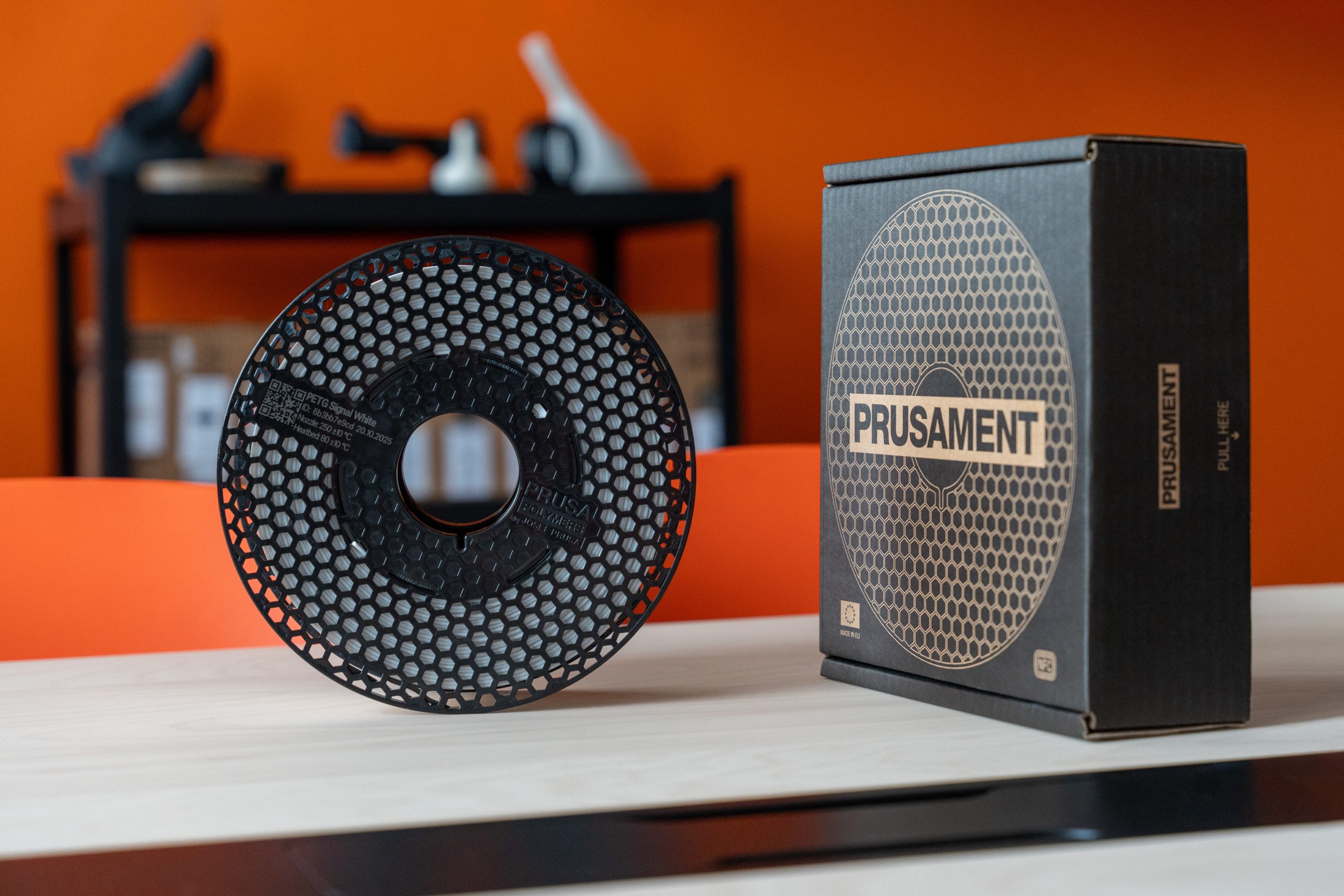
The new spool is now 3 mm slimmer and with some extra holes in it. With its slimmer dimensions, the spool ensures compatibility with a wide range of multi-color and multi-material printing systems. And the extra holes? Those are simply a part of the locking mechanism of the spool sides.
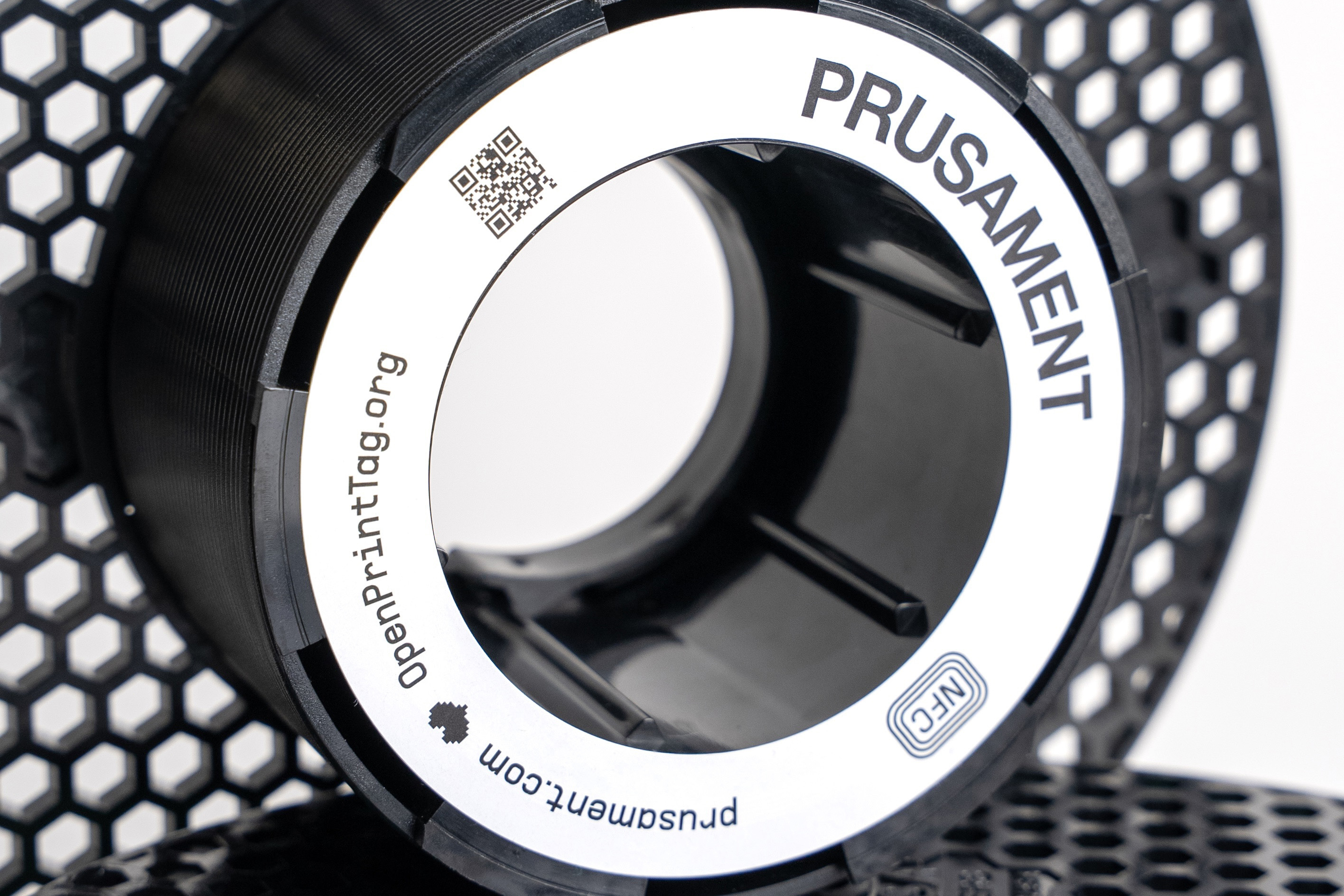
We replaced the original paper core with a plastic one equipped with a locking mechanism, and we manufacture the whole spools from recycled polycarbonate. This ensures high reliability at temperatures up to 100 °C. And the High-Temp spools we use for PEI resist up to 150 °C, even with the OpenPrintTag inside.
Old refills don’t fit the new spools as they’re wound on a paper core. The new refill fits on the old paper core; however, due to the change in spool dimensions, there is a larger clearance, which increases the risk of errors. We recommend using a new refill with new spools only.
For more details on how to refill the new Prusament spool, consult the dedicated guide How to use Prusament Refill 900g.
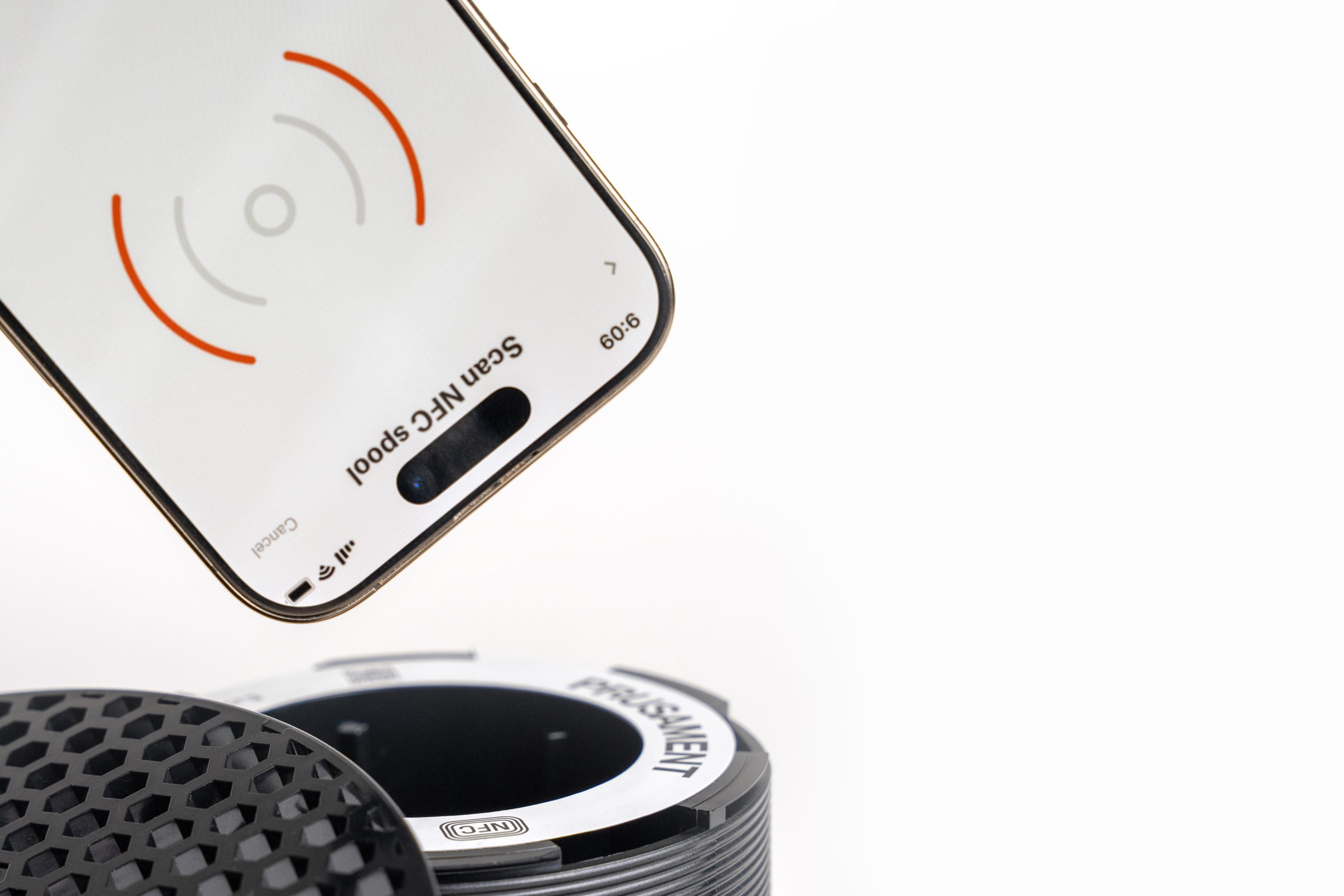
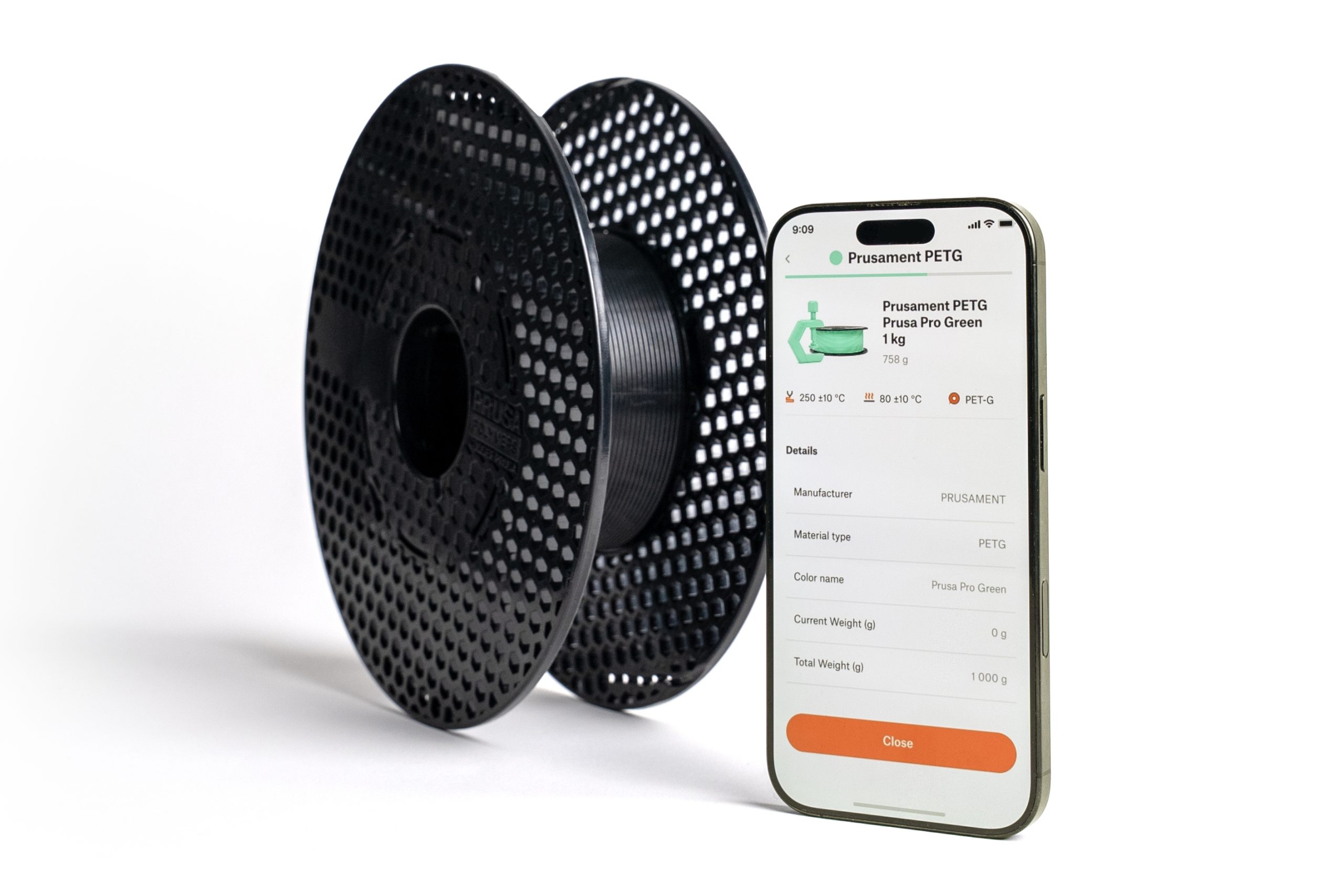
Open Menu -> NFC Reader. Tap Scan, then hold the device close to the NFC tag on the spool.
This way, you can read the filament data contained in the NFC tag on your device's screen.
 |  |
Using an app such as NFCTools, select the write option, and write the tag. Feel free to write it on your own, or to use a generator, such as our OpenPrintTag generator. This is an example tag for our Prusament PLA Lipstick Red.
6 comments