Relevant for


The Main Control Unit on the MMU control board has detected a power-related issue.
Access the MMU control board, and inspect it visually to spot any incorrect assembly or damage on its surface, on the cables, and attempt reseating the cables to ensure their connection. In particular, make sure that the PD-board add-on is attached to the control board.
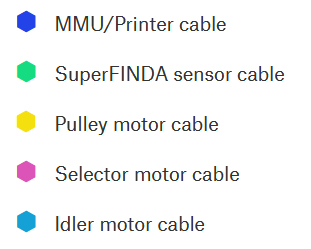 | 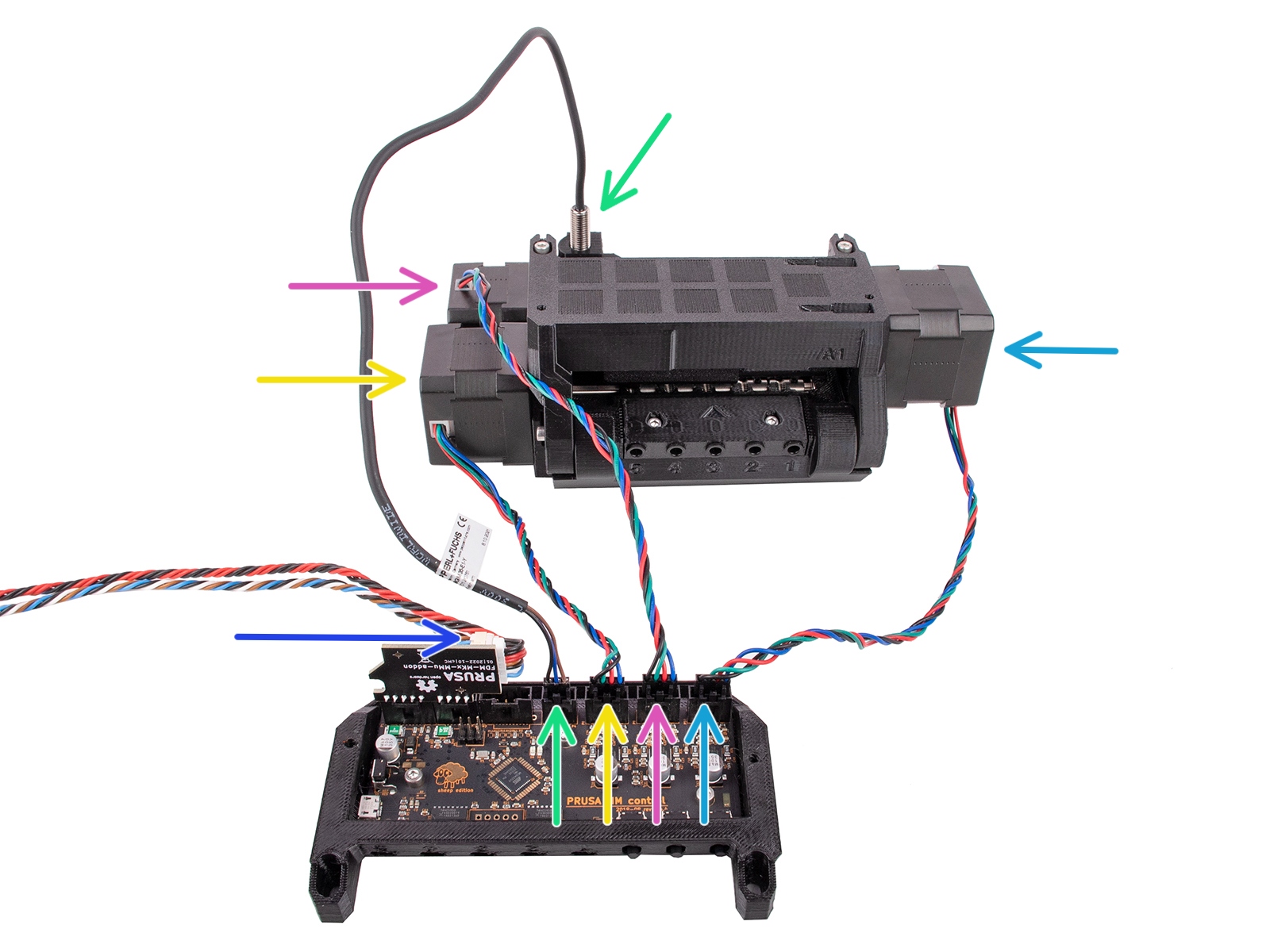 |
If the issue is not solved with these checks, please contact our customer support.
9 comments
Now I am told I have to upgrade to MMU3 because of firmware not working. Curious.
Hi! There is no fix on the way. It is a hardware issue. MMU3 upgrade solves it. Prusa used to offer a free MMU3 upgrade voucher to the users having this issue persisting, till the end of the last year. You can try to reach out to the support to see if they might somehow help you - but fidding with the cable usually is not a proper long-term solution.
Hi! This might work because you "refreshed" the loose connection in the cables by moving them. This is probably not a good long-term solution though. In case the MCU error comes back, try to clean the connectors. If nothing helps to get rid of the issue entirely, contact support. They might be able to provide you with a MMU3 upgrade voucher till the end of this year.