Relevant for


This error is shown when the selector on the MMU unit needs to move or re-home, but a filament inside it is detected unexpectedly by the SuperFINDA sensor. The selector can’t proceed because there might be a filament in it.
It is possible to check the FINDA status either by checking the light on top of it or on the LCD.
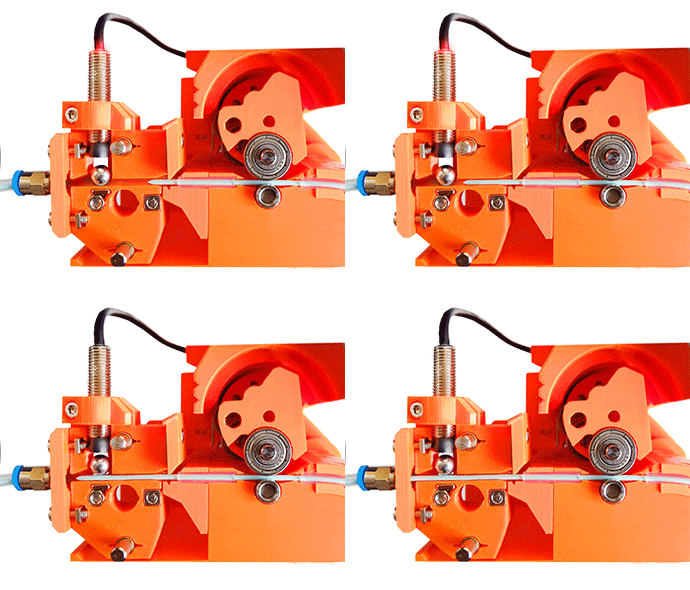
If there is no filament under the SuperFINDA sensor but its status is still 1, check the Selector for any leftover filament or debris.
If necessary, recalibrate the superFINDA by following the assembly guide chapter to re-calibrate the SuperFINDA sensor.
Clear the selector from any filament or debris causing the SuperFINDA sensor to remain triggered.
1 comment