Relevant for


The Original Prusa MMU3 is the direct successor to the Original Prusa MMU2S, featuring substantial hardware updates and new firmware (version 3.0.0 or later). This updated firmware is also backward-compatible with the MMU2S.
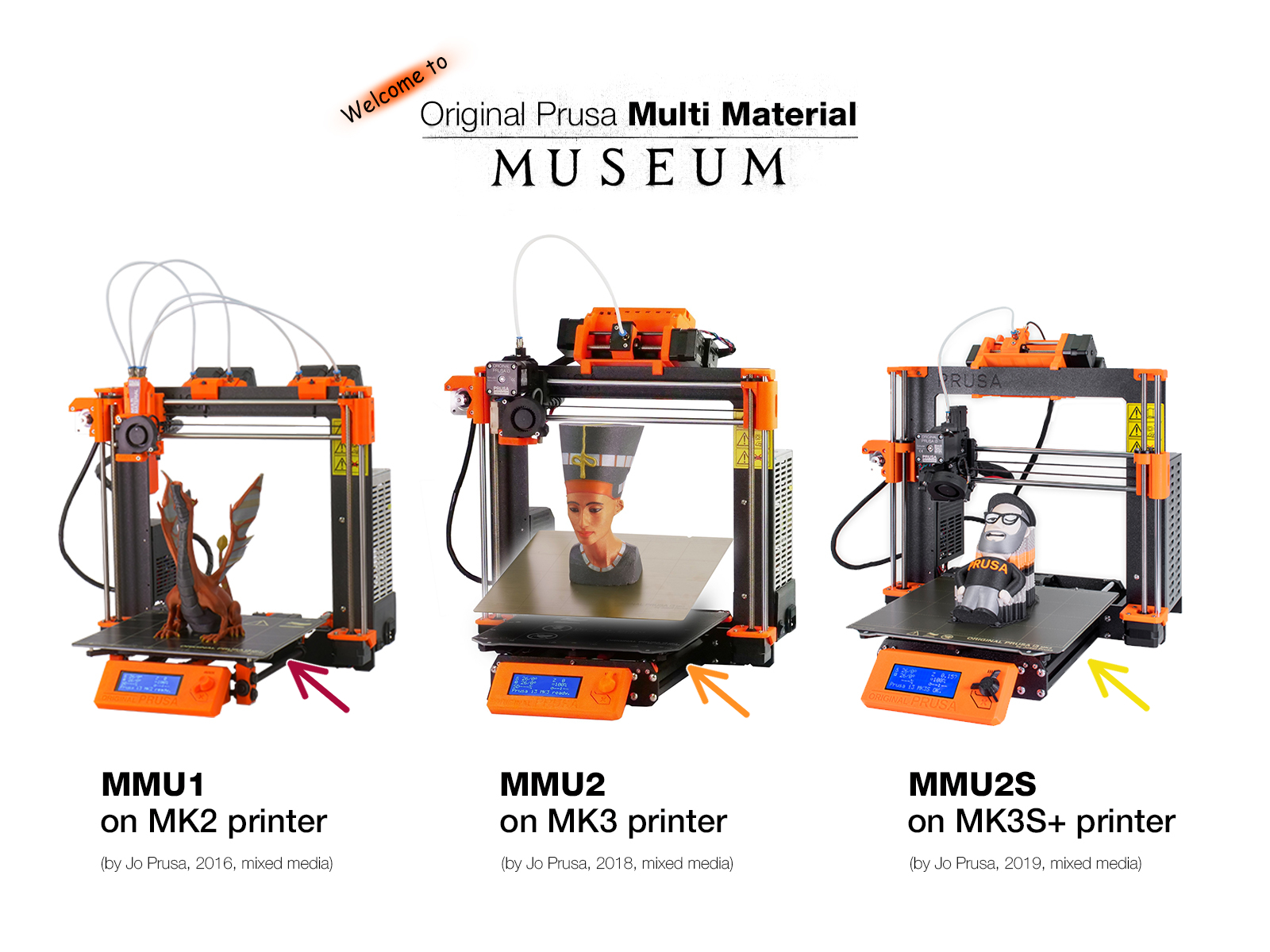 | 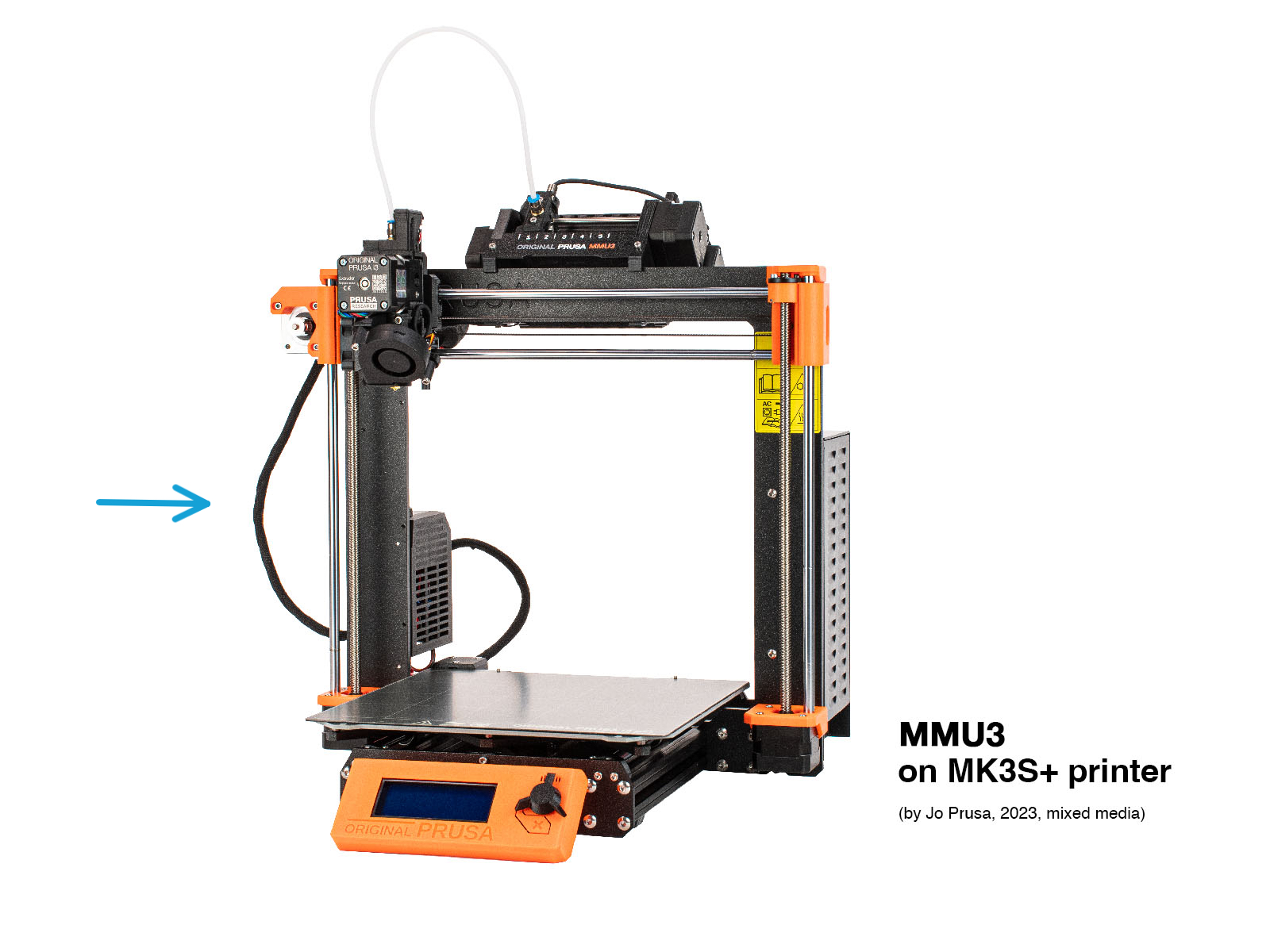 | 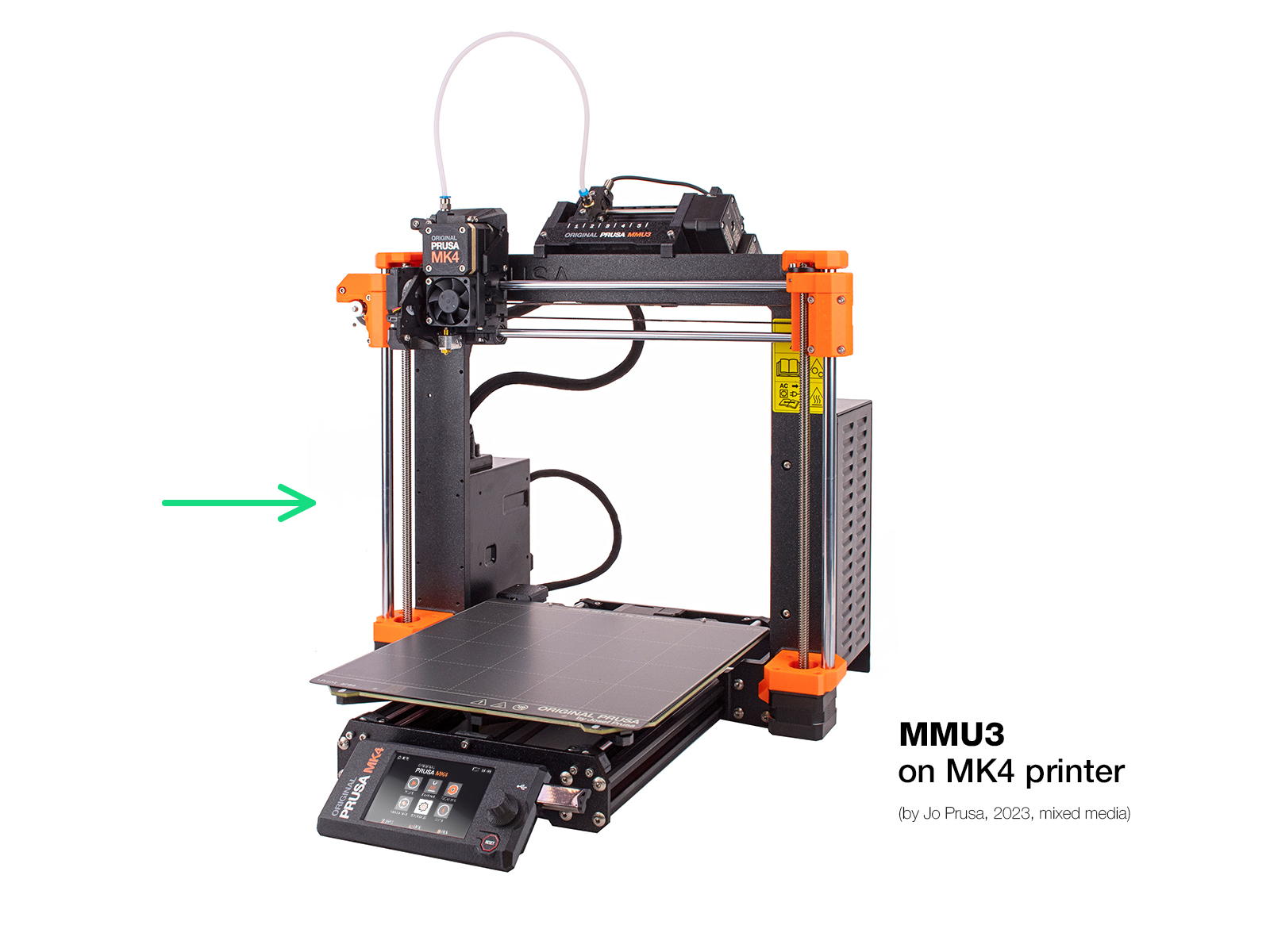 |  |
MMU3 firmware (3.0.0+) requires matching printer firmware. Always update both to their latest compatible versions to prevent issues.
| MMU firmware | Printer FW: i3 MK3S+ | Printer FW: MK3.5/S | Printer FW: MK4/S & MK3.9/S | Printer FW: CORE One/+ | Printer FW: CORE One L |
|---|---|---|---|---|---|
| up to 1.0.6 | up to 3.12.2 | X | X | X | X |
| 3.0.0 | 3.13.0 - 3.13.1 | X | X | X | X |
| 3.0.1 | 3.13.2 | X | X | X | X |
| 3.0.2 | 3.13.3 - 3.14.0 | 5.2.1 - 5.2.2 | X | X | X |
| 3.0.3 | 3.14.1 | 6.0.0 - 6.4 | 6.0.0 - 6.4 | 6.3.3-6.4 | X |
| 3.0.4 | - | 6.5.3 | 6.5.3 | 6.5.3 | 6.5.3 |
 |  |
 |  |
✔ This hardware setup was thoroughly tested and verified by our testing teams.
* See below for more info.
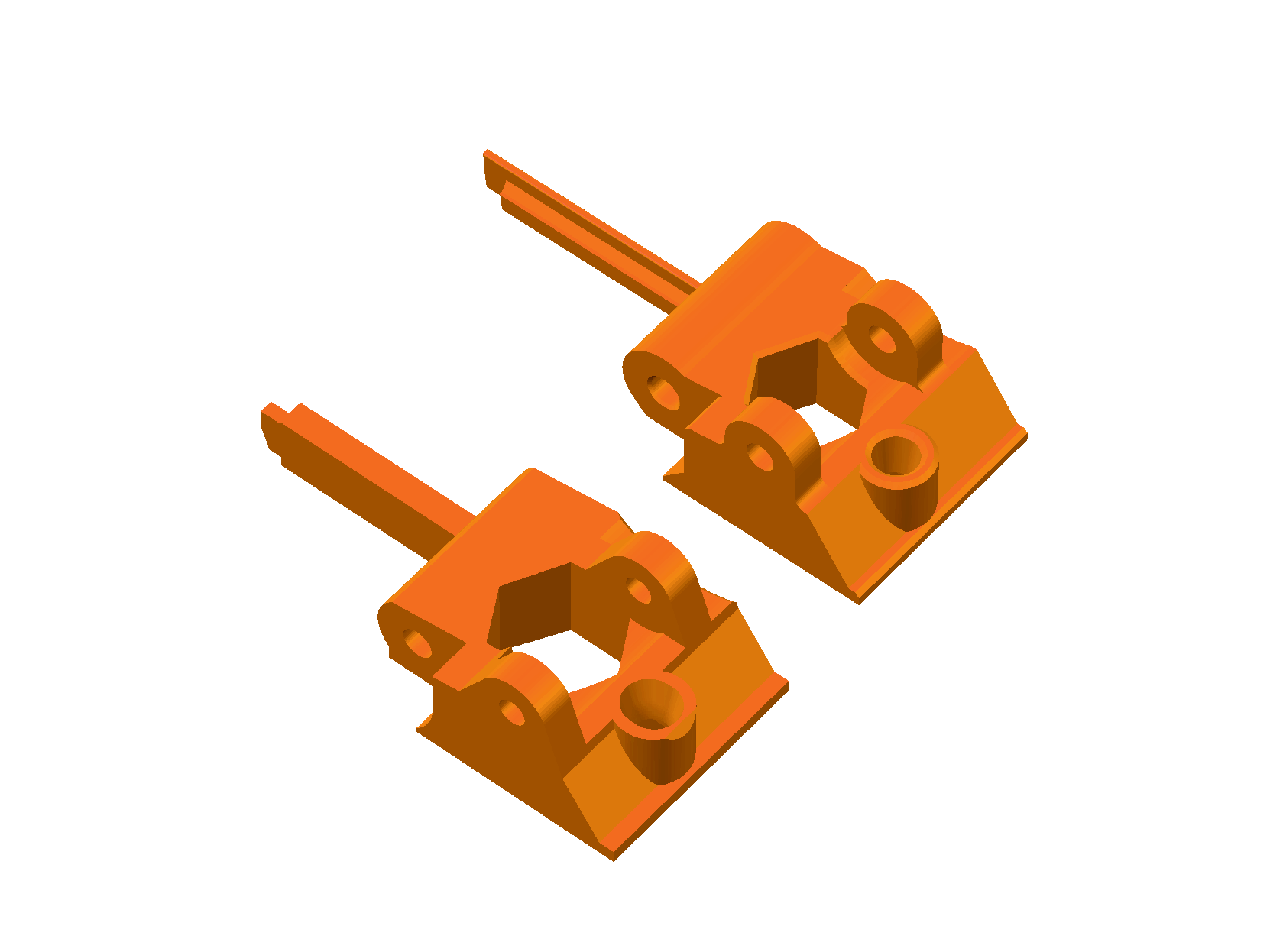
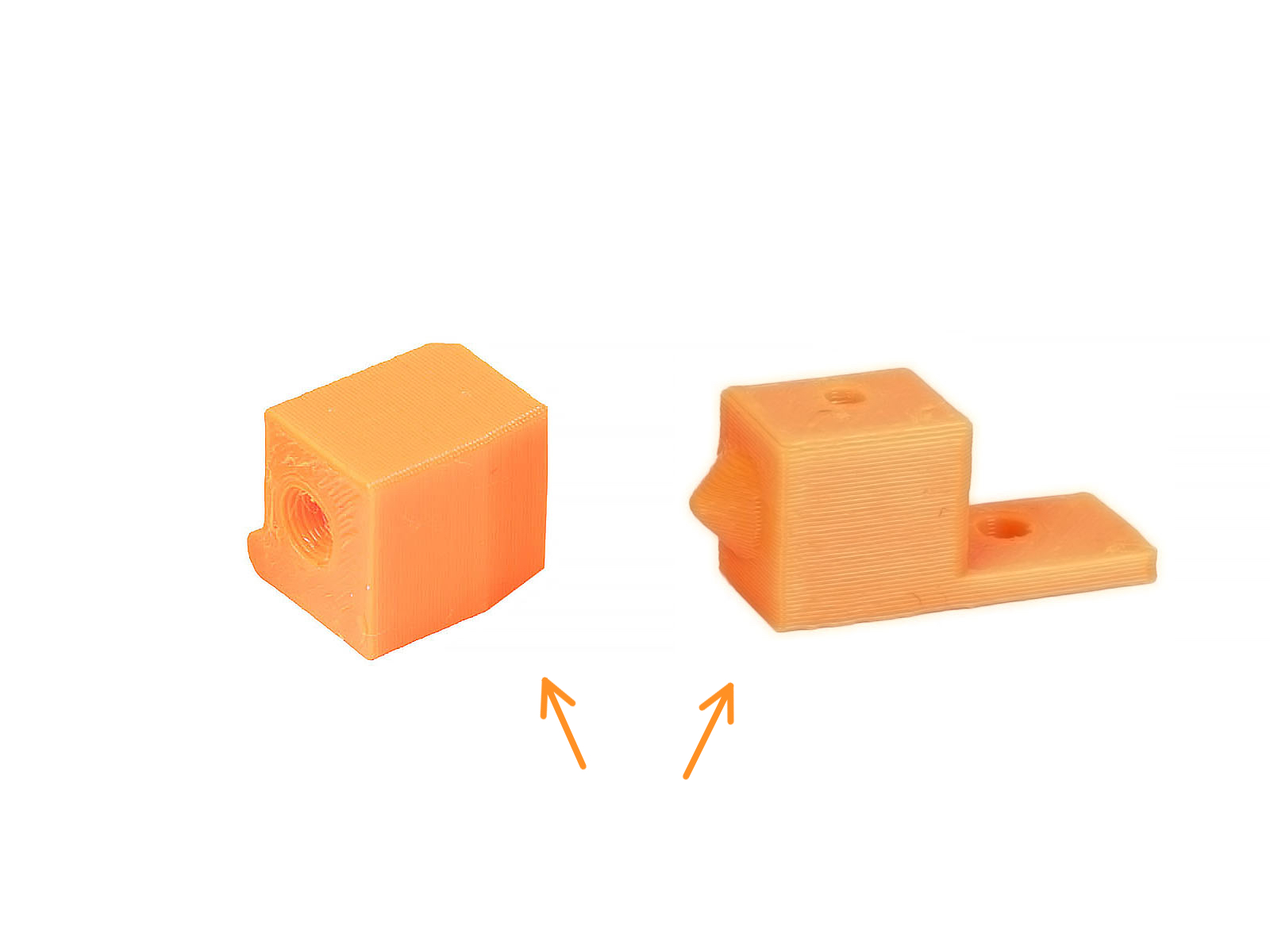
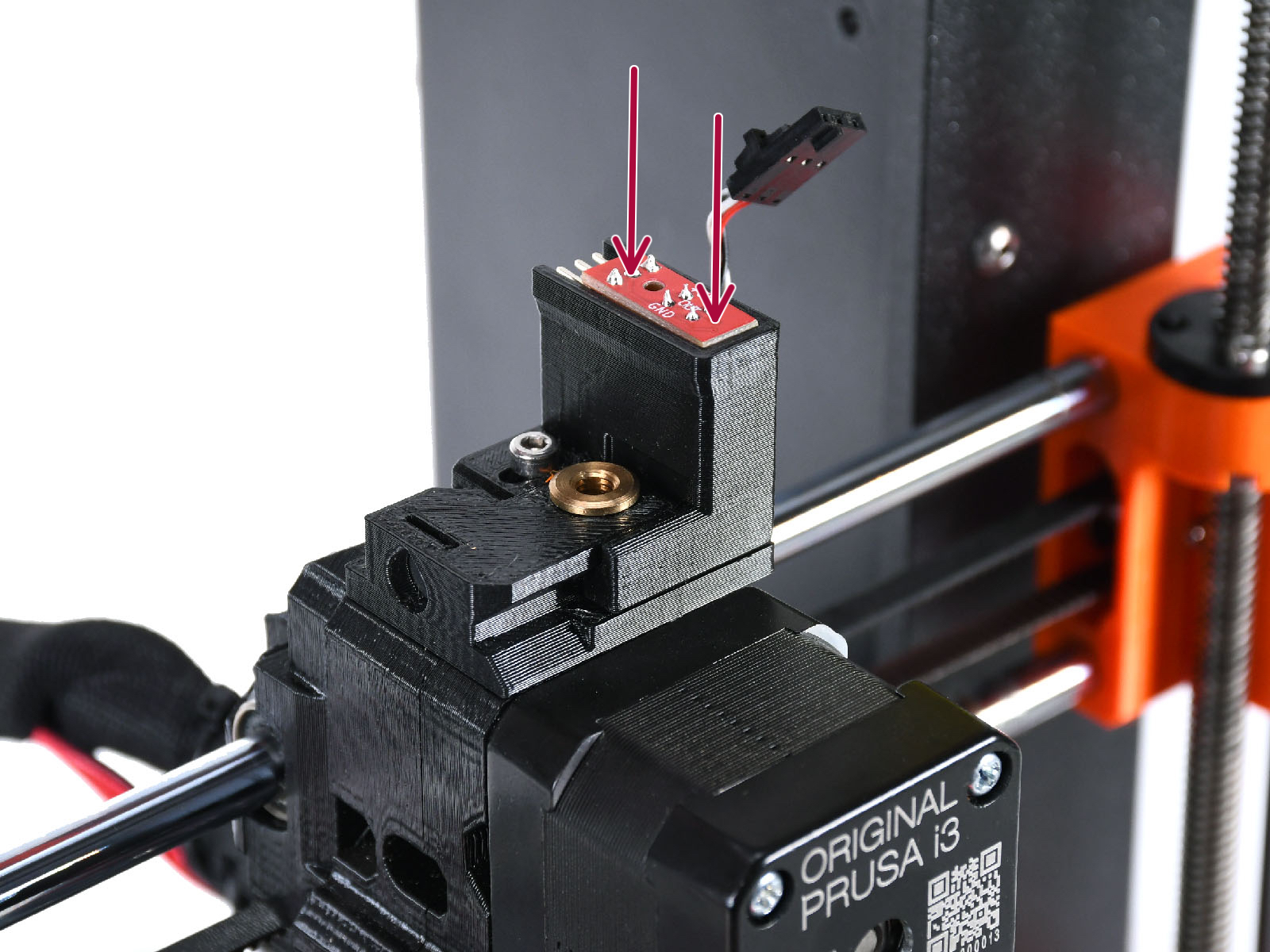
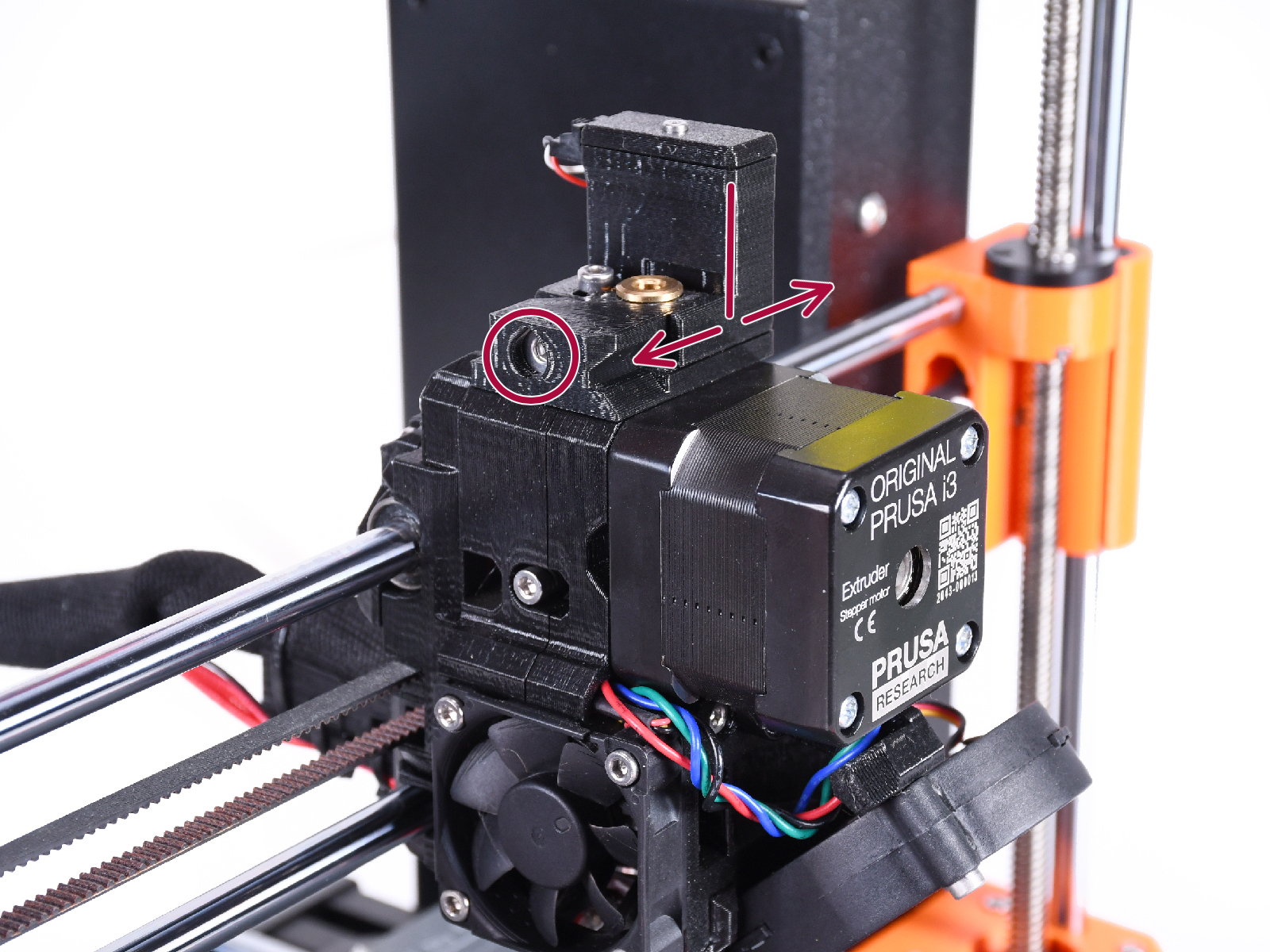
Always get the correct MMU3 kit for your printer. MMU3 installation requires specific extruder modifications depending on your printer model (Nextruder vs. MK3S+/MK3.5 extruder).
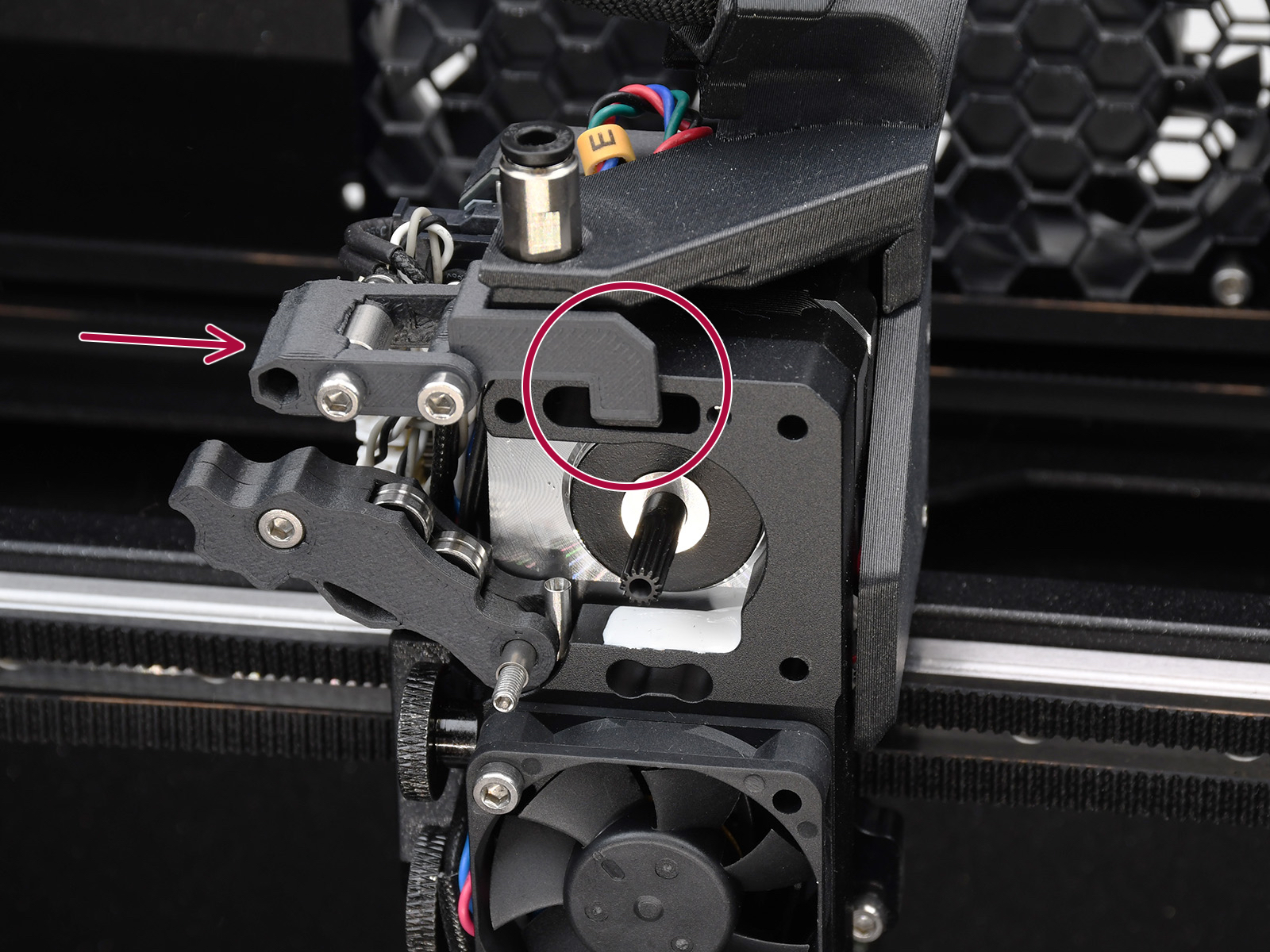 | 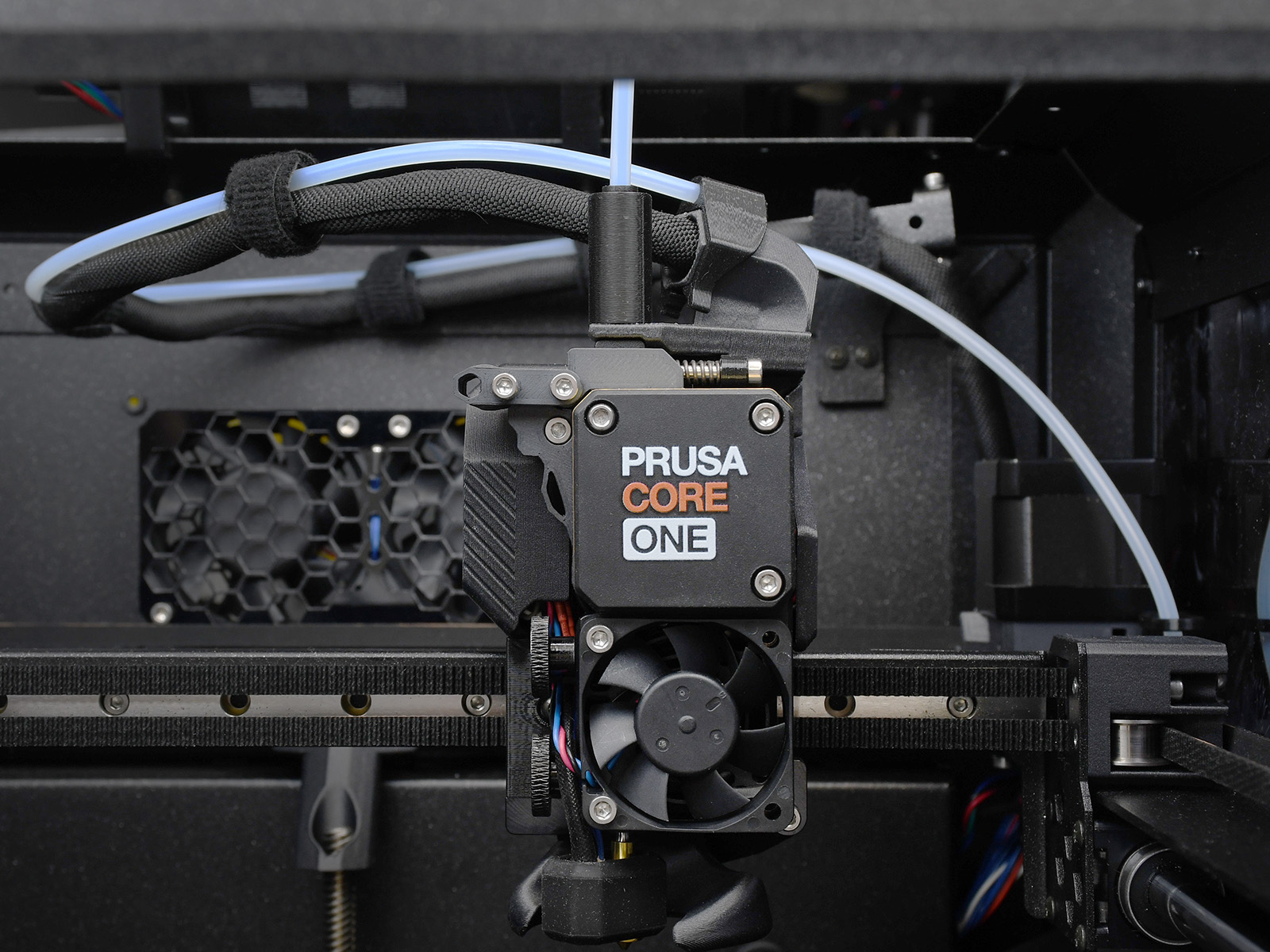 |  |  |
For instance, when converting MMU setup from MK4S to CORE One, obtain the set of required parts such as the different length PTFE tube and Buffer fasteners, because the CORE One utilizes a distinct version of the buffer.
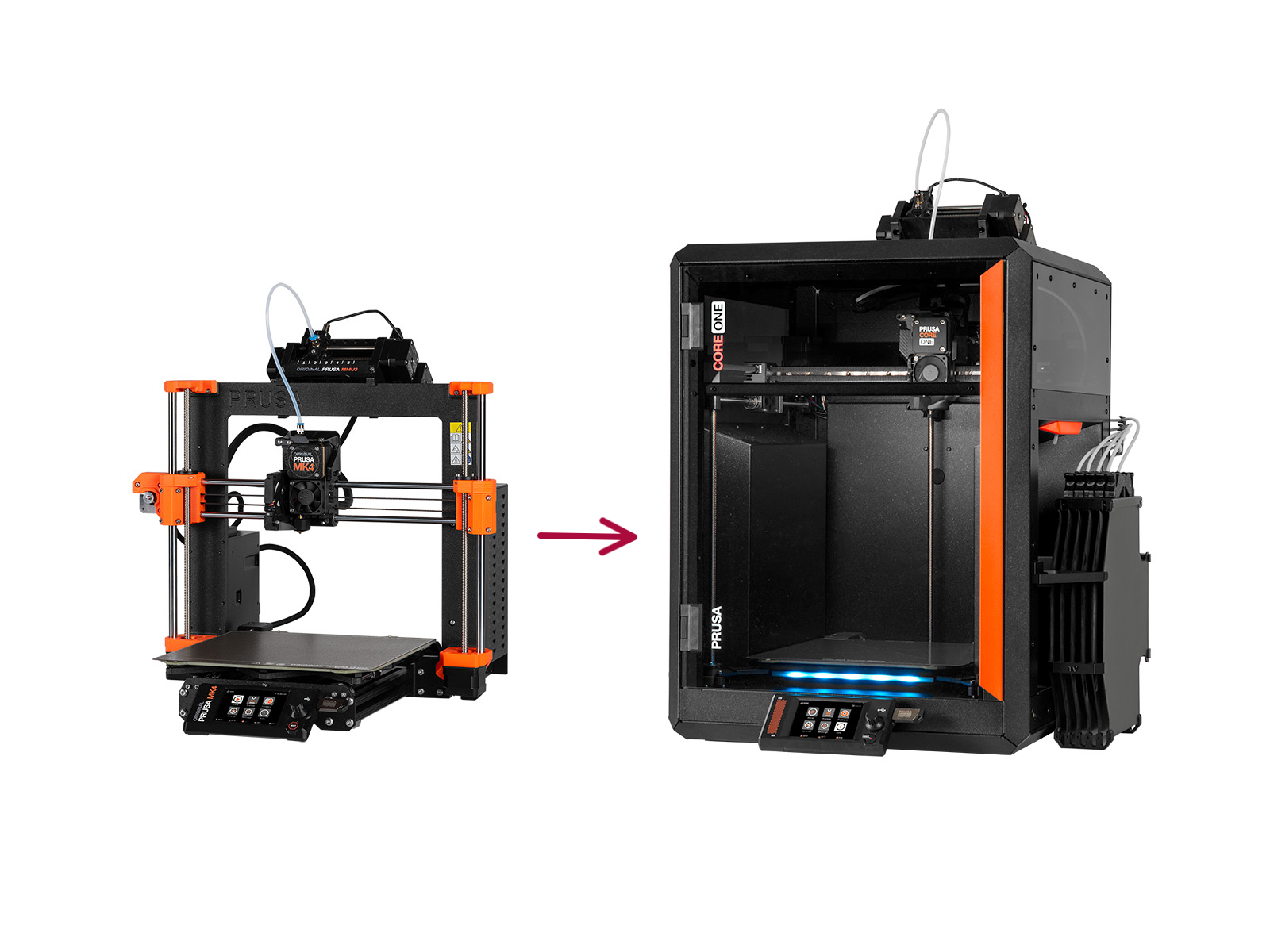 | 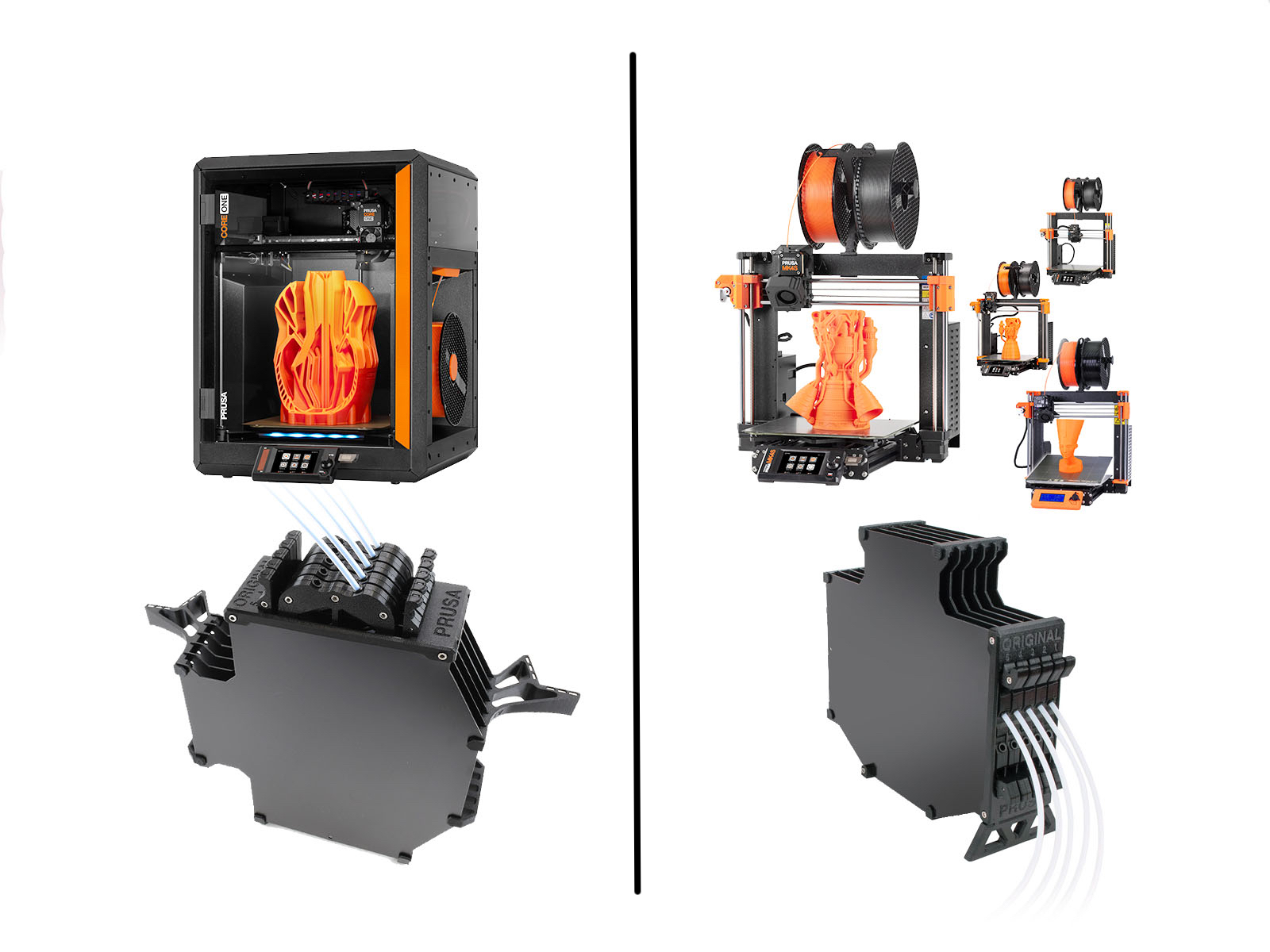 |
Transferring MMU3 from an MK3S+ to an MK4/S involves obtaining specific extruder components, but also the latest evolution of buffer cassettes or fittings.
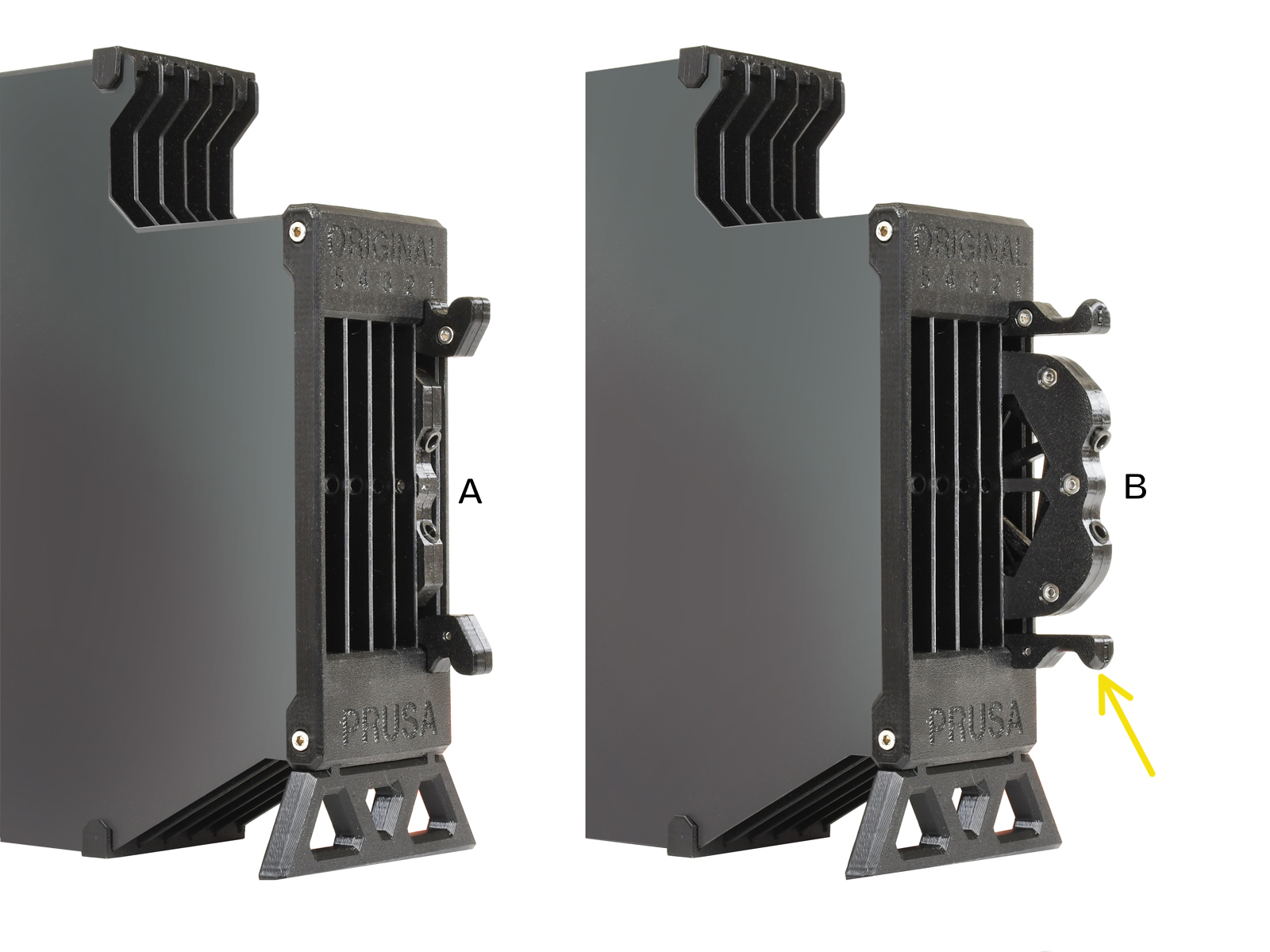 | 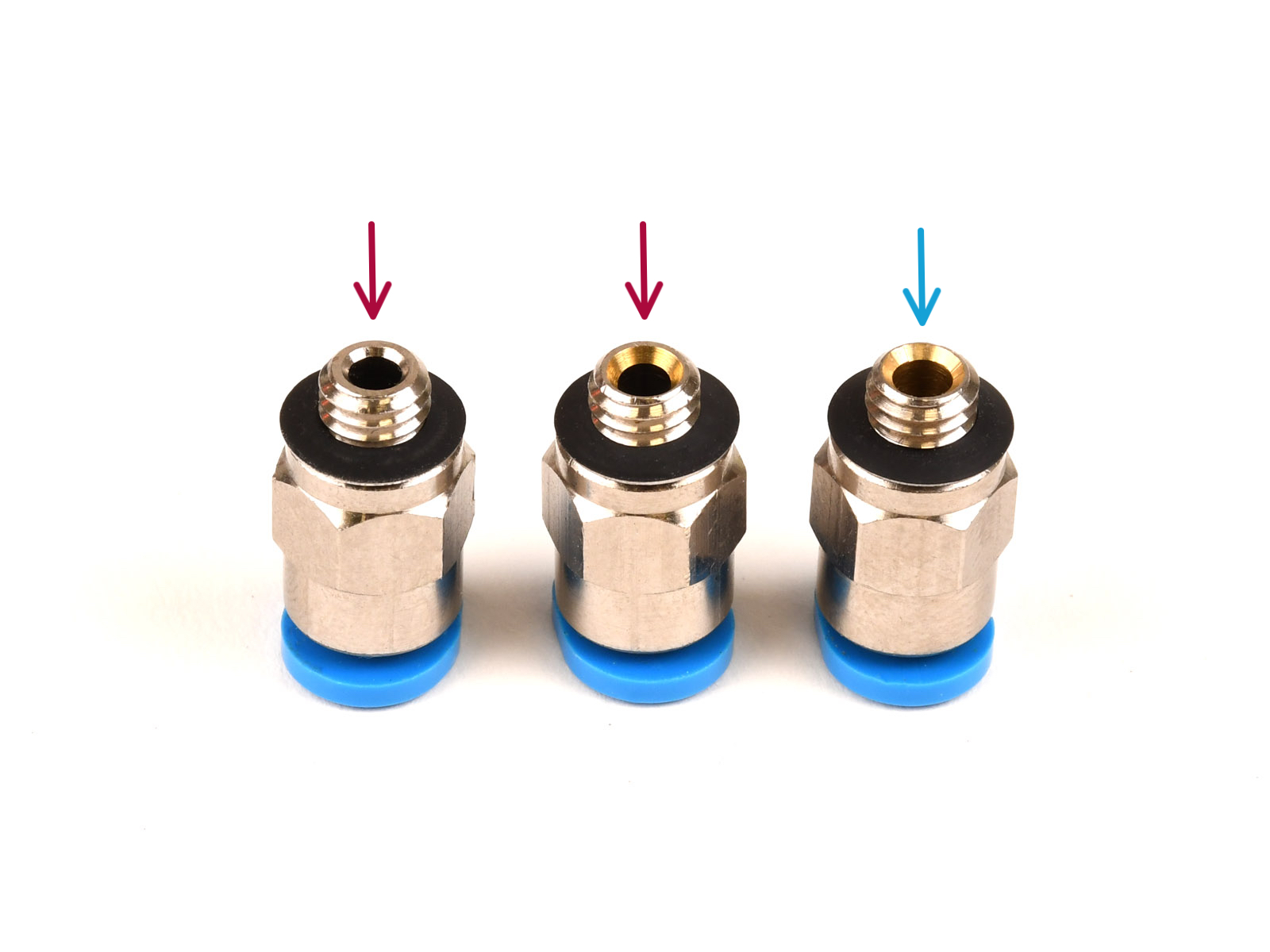 |
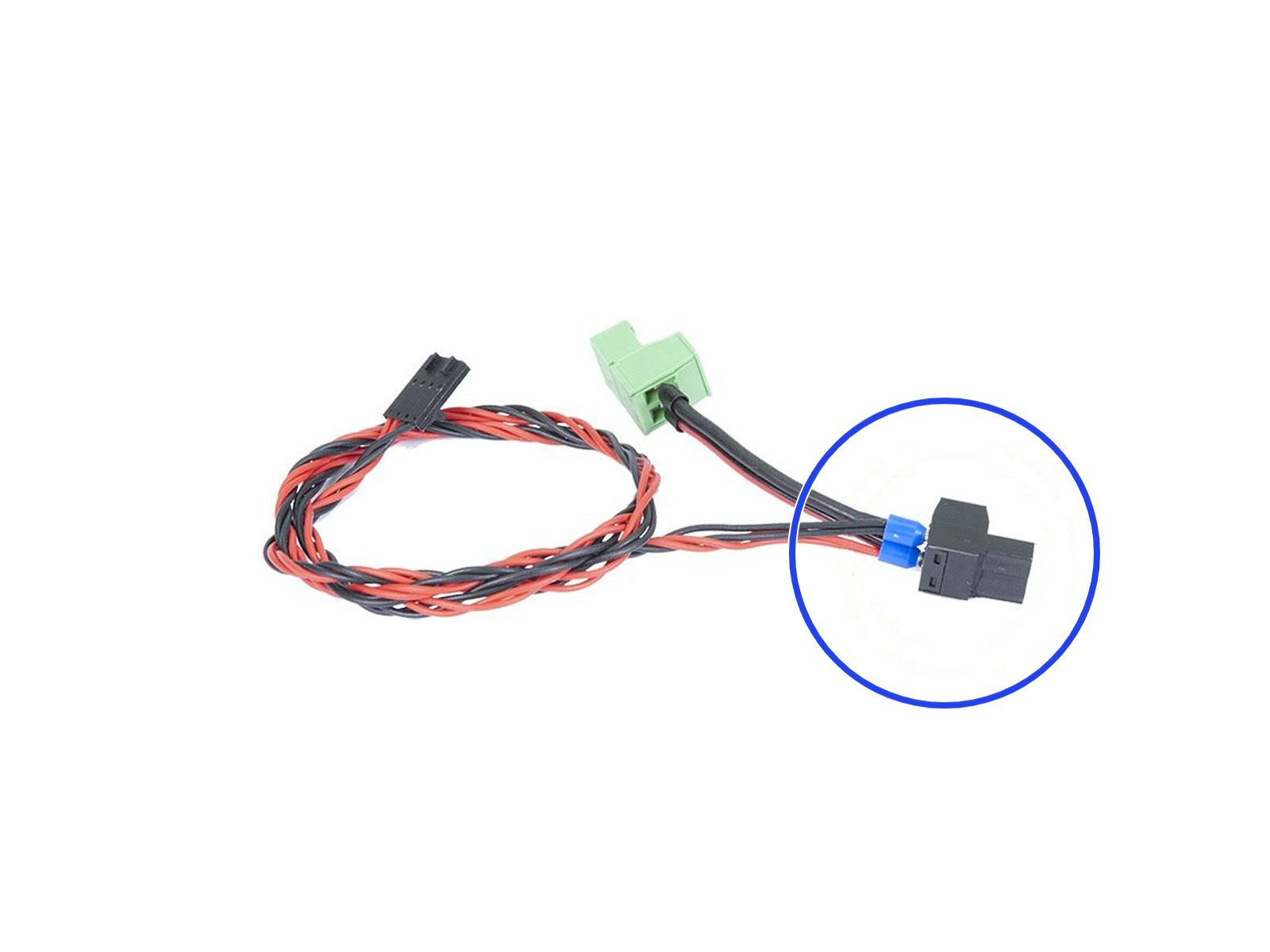
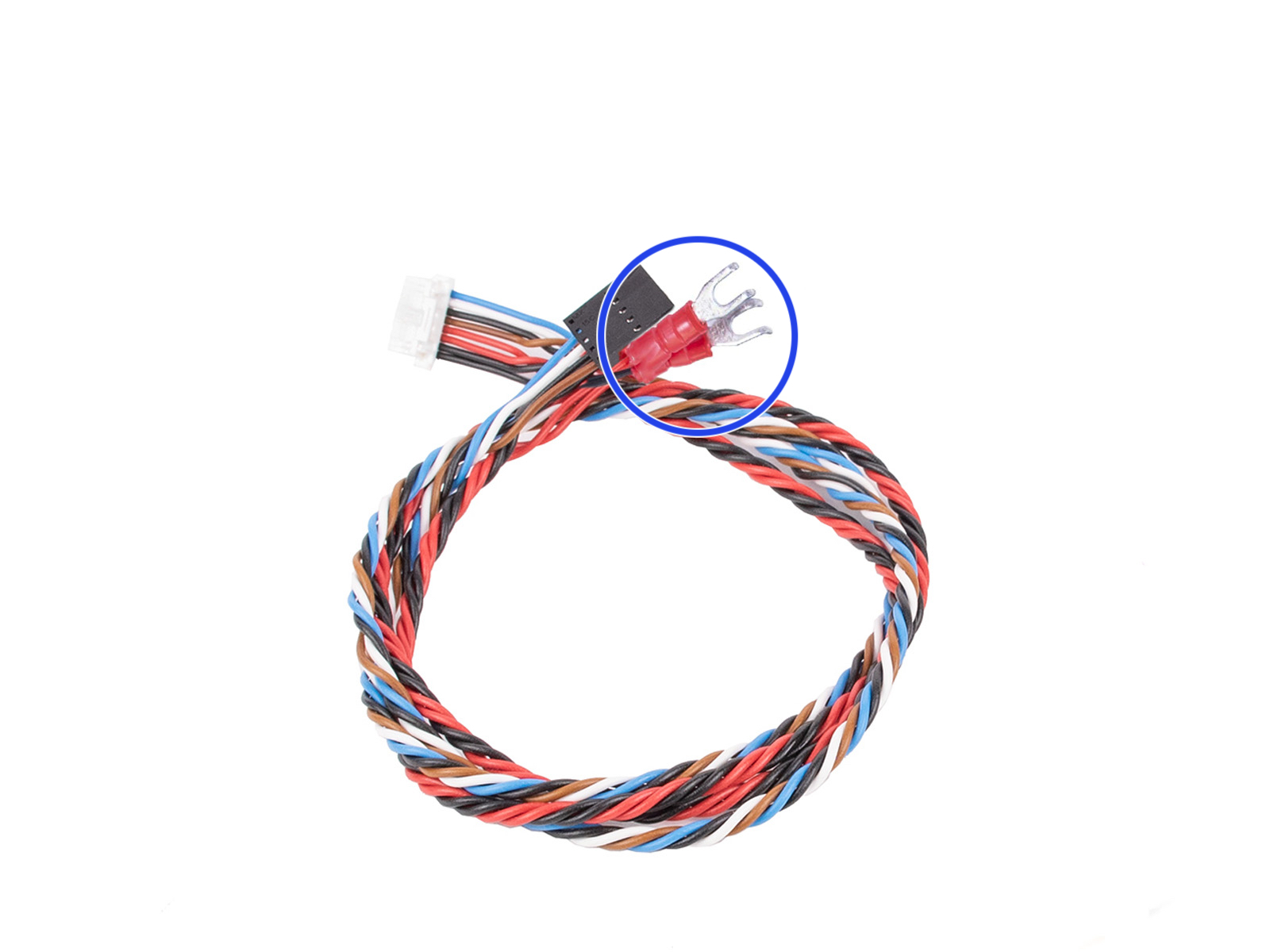
The MMU3 requires a specific cable for Einsy / Rambo based (MK3S+) and xBuddy-based (CORE, MK4/S, MK3.5, etc.) printers. If moving MMU3 from an MK3S+ to an MK3.5, you must switch to the appropriate cable.
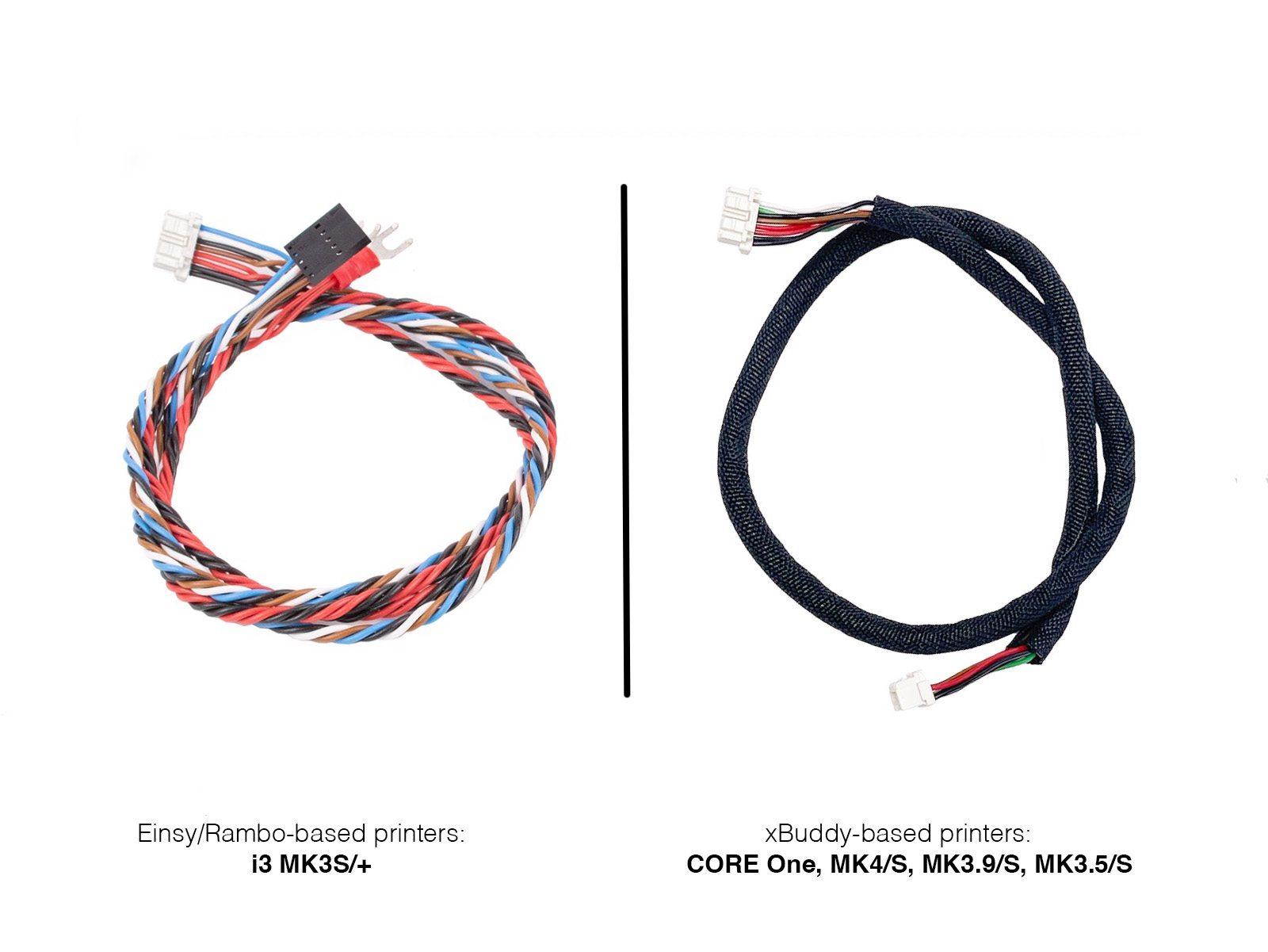 | |
When upgrading both the MMU and a printer, like transitioning from MK3S+/MMU2S to MK3.5/MMU3, it's strongly advised to first uninstall the MMU and upgrade the printer to function as a single-material device. Then, test the printer. Afterwards, upgrade the MMU unit separately and perform a new MMU installation on the upgraded printer.
Keep in mind that the filament sensor behaves differently on an MMU-modified extruder. Thus, if planning to use the MMU-modified printer without the MMU unit attached, it's recommended to disable the filament sensor.
On MK3.5 or MK4, an extruder type (Regular / MMU) can be switched in the menu.
If you intend to create a custom setup or have optimized the firmware for any of the unsupported configurations, we encourage you to share your knowledge with our community.
Prusa MK2.5S
Users report, that MK2.5S + MMU2S is able to run the FW 3.14.1 + MMU FW 3.0.3 too, only with a few tweaks: If the Idler homing fails, set its sensitivity to 10, using the Tune menu on the error screen.
Note that FINDA readings in the Sensor Info menu do not work.
On FW 3.13.3 or older, you can change the sensitivity (stallguard threshold) by running a specific G-code command: M708 A0x19 X10. After that you can reset MMU3 with: M709 (Kudos to Codeplayer)
For more info about the aforementioned commands, see the Registers MMU (MMU3) and the Prusa firmware-specific G-code commands articles.
The MMU3 on MK3S+ or MK3.5 is reverse-compatible with the older MMU2S Slicer profile and G-codes - but not with the MK3 + MMU2 profiles!
The MMU3 on CORE/MK4 IS NOT COMPATIBLE with any older PrusaSlicer profiles or G-codes for MMU2, MMU2S, or even MMU3 + MK3S+ or MK3.5.
Using an incompatible G-code file on the MMU3 + CORE/MK4 could lead to a failed print or potentially damage the printer!
3 comments
I have a MK3S+ and Prusa Enclosure I bought in December 2022, it’s been amazing.
I want the upgrade and get mmu but don’t want to pay $1100 for mk4s + mmu upgrade… might as well buy a core or competitor.
Is 3.5 + MMU3 no longer possible?
I didn't see anything that said the MMU3 isn't compatible with the Core One L.
I unboxed and was setting it up and figured out that it's currently not compatible.
When will this support come out?
Hi, sorry for the late reply, we have created a product, which includes all the parts: https://www.prusa3d.com/en/product/original-prusa-mk3s-mmu3-upgrade-kit-to-mk4-mk3-9-2/