0 item in your cartitems in your cart
Your cart is empty
My profile
Log in to see orders, saved items
Signed in as
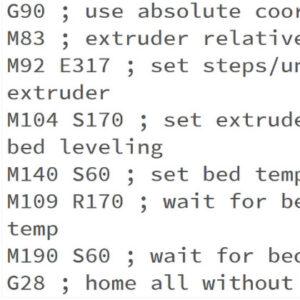
This is a list of currently implemented G-Codes in Prusa firmware for i3 series printers. The description is only for Prusa Research-specific G-codes. The rest can be found on…
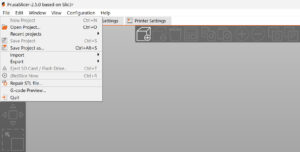
In this guide, we'll cover how to import profiles in PrusaSlicer that are not included with the software, and how to export your custom PrusaSlicer profiles. Some 3rd party vendor…
PrusaSlicer includes profiles for 3rd party vendors (e.g. Lulzbot or Creality printers). You can select which vendor profiles you wish to enable in the Configuration Wizard. We’re…
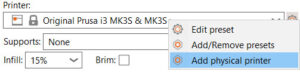
PrusaSlicer separates the printer connection settings from the Printer profile into a Physical printer profile. Using PrusaConnect through the Physical Printer settings is supported,…
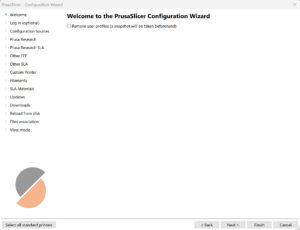
When you launch PrusaSlicer for the first time, a Configuration Wizard window opens automatically. Configuration Wizard can also be launched manually from the top menu by selecting…
As an alternative to online sources, profiles can also be updated by manually loading files containing the update. This is mostly useful on computers that are not connected to…
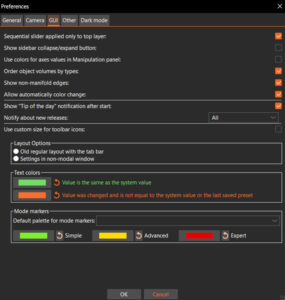
You can open the Preferences window by selecting Menu -> Configuration -> Preferences or pressing Ctrl + P. The preferences are split into multiple tabs for easier discoverability. General Remember…
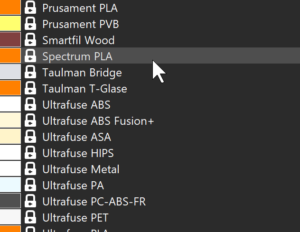
We have added an additional profile that defines most of the commonly used filament materials and brands. It is possible to use these with any 3D printer. However, these universal…
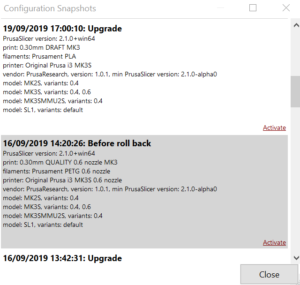
A snapshot contains complete configuration, most importantly all system and user profiles, from the point when the snapshot was taken. You can view and move back and forth between…
This is a list of currently implemented G-Codes in Prusa Buddy firmware for MINI/MINI+/XL/MK4/MK3.5 printers. The description is available only for Prusa Research-specific G-codes…
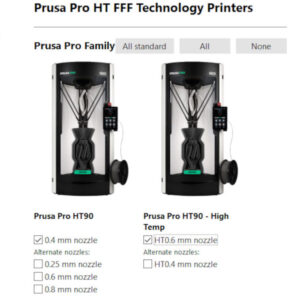
When slicing a project for the Prusa Pro HT90, a dedicated PrusaSlicer profile is needed. This profile is included directly within the software and can be activated using the built-in…