Relevant for


Pressure Advance aims to improve the quality of printed parts by compensating for the pressure changes in the nozzle during printing.
It replaces Linear Advance on MK4/S, MK3.9/S, XL, and MINI/+, from firmware version 5.0.0 and above.
The Pressure Advance value is set based on the latest command, either M900 (converted 1:1 to Pressure Advance value) or M572.
The Buddy-firmware-specific GCode M572 is used to set parameters for Pressure Advance.
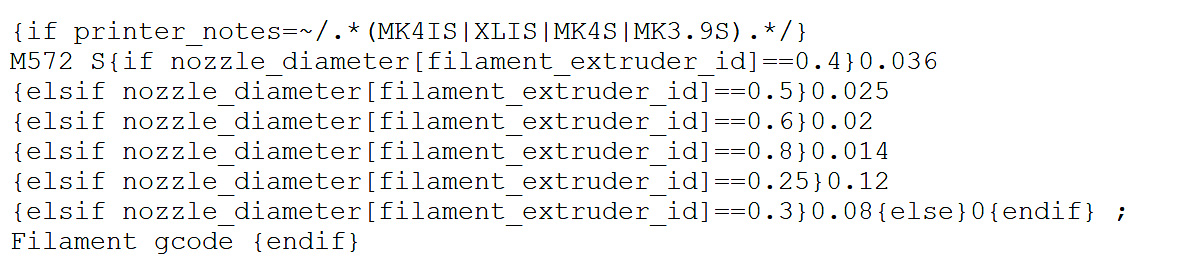
The default start GCode includes an M572 command that sets Pressure Advance parameters. The example screenshot below is taken from the start GCode of an MK4/S print.
In this example, the S parameter changes, depending on the nozzle diameter.
We recommend keeping the default S parameter, optimized for most applications on our printers.
6 comments
Not the M900 command. You want the M572.
Ideally I would like to adjust it live during the print. But at least to be able to change the PA for reprinting previously sliced files. Like, remove all PA settings from the GCode, but set it manually on the printer, or via PrusaConnect.