Relevante para


The printer shows the message "Target temperature not yet reached. Continue waiting?". This message is sent when the chamber is heating too slowly to reach the temperature set for printing.
Error name: Chamber failed to reach temp
Error code: #31259 (CORE One) #35259 (CORE One L) #36259 (CORE One INDX)
Check the fans on the back panel and the vent on the top cover for excessive airflow.
Go into the printer menu to Tune -> Chamber fan, and lower it or set it to 0%.
Move the vent to the shut position by sliding one of the screws on the top.
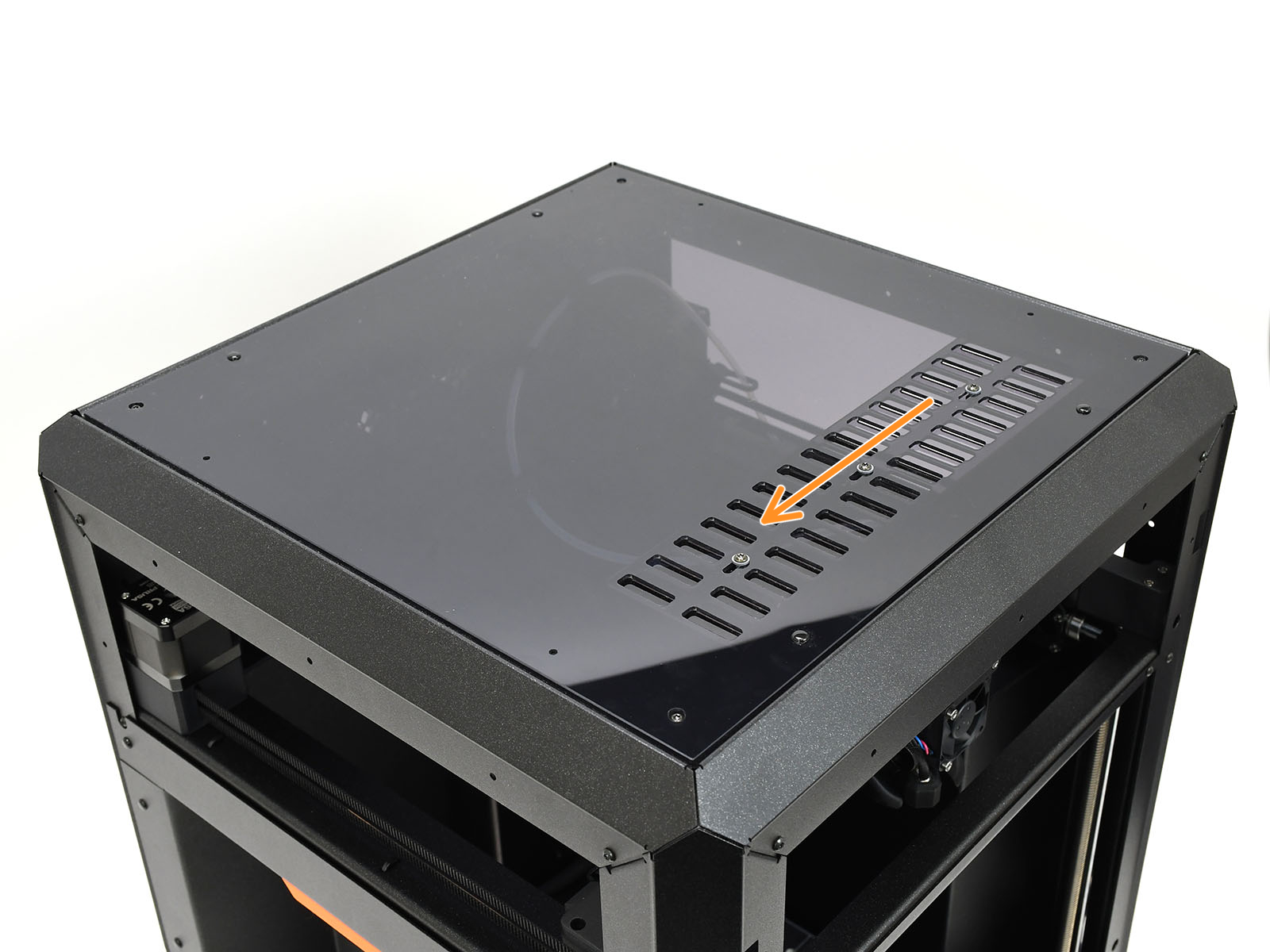 | 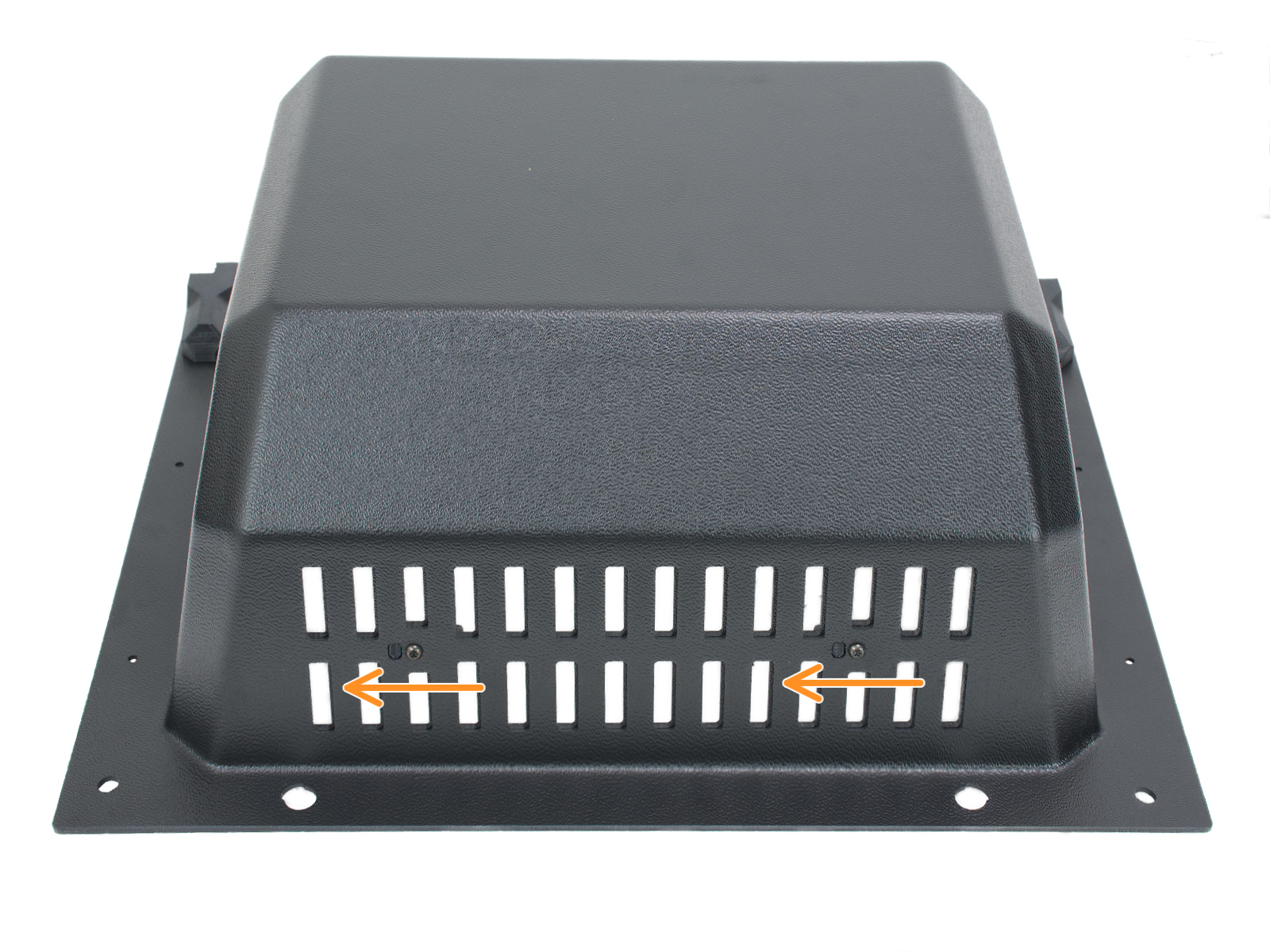 |
| Standalone CORE One | CORE One with INDX |
The CORE One L can automatically close the ventilation holes by pushing the lever at the top of the Nextruder.
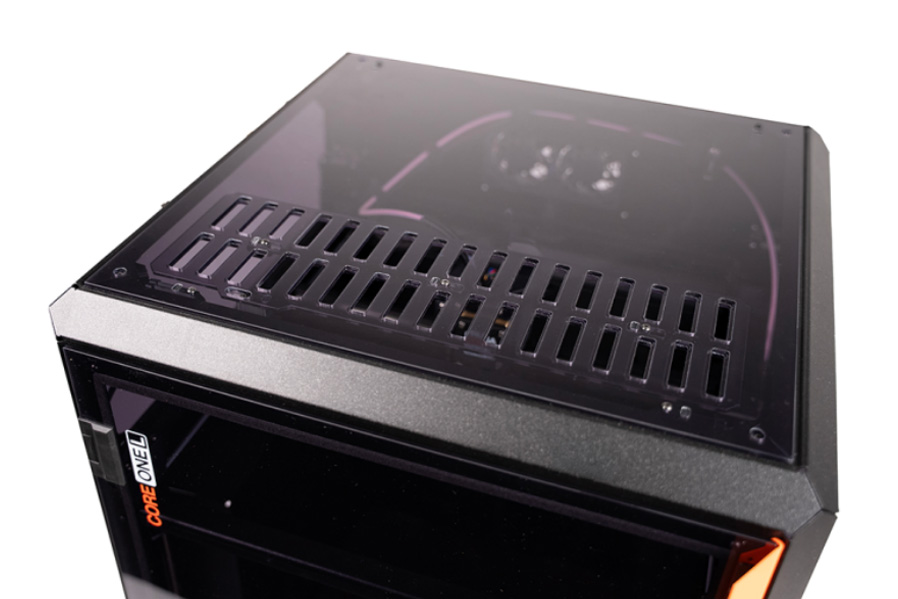 | 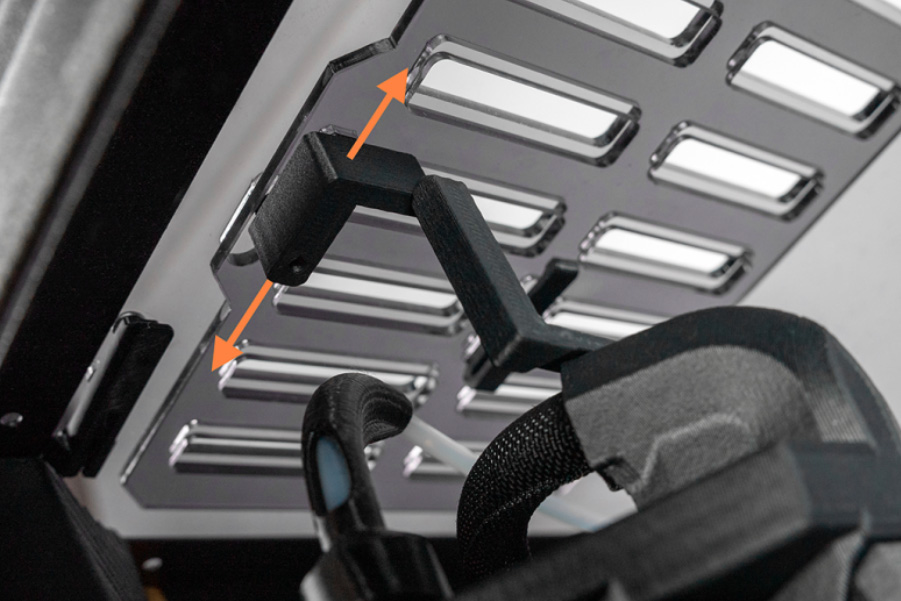 |
If the issue persists, take some pictures of the printer and its surrounding areas and contact our Atención al cliente.
1 comentario
If you haven't solved it yet, I recommend you to contact our Technical Support Team.
https://help.prusa3d.com/article/customer-support_2287