Relevant for


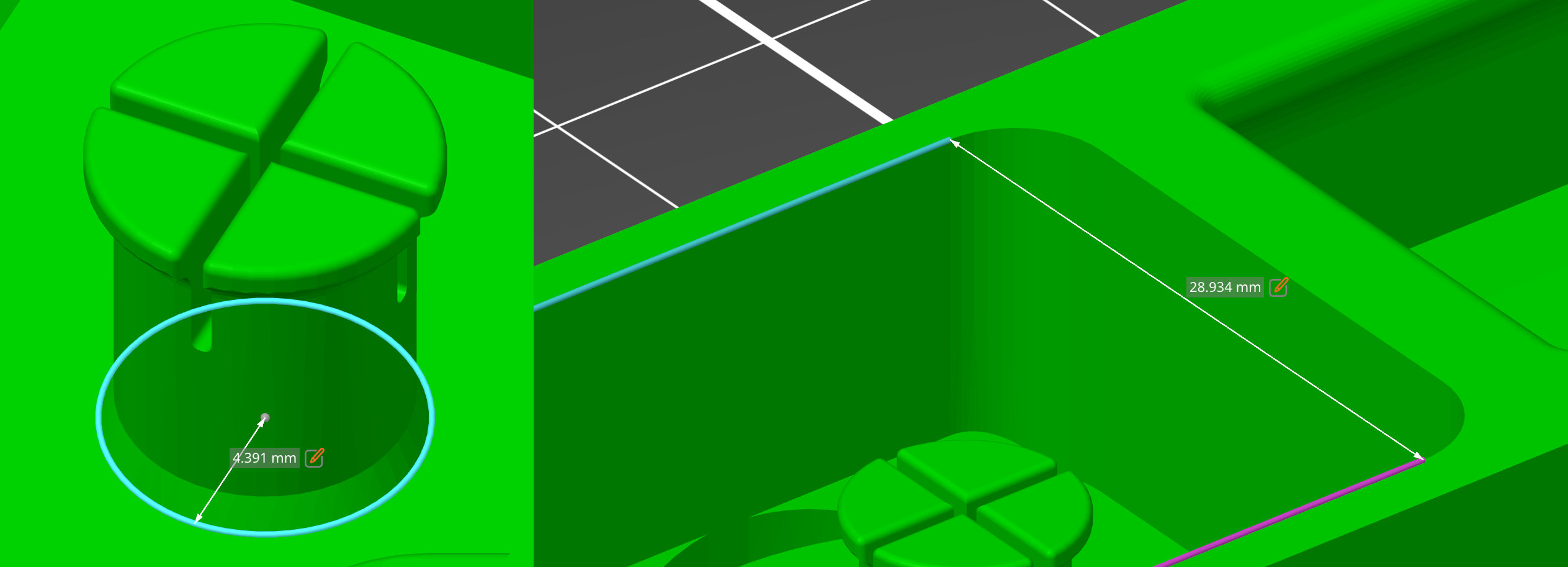
The measurement tool utilizes a geometry detection algorithm that recognizes points (vertices), edges, circles, and planes. Users can check model dimensions and angles directly in PrusaSlicer.
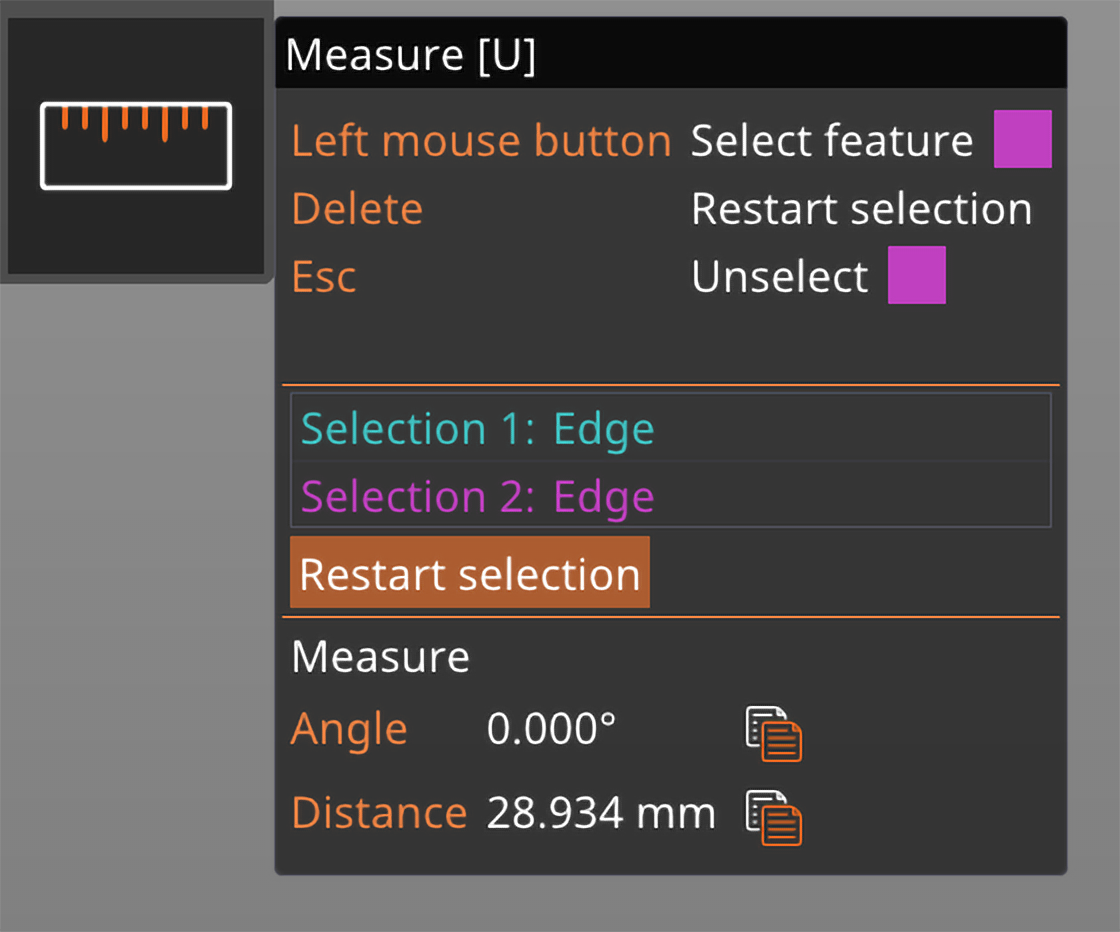
You'll find the tool in the left toolbar.
The Measurement tool allows you to uniformly scale the object to the required length by clicking on the measured distance in the scene.
It is possible to measure distances and angles between parts of a single object to better align them, but not between separate objects.
One of the current limitations of this tool is its behavior on objects with overlapping parts. In such cases, the parts are considered individually, meaning that edges created by the intersections are not detected, and planes hidden inside other parts are. The tool also does not work well with negative volumes, which are considered parts.
6 comments
I'm using the PrusaSlicer 2.7.4 on a Windows 11 computer. After importing an .stl file, at the left toolbar all tools but the measurement tool are available (high lighted). (I have tried to add a link to a screenshot, but I don't know, if it works.)
How can I make the measurement tool available?
Many thanks in advance for help.