関連するもの


The printer is showing the error "Check that the accelerometer cable is plugged in and not damaged" when doing the input shaper calibration.
Error name: Accelerometer communication failed
Error code: #31323 (CORE One) #35323 (CORE One L) #26323 (MK4S) #13323 (MK4) #27323 (MK3.9S) #21323 (MK3.9) #28323 (MK3.5S) #23323 (MK3.5)
This is shown when the accelerometer is not behaving as expected.
The Prusa CORE One L and the Original Prusa XL have a built-in accelerometer. If the error occurs in one of these printers, contact our 24/7 technical support, as the issue is most likely in the electronics, and might require a replacement component.
Check the cables and connectors on the accelerometer board, the Wi-Fi module connector, and the xBuddy board for any damage. For connection and access info, check the general accelerometer article for the following printer models:
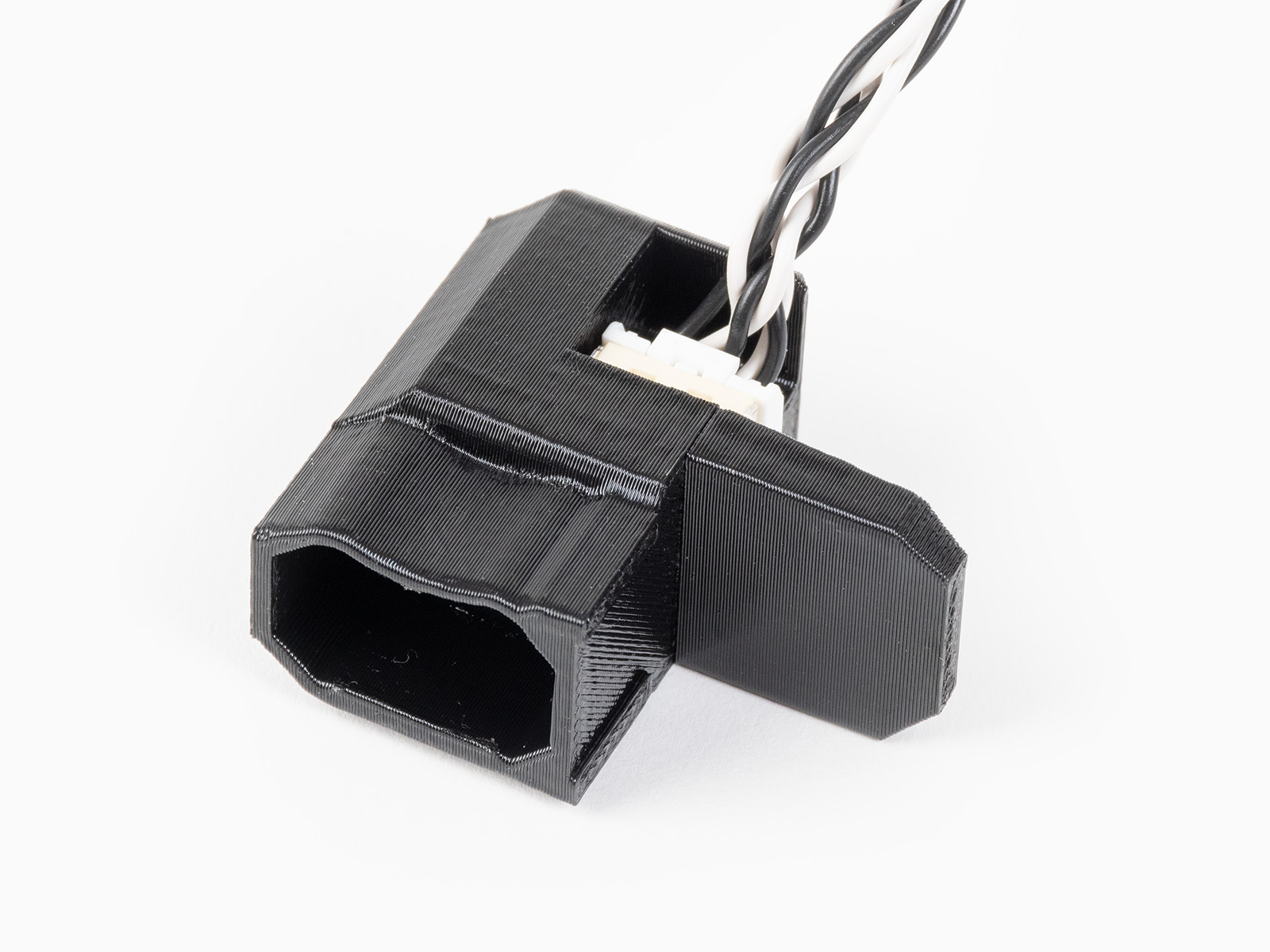 | 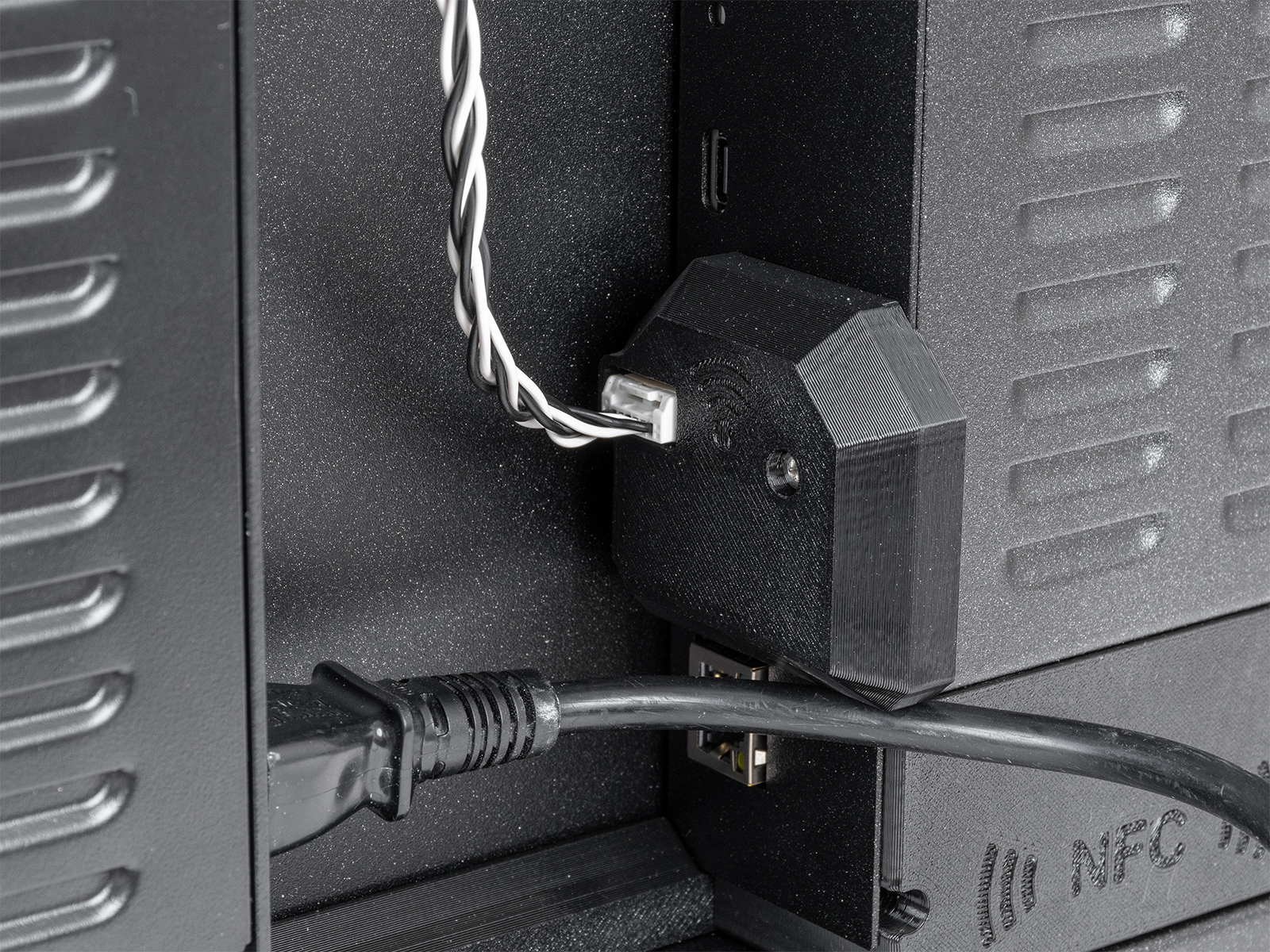 |
| Accelerometer board | Cable connector (picture taken on CORE One) |
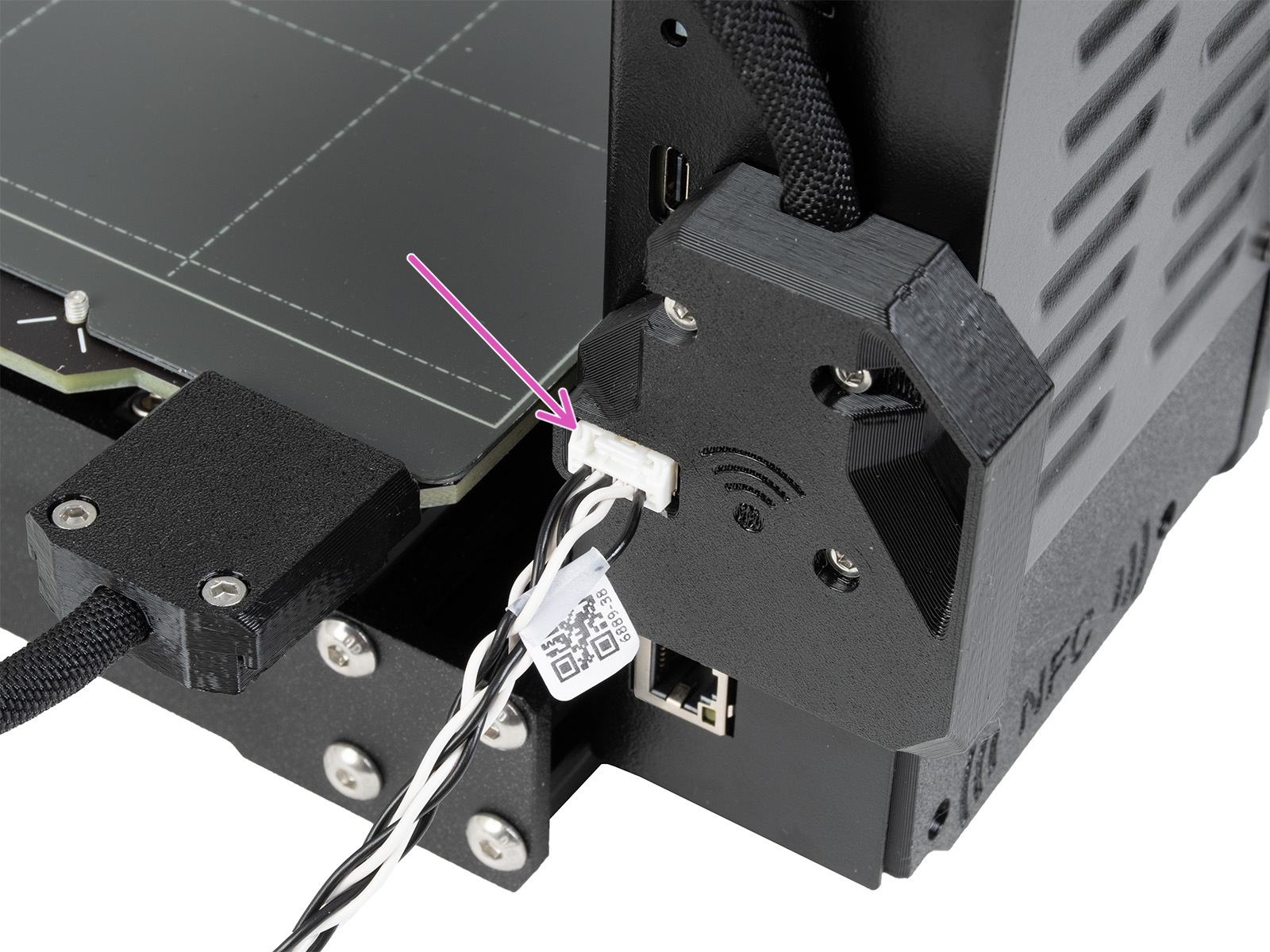 | 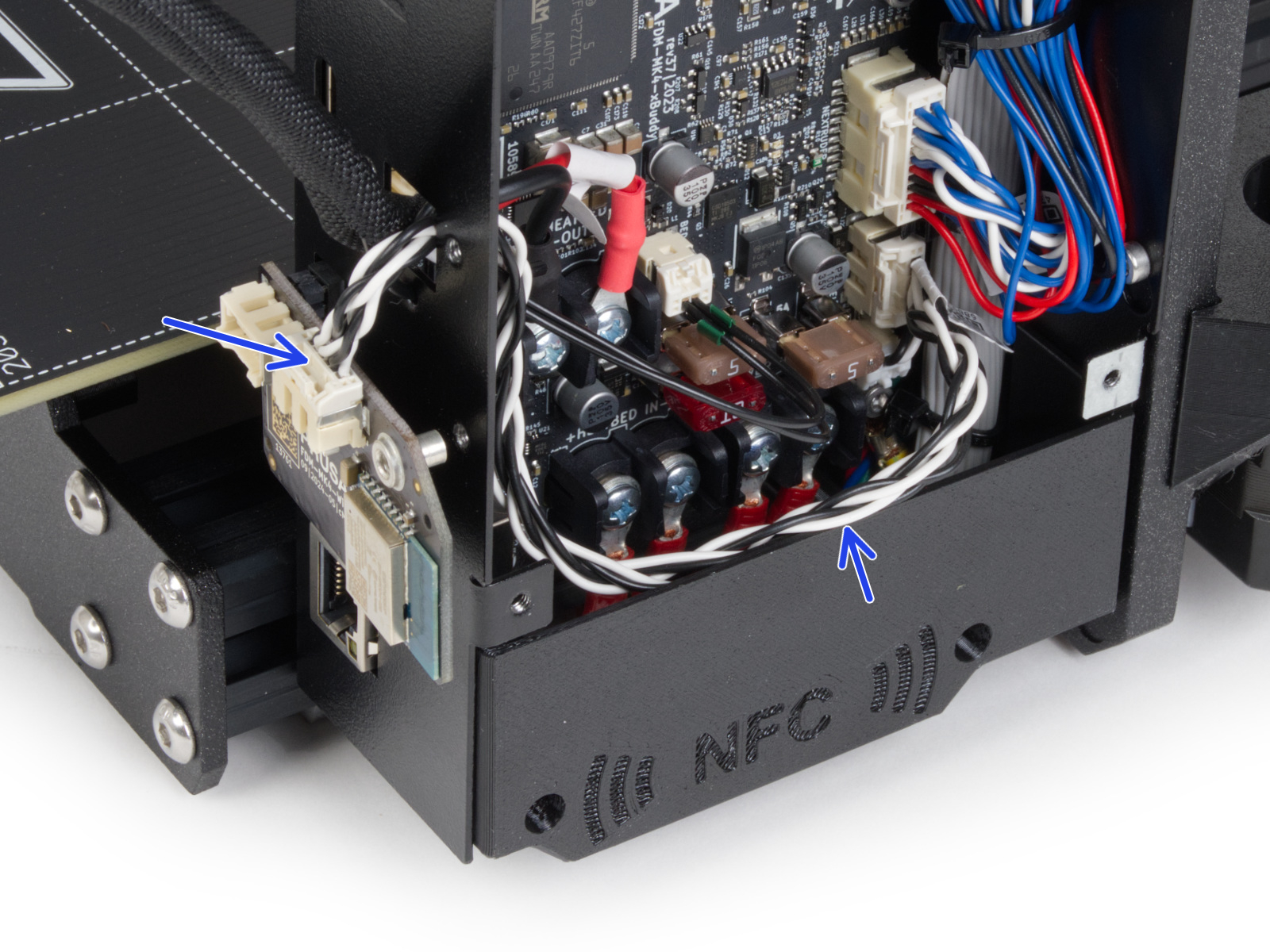 |
| Cable connector (picture taken on MK4S) | Jumper cable (picture taken on MK4S) |