0 item in your cartitems in your cart
Your cart is empty
My profile
Log in to see orders, saved items
Signed in as
With our Original Prusa i3 MK3, we have introduced a logic board called Einsy RAMBo. It works on 24V and uses Trinamic drivers for motors, allowing for super silent printing and…
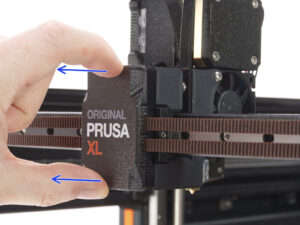
On the Original Prusa XL multi-tool, it is possible to combine different materials within the same print. The following aspects and considerations have to be kept in mind for a…
Every firmware version goes through intense testing to verify that every single feature works as it should. That applies especially to the safety features: for example, if the…
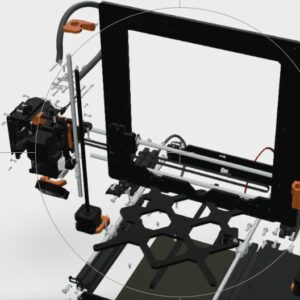
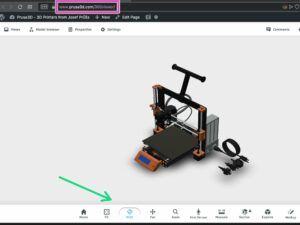
The 360 Viewer is a virtual tool you can use to inspect all parts of the Prusa printers. Rotate, zoom, hide layers, explode the model, and click on individual objects to see their…
This article describes the menu introduced with firmware 3.13.0 for the Original Prusa i3 MK3S. Controlling the LCD screen is done by a single control element: a rotational knob…
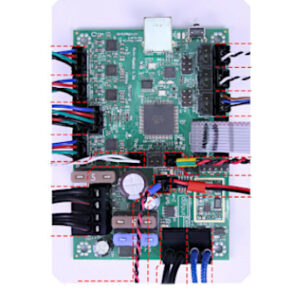
Written as Mini-RAMBo, Mini Rambo, or Rambo mini, the logic board used in the Original Prusa MK2 series is very simple. Please refer to the image below regarding wire colors and…
The Original Prusa MK4/S and MK3.9/S are equipped with two proprietary boards: the xBuddy and the LoveBoard. The two are connected by a main cable. When replacing a part in the…
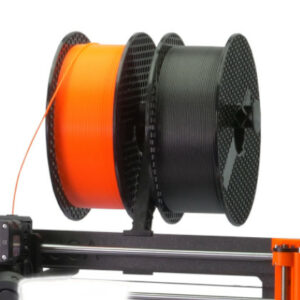
Where your spools are located can make the difference between trouble and smooth operation of the printer. It is also often desirable to reduce the footprint of the printer as…
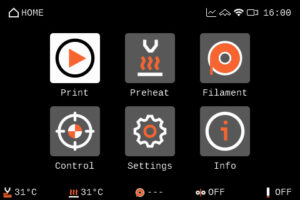
The Original Prusa MK4 and MK3.9 are equipped with a color LCD screen that, among other things, supports G-code thumbnails and QR codes. The footer of the main screen can be edited…
The components installed on your printer rely on firmware configuration. To facilitate the use of components sourced from third-party vendors, firmware version 3.9.1 introduced…
The Original Prusa MINI uses USB flash storage to read G-codes during printing. It can happen that the USB drive is not recognized when inserted and the display will say "No USB",…
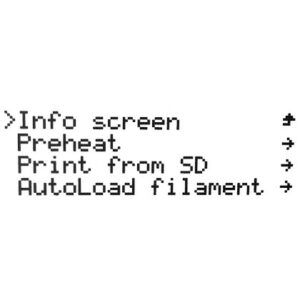
This article describes the menu system BEFORE firmware 3.9.0 for the Original Prusa i3 MK3S. Controlling the LCD screen is done by a single control element: a rotational knob that…
Navigating the LCD menu is done by a single control element: a rotational knob that you press to confirm a selection. In addition, you have a Reset button which will reset the…
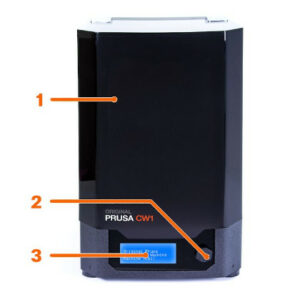
The Cure/Wash Station (CW1 or CW1S) is used to wash, dry, and cure your resin prints, all in one compact package. While your IPA tank is present, the CW1/S will automatically detect…
Connect the external power supply to the CW1 and plug it into the power source. To disconnect the cable, push the connector’s cover away from the CW1 to unlock the connector, then…
In the Original Prusa MINI and MINI+ menu, you can see the option Info. Here you will find different information on your printer. Within the Info menu, you have the following selection: Network…
After you wash the object in isopropyl alcohol, we recommend rinsing it briefly under running water to remove the remnants of isopropyl alcohol. Then, dry it with a paper towel.…
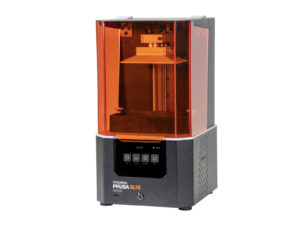
With a brand new high-resolution monochrome LCD, larger print platform, and all cumulative updates from the entire lifespan of the SL1, the new SL1S SPEED is a lightning-fast machine…
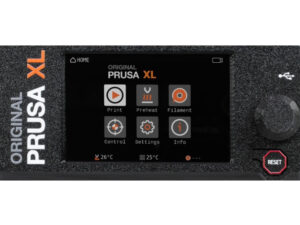
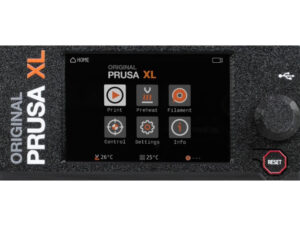
The Original Prusa XL/+ is equipped with a color LCD screen that, among other things, supports G-code thumbnails and QR codes. For the versions of the XL printer with a single…
This article describes connectors on the Original Prusa MK4, which can be used to connect your own or any 3rd party accessory. Warning: Keep in mind the maximum allowable electric…
The Original Prusa MINI and MINI+ are equipped with a mainboard called the Buddy board. It may be necessary to check the version of your board if Customer support asks for it during…
Starting from firmware 3.0.0, the Original Prusa Multi-material upgrade (MMU) has a set of runtime variables called registers. You can use these to read or write values into the…
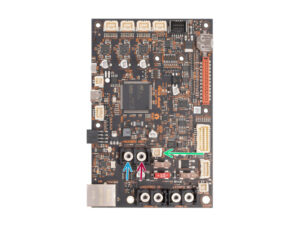
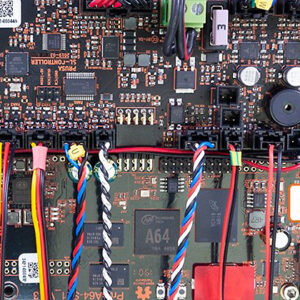
With the technology used in MSLA 3D printing, the Original Prusa SL1 has a different mainboard arrangement compared to our FFF printers. It uses two boards instead of one: PrusA64…
Starting from firmware 1.5.0, the Original Prusa SL1 will show top bar notifications. If you see an envelope on the top right of the screen near the time. To see the notifications…
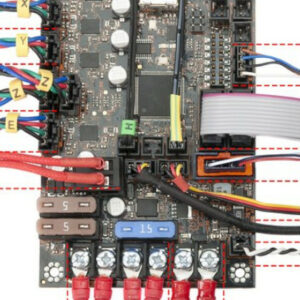
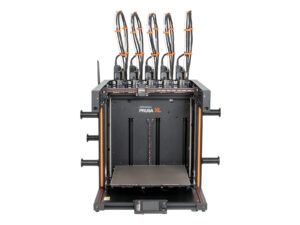
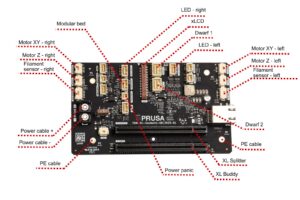
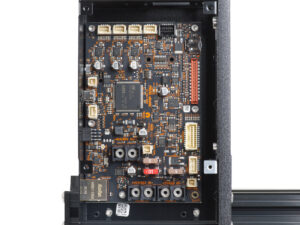
The Original Prusa XL/+ is equipped with multiple electronic boards. The number of boards depends on the number of tools. The slots on the electronic boards have a label near…
The Original Prusa XL/+ is equipped with a color LCD screen that, among other things, supports G-code thumbnails and QR codes. For the versions of the XL printer with multiple…
Starting accidentally another action during the print (e.g. XYZ calibration, switching sheet profiles) can cause damage to the printer. This is why during the entire printing phase…
The main board on the Original Prusa MK4 and MK3.9 is the xBuddy board. The xBuddy board has ten status LEDs. Error lights MMU overcurrent The MMU overcurrent light indicates…
Each XL toolhead is equipped with a Dwarf board, and a status LED with several possible colors. Below is an explanation of the meaning of each color. Blue The Dwarf is in a "bootloader",…
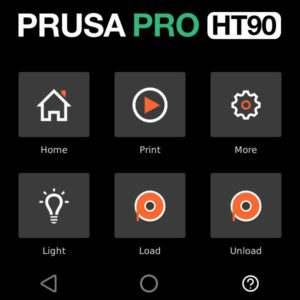
The Prusa Pro HT90 is operated via a touchscreen. The screen is used to operate the printer and shows images of the processes to be performed on it. Menu when idle Home Print Set…
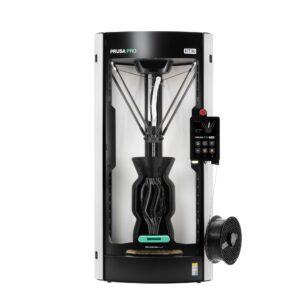
The Prusa Pro HT90 features many elements, including among others an actively heated chamber, a high-performance heatbed, and a choice of high-flow or high-temperature hotend. The…
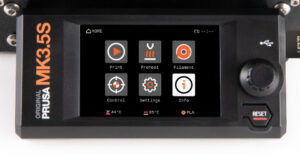
The Original Prusa MK3.5S is equipped with a color LCD screen that, among other things, supports G-code thumbnails and QR codes. The footer of the main screen can be edited to…
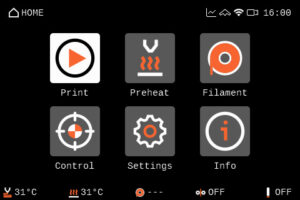
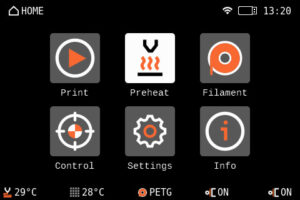
The Prusa CORE One/+ is equipped with a color LCD screen that, among other things, supports G-code thumbnails and QR codes. The footer of the main screen can be edited to show…
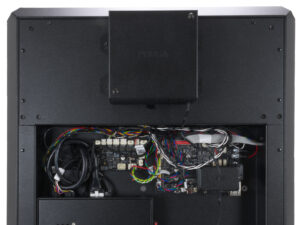
The Prusa CORE One is equipped with multiple electronic boards. The slots on the electronic boards have a label near them indicating the component to connect to each slot. xBuddy,…
The Prusa CORE One L/+ has multiple electronic boards. The slots on the electronic boards have a label near them indicating the component to connect to each slot. xBuddy, xBuddy…
The Prusa CORE One L is equipped with a color LCD screen that, among other things, supports G-code thumbnails and QR codes. The footer of the main screen can be edited to show…
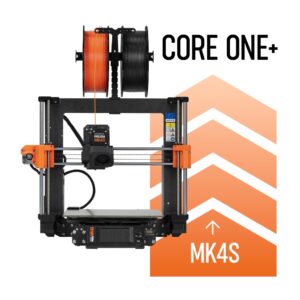
In early 2026, we discontinued the sale of MK4S to Prusa CORE One+ Conversion kit, compatible with the old version of xLCD. This affects exclusively conversion kits for printers…
Thank you for purchasing the Prusa CORE One kit. Your package includes parts for both CORE One and CORE One+. If you want to assemble the CORE One+, this article will guide you…
The Prusa CORE One with INDX upgrade is equipped with a color LCD screen that, among other things, supports G-code thumbnails and QR codes. For the versions of the CORE One without…
If you received your Prusa CORE One INDX conversion kit with the Prusa CORE One+ Gen 2 upgrade, or bought the Gen 2 upgrade separately and want to install both at the same time,…
Prusa telescopic spoolholder, also known as Prusa bayonet spoolholder, is a spoolholder solution to fit in as many of our printers as possible, to which either spools or our USS…