Relevant for


Creating a brand new 3D model from scratch can be a little daunting if you have no prior experience. However, at some point, you might want to give 3D modeling a go.
There are various ways of getting into 3D modeling. You will, obviously, need 3D modeling software and learn the basics. Rest assured that there are less complicated and free options for modeling 3D instead of jumping right into the deep end of CAD design or other top-tier commercial solutions.
Tinkercad (https://www.tinkercad.com): The easiest way to quickly create your own models. Tinkercad is an online editor (no installation required) that allows you to create 3D models directly in a browser window. It is free, easy to operate, and you will even find basic video tutorials. So after a few minutes of tinkering, you will be ready to create your first 3D object.
Autodesk Fusion (https://www.autodesk.com/products/fusion-360/overview): Another popular tool for creating models. Autodesk Fusion is available for PC, Mac, and iOS (iPad). It is arguably more complex than Tinkercad; however, the official website provides a quick guide along with detailed video tutorials, making it also an excellent choice for novice enthusiasts.
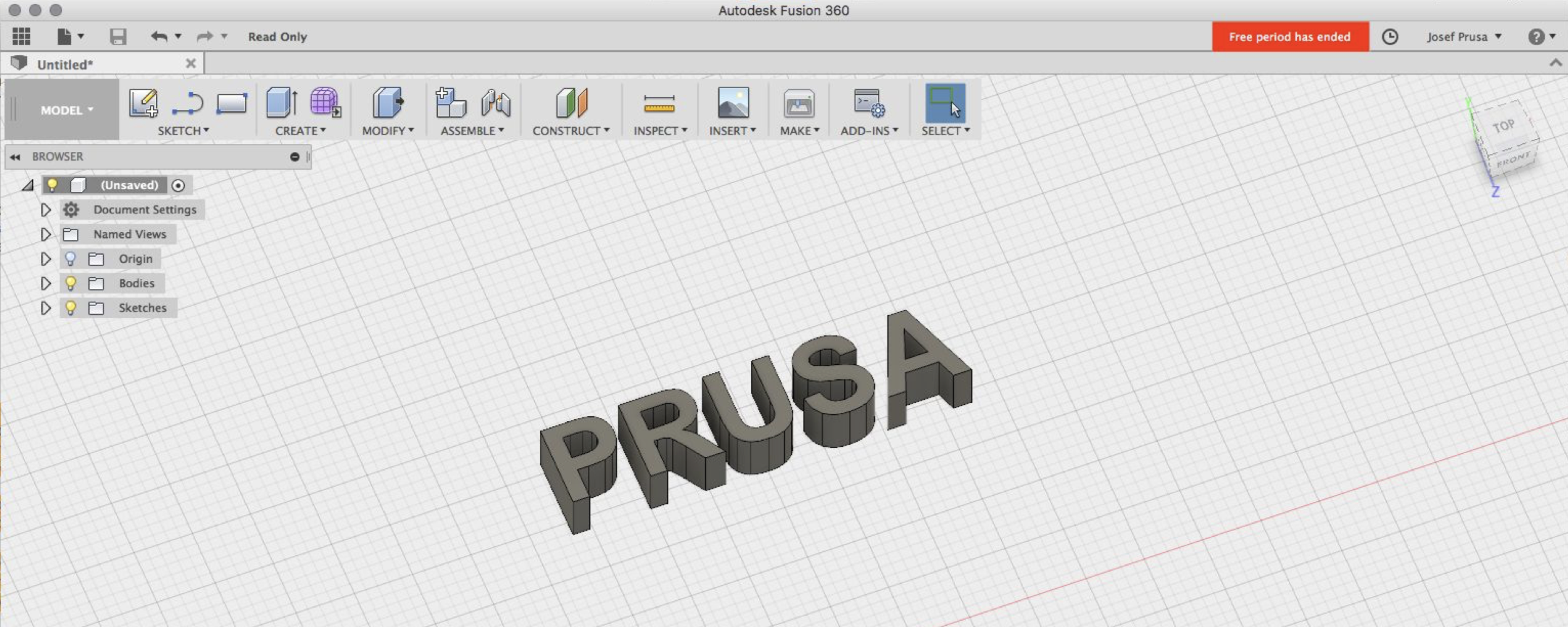
There are a great deal of 3D modeling programs out there, both free and paid. Your choice depends mostly on your personal taste and preferences. If you feel like Tinkercad and Autodesk Fusion lack some features or functions, you should research the following software:
1 comment