Relevant for


The Prusa CORE One INDX, CORE One/+, CORE One L, and the Original Prusa MK4/S, MK3.9/S are equipped with a loadcell, which detects whether the nozzle is close enough to the steel sheet for printing and prevents damage from the nozzle digging into the steel sheet.
The loadcell measures the amount of force that the nozzle applies to the steel sheet. In case the measured value is abnormally high, or undefined, the printer will show the message "Loadcell measured an infinite or undefined load value."
Error name: Loadcell Measure Failed
Error code: #31526 (CORE One) #35526 (CORE One L) #36526 (CORE One INDX) #26526 (MK4S) #13526 (MK4) #27526 (MK3.9S) #21526 (MK3.9) #36526 (CORE One INDX)
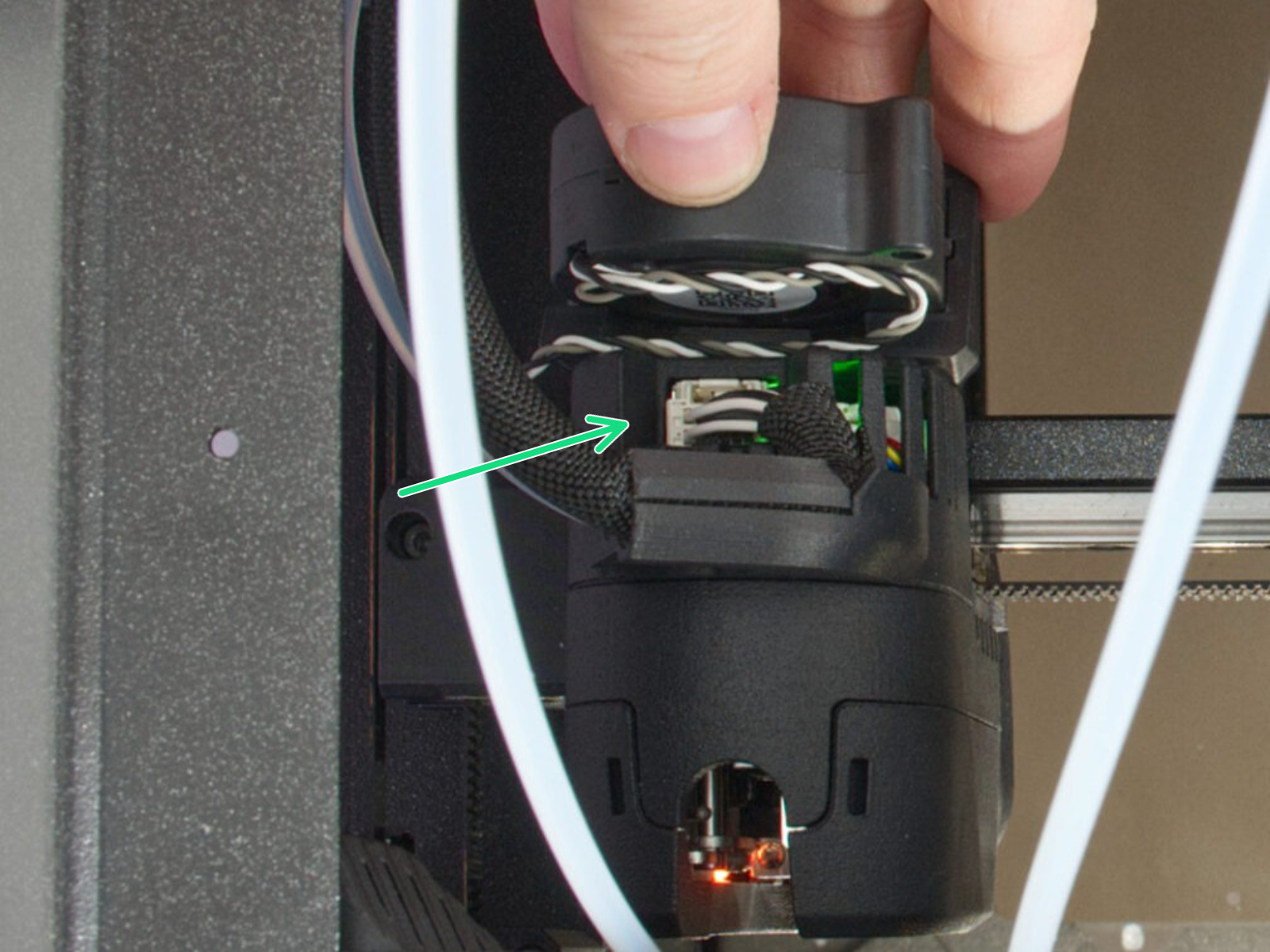
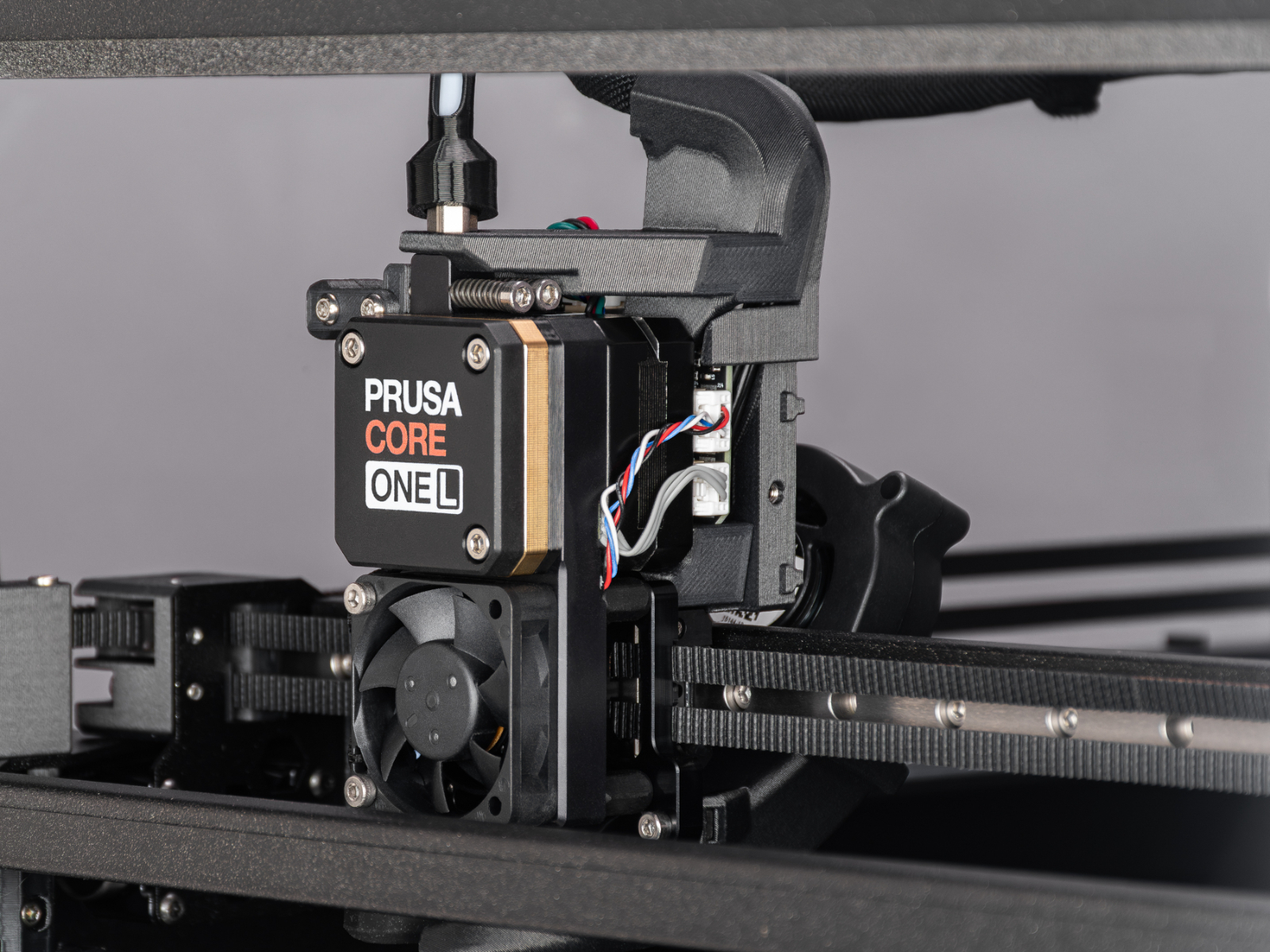
On a printer equipped with INDX upgrade, check the connection of the main cable above the print head.
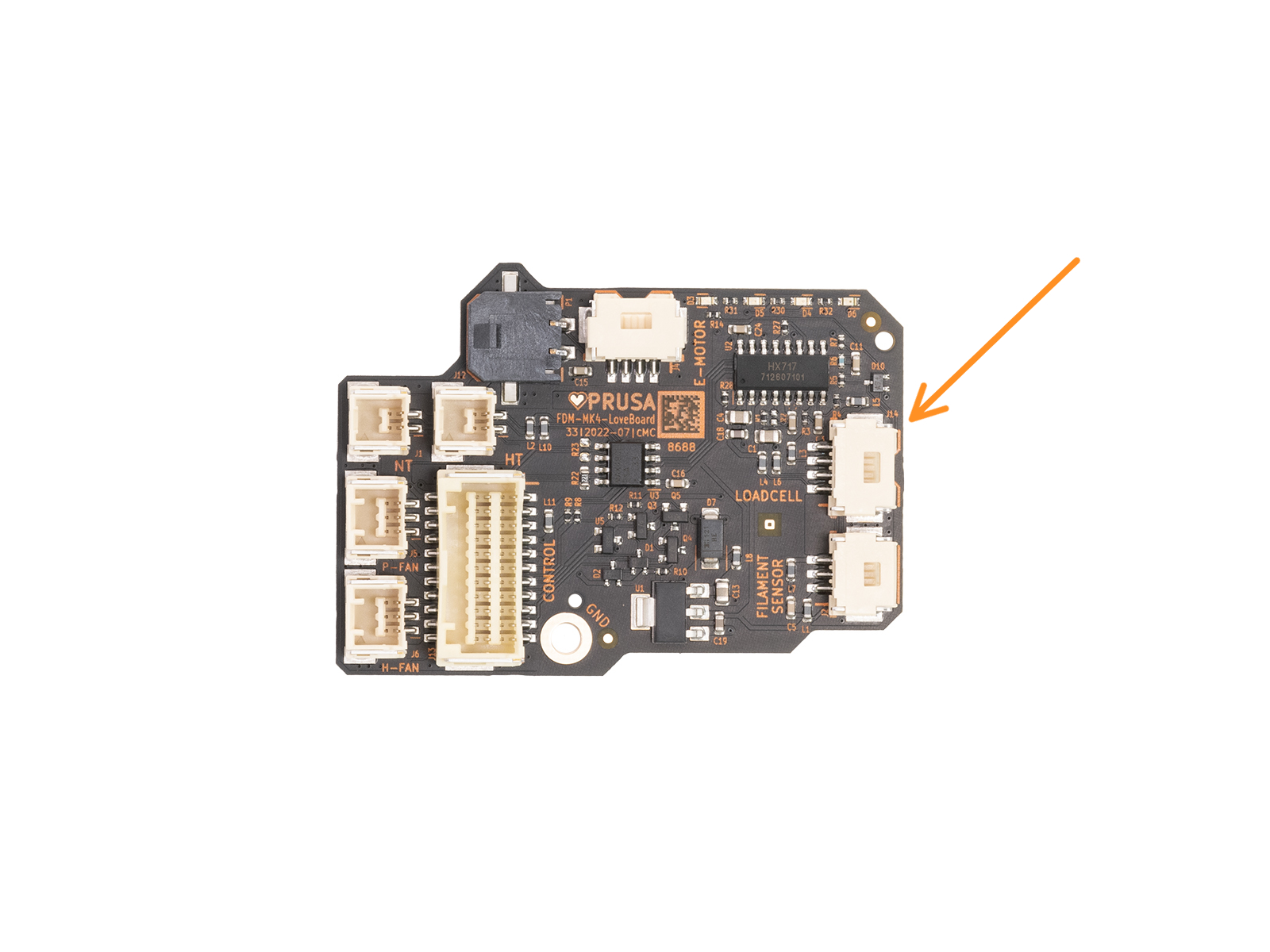
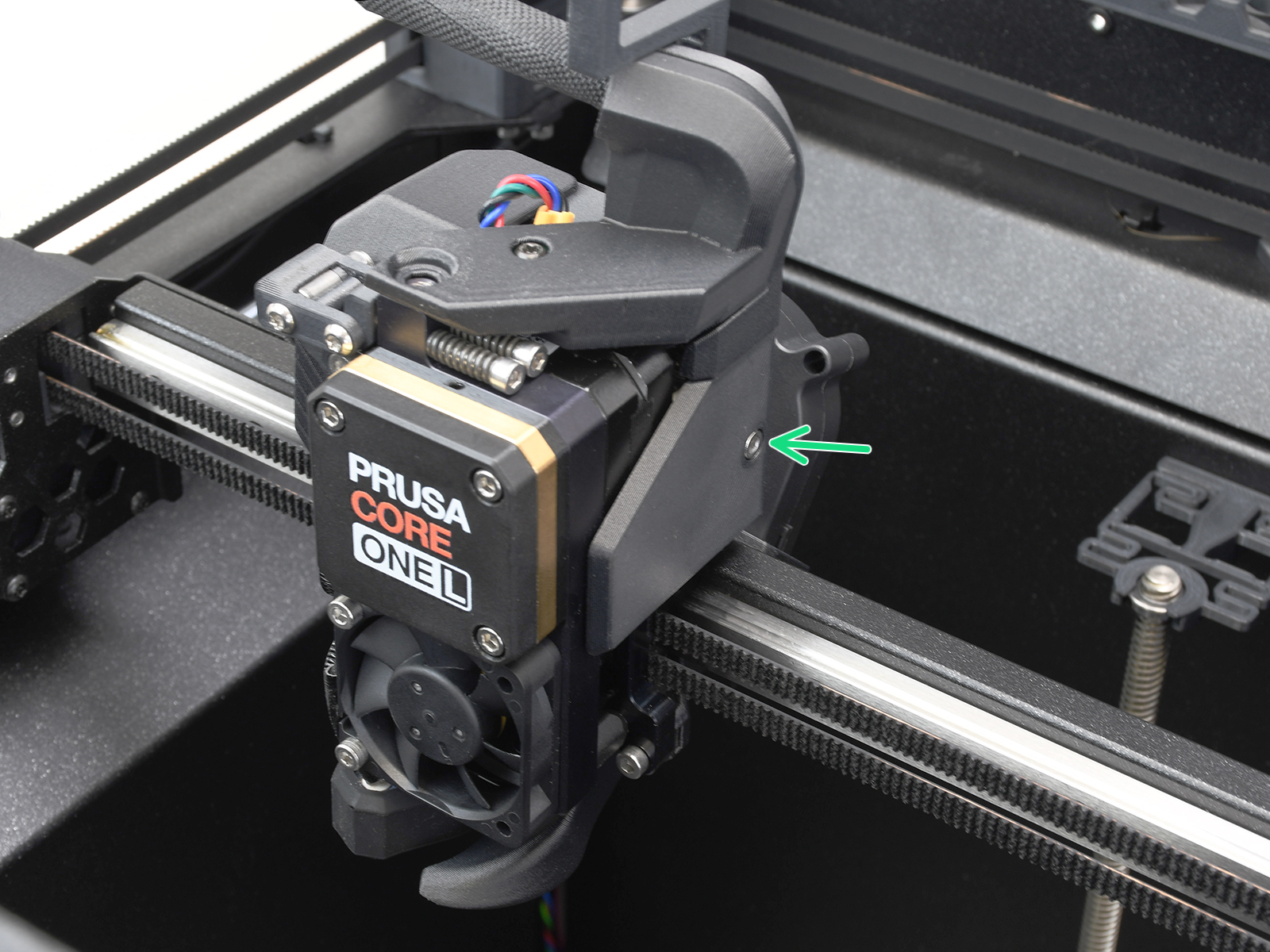
On printers equipped with LoveBoard, access the right side of the LoveBoard, where the loadcell cable is connected. To remove the side LoveBoard cover:

 |  |
Once accessed, locate the loadcell connector and cable, and check for any loose cable, disconnected cable, or visible damage.
|
|  |
|
|  |
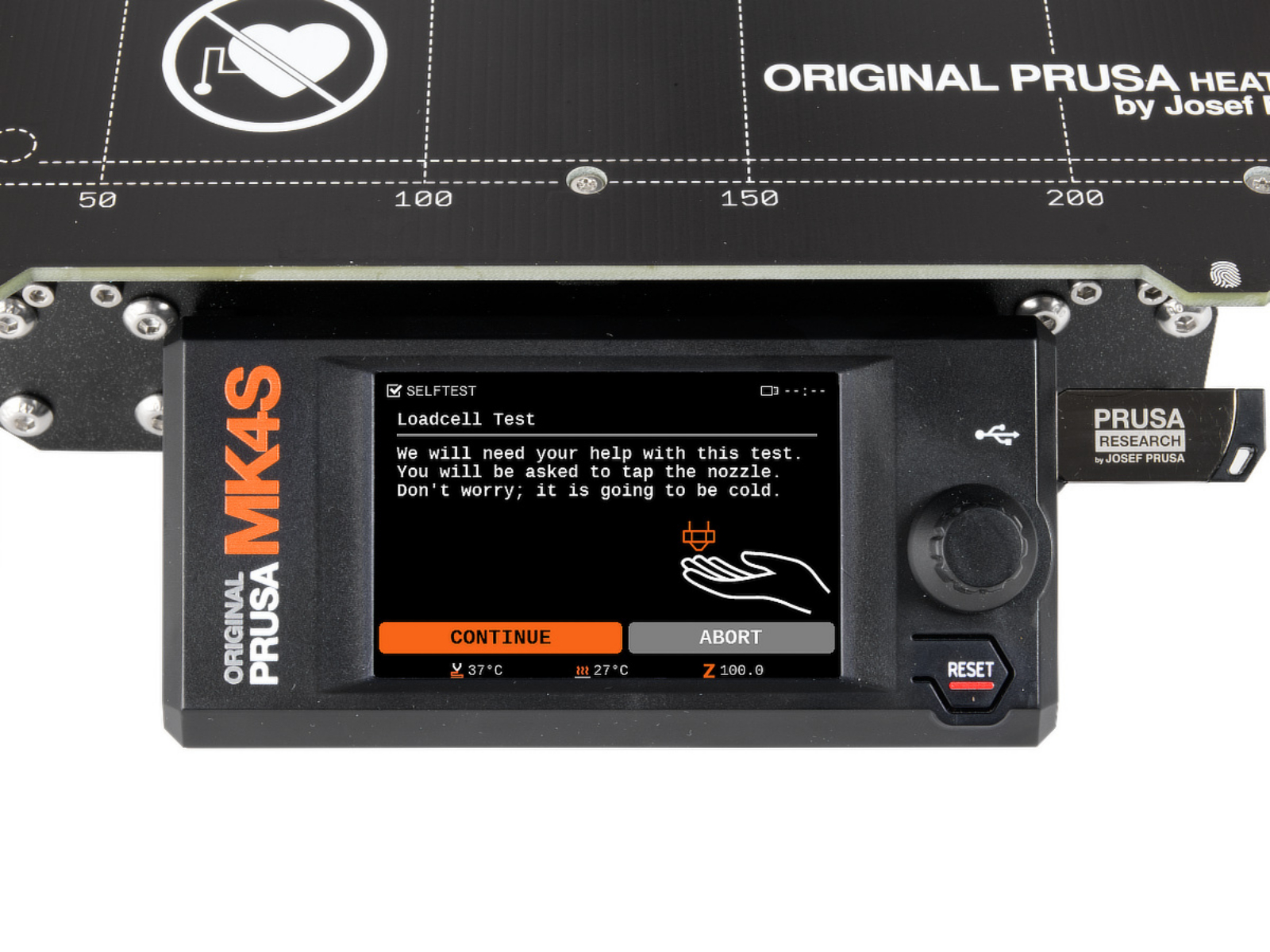
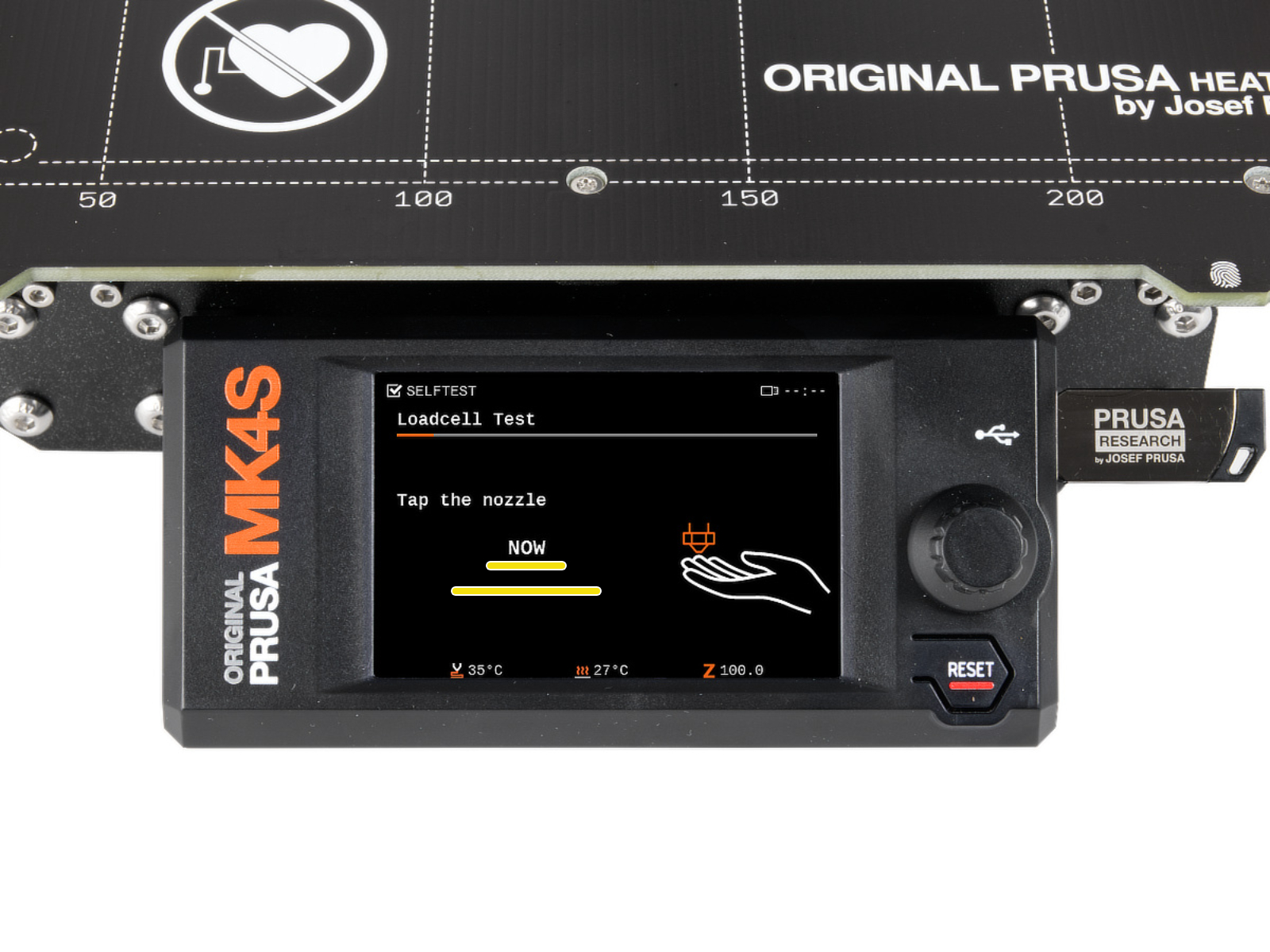
Navigate to LCD Menu -> Control -> Calibrations & Tests -> Loadcell Test to initiate a loadcell test.
During the test, you will be asked to tap the nozzle at a specific time, and a progress bar shown on the screen is filled, depending on the pressure applied to the loadcell. If the bar is not filled or is filled irregularly, please contact our customer support.
 |  |
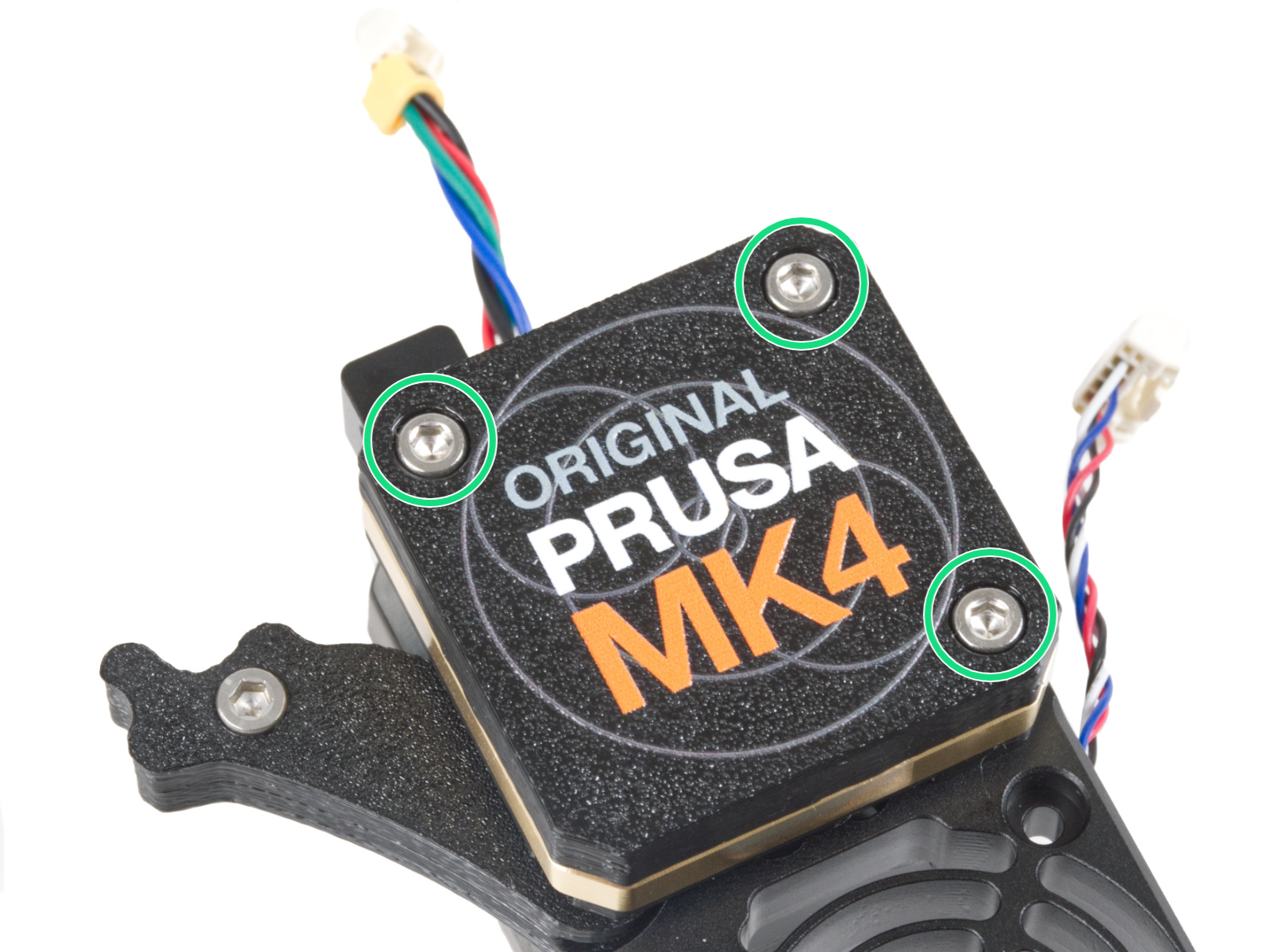
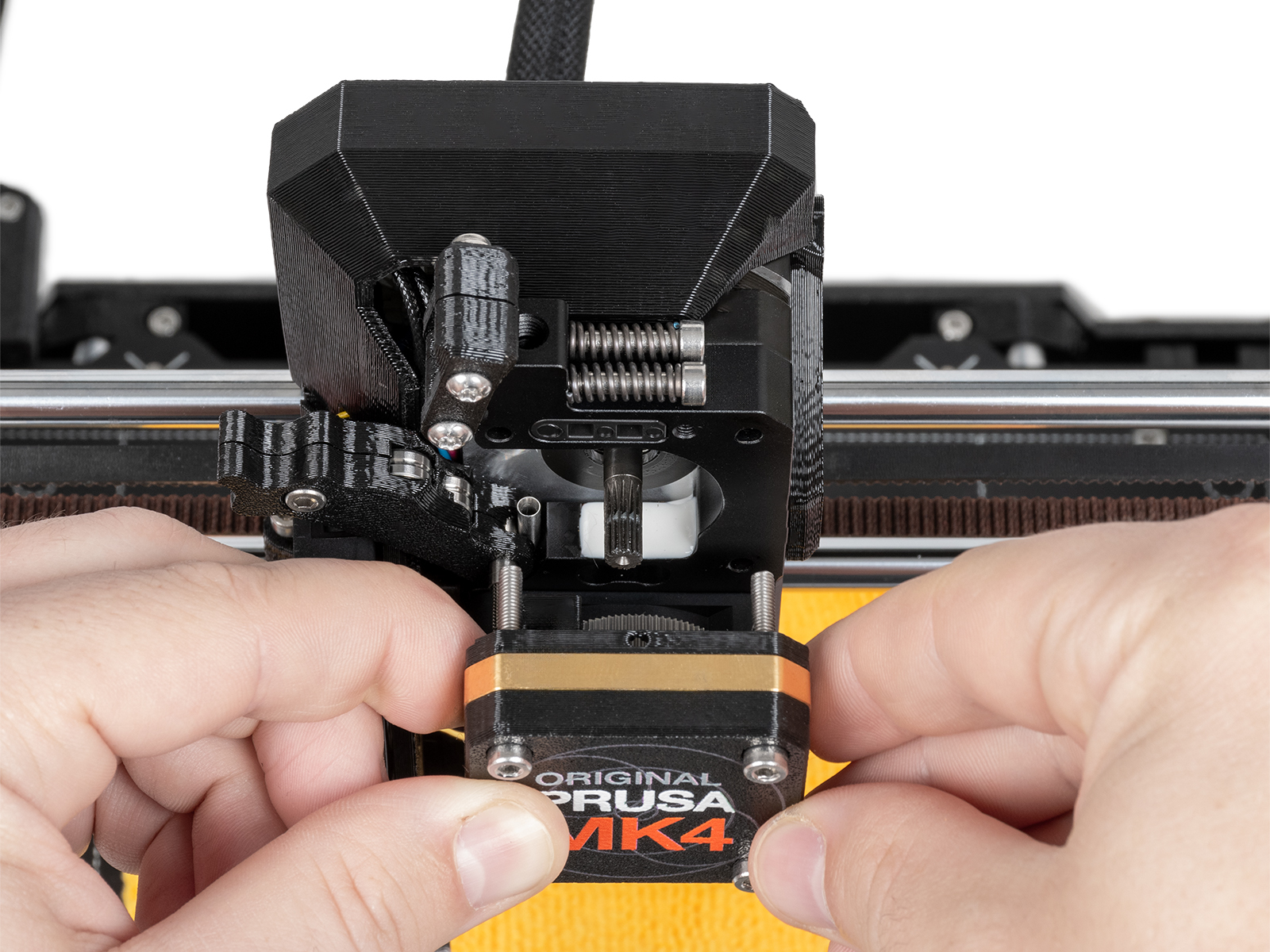
This paragraph does not apply for printers equipped with INDX upgrade.
 |  |