Relevant for


PrusaSlicer automatically detects if you insert an SD card, USB flash drive, or other removable media.
When detected, a new Export to SD/USB drive button will appear next to the Export G-code button (bottom right corner). Clicking it will open the file save dialog with the path initialized to the SD card or USB flash drive.
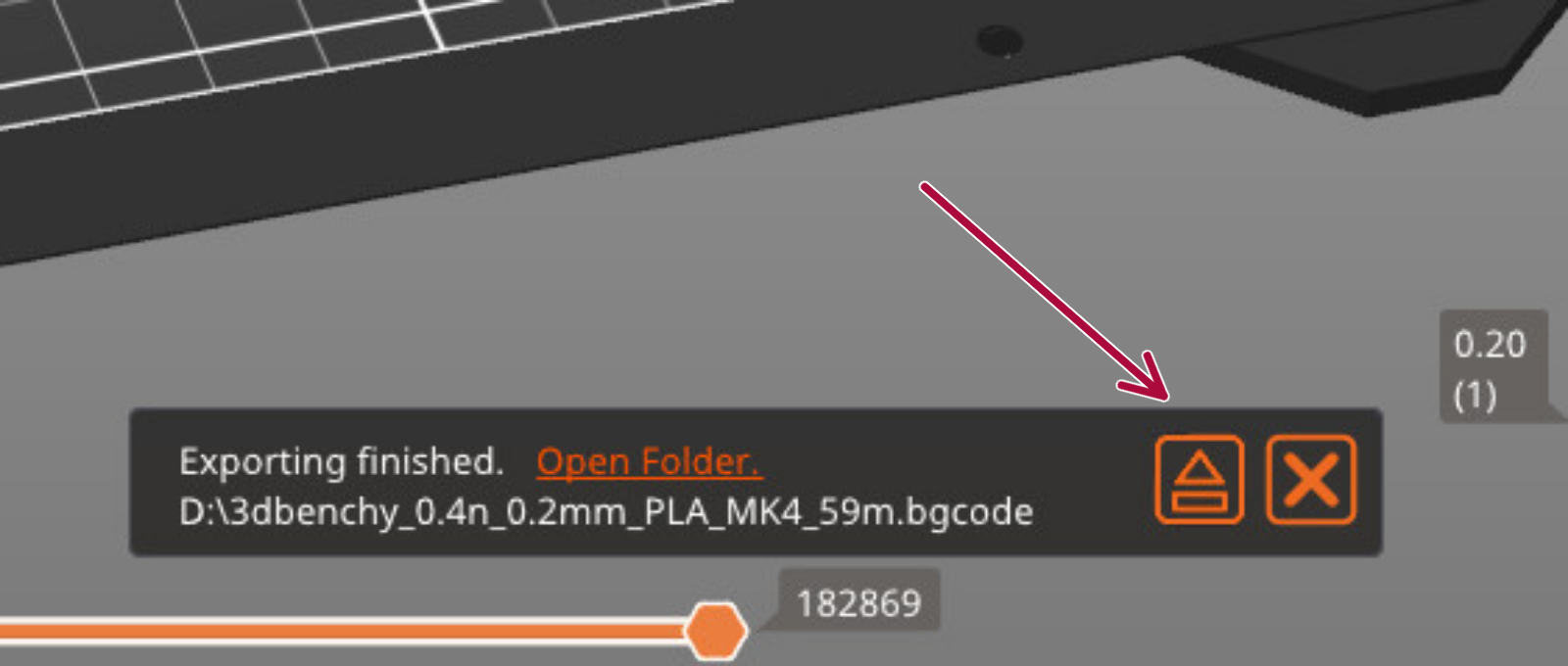
Once a G-code is exported to a removable media, an eject button will show on the bottom right of the plater.
 |  |