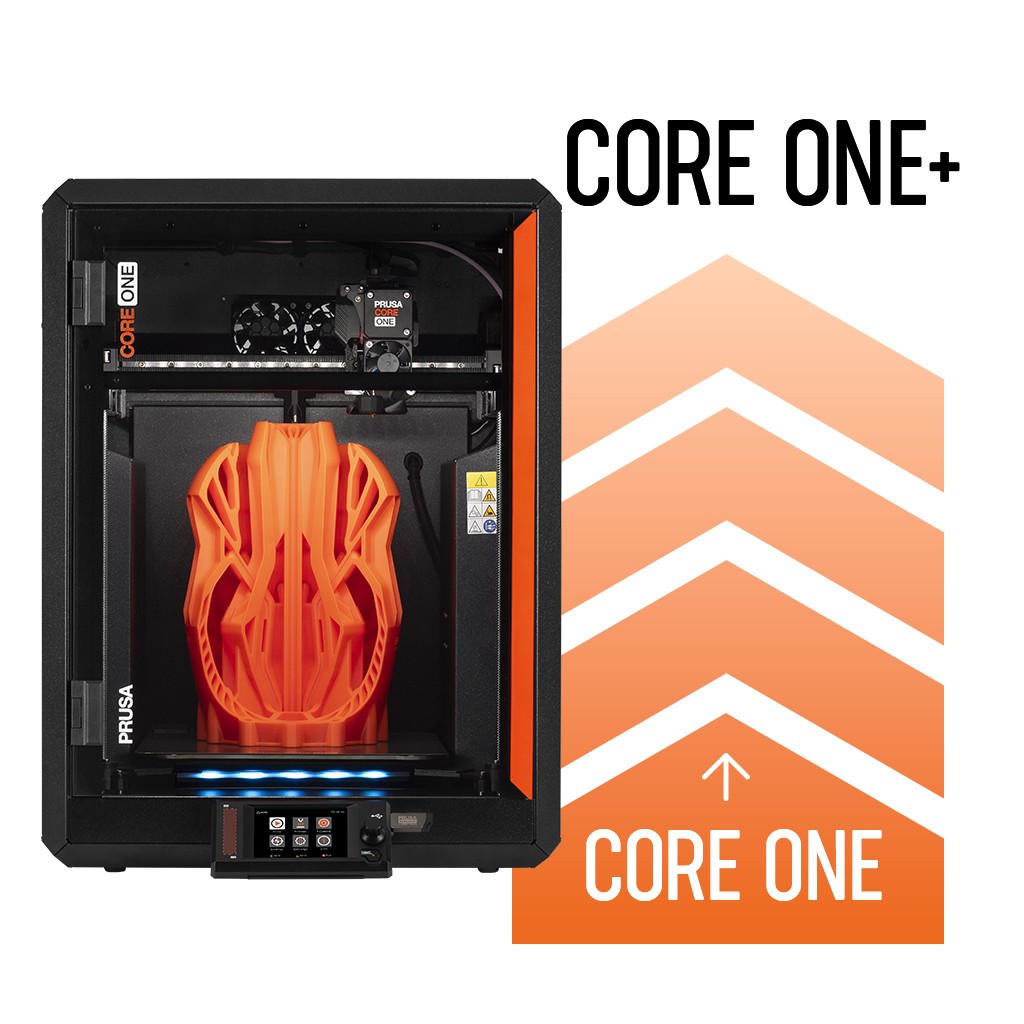
Rilevante per


This article will help you determine the correct assembly manual needed to upgrade your current printer to the latest Prusa CORE One+ (Gen 2) specification or previous CORE One+ releases.
| Your current printer | Target release | Required upgrade kit | Manual to follow |
|---|---|---|---|
| Original Prusa MK4S | CORE One+ (Gen 2) (Latest) | 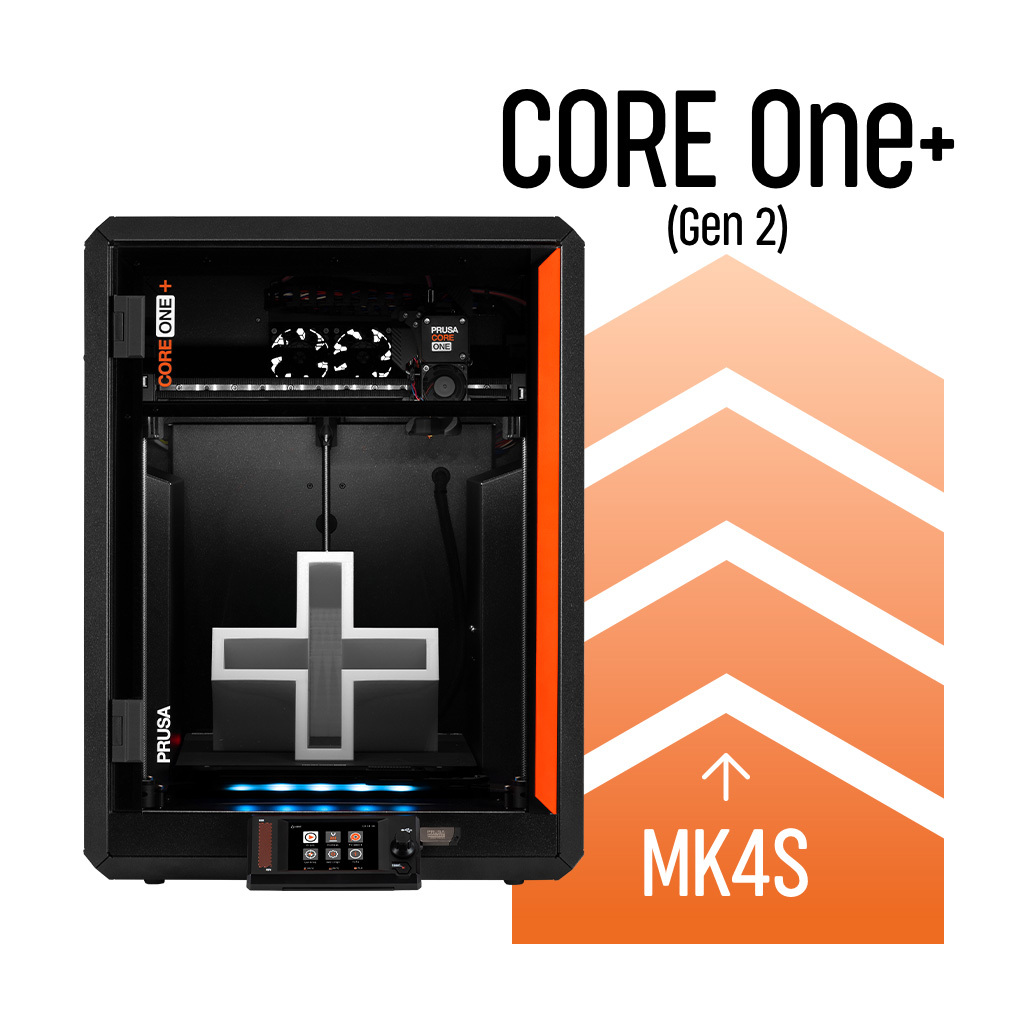 MK4S to Prusa CORE One+ (Gen 2) Conversion kit MK4S to Prusa CORE One+ (Gen 2) Conversion kit | Prusa CORE One+ (Gen 2) conversion kit |
| Original Prusa MK4S | CORE One+ (2nd release) | MK4S to CORE One+ conversion kit* | Prusa CORE One+ conversion kit |
| Prusa CORE One (1st release) | CORE One+ (Gen 2) (Latest) |
| |
| Prusa CORE One (1st release) | CORE One+ (2nd release) | Prusa CORE One to CORE One+ upgrade | |
| Original Prusa CORE One+ (2nd release) | CORE One+ (Gen 2) (Latest) | 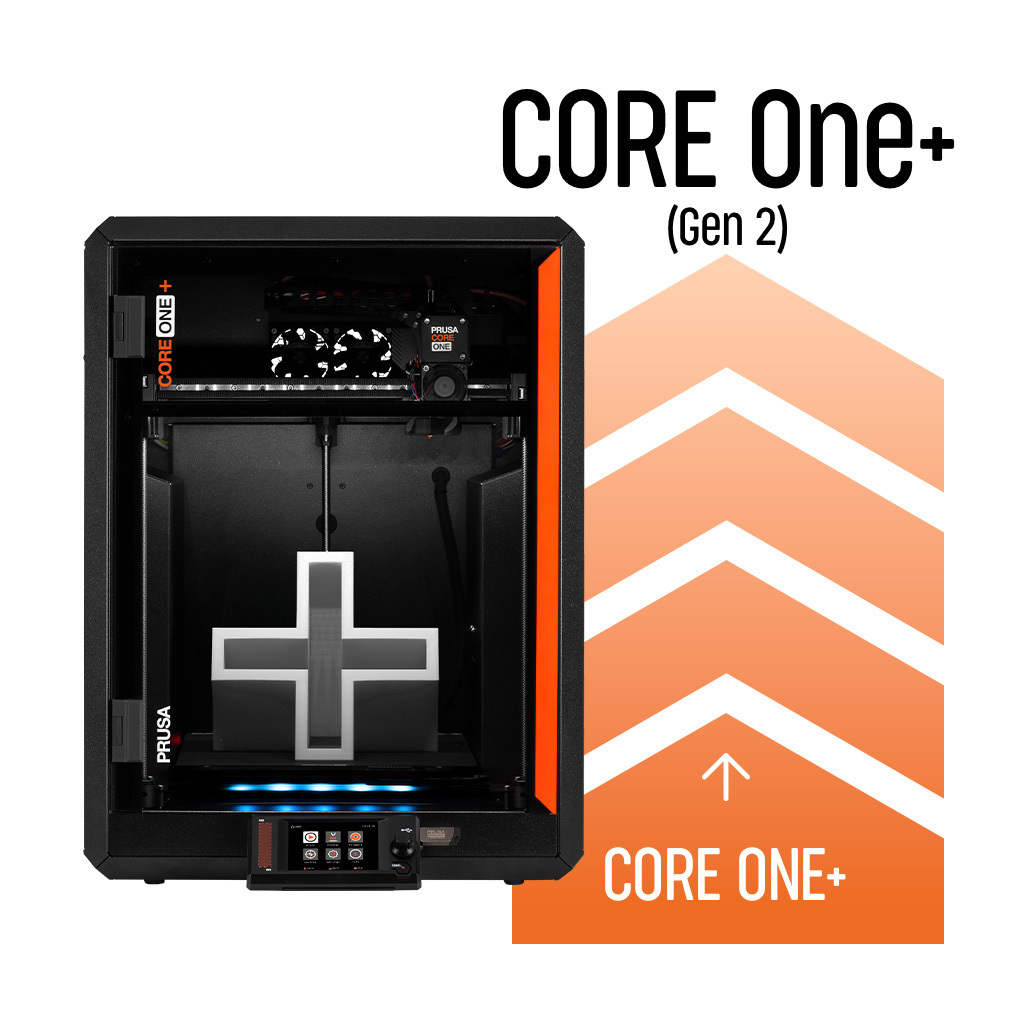 Prusa CORE One+ to Prusa CORE One+ (Gen 2) Prusa CORE One+ to Prusa CORE One+ (Gen 2) | Prusa CORE One to CORE One+ upgrade |
*Discontinued kits: Older conversion kits, such as the MK4S to CORE One+ (2nd release), are no longer available on the e-shop. If you are upgrading from an MK4S, use the current MK4S to CORE One+ (Gen 2) conversion kit.
When assembling your upgrade, it is critical to use the manual whose title exactly matches the name on your kit's box. Do not mix steps from manuals intended for older or newer CORE One versions.
If you plan to expand your CORE One printer with multi-color or multi-material capabilities, please note the following compatibility rules for INDX and MMU3 systems.
The INDX system is an independent module and does not require the Gen 2 upgrade. It can be installed on any CORE One generation.
The MMU3 unit is compatible with the CORE One family, but it requires printer-specific PTFE tubes and buffer setups.
If you are moving an existing MMU3 unit from an MK4S to a CORE One, you will need to obtain the CORE One-specific MMU parts.
For a detailed breakdown of supported setups and required parts, please refer to the MMU3 Compatibility.
How do I know which version of CORE One I currently have?
Check your original order or printer serial label. The 1st release is labeled as CORE One, the 2nd release as CORE One+, and the latest version as CORE One+ (Gen 2).
Do I have to upgrade my original CORE One (1st release) step-by-step to reach Gen 2?
Yes. Upgrading from the original 1st release requires installing the Prusa CORE One to CORE One+ upgrade first, followed by the Prusa CORE One+ to CORE One+ (Gen 2) upgrade.
Are older CORE One versions still supported after the release of Gen 2?
Yes. All CORE One generations share the same core firmware and PrusaSlicer profile architecture, and remain fully supported with software updates and spare parts availability.
Can I build a second working 3D printer using leftover parts from an MK4S upgrade?
No. Although functional parts (like stepper motors and Nextruder components) remain after the upgrade, key frame and electronic components are missing. Prusa Research does not provide manuals or official support for building custom printers from leftover upgrade parts.
Do I need to upgrade my CORE One to the CORE One+ or Gen 2 version before installing INDX or MMU3?
No. Both the INDX toolchanger and the MMU3 are completely independent modules. You can install either of them on any CORE One generation, including the original 1st release.
Is there a direct upgrade bundle from MK4S to CORE One with INDX?
There is no single all-in-one bundle. You must first purchase and apply the MK4S to CORE One+ (Gen 2) conversion kit, and then install the INDX Conversion Kit.