Prusa
  • SHOP
    • Latest products
    BY CATEGORY
    • 3D printersnew
    • 3D printer upgradesnew
    • Materials
    • Accessories
    • Spare parts
    • Courses
    • Merch
    • Get a price quote
    QUICK LINKS
    • Shipping & delivery
    • Returns & refunds
    • Payment & financing
    • Warranty
    • VAT & Customs fees
    • FAQ

    0 item in your cartitems in your cart

    Your cart is empty

    Go to cartShop 3D printers

    My profile

    Log in to see orders, saved items

    My profile

    Signed in as

    • Orders
    • Logout
  • 3D PRINTING
    • Explore 3D printing
    FOR BEGINNERS
    • 3D printing 101
    • How FDM printing works
    • Buying your first printer
    • 3D model catalog
    BY APPLICATION
    • Rapid prototyping
    • Manufacturing
    • Engineering
    • Research
    • Arts & design
    GO DEEPER
    • Materials guide
    • Courses
    • Webinars
    • Case studies
    • Custom 3D printing
  • 3D PRINTERS
    • All 3D printers
    FOR
    • Home or garageHobbyists, tinkerers and home printing
    • BusinessIn-house production for small teams
    • EnterpriseFleets, security and scale
    • Which Prusa is right for me
    SHOP & BROWSE
    • CORE One+new
    • CORE One+ INDXnew
    • CORE One L+new
    • CORE One L+ INDXnew
    • XL+new
    • MK4S
    • Prusa Pro HT90
    • Prusa Pro AFS
    • Prusa Pro SLX
    MORE FROM PRINTERS
    • Parts & upgradesnew
    • Critical infrastructure
    • Case studies
    • Signature Oak
    • Kits
  • MATERIALS
    • All materials
    BY USE
    • Every-day & design
    • Functional engineering
    • Composites
    • Pro speciality
    • SLA resins
    PRUSAMENT
    • PLA
    • PETG
    • ASA
    • PC
    • PA11
    • Flex
    • TPU
    MORE FROM MATERIALS
    • Materials guide
    • We make material in house
    • Sustainability
    • Order on the store
  • SOFTWARE
    • All software
    PREPARE THE PRINT
    • PrusaSlicer 3.0New
    PRINT & MONITOR
    • Prusa Connect
    • EasyPrint
    • iOS & Android app
    • Prusa Farm
    GET STARTED
    • Download & install
    • Knowledge base
    MORE FROM SOFTWARE
    • 3D model catalog
  • SUPPORT
    • Explore support
    FIND ANSWERS
    • Knowledge base
    • Troubleshooting
    • Courses
    • Webinars
    GET HELP
    • Contact us
    • Livechat
    • Shipping & delivery
    • Warranty
    • Returns & refunds
    • Service & spare parts
    • Service & Repair
    COMMUNITY
    • Forum
    • Reddit
    • Printables
  • TRUST CENTER
    • Trust Center overview
    BY TOPIC
    • GDPR
    • Certificates
    • Security
    • Compliance
    COMMITMENTS
    • Sustainability report
    TALK TO US
    • Contact the security team
  • COMPANY
    • About Prusa
    GET TO KNOW US
    • Our story
    • How we make printers
    • Open source
    • Brand & media kit
    NEWS
    • Blog
    • Newsroom
    • Events
    TRUST & PARTNERS
    • Sustainability
    • Resellers & distributors
    • Affiliate program
    • Contact
    • English
    • Čeština
    • Deutsch
    • Español
    • Français
    • Italiano
    • Polski
    • 日本語
  • Signed in as

    • Orders
    • Address
    • In-stock Alerts
    • My Courses
    • Subscription
    • Edit Account
    • Logout

Log in to see orders, saved items

Signed in as
  • Orders
  • Address
  • In-stock Alerts
  • My Courses
  • Subscription
  • Edit Account
  • English
  • Čeština
  • Deutsch
  • Español
  • Français
  • Italiano
  • Polski
  • 日本語
Shop

0 item in your cartitems in your cart

Your cart is empty

Go to cartShop 3D printers

My profile

Log in to see orders, saved items

My profile

Signed in as

  • Orders
  • Logout
SHOP
  • Latest products
BY CATEGORY
  • 3D printersnew
  • 3D printer upgradesnew
  • Materials
  • Accessories
  • Spare parts
  • Courses
  • Merch
  • Get a price quote
QUICK LINKS
  • Shipping & delivery
  • Returns & refunds
  • Payment & financing
  • Warranty
  • VAT & Customs fees
  • FAQ

Featured products

    Popular categories

      Trending searches

        Articles

          Blog

            Products

              Categories

                Suggested searches

                  Searching…
                  No results
                  Something went wrong.
                  ↑↓ Select↵ OpenEsc Close search
                  1. Support
                  2. Original Prusa MK3.9S
                  3. Material guide
                  4. Polycarbonate (PC)
                   

                  Contents

                  • Basic info
                  • Description
                  • Best use
                  • Tips for successful printing
                  • Sample prints

                  Blog

                  • Print colorful and glowing Halloween decorations with our spooky offer
                  • Factorio Has Arrived on Printables
                  • Prusament PLA Lightweight: 65% lighter than regular PLA. Perfect choice for aircraft, cosplay, and more.

                  Newsletter

                  Signup and get our monthly squeeze on updates, blog, printables and much more.

                  By clicking, you agree to receive our newsletter.

                  This site is protected by reCAPTCHA Enterprise and the Google Privacy Policy and Terms of Service apply.

                  Factorio Transport Belts
                  E-shop
                  • 3D Printers
                  • Printer Upgrades
                  • Filaments
                  • Accessories
                  • Prusa Merchandise

                  © Prusa Research a.s.

                  Printables
                  • 3D Models
                  • Store
                  • Clubs
                  • 3D Design Contests
                  • Brands
                  Community
                  • World Map
                  • Forum
                  • User Groups
                  • Events
                  Help
                  • Prusa Help
                  • Prusa Academy
                  • 3D Printing Calculators
                  Software
                  • PrusaSlicer
                  • Prusa.app
                  • Prusa Connect
                  • Drivers and Software
                  Company
                  • About Us
                  • Blog
                  • Official Prusa Resellers
                  • Contact Us
                  • Certified for ISO 9001, ISO 14001, ISO 45001
                  • General Terms and Conditions
                  • General Terms and Conditions of Use of the PRUSA Websites
                  • Privacy Policy
                  • Information about cookies
                  • Customer Complaints Policy
                  • Status Page
                  • Do Not Sell or Share My Personal Information
                  • Supplemental Statements
                  • General Terms and Conditions
                  • General Terms and Conditions of Use of the PRUSA Websites
                  • Privacy Policy
                  • Information about cookies
                  • Customer Complaints Policy
                  • Status Page
                  • Do Not Sell or Share My Personal Information
                  • Supplemental Statements

                  © Prusa Research a.s.

                  JOSEF PRUSA®, PRUSA RESEARCH®, PRUSA POLYMERS®, PRUSA ORANGE®, PRUSA 3D ® AND PRUSAMENT® are registered trademarks of Prusa Development a.s. used by Prusa Research a.s. under licence from Prusa Development a.s.

                  Polycarbonate (PC)

                  Relevant for

                  MK4 family
                  XL family
                  ENCLOSURE family
                  MINI family
                  MK3 family
                  +
                  26 comments
                  Article is also available in following languages
                  English
                  Čeština
                  Polski
                  Deutsch
                  Français
                  Español
                  Italiano
                  日本語

                  Basic info

                  Polycarbonate (PC) is a technical material with great tenacity, tensile strength, and heat resistance. However, it’s very hard to print, therefore suitable mainly for advanced users. However, this doesn't apply to our Prusament PC Blend, which is significantly easier to print compared to other polycarbonates.
                   
                  Recommended nozzle temperature: 275 °C
                   
                  Recommended bed temperature: 110 °C for the first layer, 115 °C for other layers
                   
                  Heatbed: Powder-coated TXT or satin sheet with a glue stick will provide the best adhesion. Note that while the powder-coated satin sheet works perfectly without a glue stick, it is recommended to use a separation layer to prevent surface wear.

                  Description

                  Polycarbonates (PC) are a group of polymers excelling in their tenacity, tensile strength, and temperature resistance. Outside of the 3D printing world, they are used for example for making CDs, protective glasses and shields, or car headlight covers.

                  Pure polycarbonate is not suitable for 3D printing because of its bad surface adhesion and significant thermal expansion. Prints tend to deform and crack. For this reason, various additives are usually added to improve printability. The result of our own development is the Prusament PC Blend. It has relatively great printability and is suitable for making technical parts with high mechanical and temperature resistance.

                  We do not suggest using PC on a smooth PEI sheet. Its great adhesion might damage the surface! If you have to, use the Gluestick as a separation layer.

                  The main disadvantage of most polycarbonates is that they’re extremely hygroscopic (they absorb moisture). They should be stored in airtight containers with desiccant (silica gel) and should be dried in the oven prior to printing.

                  Some manufacturers counter this with various additives, for example, Prusament PC Blend tends to absorb moisture much less than other polycarbonates. Because of its high-temperature resistance, PC is a suitable material for printer fan shrouds.

                  Polycarbonate requires some experience to print properly. If you are a beginner, consider experimenting with easier materials like PLA or PETG first.

                  To compare supported material properties, see our material table.

                  Pros

                  Cons

                  ✔ High-temperature resistance

                  ✖ Pure polycarbonate is highly hygroscopic

                  ✔ High impact tenacity and tensile strength

                  ✖ High nozzle and bed temperature

                  ✔ Pure polycarbonate is transparent

                  ✖ High warping, especially with large models

                  ✔ Good electric insulation properties

                  ✖ Moderate odor during printing


                  ✖ Application of a separation layer is recommended


                  ✖ High price

                  Best use

                  The best use of PC is for printing technical parts requiring great heat and mechanical resistance.

                  Tips for successful printing

                  Consider using an enclosure

                  Printing polycarbonate is often tricky, as it tends to warp a lot, even with the additives. Printing inside an enclosure helps. Polycarbonate needs to be printed on a special surface, for example, a powder-coated sheet with a glue stick, PEI, or Build-tak. For small to medium objects, you can increase infill to >25% and add more top layers (4 or more) for a stronger print. However, this is not recommended for large prints, where we recommend reducing this.

                  You can purchase the Original Prusa Enclosure in our e-shop.

                  It is also possible to make your own enclosure.

                  Use a Skirt in PrusaSlicer

                  If you don’t have a printer enclosure, we suggest placing the object in the middle of the printing platform and setting the skirt value as high as possible. This will make a microclimate with a slightly higher temperature around the model and increase your chances for a successful print.

                  Add Brim around small objects

                  You should use the Brim function for printing parts with a small contact area with the print surface.

                  Try to avoid warping

                  Polycarbonate is not suitable for printing large objects covering the whole sheet. Prints with round edges warp less than those with sharp edges (this is true for any type of filament). Warping is also affected by infill density and the number of perimeters. Denser infill (and more material inside the object in general) increases warping - and a risk of separation from the print surface. A lesser number of perimeters increases the chances of a successful print of large polycarbonate models.

                  Do not print in cold areas

                  In some cases, the printer might show a “Bed thermal runaway” error. This typically occurs with ambient temperatures below 18 °C when the printer cannot hold the high heatbed temperature.

                  Careful print preparation is a key

                  Prusament PC Blend is easy to print compared to other polycarbonates. Print preparation is also quite easy. Recommended nozzle and bed temperatures are 275±10 °C and 110 ±10 °C. PC Blend is printable on the powder-coated TXT sheet if you apply glue stick on it. If you print without a glue separation layer, you risk damaging the print sheet. This issue was moderated with the powder-coated satin sheet. This surface doesn't need any separation layer if you print with PC Blend occasionally. If you print with polycarbonate regularly, we still suggest using glue stick to keep your satin sheet in the best shape possible.
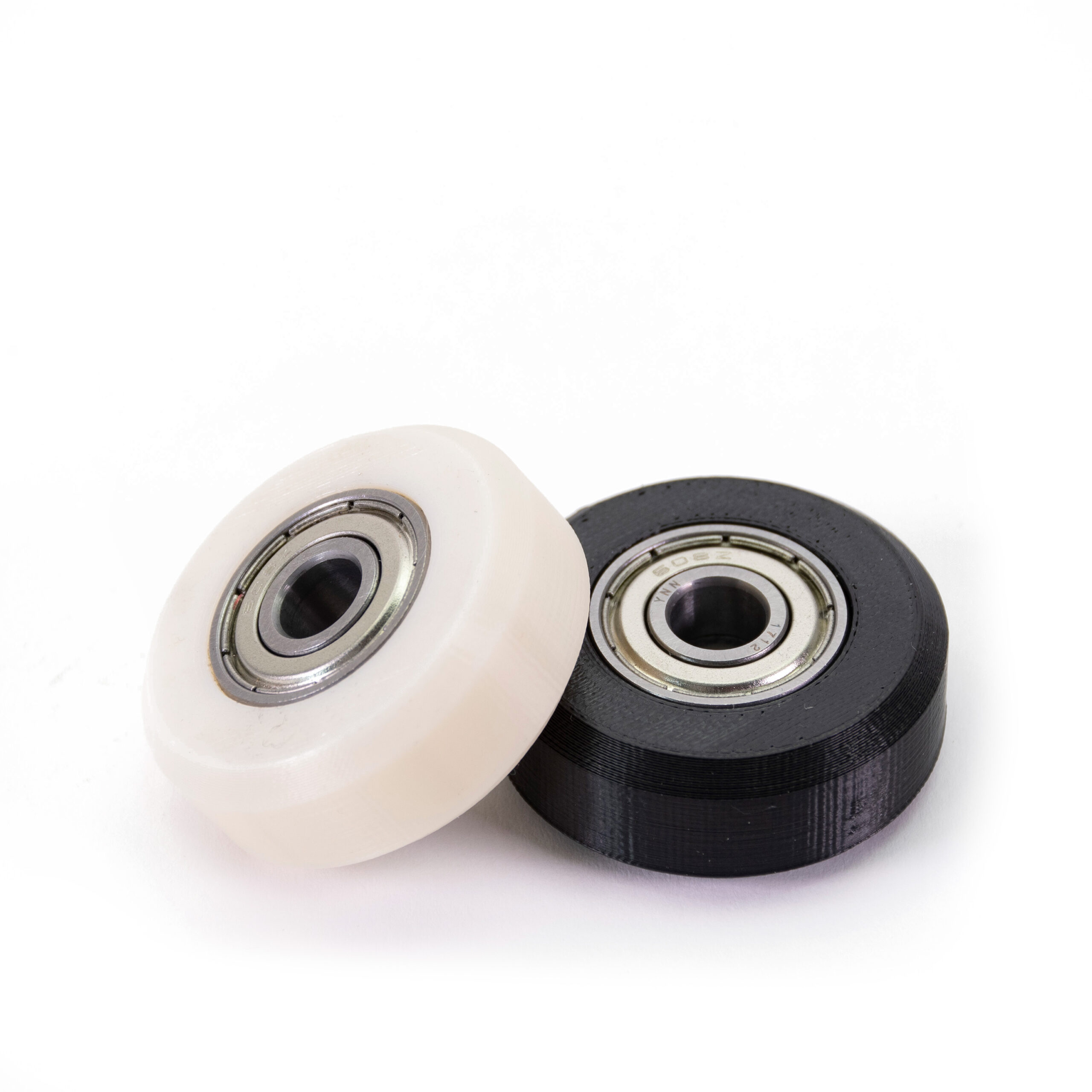
                  You can see how to prepare each steel sheet for your filament in our Material table.

                  Sample prints

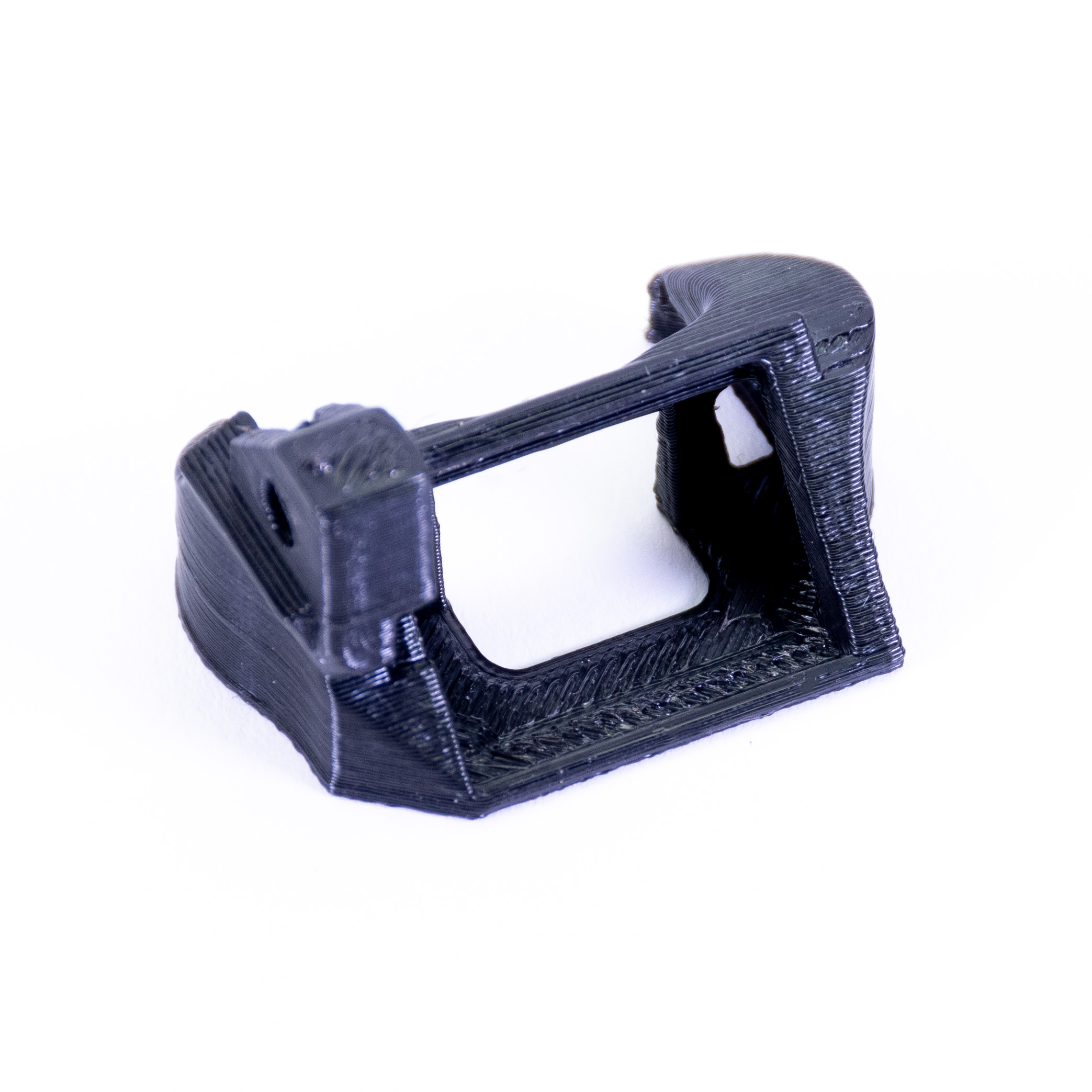
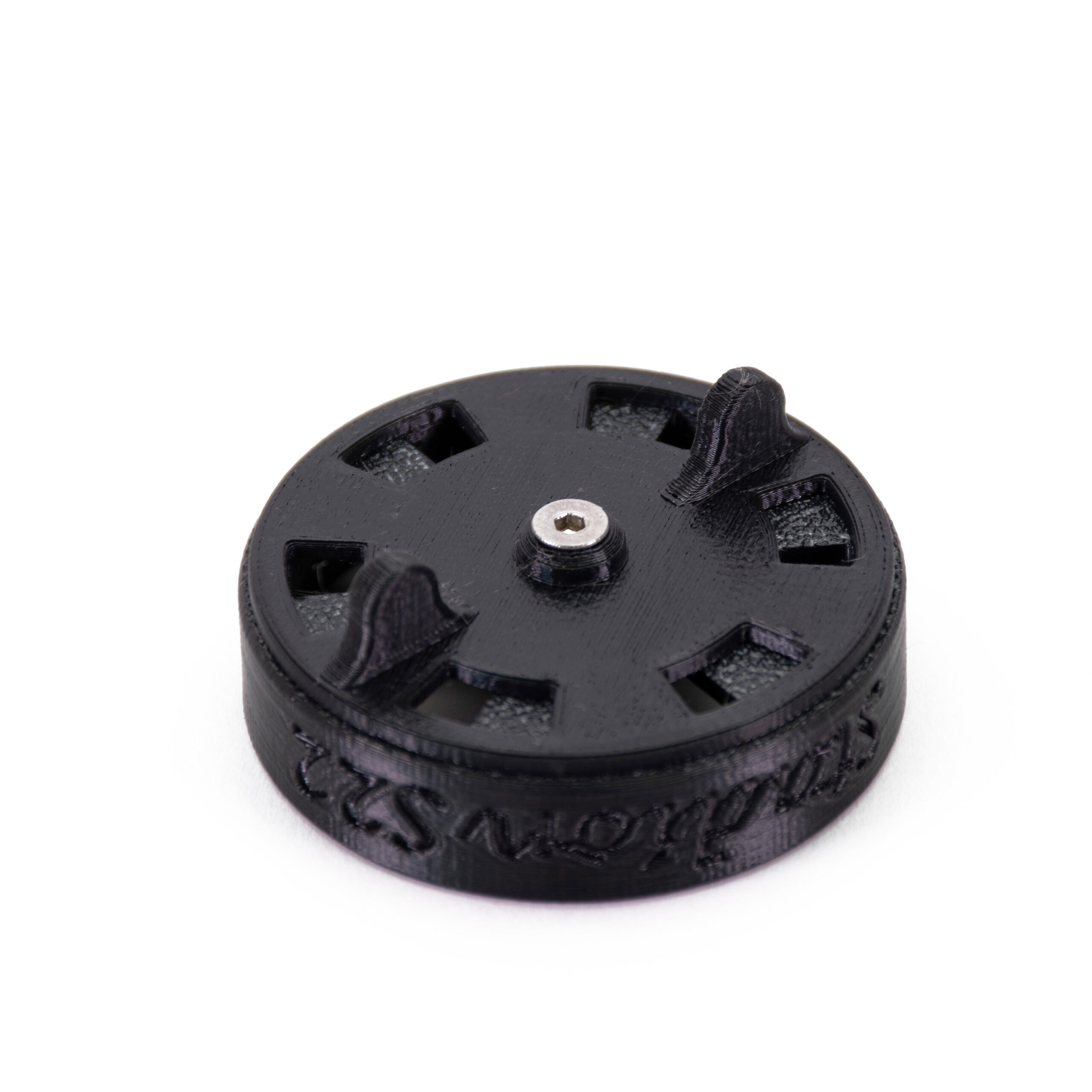
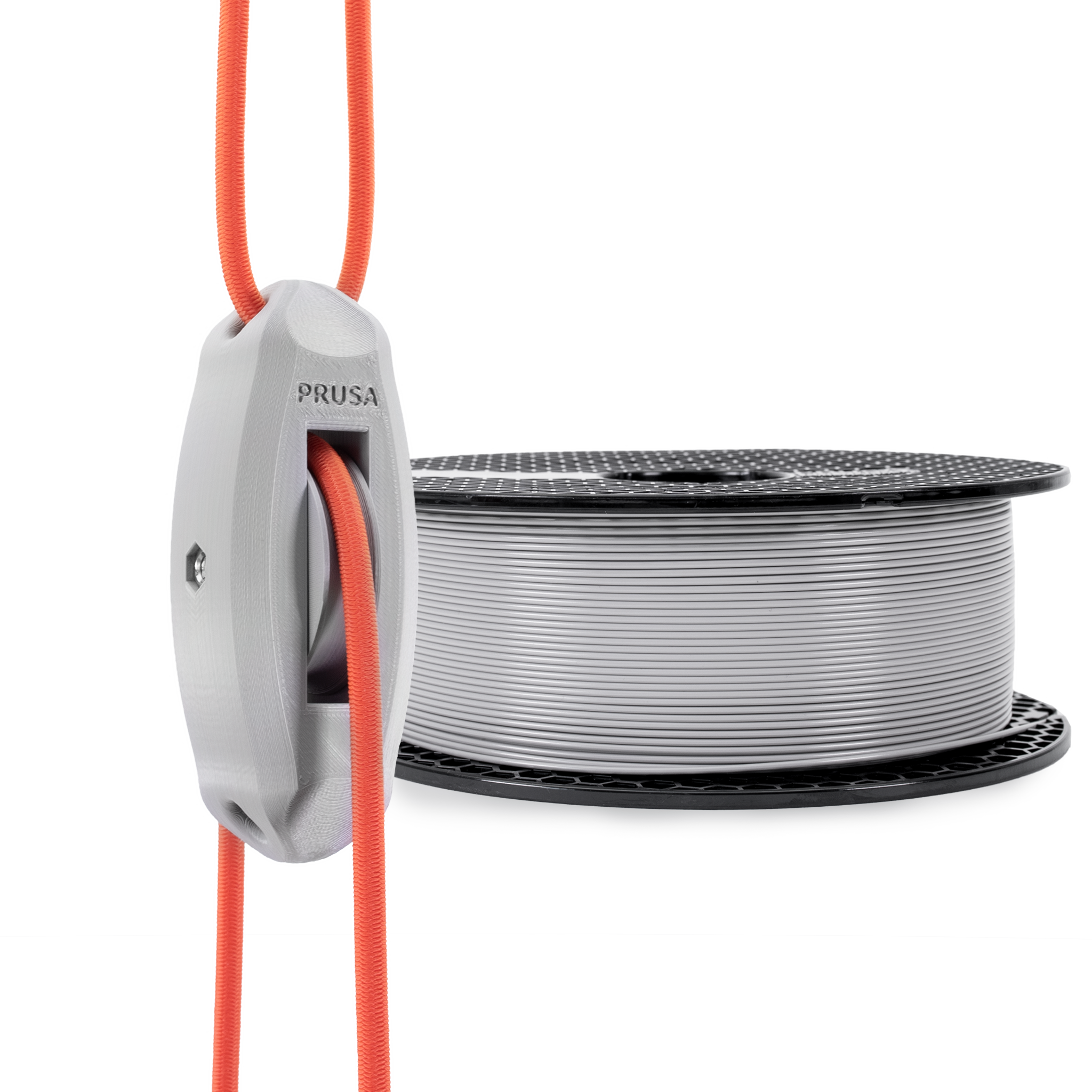
                  Pulley linear bearingsFan shroud
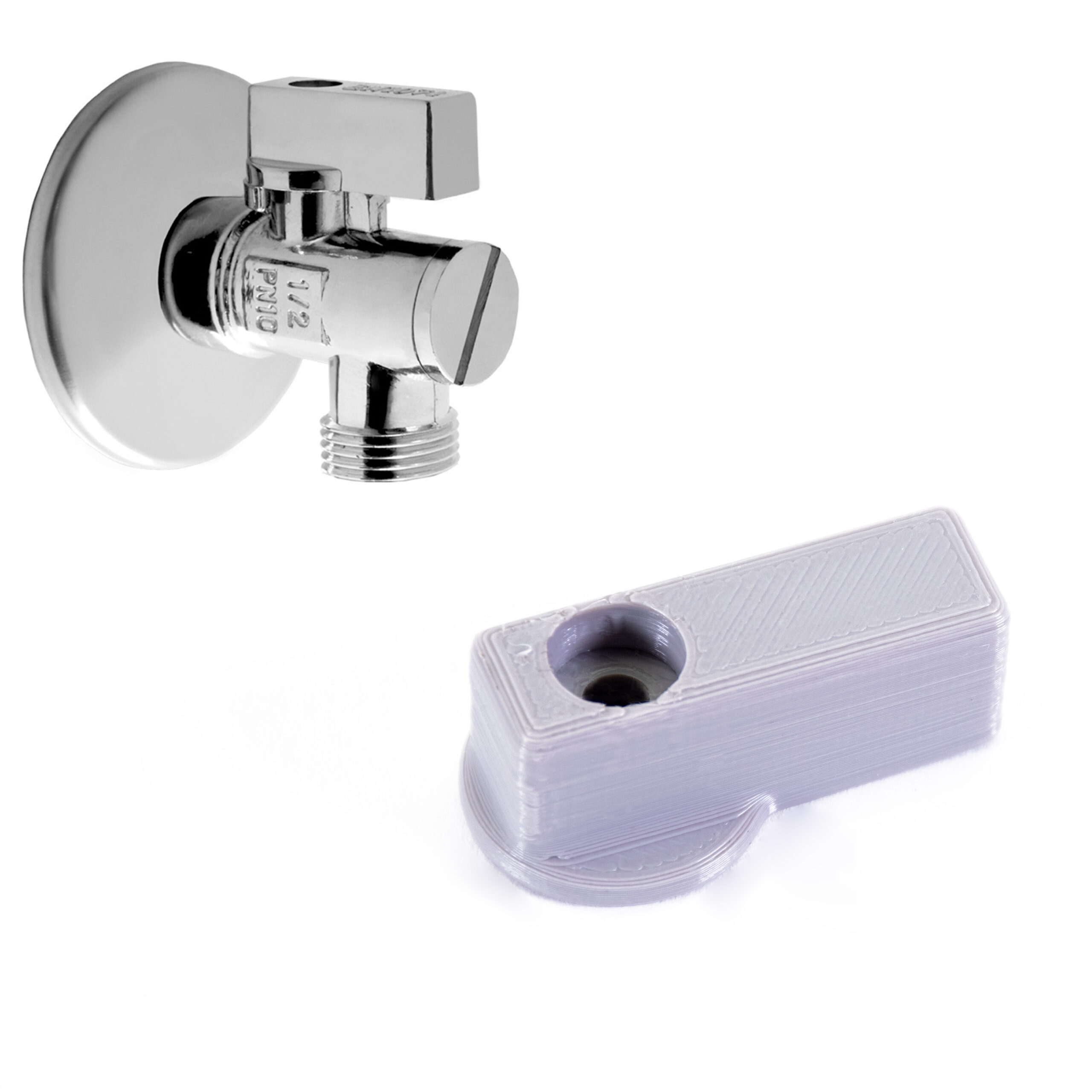
                  Water angle valve leverAir filter cover
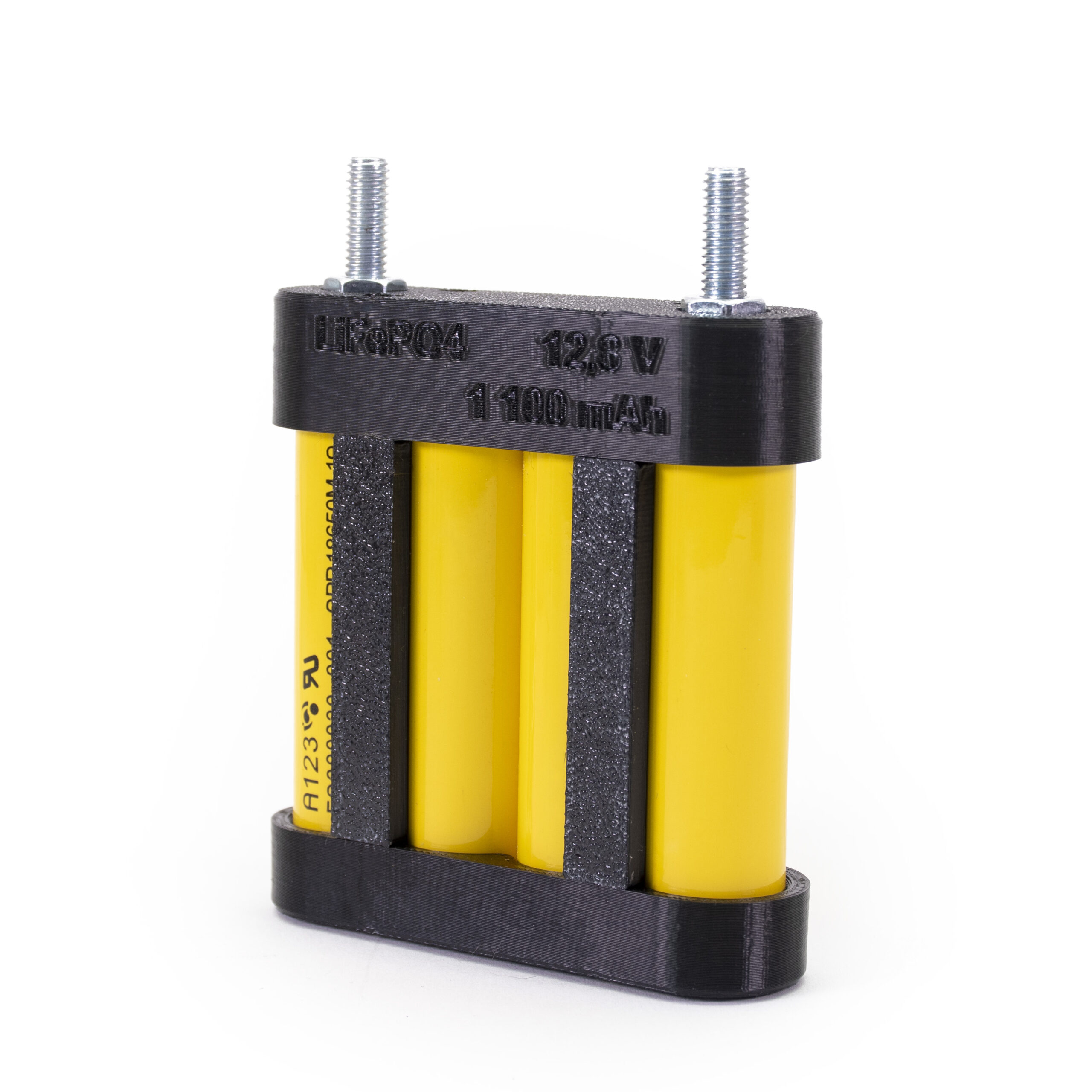
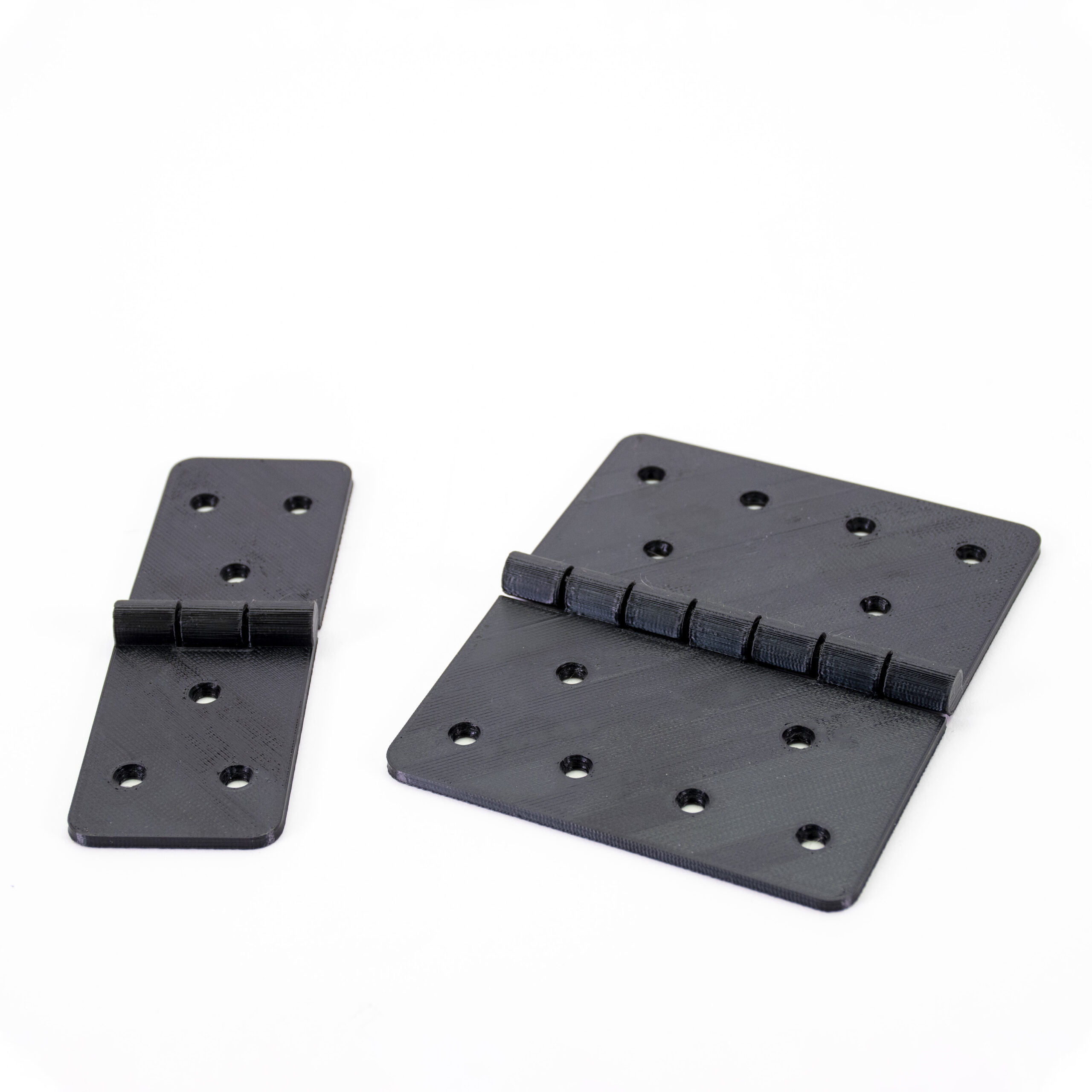
                  Battery packHinges
                  Was this article helpful?
                  This action is available only to registered users. Please log-in.

                  Topics

                  • Using the printer
                    • Material guide
                      • ASA
                      • Flexible materials
                      • ABS
                      • PETG
                      • PLA
                      • Polycarbonate (PC)
                      • Composite materials (with metal or wood particles)
                      • CPE
                      • Water soluble (BVOH/PVA)
                      • HIPS
                      • Polypropylene (PP)
                      • NGEN
                      • Polyamide (Nylon)
                      • Composite materials (filled with carbon, kevlar or glass)
                      • PVB
                      • LW PLA
                      • Drying filament
                      • How to use Prusament refill 1kg
                      • HueForge filament transparency values and HexCodes
                      • Prusament TPU 95A material guide
                      • Prusament PETG Ultraglow troubleshooting
                      • Prusament Woodfill
                    • 3D models
                    • Slicing
                    • Printer maintenance
                    • Prusa Connect & PrusaLink

                  13 comments

                  Log in  to post a comment
                  Baelson
                  •
                  The text -- "It is also possible to make your own enclosure." -- links to https://www.prusaprinters.org/cheap-simple-3d-printer-enclosure/, which shows a 404 page not found.

                  I found the correct blog post at: https://blog.prusa3d.com/cheap-simple-3d-printer-enclosure_7785/.

                  Can someone either please redirect the old link to the correct page or update this article?

                  Thank you!
                  Reply
                  wubbr
                  •
                  I bought a sample of pc blend with my core one (yay it can do ASA and PC) and destroyed my pei build plate on the first print of the pc blend, thats what I get for not reading the manual.

                  I just read the 'About PC Blend' on the sample plage.

                  Dont be me. Now I have a boat shaped hole in the centre. :D I heard they include a stick of glue with the 1kg reel.
                  Reply
                  Jan Kratochvíl
                  •
                  Hello. We are sorry for the damage on your plate. You can also use our flament guide https://help.prusa3d.com/filament-material-guide
                  Reply
                  AtaZ
                  •
                  My spool of PC Blend is brittle. Can I oven dry it and if so at what temperature? What is the TG or Glass Transition temperature for PC Blend?
                  Reply
                  Marina Curzi - Official Prusa CS
                  •
                  You can check the best temperature here: https://help.prusa3d.com/article/drying-filament_332086#drying-methods.
                  Reply
                  leskography
                  •
                  Hello, can I use this filament with Prusa Mini+
                  Reply
                  Lucas Jaeger
                  •
                  I use it with mine all the time! I have had great success using the prusament PC Profile, and overture PC Pro filament. I use a enclosure, and not sure it would work with out.
                  Reply
                  Jan Kratochvíl
                  •

                  Hello. You can use PC Blend on your MINI+, but the enclosure is highly recommended. If you don't have one, you can use PC Blend with carbon fibers, but you will need a hardened nozzle.

                  Reply
                  bryn51
                  •
                  I am wondering what support material can be used with PC Blend filament.  I think PVA water soluble is out of the question because it requires low temp of 200C.  So next is HIPS filament that prints at 240 C.  It "might" still work at PC temps of around 280C.Can anyone provide guidance on whether HIPS is suitable for supports or whether there is another filament that works better ?By the way, I consider using the MMU2/3 and MK4 printer within Prusa enclosure to combine printing of PC Blend with HIPS.  Is this sane ? Can it work ?
                  Reply
                  Marina Curzi - Official Prusa CS
                  •

                  Both BVOH and HIPS can be used for PC blend support. If you are using a single tool filament changer like the Multi material, it is better to have a support material with the printing temperature closer to the one of the main material.

                  Reply