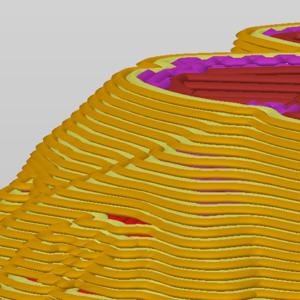
Some options will only appear when Expert mode is selected. Layer height Height of the individual slices/thickness of each layer. Layer height is the main factor affecting both: print…
3D printers work by laying layer over layer of plastic to create a 3D object. Each new layer must be supported by the one beneath it. If part of your model starts in mid-air and…
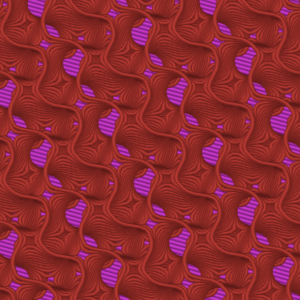
PrusaSlicer offers many infill patterns to choose from. When choosing an infill pattern, these are the main things to consider: Print speed Density per material used (better support…
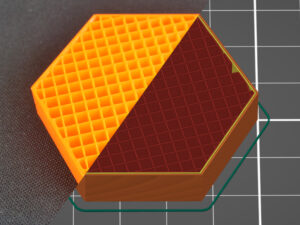
The main purpose of infill is to provide internal support for top layers, which would otherwise have to bridge over empty space. Infill also affects the speed of printing, structural…
Some options will only appear when Expert mode is selected. Skirt The skirt is a printed outline of all of the models on the print bed. It's printed before any of the models and…
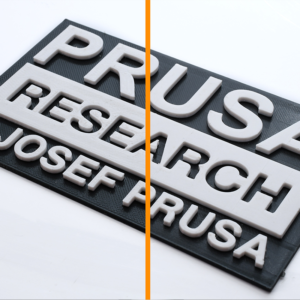
What is Ironing and how does it work? It is possible to use the Ironing tool starting from version 2.3.0 of Prusa Slicer. Ironing smooths flat top surfaces by running a special…
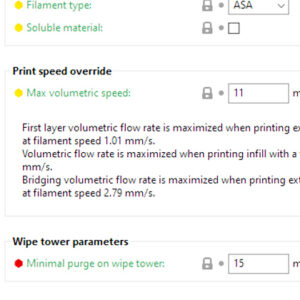
The Maximum volumetric speed setting (MVS) is one of the most powerful features in PrusaSlicer. The MVS setting essentially creates a manager for the maximum amount of filament…
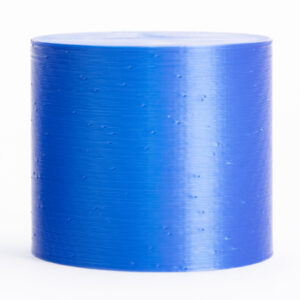
Some options will not appear when PrusaSlicer is in Simple mode. The Fuzzy skin feature lets you create a rough fiber-like texture on the sides of your models. If enabled, the…
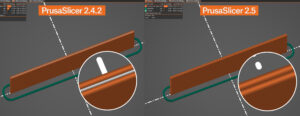
Unless you're printing in the Spiral vase mode, each perimeter loop has to start and end somewhere. This start/endpoint creates a potentially visible vertical seam on the side…
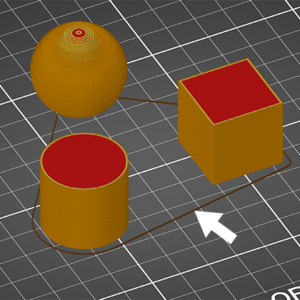
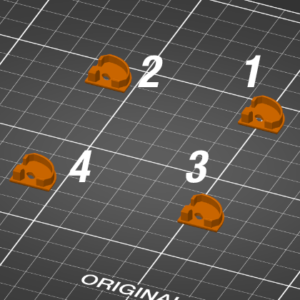
This option is unavailable when PrusaSlicer is in Simple mode. When printing multiple objects at once, you can finish them sequentially, one at a time. This differs from standard…
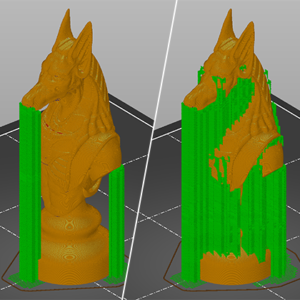
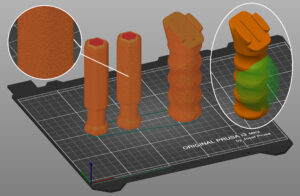
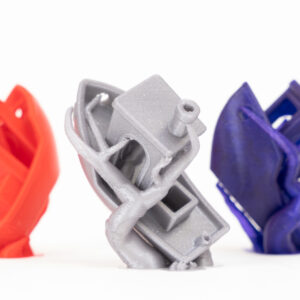
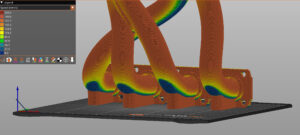
Organic supports are a type of support structure available in PrusaSlicer. PrusaSlicer previously always used a 2D grid-based approach to generate supports. Although this method…
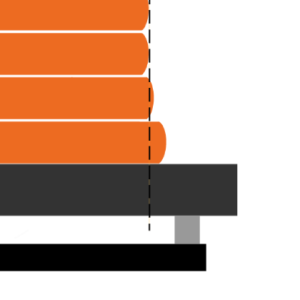
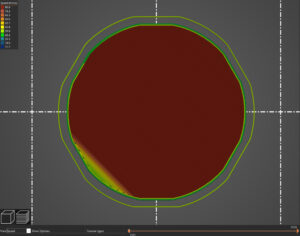
This option is not available when PrusaSlicer is in Simple mode. When printing the first layer is squished against the heated print bed and as a result, it’s usually a bit wider…
Starting from Prusa Slicer version 2.5.0, the standard perimeter generator is Arachne. The Arachne generator produces perimeter loops and gap fills with varying extrusion widths.…
This feature is only available in PrusaSlicer 2.5 and newer. 3D printer extruders love to extrude at a constant rate for the best extrusion consistency. However, during a print,…
Speed settings for different print moves You can set different speed limits for each of the print move types. Keep in mind, that during printing, the print speeds are affected…
Some options will not appear when PrusaSlicer is in Simple mode. It is possible to change the slicing mode in the PrusaSlicer by going to the printer menu in Print Settings ->…