0 item in your cartitems in your cart
Your cart is empty
My profile
Log in to see orders, saved items
Signed in as
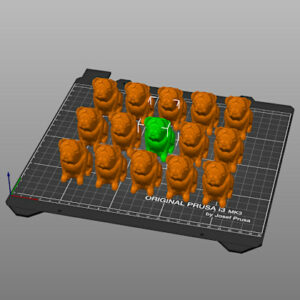
When you import multiple models or create many instances of the same model, arranging them on the print bed could be very time-consuming. PrusaSlicer features an auto-arrange tool…
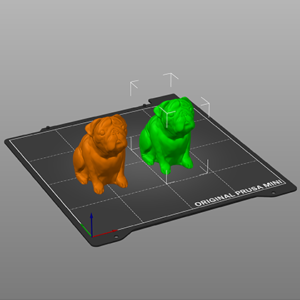
Copy & paste You can select one or more models and copy/paste them using the buttons in the top toolbar or with the familiar shortcuts: Ctrl + C Copy Ctrl + V Paste Object copies…
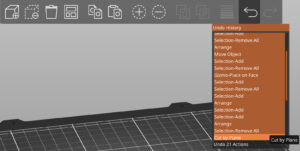
All the actions accessible from the 3D editor view are undoable including object selection, actions at the sidebar (adding modifiers, changing their attributes) with the exception…