0 item in your cartitems in your cart
Your cart is empty
My profile
Log in to see orders, saved items
Signed in as
Almost every function of PusaSlicer can be accessed via a keyboard shortcut. In addition to that, many functions have an alternative mode that can be accessed with a modifier key.…
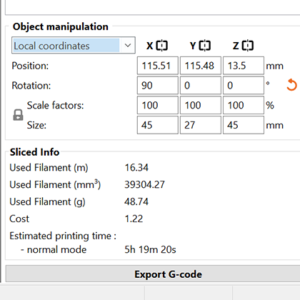
Whenever you have one or more objects selected, the Object manipulation panel appears in the right panel. Using the text inputs, you can modify: Position Rotation Scale factor Size Three…
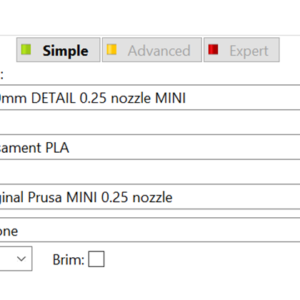
The user interface changes in appearance depending on the mode you’re in. You can switch to a different mode using the drop menu on the top right. The reasoning behind the Simple…