Relevant for


On the Prusa CORE One L, CORE One, Original Prusa MK4/S, MK3.9/S, and XL, a gearbox alignment is necessary for user-assembled or serviced gearboxes. This procedure is part of the Selftest or can be initiated from LCD menu -> Control -> Calibrations & tests -> Gears Calibration.
Once the procedure is initiated, the printer will prompt for the calibration to start. Press "Continue".
The CORE One L and XL do not need to go through the gear calibration on arrival, as it is pre-assembled, only if the extruder is disassembled and reassembled. The process is the same as for the CORE One and MK4/S, MK3.9/S pictured below.
 | 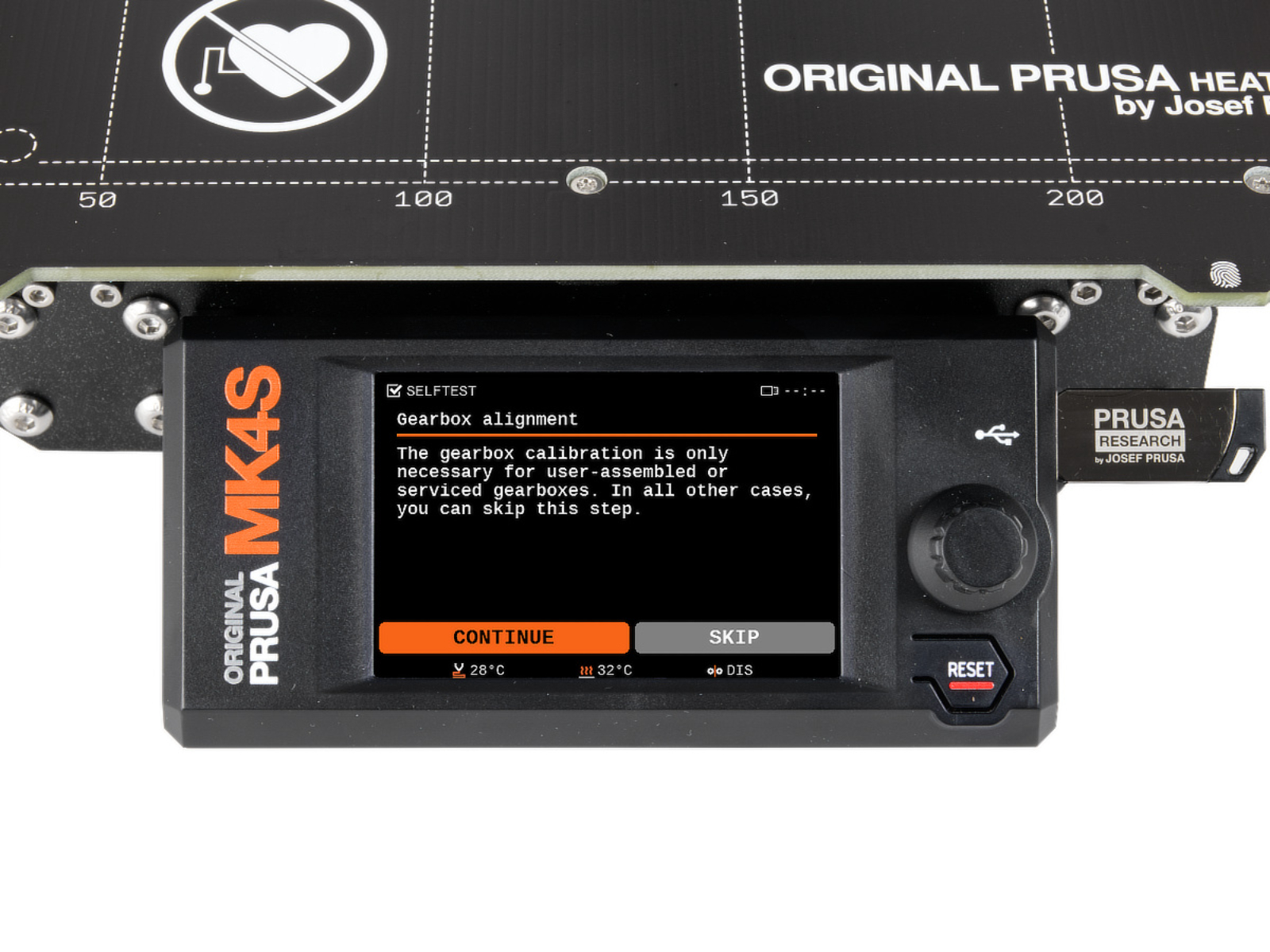 |
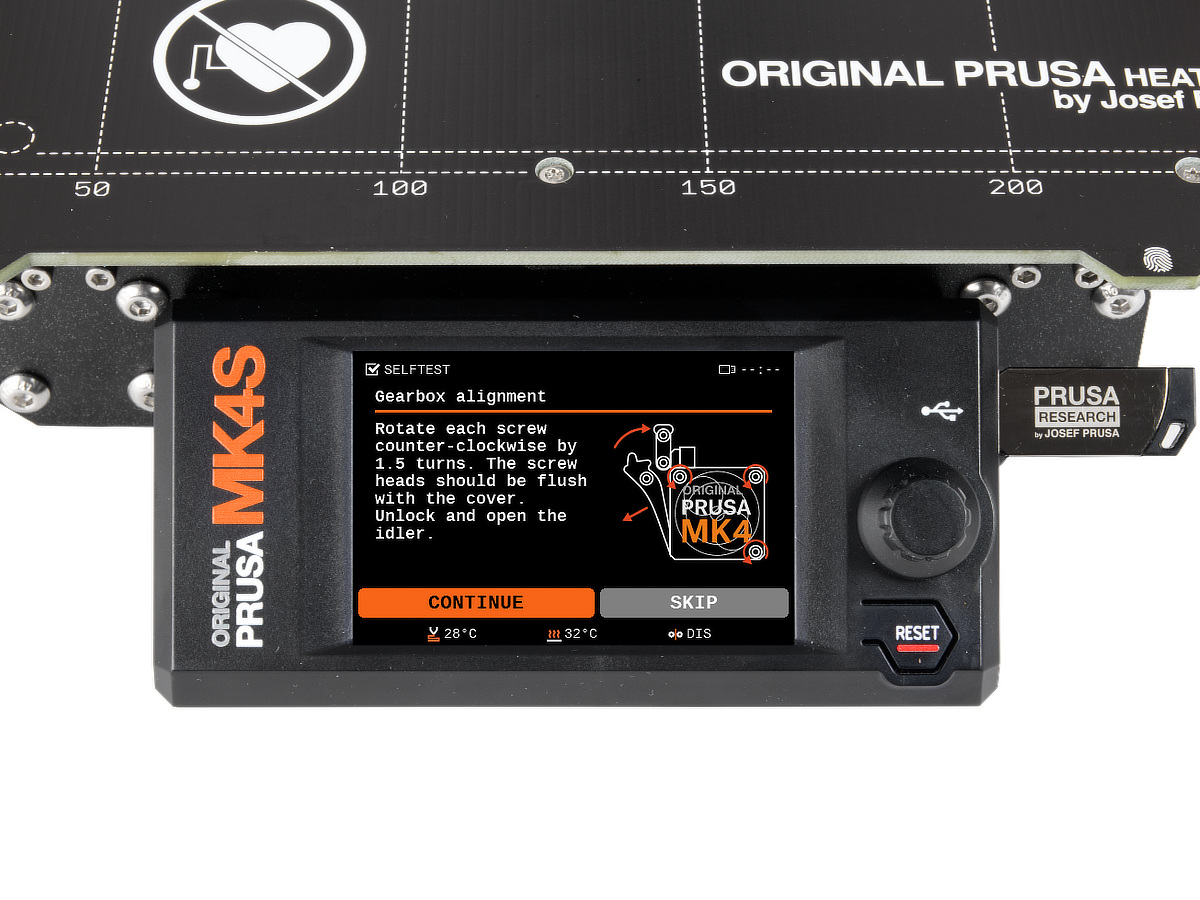
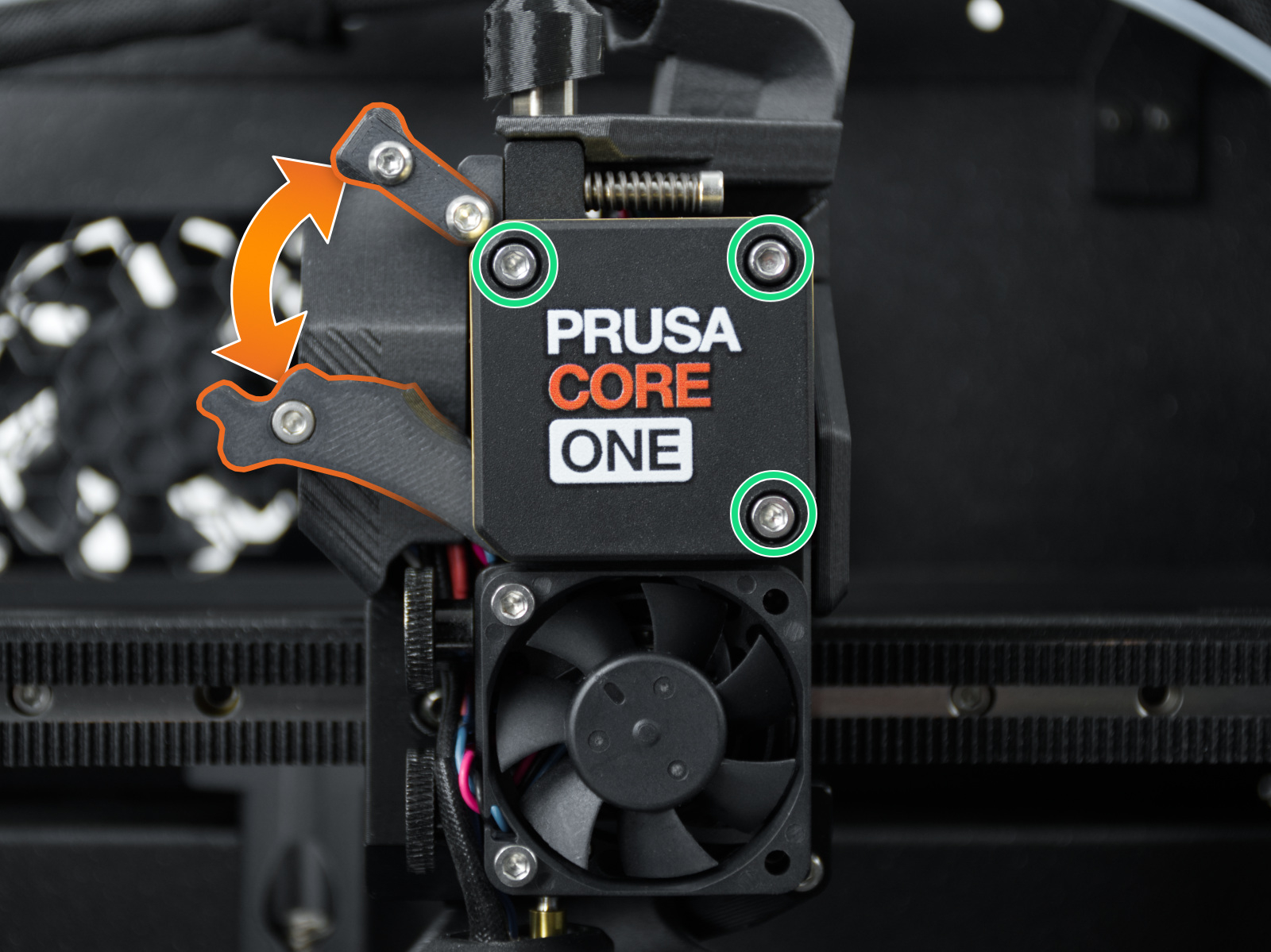
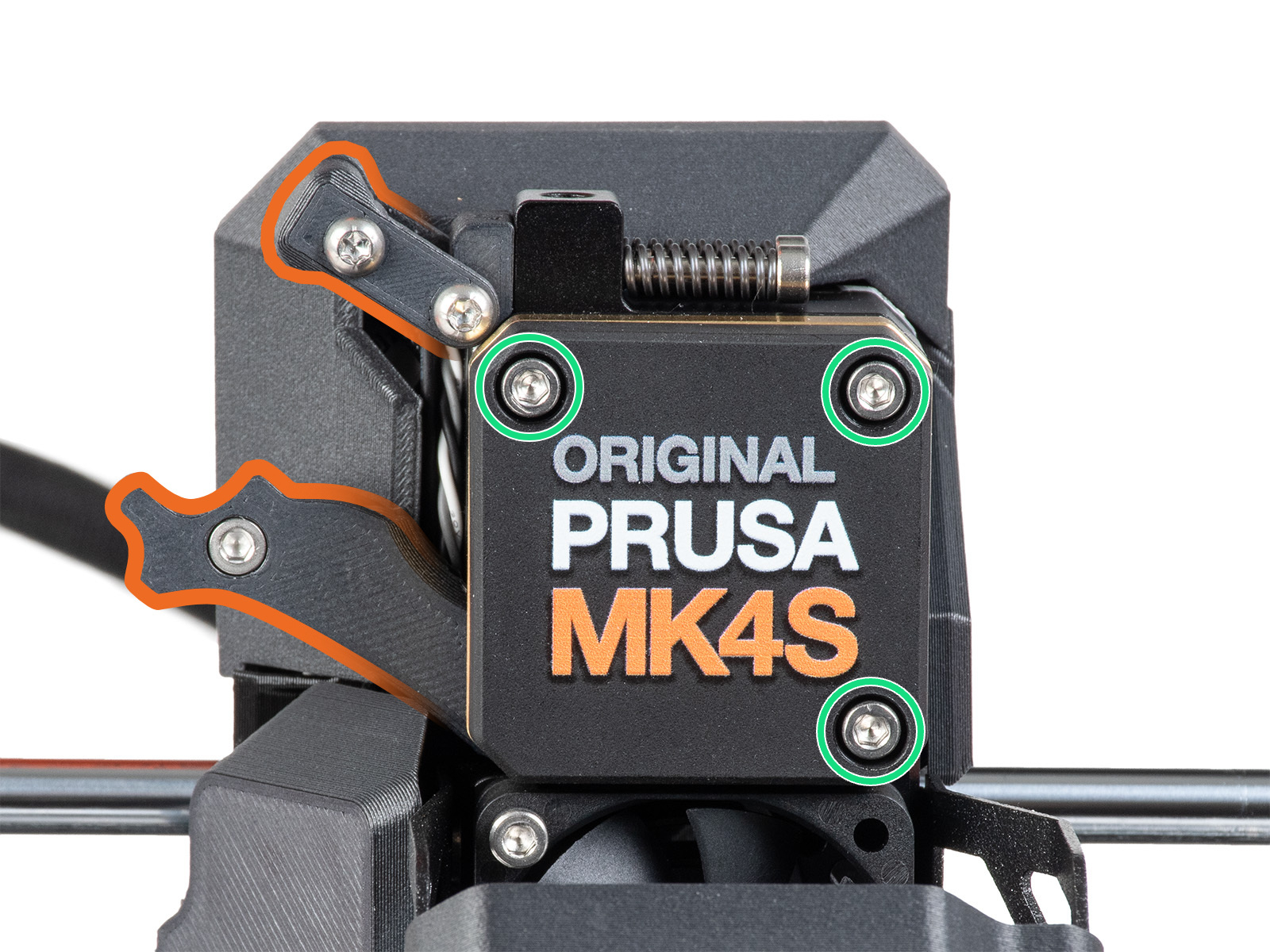
Slightly loosen the three bolts on the gearbox cover, by one turn and a half, then unlock and open the idler. When done, press "Continue".
 |  |
 |  |
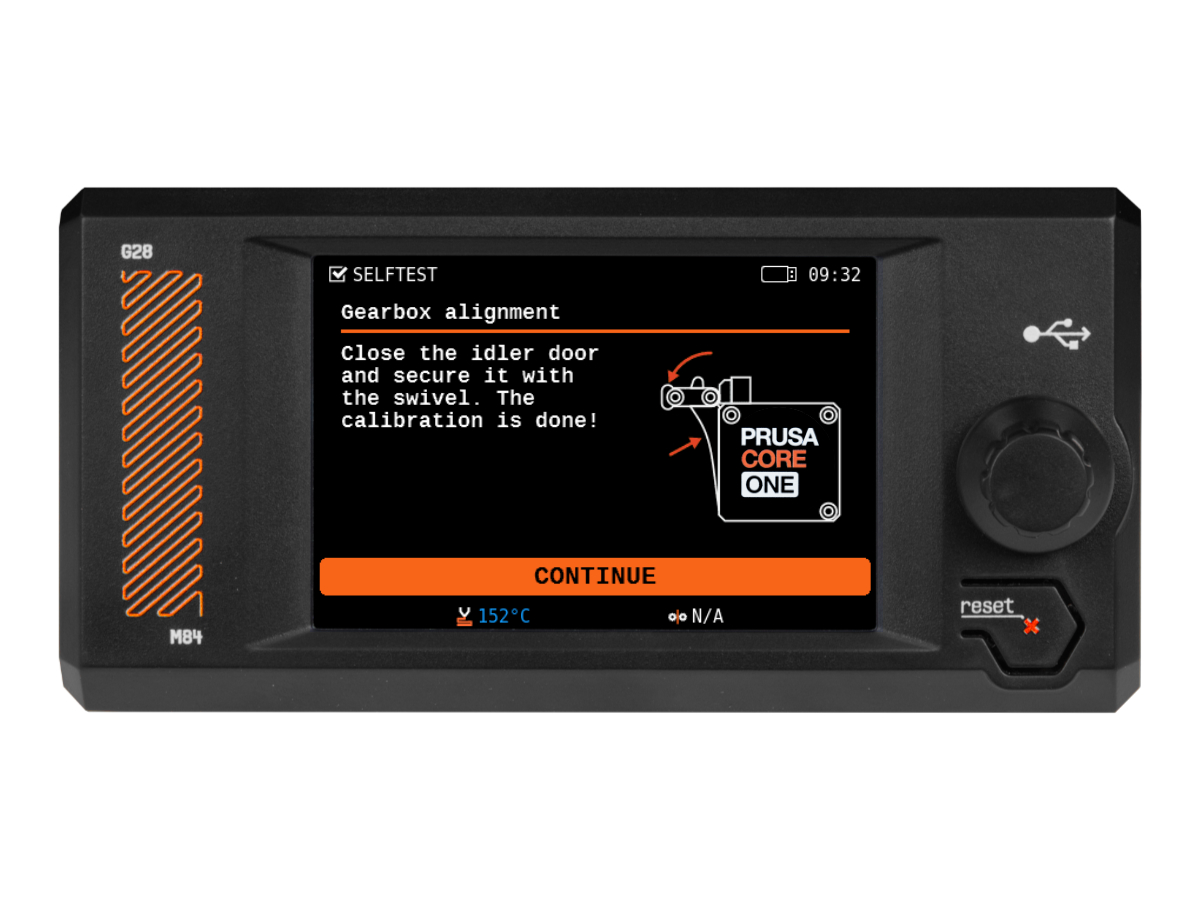
The printer will go through the automatic gearbox alignment. This process can’t be seen from the outside. Once prompted, tighten the three screws in the pattern indicated on the screen, and close the idler.
7 comments
Parking it in the back of the machine makes it difficult to reach and having the extruded next to the enclosure makes it almost impossible.
There is no gearbox alignment option for XL at the moment.