0 item in your cartitems in your cart
Your cart is empty
My profile
Log in to see orders, saved items
Signed in as
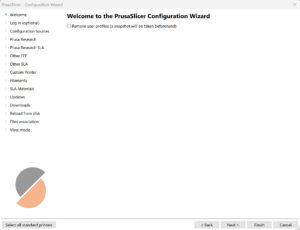
When you launch PrusaSlicer for the first time, a Configuration Wizard window opens automatically. Configuration Wizard can also be launched manually from the top menu by selecting…
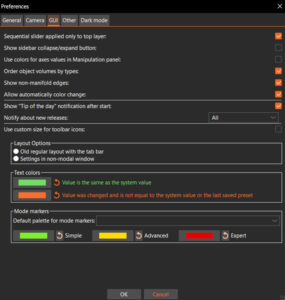
You can open the Preferences window by selecting Menu -> Configuration -> Preferences or pressing Ctrl + P. The preferences are split into multiple tabs for easier discoverability. General Remember…
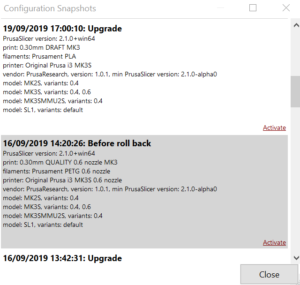
A snapshot contains complete configuration, most importantly all system and user profiles, from the point when the snapshot was taken. You can view and move back and forth between…