No items yet.
PrusaSlicer is an open-source, feature-rich, frequently updated tool that contains everything you need to export the perfect print files for your 3D printer.
Prusa Connect is a cloud service enabling remote control and monitoring of your 3D printers, offering secure data handling, easy setup, and support for managing multiple printers from anywhere.
Control your printer/s remotely from anywhere using the Prusa Connect technology behind. Prusa.app brings a new level of Prusa printer experience to Android and iOS phones.
Prusa Academy offers online courses on various 3D printing related topics. Each course features:
We are the largest maker of 3D printers in Europe and the United States.
Founded as a one-man startup in 2012 by Josef Prusa, a Czech hobbyist, maker, and inventor. In just 15 years, we've grown into a company of more than 1,200 people. Every month, we design, build, and ship over 10,000 innovative and secure 3D printers from our headquarters in Prague, Czech Republic, and Delaware, USA, to users in more than 160 countries.
Watch a video and find out how Prusa Research was born and what we achieved within only 10 years!
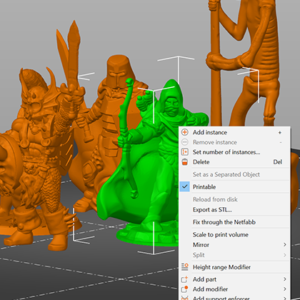
PrusaSlicerでは、一度に複数のモデルを印刷することができ、それぞれ微妙に異なる設定で印刷することができます。例えば、インフィルやレイヤーの高さが異なる場合などです。 モデル上で右クリック(Advancedモード)し、次のいずれかを選択します。: Infill(インフィル) Layers and perimeters(レイヤーおよび外周) Support…
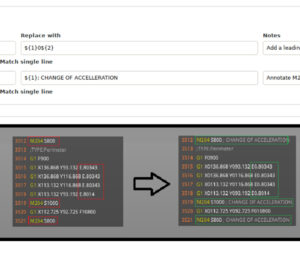
この機能はPrusaSlicer 2.4.1以降で利用可能になります。 PrusaSlicerは、検索と置換のペアを指定することで、一般的なテキストエディタと同様に、正規表現マッチング、大文字と小文字の区別、単語全体のマッチングをオプションで指定し、シンプルなGコードの後処理を提供します。正規表現は非常に強力で汎用性の高いツールであり、非常に複雑な置換も設定できます。より複雑な後処理が必要な場合は、代わりに外部の後処理スクリプトを使うことができます。 [プリント設定]->[出力オプション]からアクセスできる機能です。 Gコードはプレビューされる前に処理されるため、変更はGコードプレビューに表示されます。Verbose…
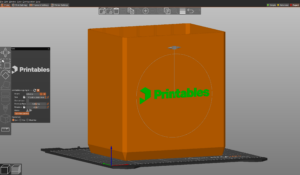
SVGエンボスツールを使用すると、PrusaSlicerで直接、3Dプリントオブジェクトに複雑なデザイン、ロゴ、QRコード、パターンを追加できます。また、PrusaSlicerは、オブジェクトの周囲に任意のSWGを巻き付けることができ、曲面に滑らかに沿わせることができます。 SVG (Scalable Vector Graphics) は、その拡張性と柔軟性から、ウェブや様々なアプリケーションで広く使われている汎用性の高い画像フォーマットです。ピクセルのグリッドとして情報を保存するラスター画像(JPEGやPNGなど)とは異なり、SVGはXMLテキストファイルで定義されます。この根本的な違いにより、SVGは品質を損なうことなく事実上あらゆるサイズに拡大縮小することができ、ロゴ、アイコン、複雑なイラストに理想的です。 SVGをパーツ、ネガティブボリューム、モディファイアとして使う objectオブジェクトの上で右クリック SVGの追加を選ぶ 深さ…