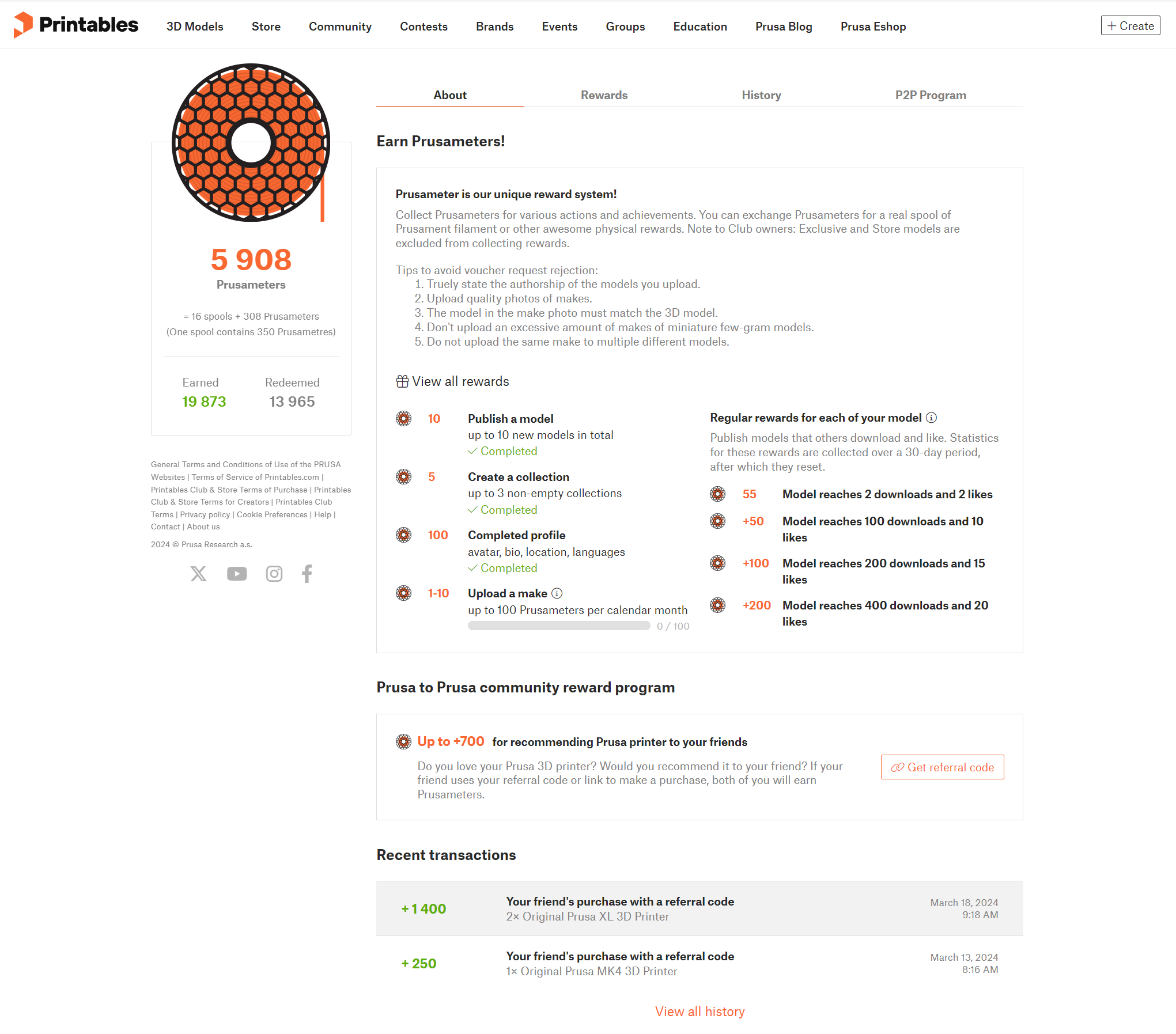
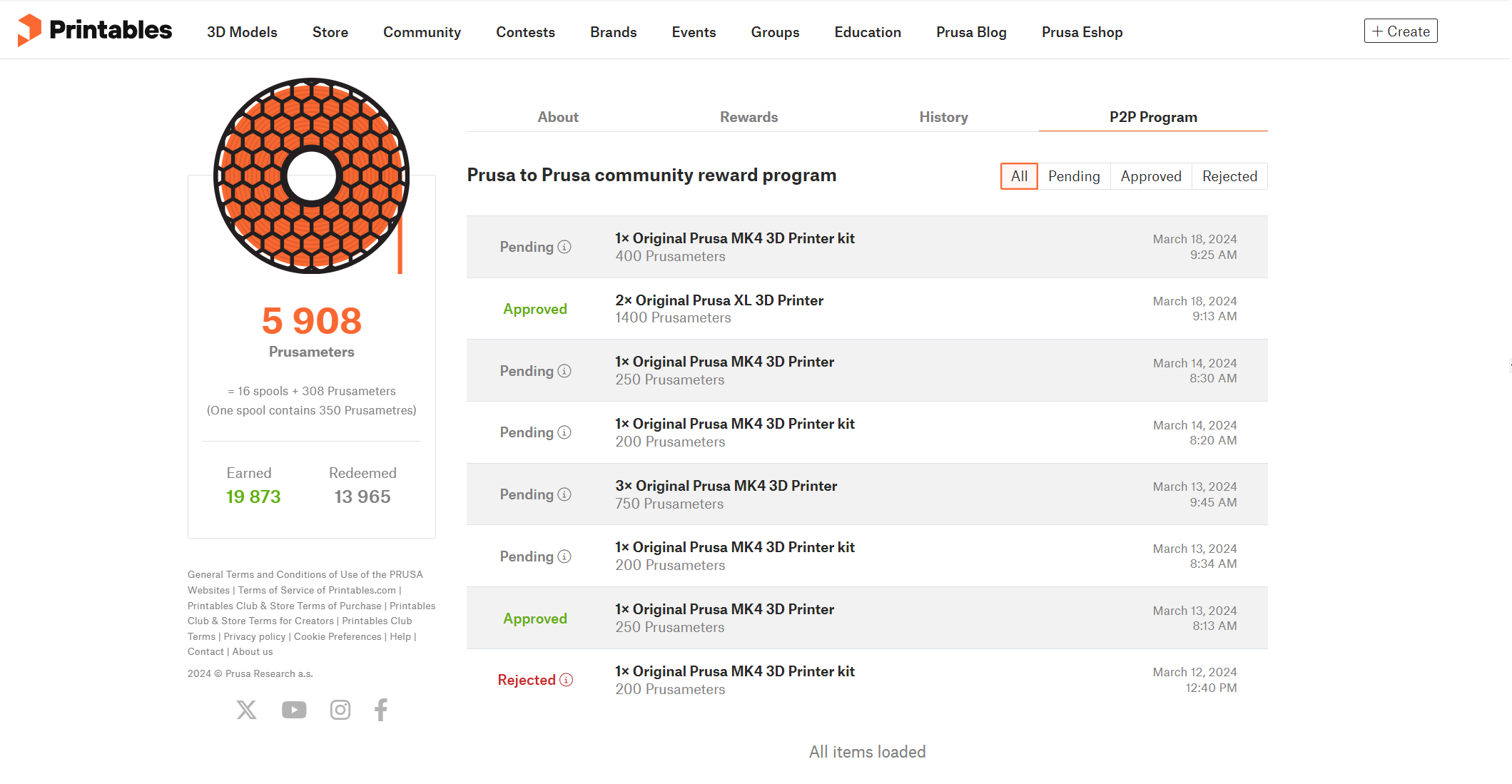
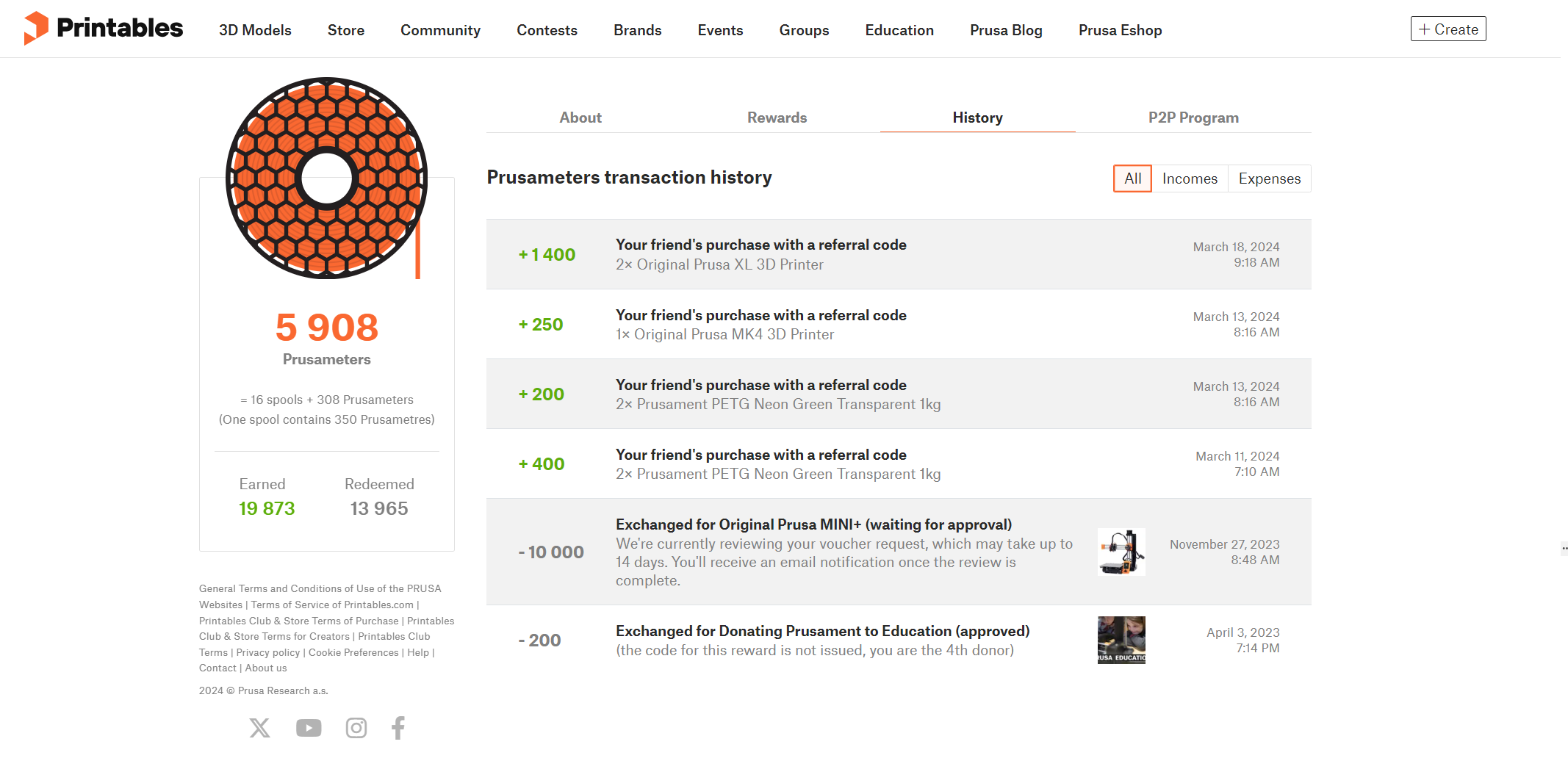
If you're a 3D printing enthusiast with both a Prusa Account and a profile on Printables.com, you have a unique opportunity to join the Prusa Reward program. Owning a printer from Prusa enables you to start sharing your referral code or product links. This not only helps others discover quality printers, but also earns you Prusameters for every successful purchase made through your code.
The Prusa Reward Program is also open to new users, who can use a code for their purchase and earn Prusameters on their first order. In this manner, the program rewards both referrers and new customers. Get involved with this program, share your passion for 3D printing, and reap the rewards.
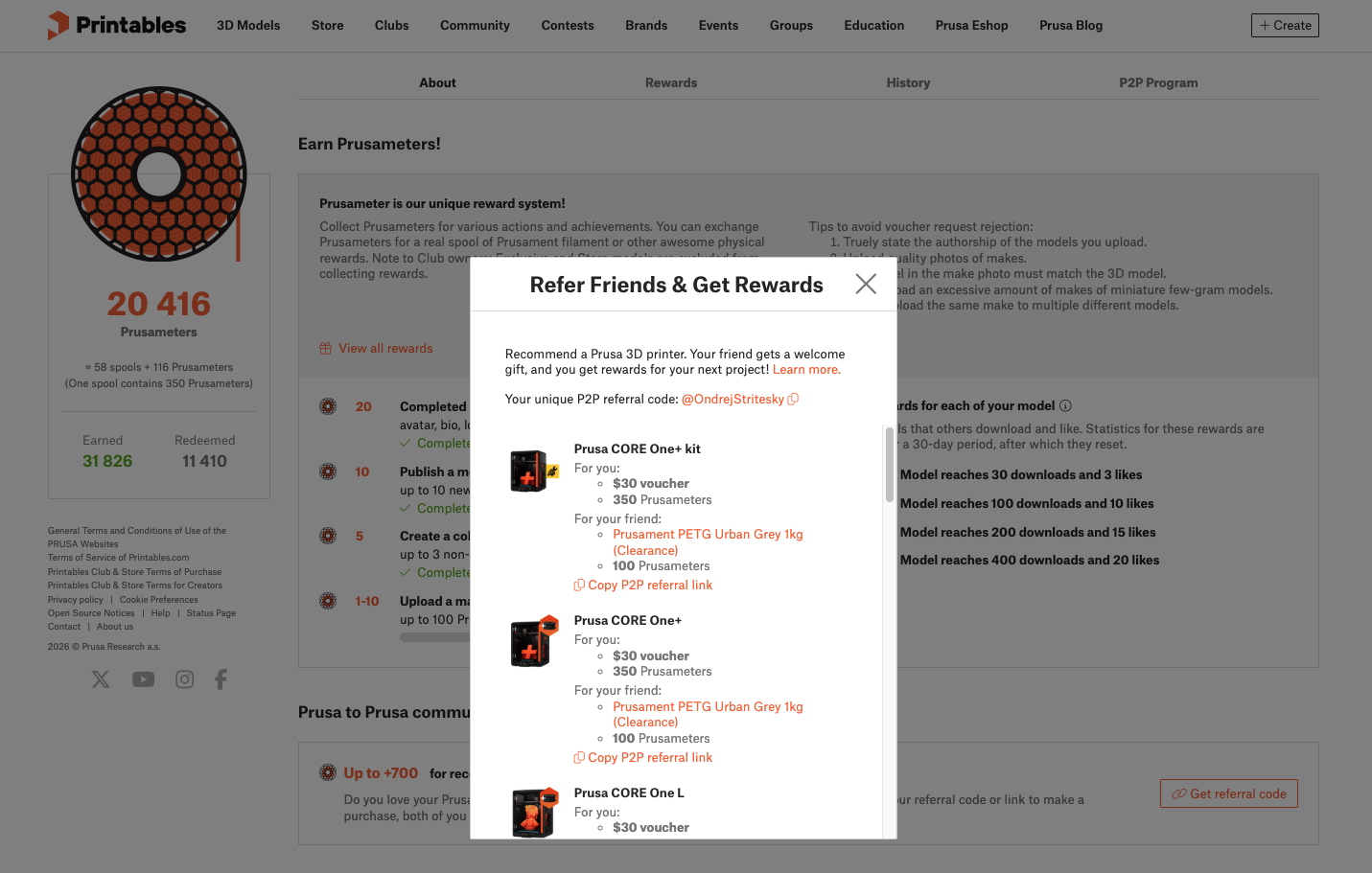
When you recommend one of these printers: CORE One+/kit, CORE One L, Original Prusa XL, or Ultimate Edition CORE One (both versions), you will receive a $30 voucher that can be used on any product or shipping, and your friend will receive a free spool ofPrusament.
Vouchers are issued monthly, consolidating all rewards earned during that period into a single voucher (e.g., 3 successful referrals = 1 × $90 voucher). You can expect to receive your voucher at the beginning of the following month. The buyer receives their physical gift immediately with the printer purchase.
Orders made starting February 25, 2026, onwards qualify for the $30 voucher and new rewards; for older orders, the previous reward tiers apply.
Who can participate in the Prusa Reward Program as a referrer?
Both these conditions have to be true:
Users with a Prusa Account and a profile on Printables.com
Users who have purchased a Prusa printer
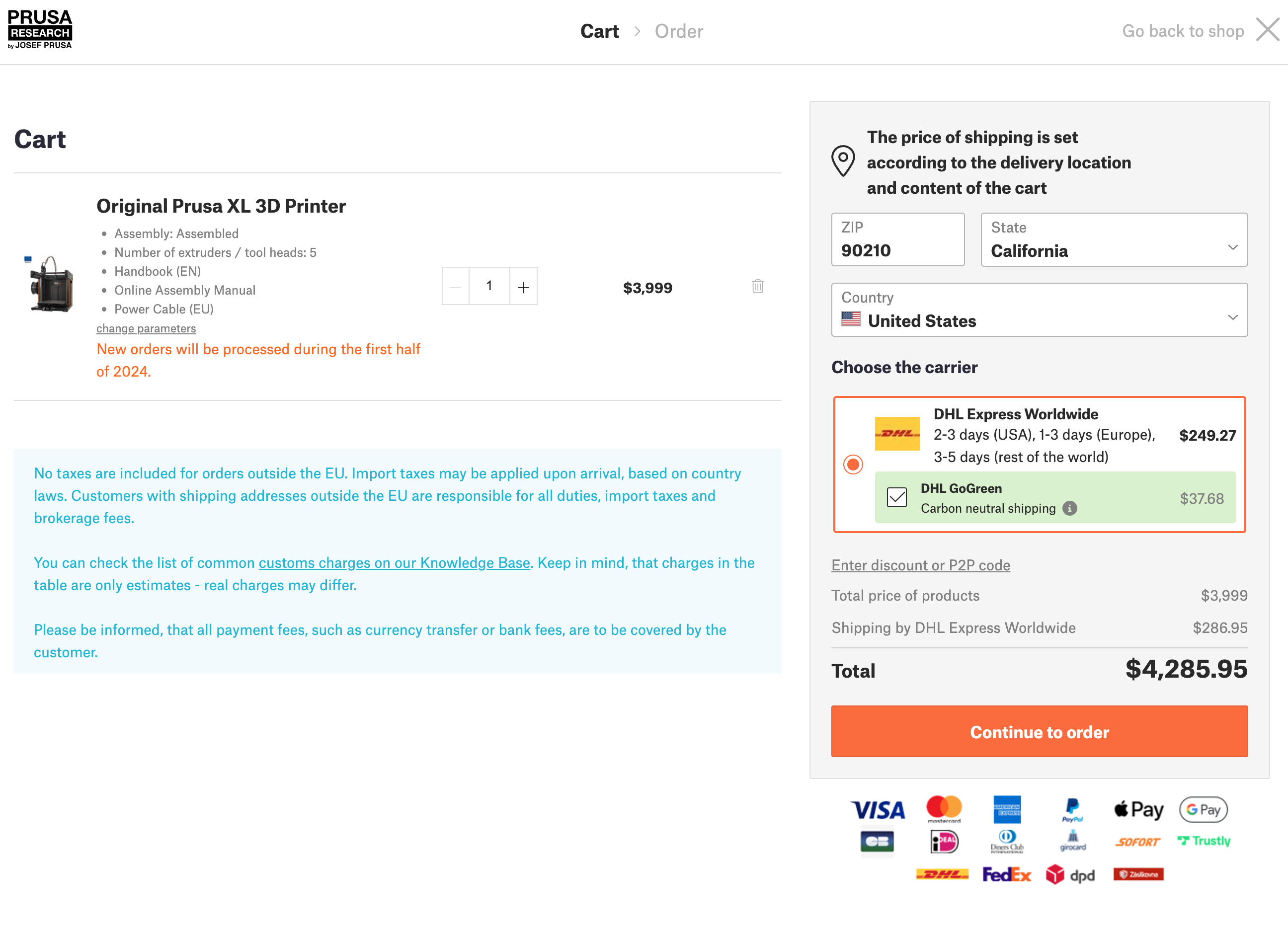
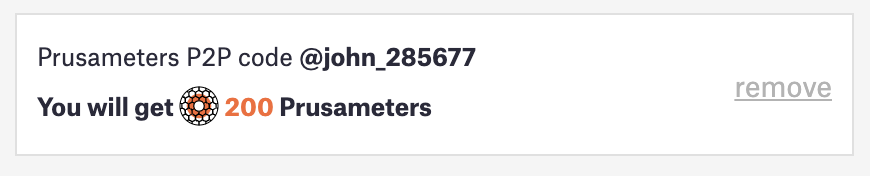
The referrer shares their referral code or directly shares the product URL containing the code. The e-shop then automatically inserts the code into the cart.
Who can use the referral code as a user?
Both these conditions have to be true:
Users with a Prusa Account (those without one are encouraged to create one to earn Prusameters for their purchase).
Users who want their first CORE One/+, CORE One L, XL, MK4/S/+, MINI+ Enclosure Bundle, or SL1S series printer. Prusameters will be provided for each of these.
Who earns rewards in the form of Prusameters?
Referrer
Whose P2P code is used by a user who does not own any CORE One/+, CORE One L, XL, MK4/S/+, MINI+ Enclosure Bundle or SL1S printer (It is always valid for each specific type of printer)
and also User
Who uses the referrer's code to make their first purchase of an CORE One/+, CORE One L, XL, MK4/S/+, MINI+ Enclosure Bundle or SL1S printer (It is always valid for each specific type of printer)
The P2P Program applies to any number of units of the specified printer in the initial order. For example, if a user purchases three MK4s, both the user and the referrer will earn three times the amount of Prusameters.
Printer
Referrer rewards
Buyer rewards
CORE One/+
350 Prusameters
$30 voucher
100 Prusameters
Free spool of Prusament
CORE One L
350 Prusameters
$30 voucher
100 Prusameters
Free spool of Prusament
XL
700 Prusameters
$30 voucher
200 Prusameters
Free spool of Prusament
MK4/S/+
350 Prusameters
$30 voucher
100 Prusameters
MINI+ Enclosure Bundle
175 Prusameters
$30 voucher
75 Prusameters
SL1S
350 Prusameters
$30 voucher
100 Prusameters
When does neither the referrer nor the user earn Prusameters?
If the user who used the code cancels the order or returns it within the relevant return period from delivery.
If the user already owns a product covered by the Prusa Reward Program.
If the user does not have a Prusa account.
Lifecycle within the Prusa Reward Program:
Referrer
User owns a Prusa printer.
User is a registered user with a Prusa Account. Therefore, on Printables, is the option to obtain a referral link and become a referrer.
The refferal code matches the user/referrer handle on Printables.
The user either shares their code, and the buyer enters it into the e-shop's discount code field, or they can directly share links to products containing the URL parameter with the handle.
User
User who wants to use the Prusa Reward Program.
As a buyer, open the refferal link.
In the cart, see how many Prusameters user will receive for it.
Propagating in Printables
After creating an order, Printables will show a Prusa Reward Program tab with a pending purchase record.
Crediting Prusameters
After 60 days from delivery, the status changes from Pending to Approved, and Prusameters are credited in the History tab. From this point onwards, Prusameters can be used.
Rewards are declined if:
The order is canceled
The order is not fully paid
Otherwise, Prusameters in the "pending" state are revoked, and neither sides receives them.
FAQ
Can I use my own refferal code in an order?
No, it's not possible to use your own refferal code to earn Prusameters.
Can I use a refferal code along with a $30 voucher?
No, it's not possible to use multiple discount programs simultaneously.
Can I, as a referrer, find out who used my refferal code?
No, such an option is not available.
If I return any items from the order covered by the Prusa Reward Program, will the corresponding number of Prusameters be deducted from me?
Yes, Prusameters will only be available for unreturned items.
How long does it take to use my Prusa Reward Program vouchers(from pending to approved)?
The vouchers are issued on a monthly basis. All vouchers earned during a given month are consolidated into a single voucher and delivered at the beginning of the following month. If needed, our support can merge multiple vouchers into one voucher manually.
I own a Prusa printer, but I don't see my refferal code on Printables. What should I do about it?
Contact our customer service, and we'll figure it out together.
Can I use both the refferal code and the affiliate program together?
As an affiliate partner, you can use the refferal code to refer people and use affiliate URL links simultaneously. However, to avoid double payments, only one commission per order will be paid out.
Can I combine vouchers accumulated over several months and use them all at once?
Yes! If you have collected multiple vouchers over several months, just reach out to our customer support. We will happily combine them and issue a single voucher for the total amount.