


What happened?
The printer is showing the message: "Failed to home the extruder in Z-axis, make sure the loadcell is working".
Error name: Homing error Z
Error code: #36301 (INDX) #31301 (CORE One) #35301 (CORE One L) #26301 (MK4S) #13301 (MK4) #27301 (MK3.9S) #21301 (MK3.9)
How to fix it?
Forces from filament feeding
Make sure that the extruder is not exerting force to pull down the filament. If you are not sure, try to unwind it a small amount on the spool when testing the Z-axis.
In case you have an MMU, Enclosure, or custom setup where the filament is fed to the extruder by a PTFE tube, make sure that the extruder does not have to exert force to pull down the tube.
Trapezoid nuts
On CORE One and CORE One L, move the bed down, open the trapezoid nuts, and check if they can move freely along the threaded rods.
It is also possible to lubricate the Z-axis lead screws as instructed in Regular printer maintenance (CORE One/+) [進行中の翻訳] under "Axes check - Z-axis leadscrews"
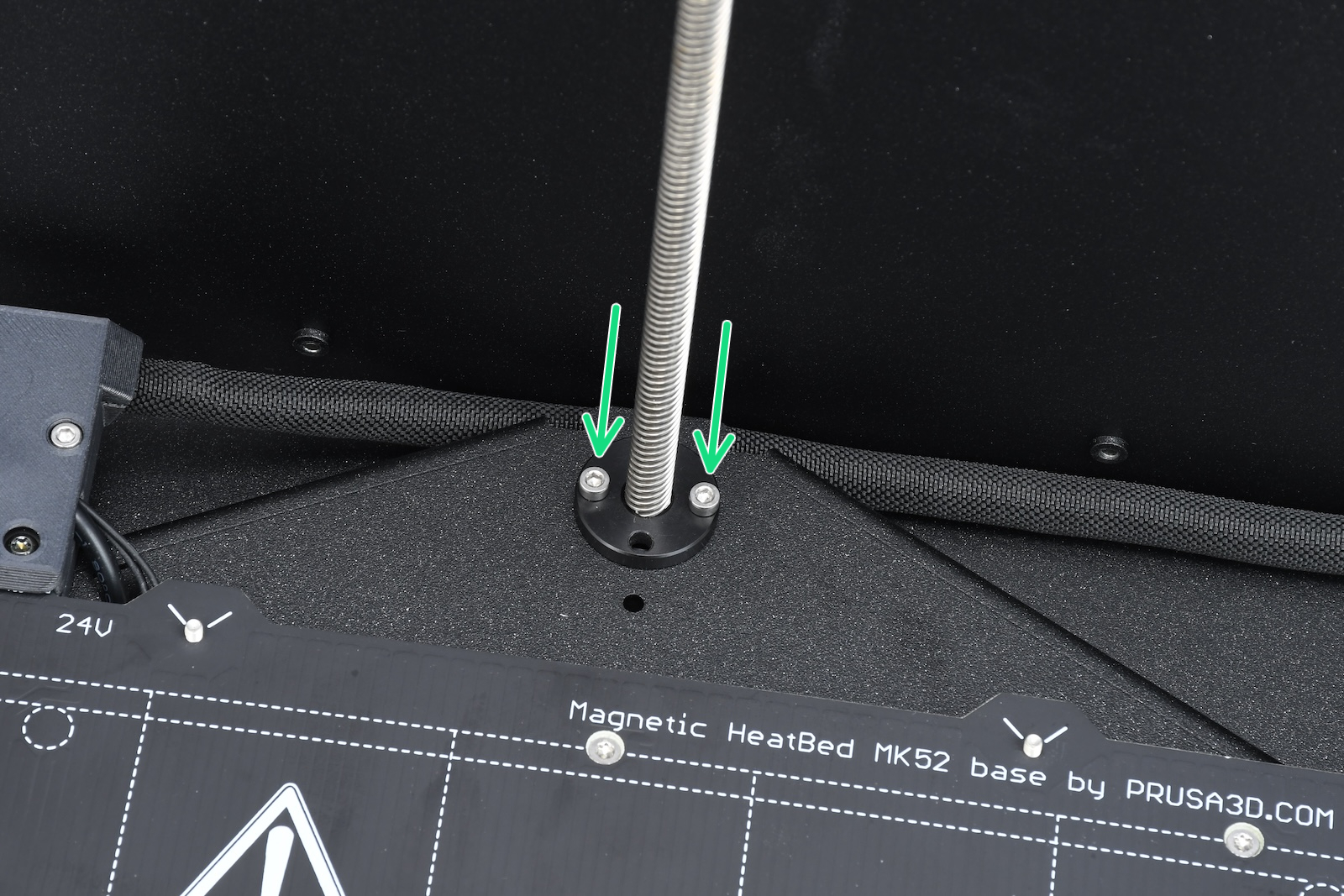 | 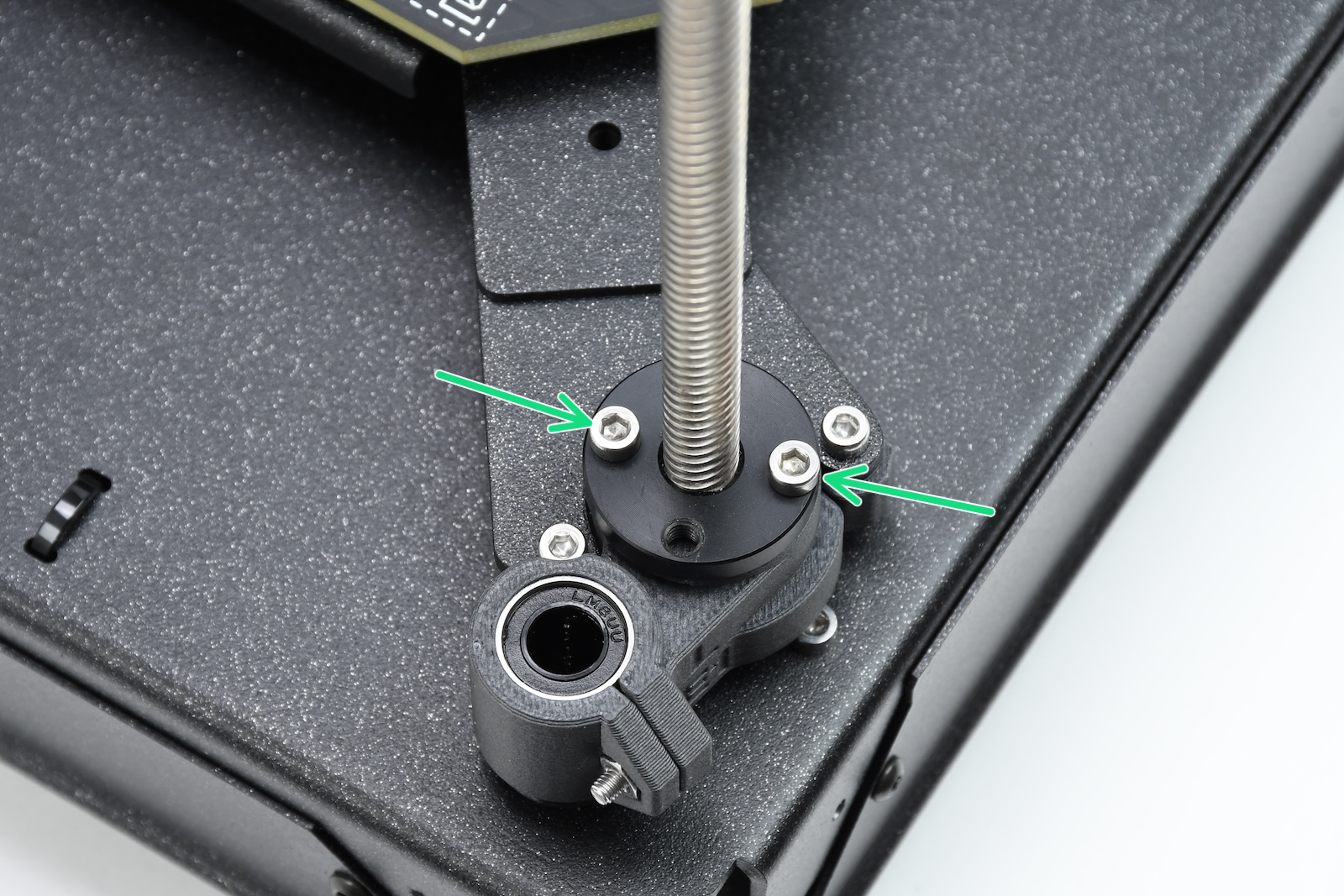 | 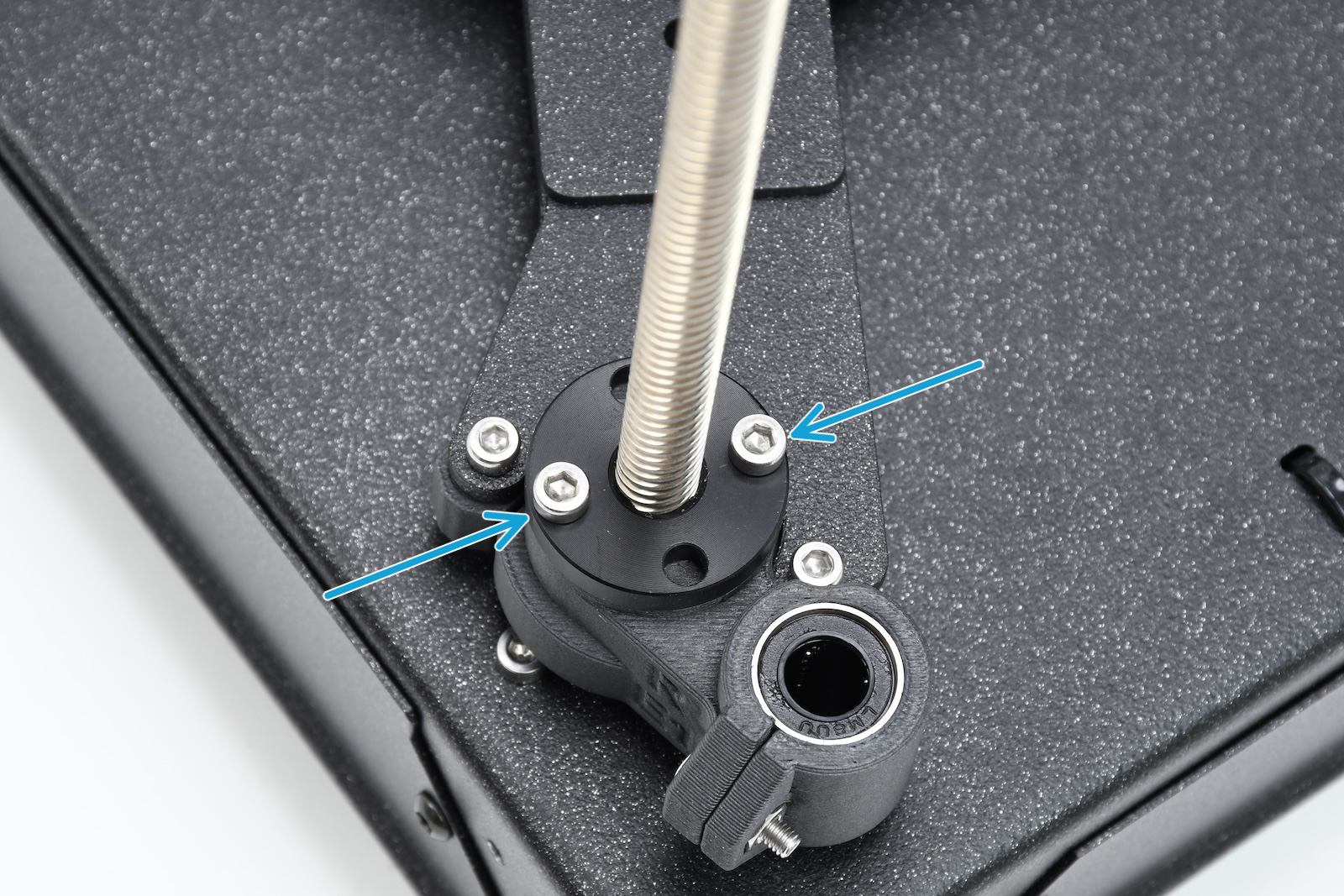 |
| Rear motor | Front left motor | Front right motor |
If your CORE printer is equipped with the INDX, check also that the spacers are correctly installed.
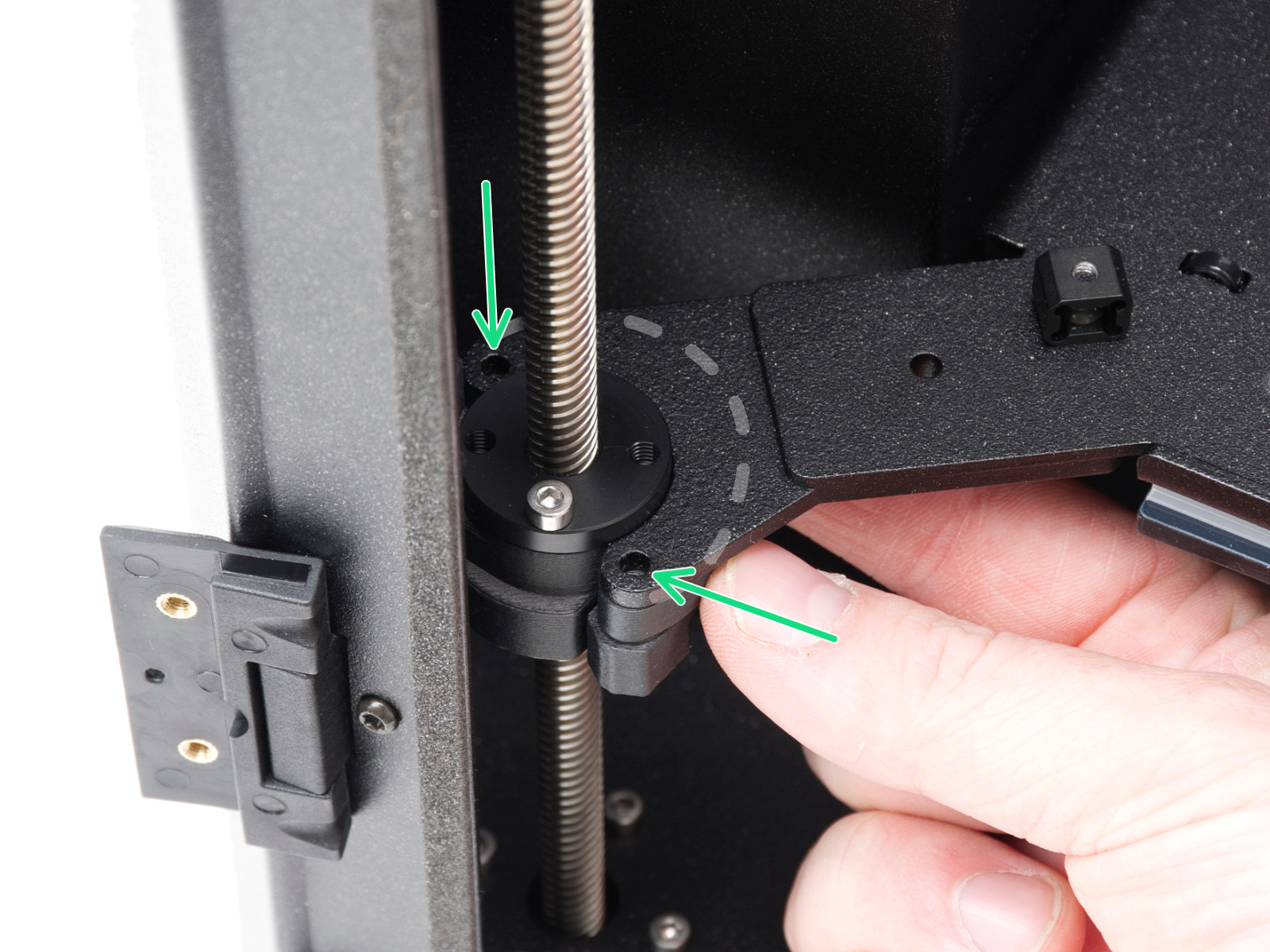 | 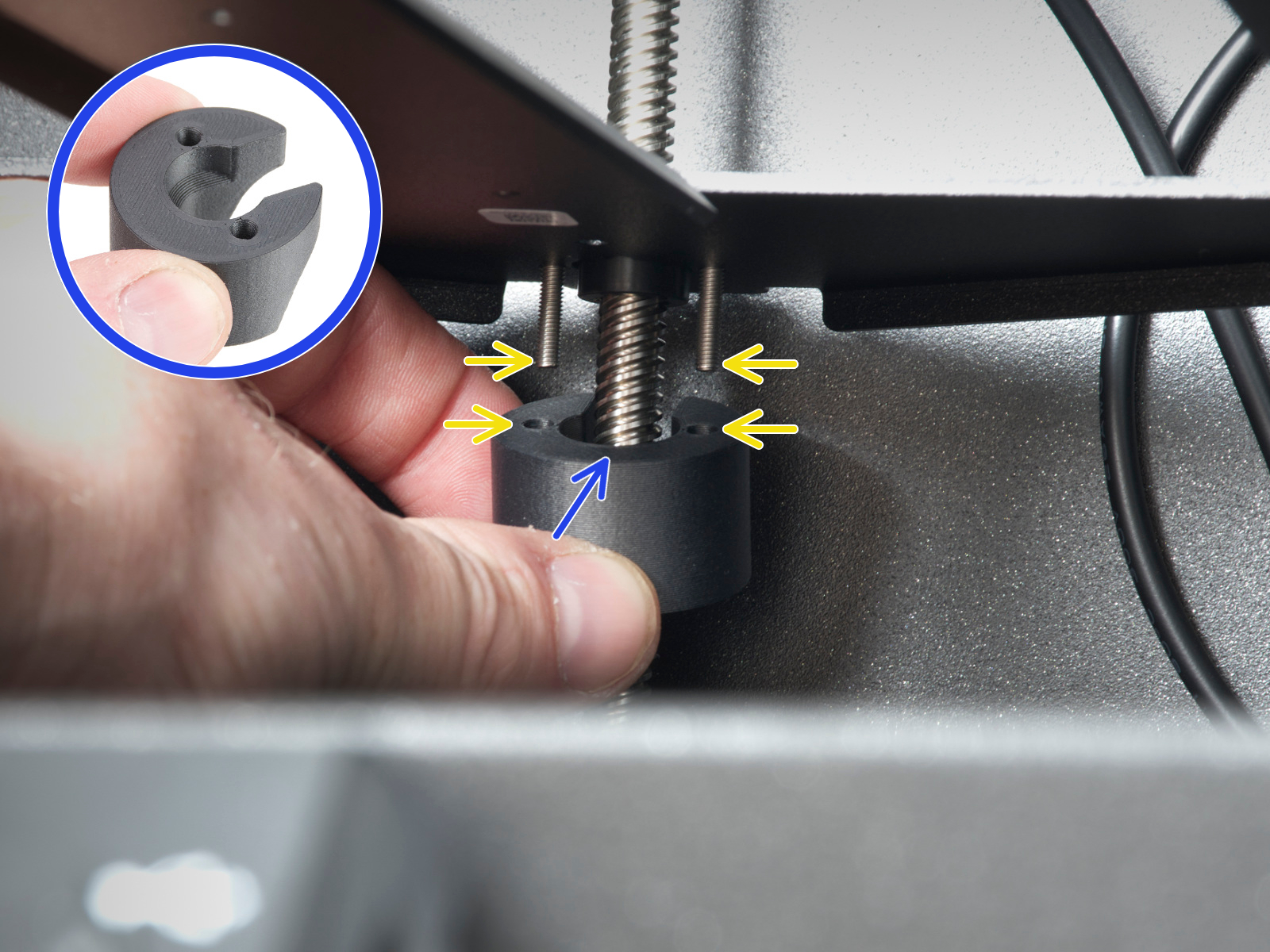 | 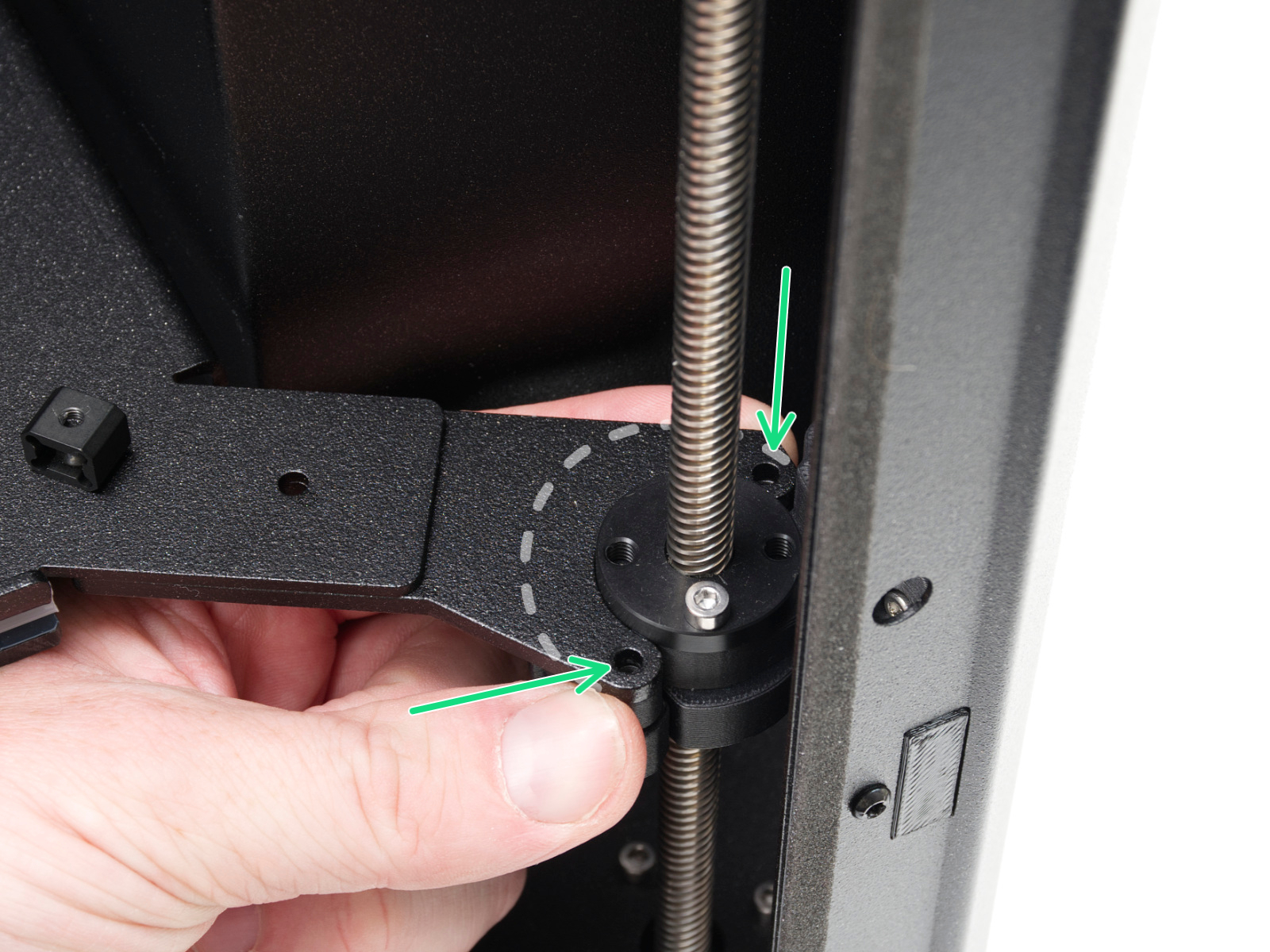 |
| Left spacer | Rear spacer | Right spacer |
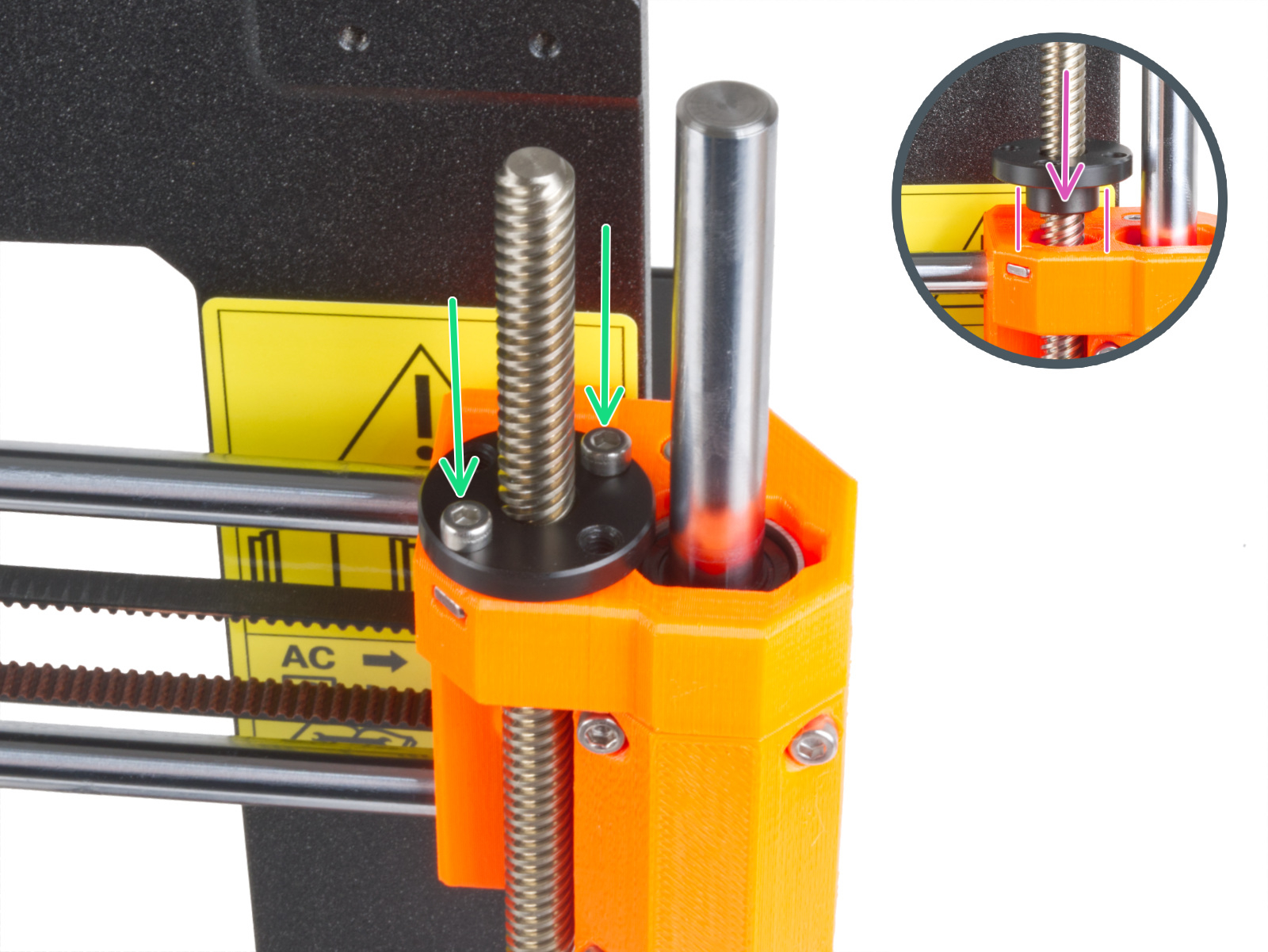
On MK-series printers, check if the trapezoid nuts have the correct orientation.
Loadcell troubleshooting
If the above checks do not solve the issue, it will be necessary to troubleshoot the loadcell and the components surrounding it. The dedicated loadcell troubleshooting article contains all the points to check, and that can be related to this error.