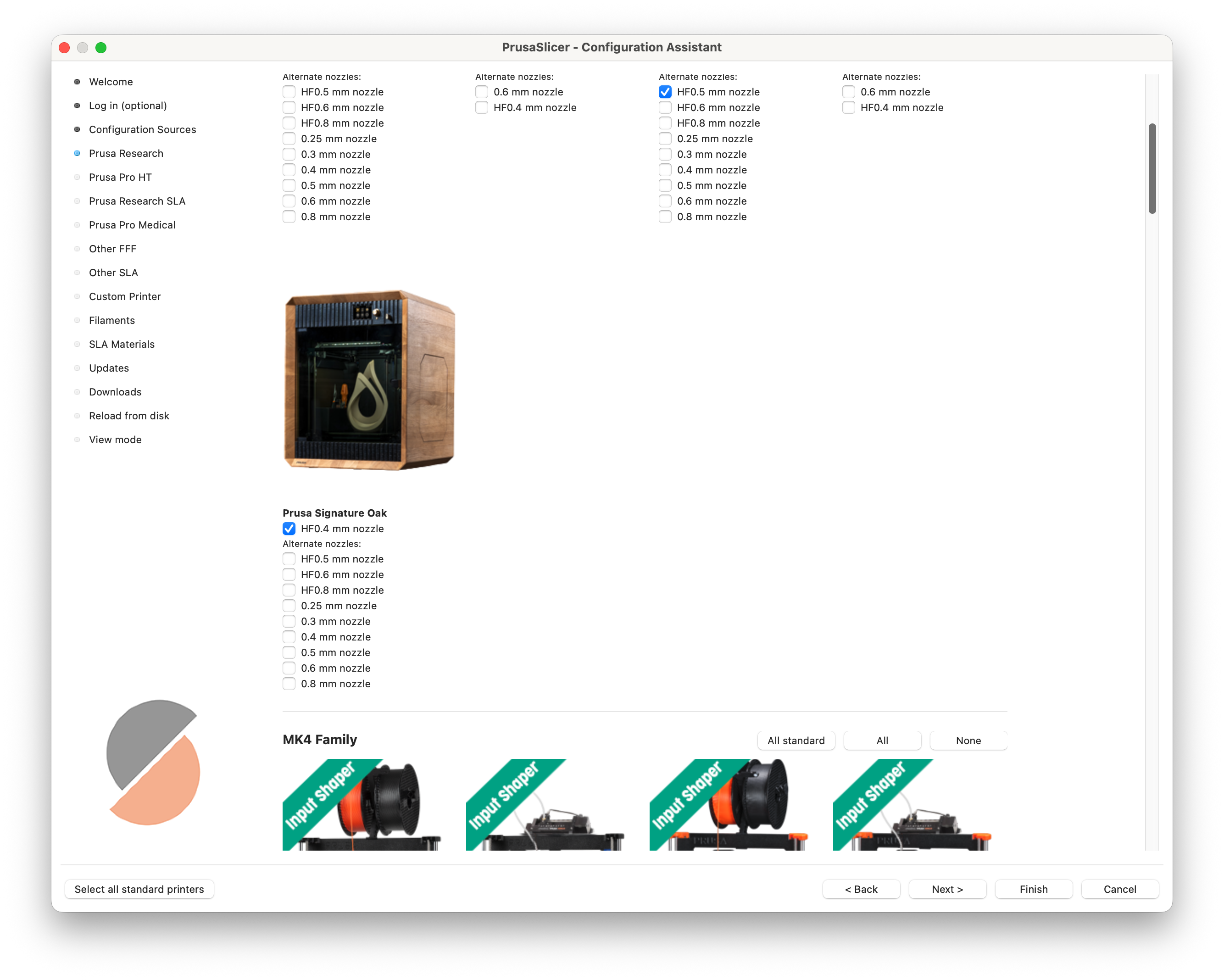
The Signature Oak print profile is available in PrusaSlicer 2.9.4 and newer.
If you do not see Signature Oak in your printer list, it is most likely due to an outdated PrusaSlicer version or configuration profiles.
Signature Oak profile not visible in PrusaSlicer
If the Signature Oak profile is missing, check the following:
- Update PrusaSlicer
- Make sure you are using version 2.9.4 or newer.
- Older versions do not include the Signature Oak profile.
- Update configuration profiles
- Even with the correct PrusaSlicer version, the profile may not appear if your configuration is outdated.
- Go to Configuration -> Check for Configuration Updates
Alternatively, run the Configuration Wizard again and make sure Signature Oak is selected.
- Add the Oak profile manually
- If the profile is still not visible, open Configuration Wizard
- Navigate to the printer selection step
- Locate and select Prusa Signature Oak
- Finish the wizard