0 点の商品がカートに入っています点の商品がカートに入っています
カートは空です
マイプロフィール
ログイン すると注文や保存した商品を確認できます
ログイン中:
2026-09-10T06:24:19+00:00
2026-08-28T08:24:38+00:00
2026-03-24T11:35:19+00:00
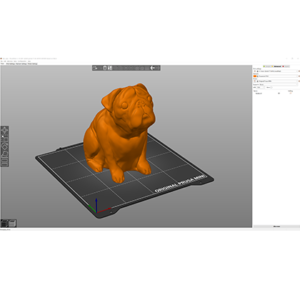
初めてPrusaSlicerを使用してプリント用のgcodeまたはbgcodeを生成する場合、以下の手順に従ってください。 利用可能な機能の詳細については、リンクをクリックしてください。 以下の画像は古いPrusaSlicerバージョンのものかもしれませんが、インターフェースが異なっていても機能は同じです。 モデルのインポート まず、モデルをインポートする必要があります。PrusaSlicerウィンドウに直接ドラッグアンドドロップするか、上部ツールバーの追加ボタンを使用するか、ファイル…
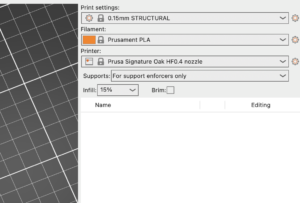
The Signature Oak print profile is available in PrusaSlicer 2.9.4 and newer. If you do not see Signature Oak in your printer list, it is most likely due to an outdated PrusaSlicer…
Prusa ConnectとPrusaLinkは、Prusaが独自に開発したリモートプリントソリューションです。その起源は、プラハ本社にある記録的な規模のプリントファームで使用されている管理システムにあります。 Prusa Connectはクラウドサービスで、どこからでも利用可能です。 PrusaLinkはプリンター上でローカルに動作し、ローカルネットワーク内でのみアクセス可能です。 Prusa…
The Prusa Signature Oak was designed from the beginning as a true print "workhorse". Despite its high reliability, it is still a device with mechanical components that require…
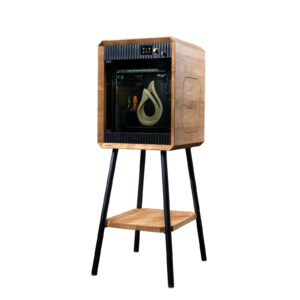
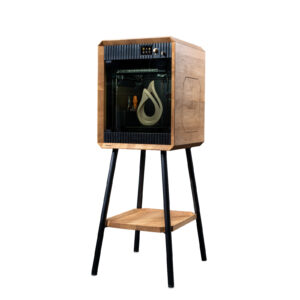
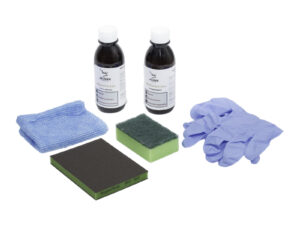
The Prusa Signature Oak is a unique edition of the 3D printer featuring structural components made from solid oak wood. As a natural material, wood is susceptible to environmental…
This is an advanced system for displaying error screens providing more useful information to the user. In case of an issue, the printer will display the name of the error followed…
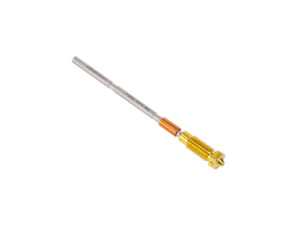
Replacing the Prusa Nozzle on your printer varies depending on the model of your printer. This article provides an overview of the different methods to replace the Prusa Nozzle,…
Prusa CORE One L のセルフテストは、プリンターの組み立て状態、配線、電子部品に問題がないかを確認するものです。これは出荷前に実施される キャリブレーションウィザード と同じ内容で、プリンターメニューの Control -> Calibrations & tests からも実行できます。また、factory reset 後にも自動的に表示されます。 なお、プリンターが不安定な台の上に置かれていたり、すぐ隣で別の3Dプリンターが動作している場合、セルフテストの精度に影響することがあります。必ず安定した台に設置してください。 セルフテスト中は、プリンターが画面で指示した場合を除き、本体に触れたり動かしたりしないでください。 セルフテストで確認される項目 ファンテスト ドアセンサー Y軸テスト X軸テスト Z位置合わせキャリブレーション ロードセルテスト Z軸テスト ヒーターテスト ギアキャリブレーション(任意・キット向け) フィラメントセンサーキャリブレーション フェーズステッピングキャリブレーション セルフテスト結果 セルフテスト中は、各項目の成功・失敗が画面に表示されます。 ファンテスト セルフテストでは、ホットエンドファン、プリントファン、チャンバーファンが正しく動作するかをチェックします。エラーが出た場合は次を確認してください: ファンの回転を妨げる異物や干渉がないか確認する。 ファンが…