Pertinent pour


The printer is showing the message "XL-CAN bridge detected. Printer type has been set to Prusa XL+. Settings have been updated."
Error name: Printer Type Set to XL+
Error code: #41141 (XL+) #17141 (XL)
This happens when the printer firmware can't detect or communicate with the XL-CAN bridge board. As a result, the printer defaults its printer type setting to Original Prusa XL and updates the configuration accordingly.
If your printer is an XL+, no action is needed.
If your printer is an XL (non-plus), check the underside of the heatbed assembly and electronics enclosure for any physical damage, loose cabling, or improperly seated connectors on the XL-CAN board. Always power off the printer and disconnect it from the power outlet before inspecting or handling electronics.
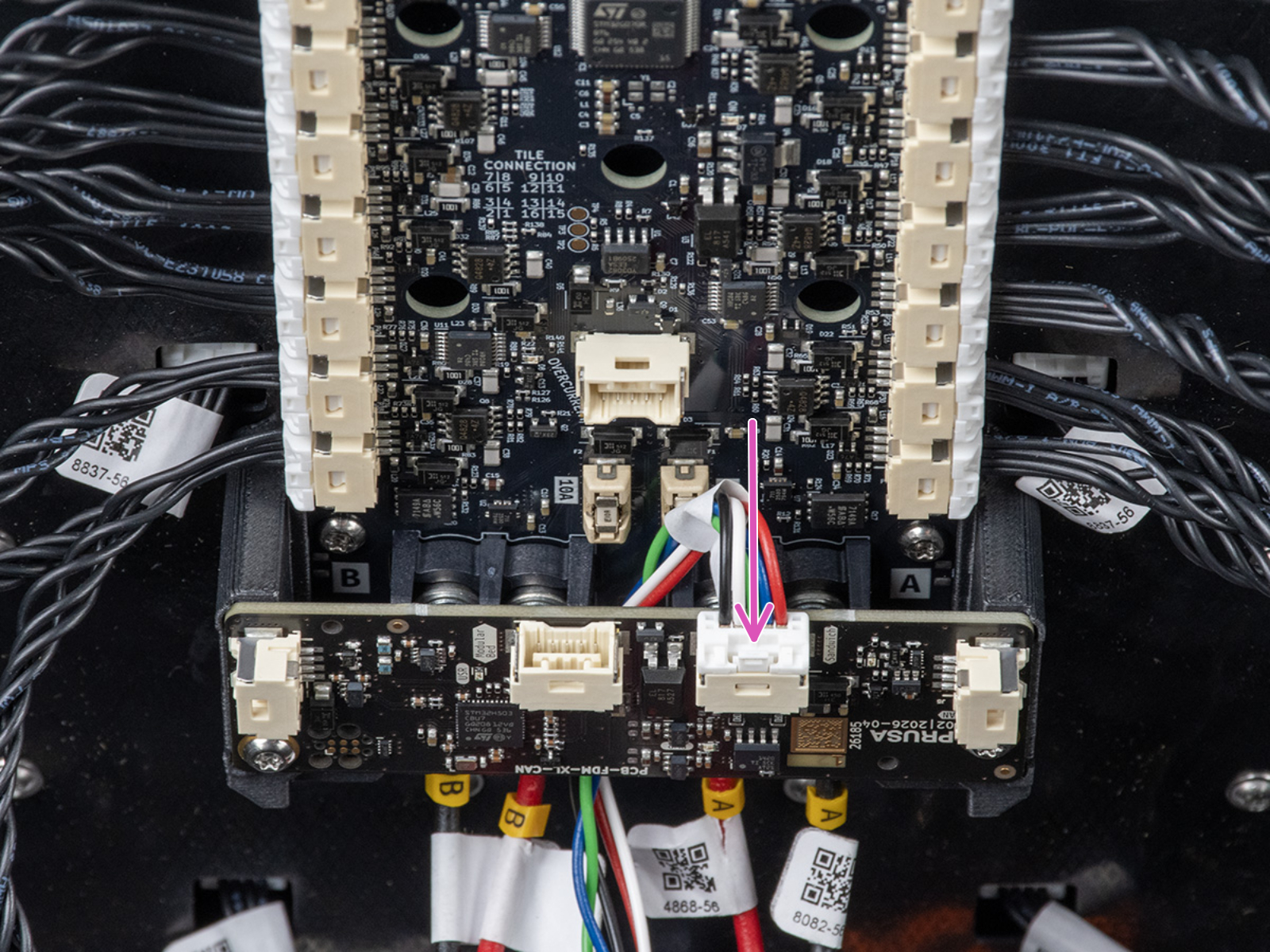
If all cables are securely plugged in, undamaged, and the warning persists after powering the printer back on, there may be a hardware issue with the XL-CAN board or its connection cable. Contact our customer support, mentioning the error code, the exact message shown on your printer screen, and pictures of the board connectors.