Bonjour, je ne parviens pas à entrer dans le Menu secret pour faire calibrer (faire avancer) le filament correctement. Le filament n'atteint pas l'extruder
The ' secret' menu starts by holding the MMU middle button straight from the moment you turn the printer on. There is no ' waiting for selector travel'.
although it says the MMU2S does not require this, it still works on the MMU2S. this is usefull if you have moved the MMU unit and your bowden is longer than 400mm, for example, if you have placed it outide an enclosure or on the top of a LACK table
In case anyone is wandering like i did as to how to insert the filament into the mmu 2.0,
use 1-2 sec clicks on the right and left buttons on the mmu to select a filamnet, then push middle button for 1-2 sec and it will start flashing, push the filament into the tube and if you push it enough the mmu will detect it and pull it in and then a push it back out a bit.

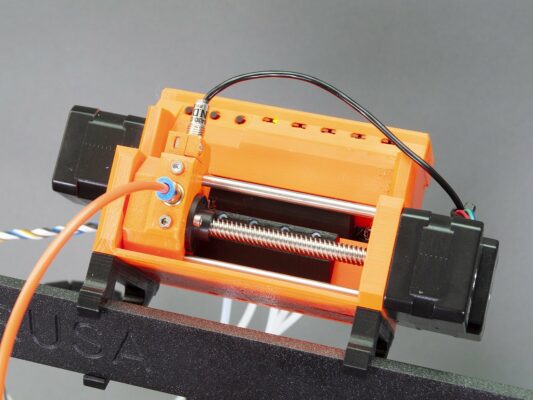


Hi! This guide is valid for firmware 1.0.6 or older. If you are using a newer firmware 3.x.x and up, you don’t need to do this calibration.
use 1-2 sec clicks on the right and left buttons on the mmu to select a filamnet, then push middle button for 1-2 sec and it will start flashing, push the filament into the tube and if you push it enough the mmu will detect it and pull it in and then a push it back out a bit.