Relevant for


A 3D printer's hotend can get clogged. This article explains the most common causes of this issue, which are usually the same regardless of the printer type or model. We then have a separate article with tips on how to prevent the clog from forming in the first place.
The most obvious symptom is that the filament is not coming out of the nozzle. However, please note that the hotend can also be clogged only partially. Partial clogs usually reveal themselves mid-print, even after you were able to load or unload the filament.
Early signs of the nozzle starting to clog are:
Another common sign is that you can hear some clicking or ticking sounds from the extruder. The extruder clicking noise means that the stepper motor has to exert more force than a specific preset threshold and it's jumping back by one or more steps (skipping) to relieve the pressure.
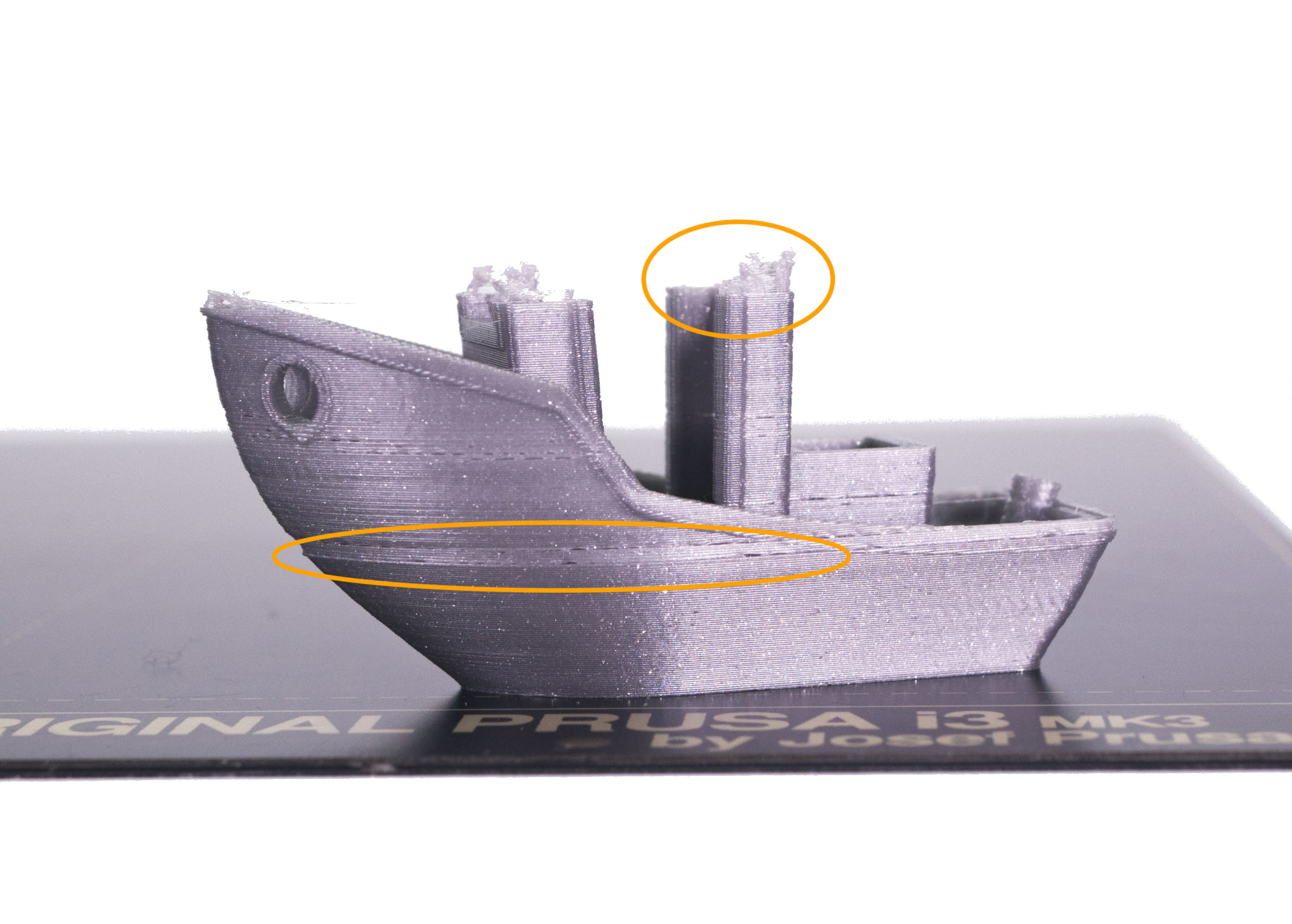 | 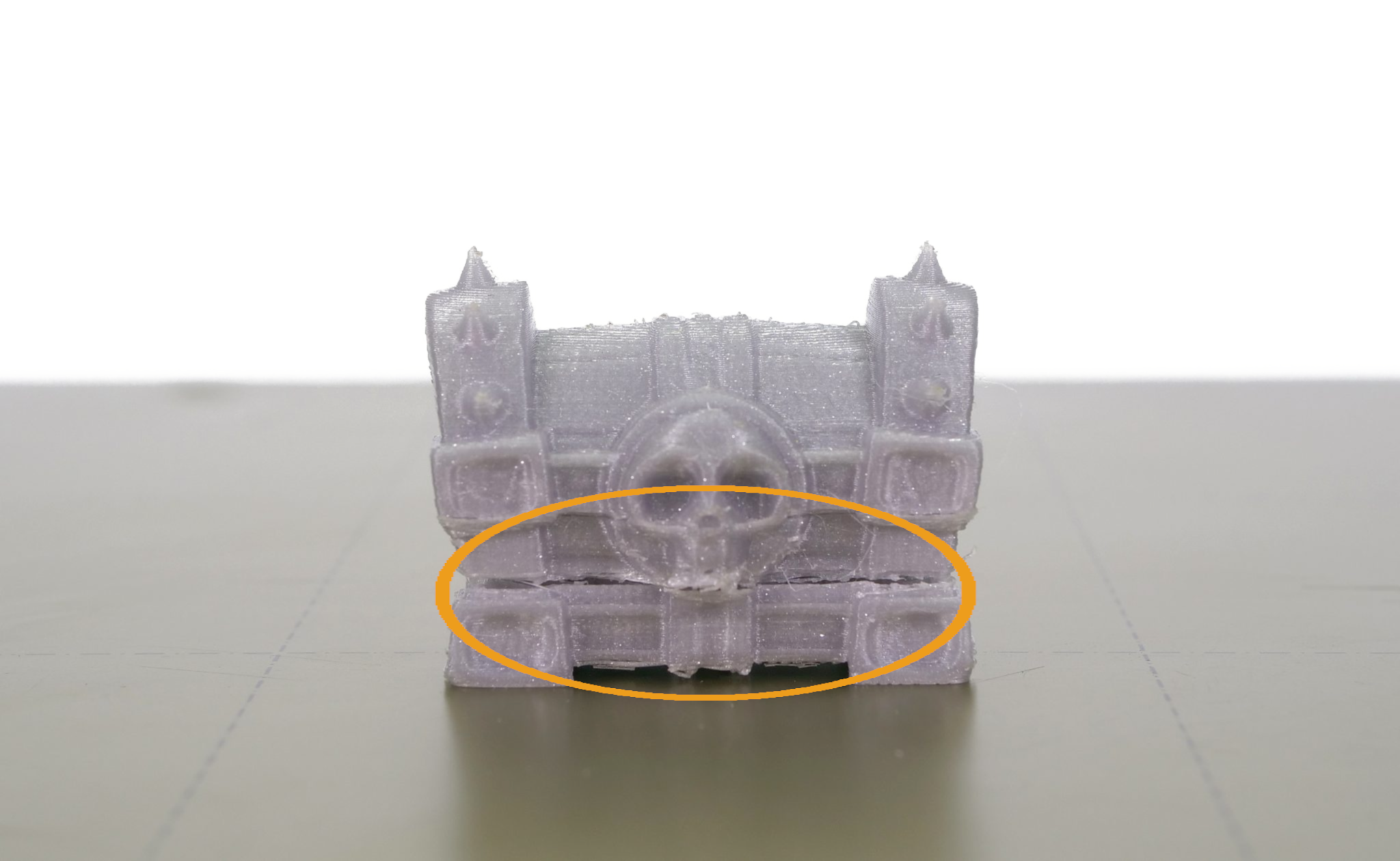 |
There are three main methods of dealing with this problem. To choose the right method, see whether or not it is possible to load/ unload the filament. Partial clogs can usually be melted or cold pulled, more complex clogs that prevent even loading of the filament call for the third method described below.
Before you begin with any of these methods, unload the filament and remove it from the extruder. To make the work easier, move the extruder head up 10-15 cm from the LCD menu -> Settings -> Move axis -> Move Z-axis.
A cold pull is a good place to start if you experience a clog. If the filament can be loaded and unloaded without any problem, yet it still causes trouble during the print, clean the inside of your hotend using the Cold pull (MK3/S/+, MK2.5/S, MK3.5/S) technique.
In case it is not possible to load the filament, try to soften the clog by increasing the nozzle temperature and then force it out. This is similar to the cold pull procedure.
To avoid any complication, toggle the Filament autoload OFF in the LCD Menu -> Settings -> F. autoload, before proceeding.
If you didn't succeed, it is important to determine where exactly is the clog located. As said earlier, a clogged hotend is not the same as a clogged nozzle: the material can be jammed even above it.
Open the Extruder Idler door and check if you won't see a piece of the filament sticking out of the PTFE tube.
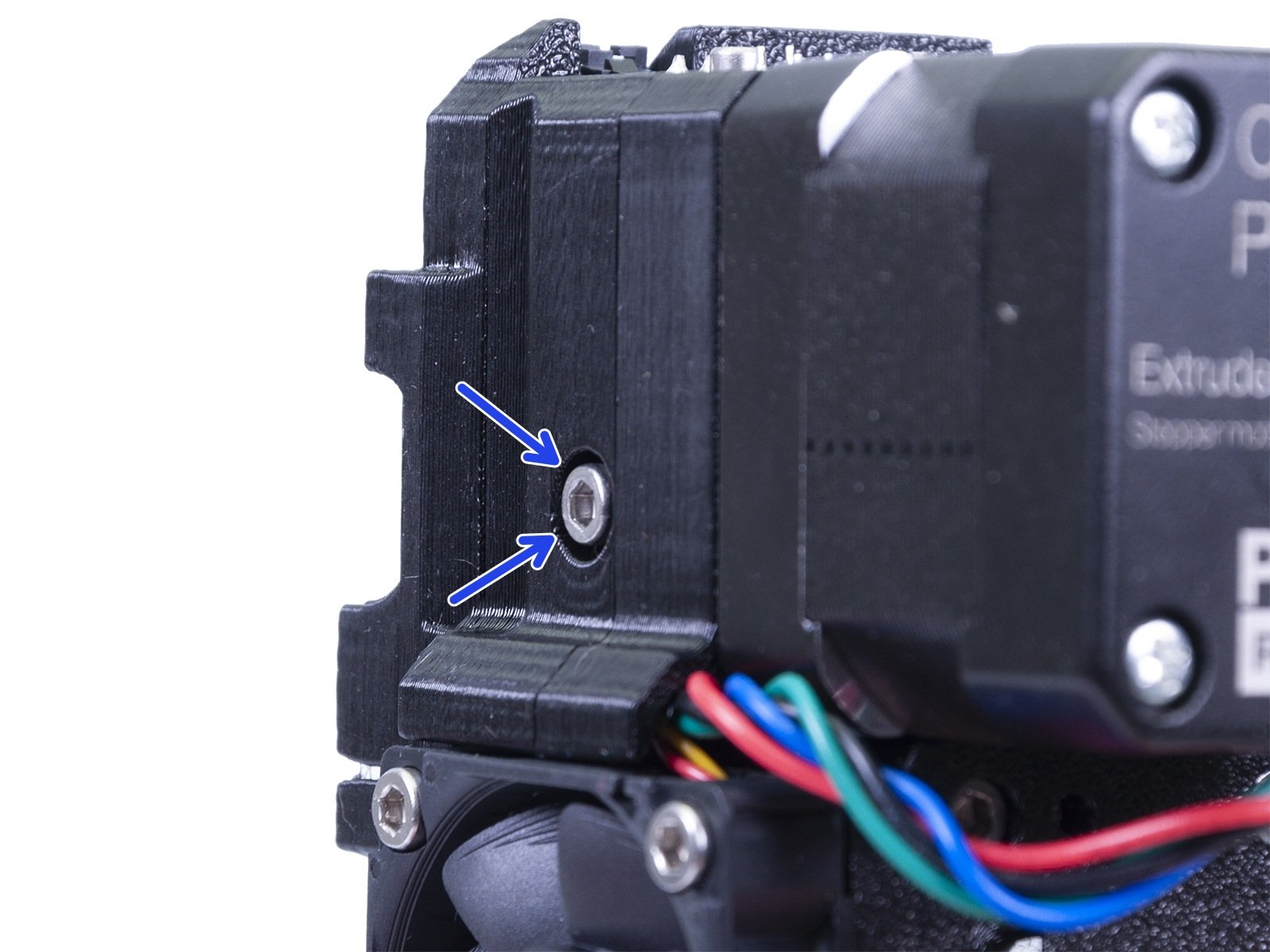
If the filament is stuck in the white Teflon tube, you need to take the hotend out from the extruder. Use this guide to do so (steps 2 - 5). You will be left with the hotend exposed, hanging in front of you. Preheat it via LCD Menu -> Settings -> Temperatures -> Nozzle (260 °C if you have been using PLA or to 280 °C if you have been using PETG or ABS) and see if you can remove the filament by pulling it up from the PTFE tube using pliers.
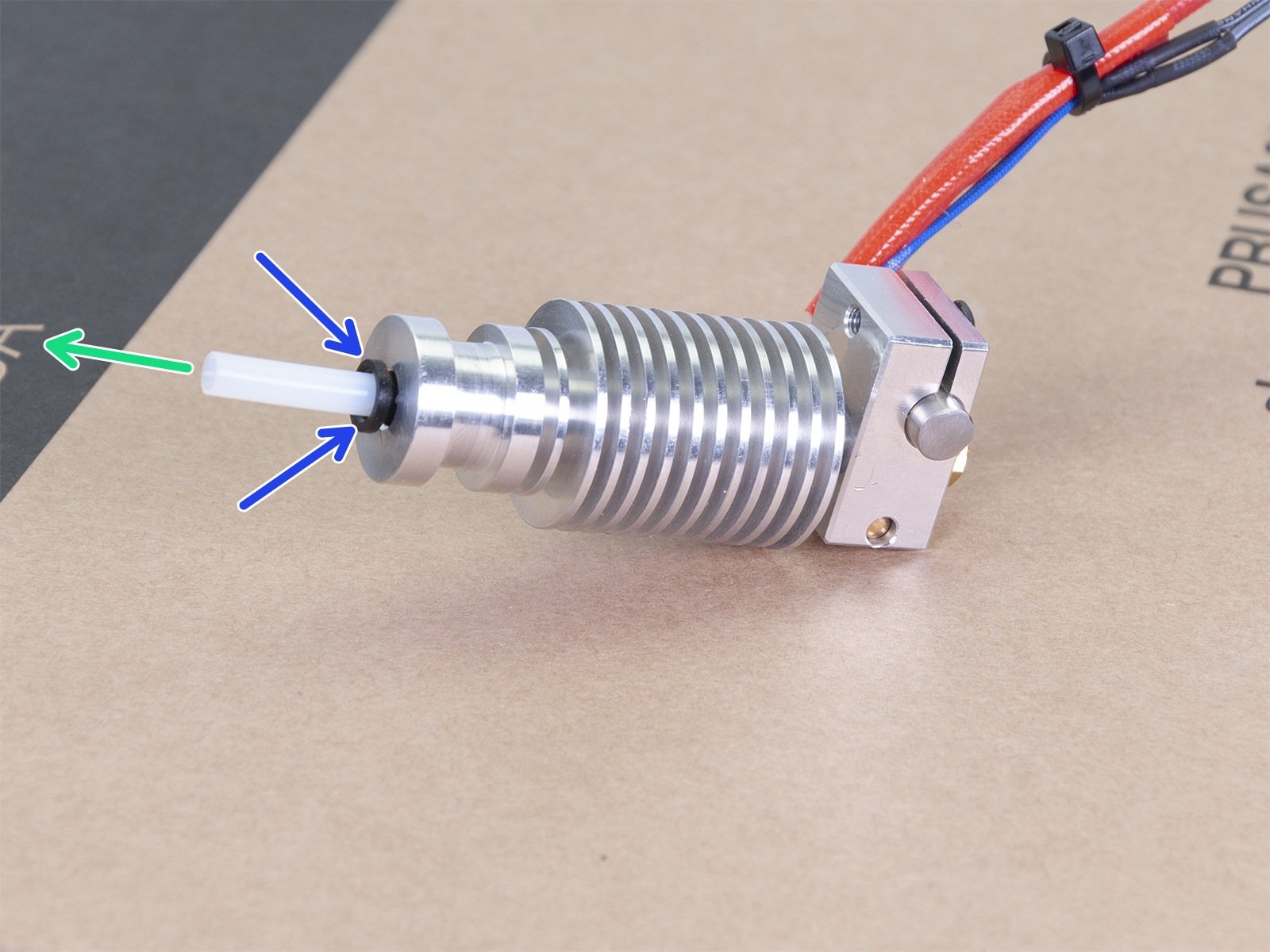
Sometimes, it is necessary to remove the PTFE tube, in which case you need to push the black nylon collet down towards the heatsink, in order to release it. While still pushing down on the collet, pull the PTFE tube out.
If the PTFE tube has been permanently damaged by the clog or in the process of removing it, you can purchase a new one in our online store (MK3S, MK2.5S or MK2/S, MK3, MK2.5). When you insert the new PTFE tube, make sure again it is properly secured by the collet: you need to pull the collet up about 1 mm while, at the same time, pushing the PTFE tube down. Doing this will ensure there is no play as the PTFE tube cannot move inside the hotend. Failure to secure the PTFE tube can cause clogging.
If the PTFE tube is empty, some debris might be stuck in the nozzle. Unscrew it from the heater block (check this guide to see how to do that). There are two ways to clean it: mechanically or using chemical solvents.
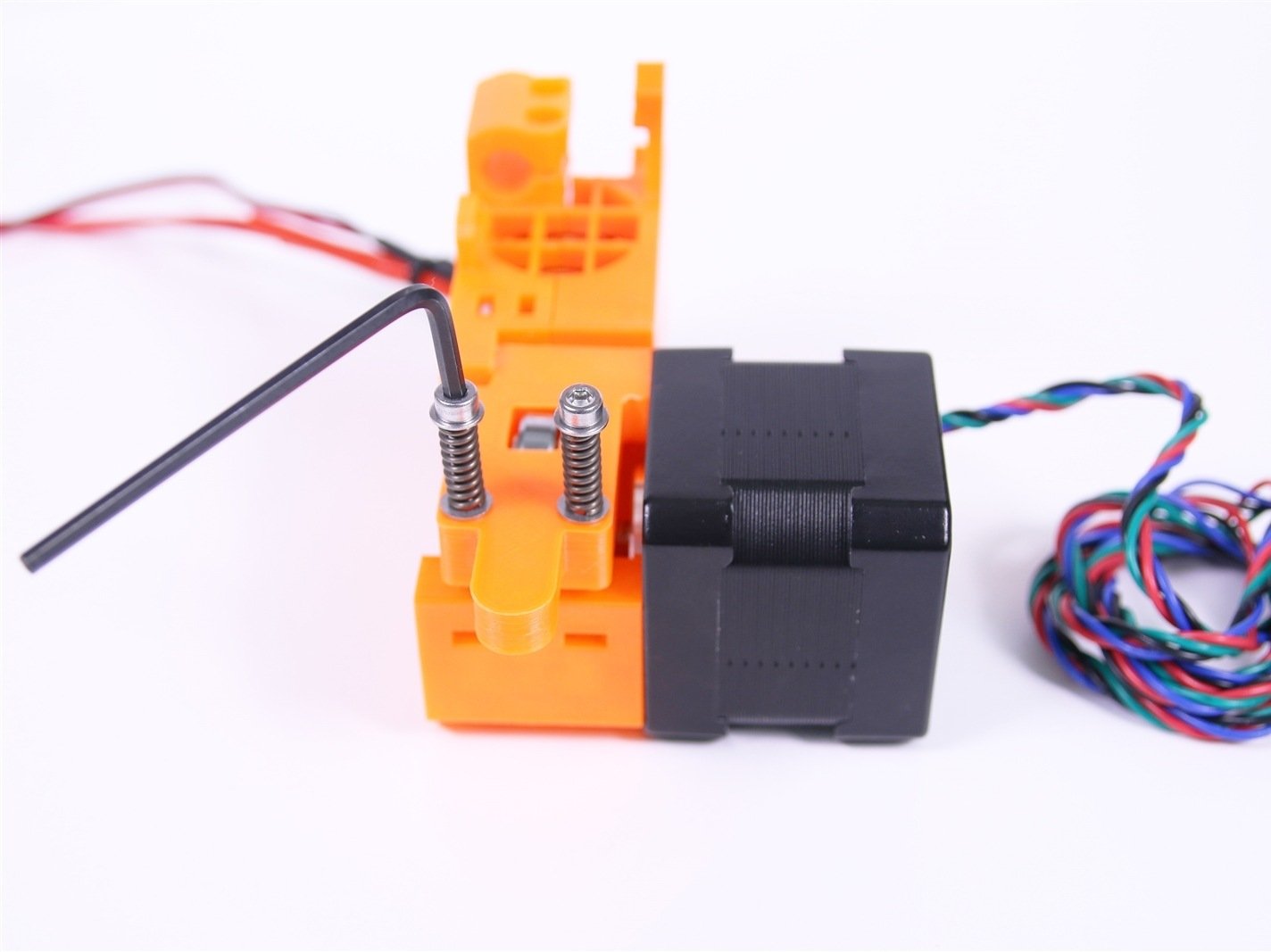
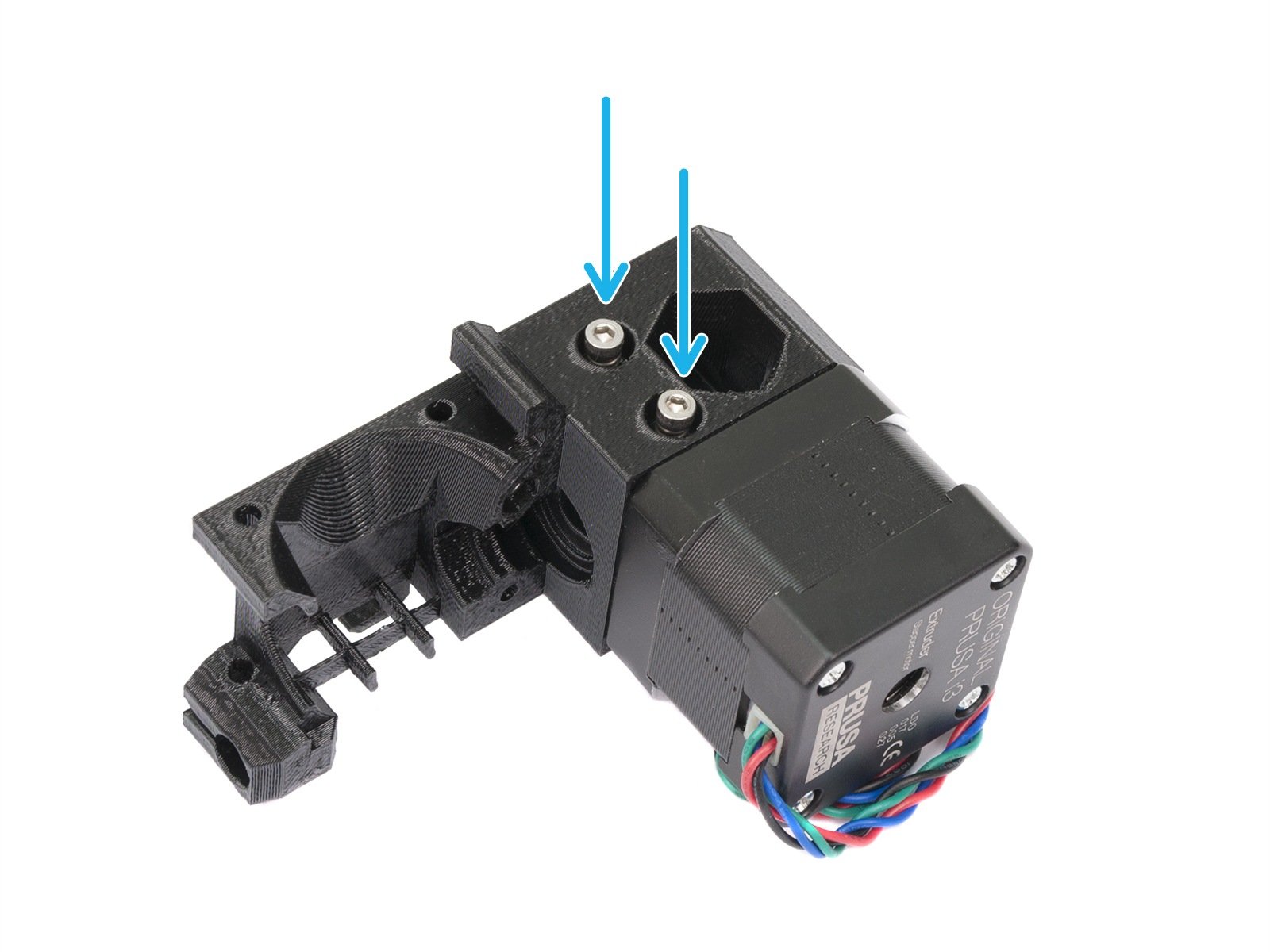
If you have had a clog, they can also have collected residue grinding the filament which will, in turn, reduce their grabbing force on the filament. Make sure you clean this out. Open the idler door and clean out each groove of the gear using a toothpick or the acupuncture needle that came with the printer.
Cover the PTFE tube to avoid any debris falling in. You can use a cotton swab - it will reliably cover the tube without damaging it). After you're done cleaning, give it a good puff of air to clear any remains, while the PTFE tube is still covered.
If you have changed the nozzle you should redo, at least, the First Layer Calibration, as this may have changed with the new nozzle.
If you have disassembled and reassembled the extruder and/or hotend, we recommend going through the full XYZ calibration, followed by the First Layer Calibration.
14 comments
One concern was that I moved the head way up, then down 50 mm a couple of times. Head would not respond normally to Z axis moving. Ultimately I did a reset and started my print. Then, when it calibrated for z-axis height it came way down and calibrated corr
The clogs are arguably more difficult to clear, not least because the demographic purchasing printers these days has less technical acumen, expecting the printer to be more of an appliance. This is the result of Prusa's own marketing hype.
At the very least, a revised version of this article is needed, canvassing the techniques needed to clear nozzle clogs on both the regular and CHT nozzle types. A discussion of prevention could also be included.