


Before using the Prusa USS Drybox for the first time, it is important to prepare it correctly to ensure a stable low-humidity environment for your filament.
This article covers the initial assembly and first filament loading process. For complete product overview, humidity management, maintenance, and printer-specific installation guides, see the main Prusa USS Drybox article.
The Drybox is designed to slow down moisture absorption using silica gel. It does not dry filament. If your filament is already moist, it must be dried in a dedicated drying device before use.
Initial setup
Open the Drybox
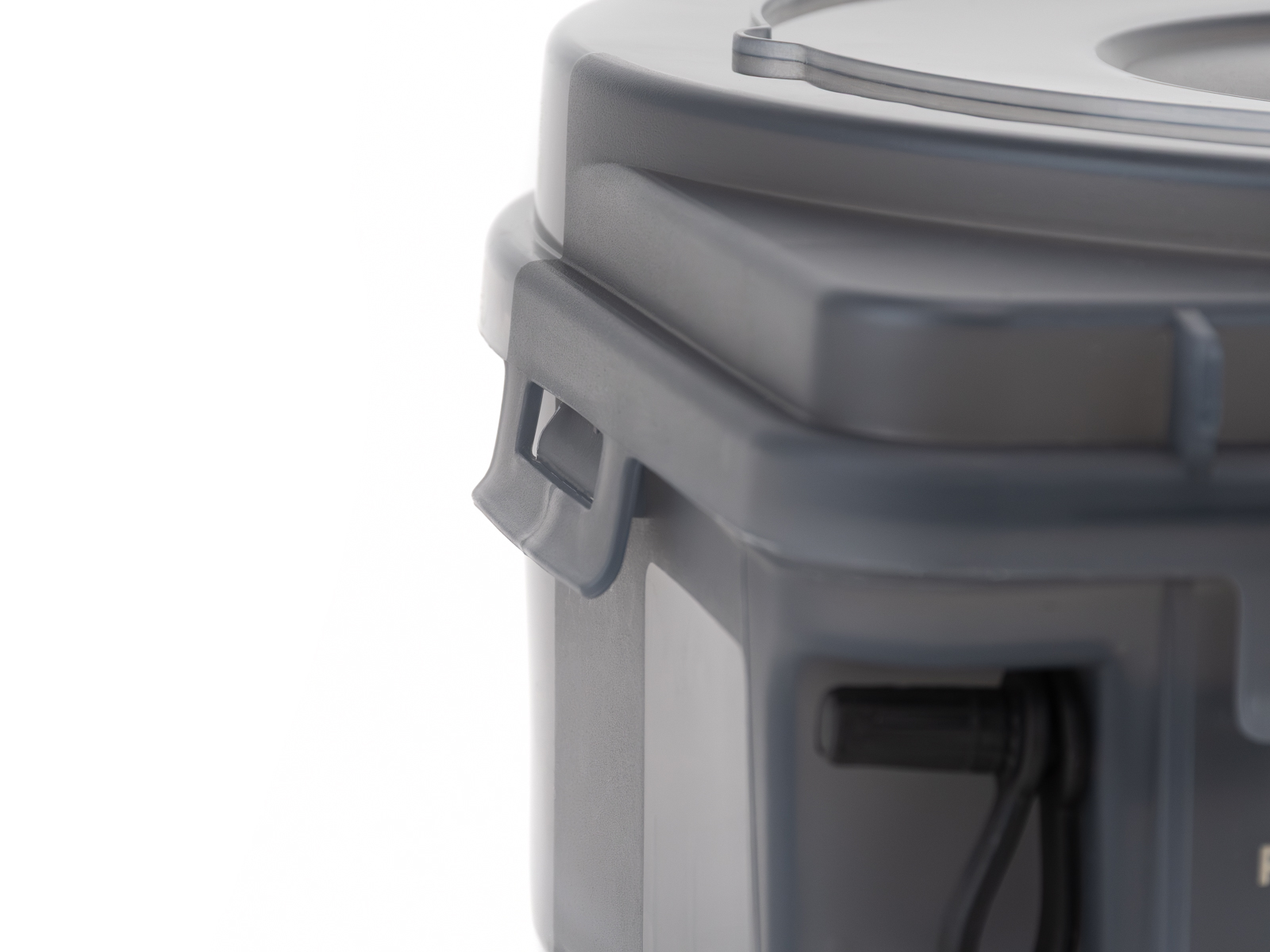
Release all latches and open the lid.
Check that all seals are properly seated and not damaged.
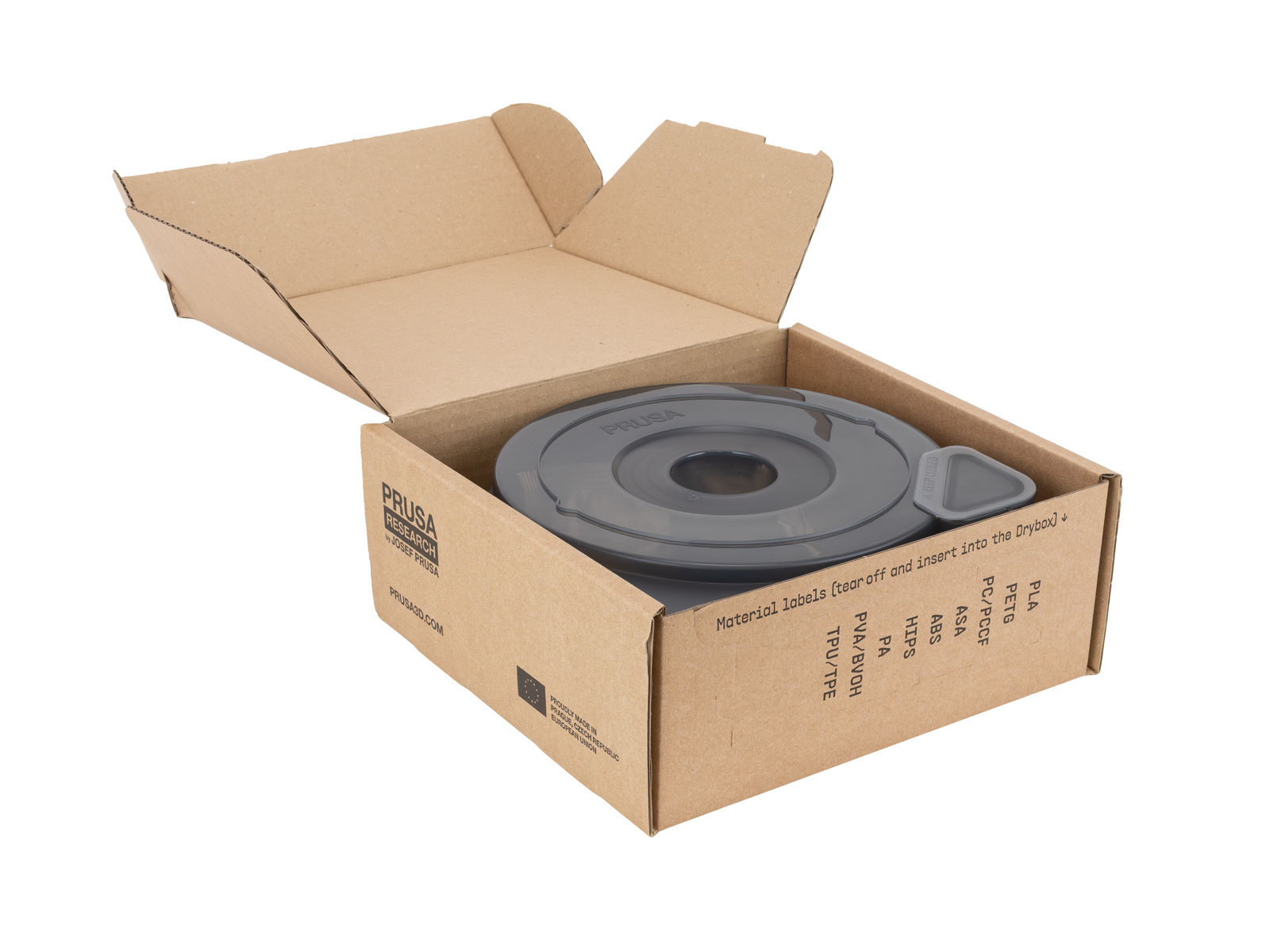 |  |
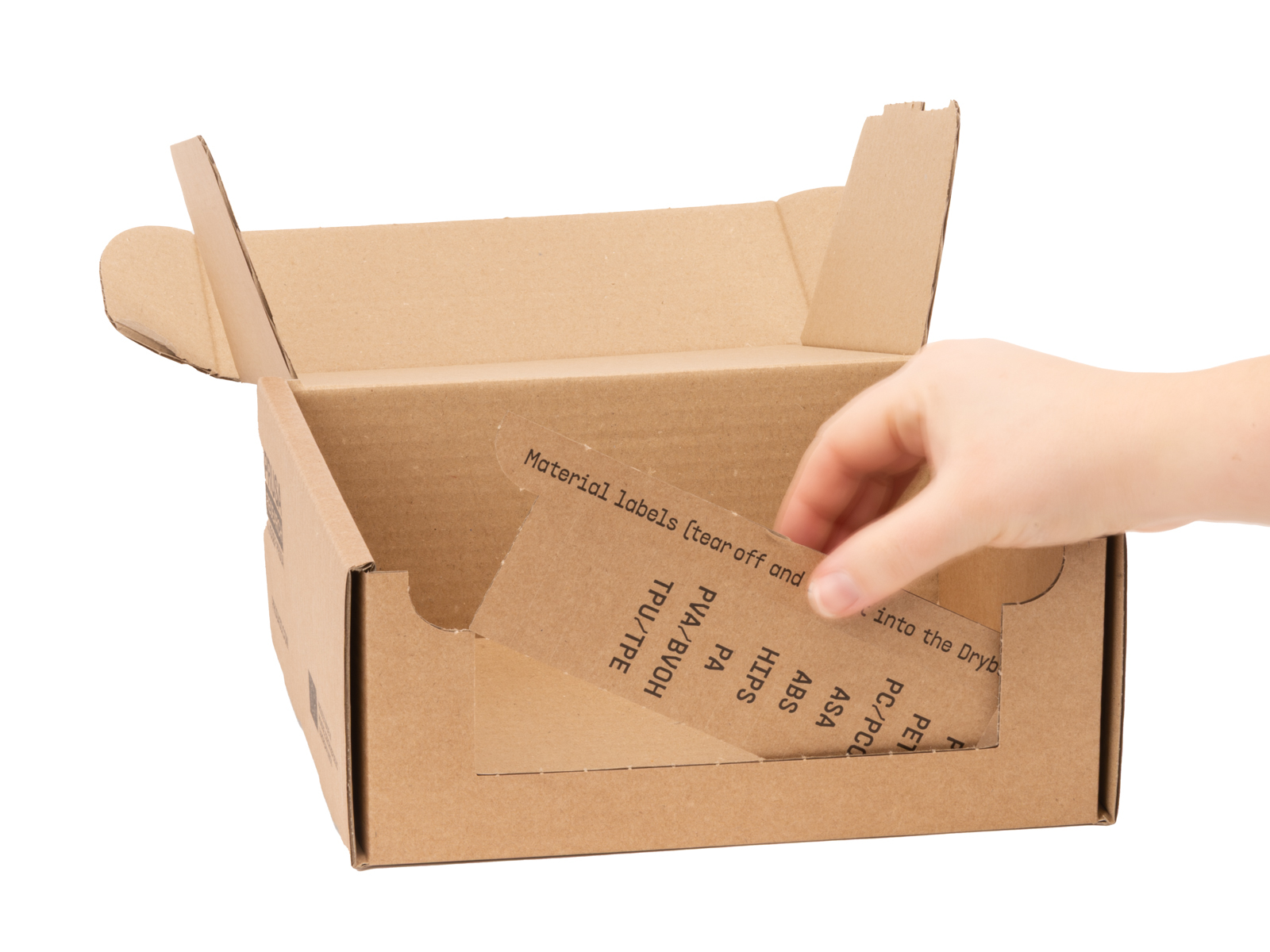
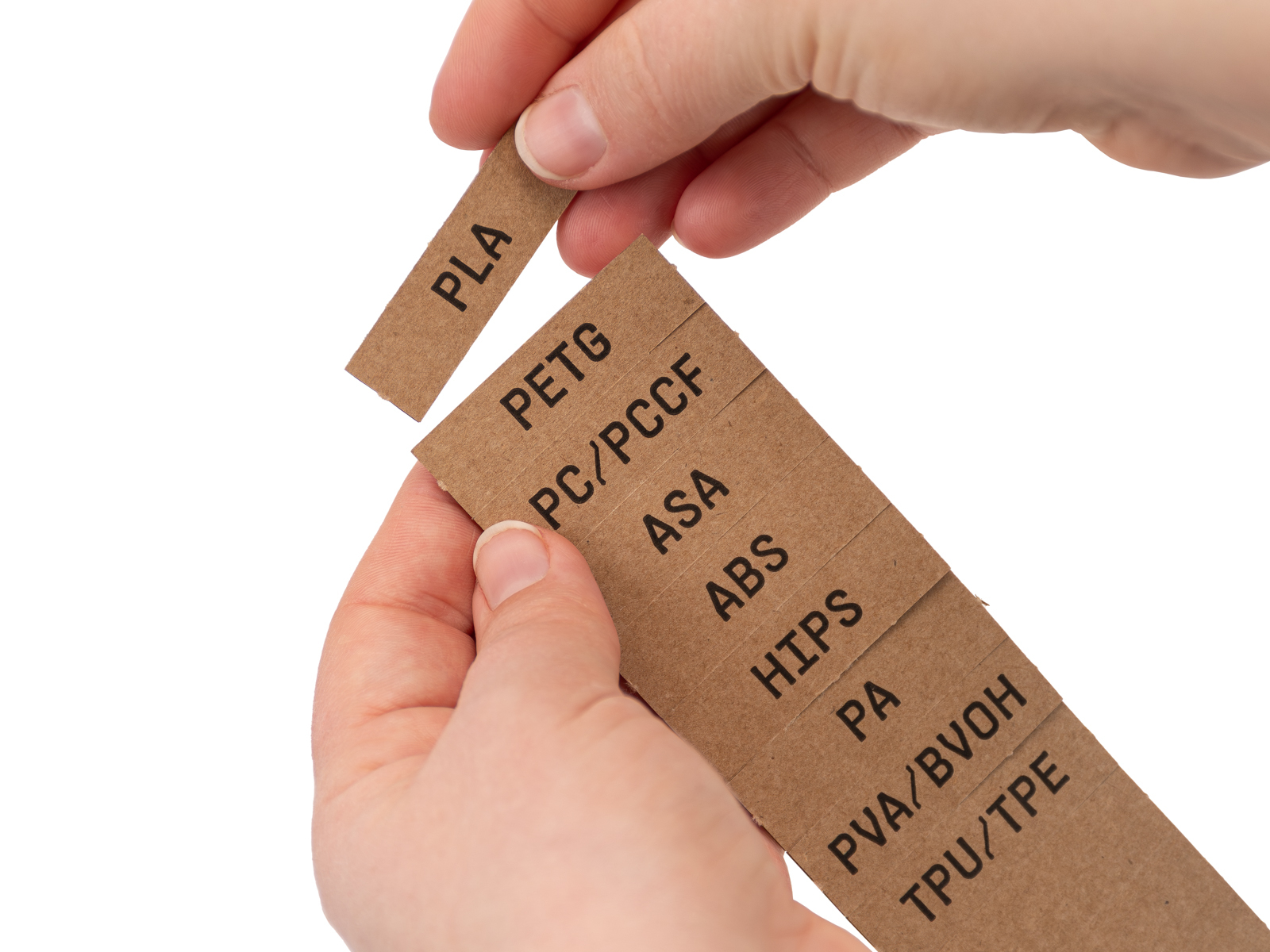
On the outer packaging, you will find a label sheet with the most commonly used filaments, along with a few blank labels that can be torn out.
Prepare the label you intend to use first. Any remaining labels can be stored for future use.
 |  |
Prepare the hygrometer
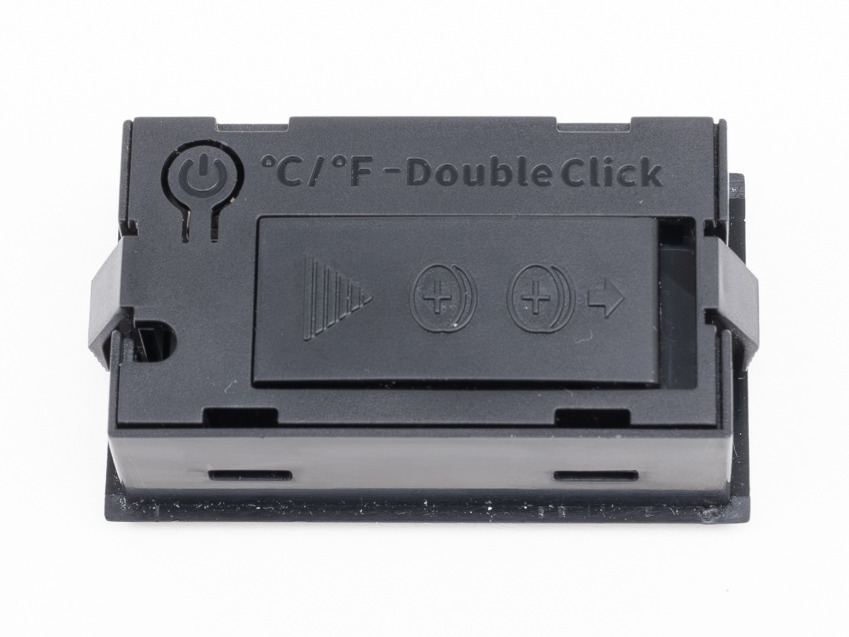
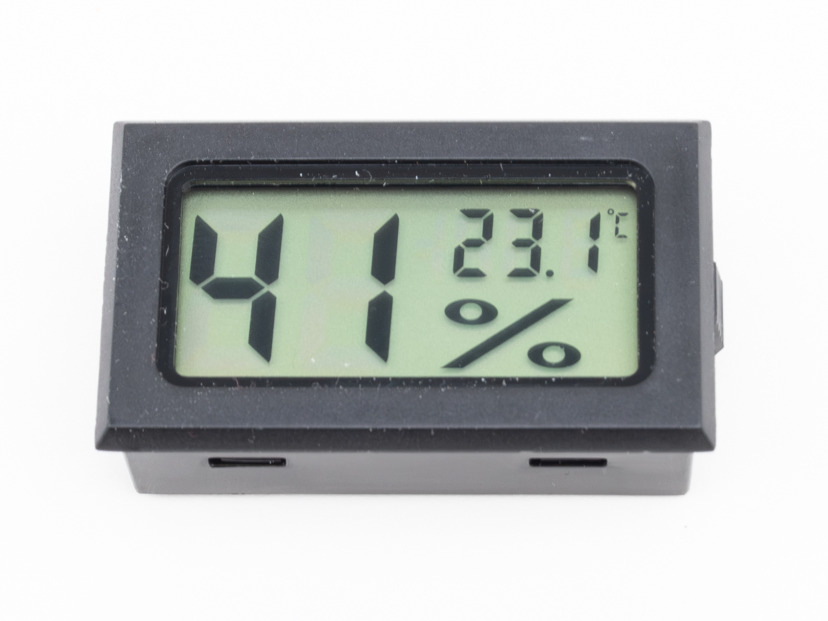
Remove the TPM40 hygrometer from its packaging.
- Pull out the battery tab (if present)
- Turn it on by holding the rear button until it powers up
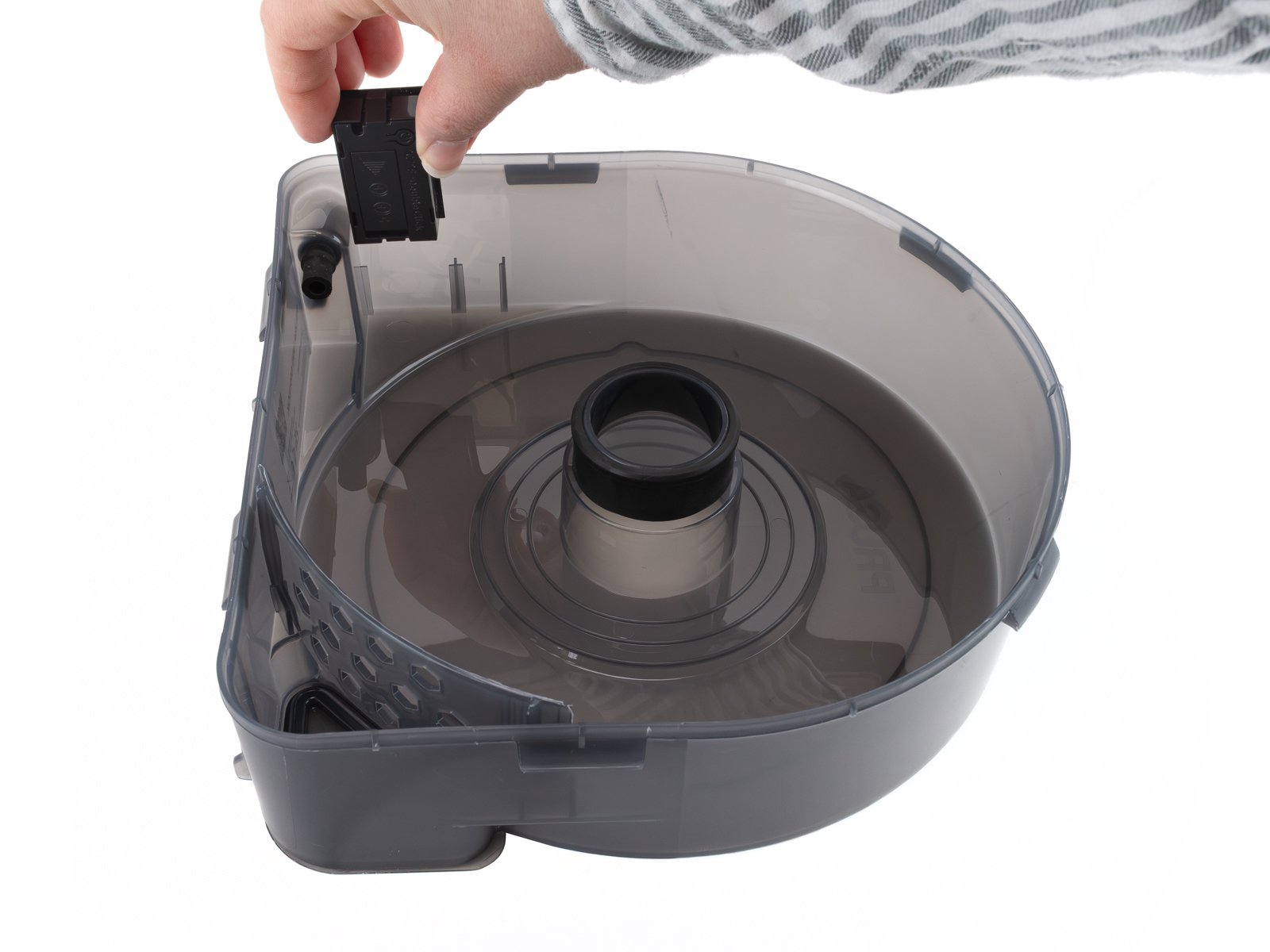
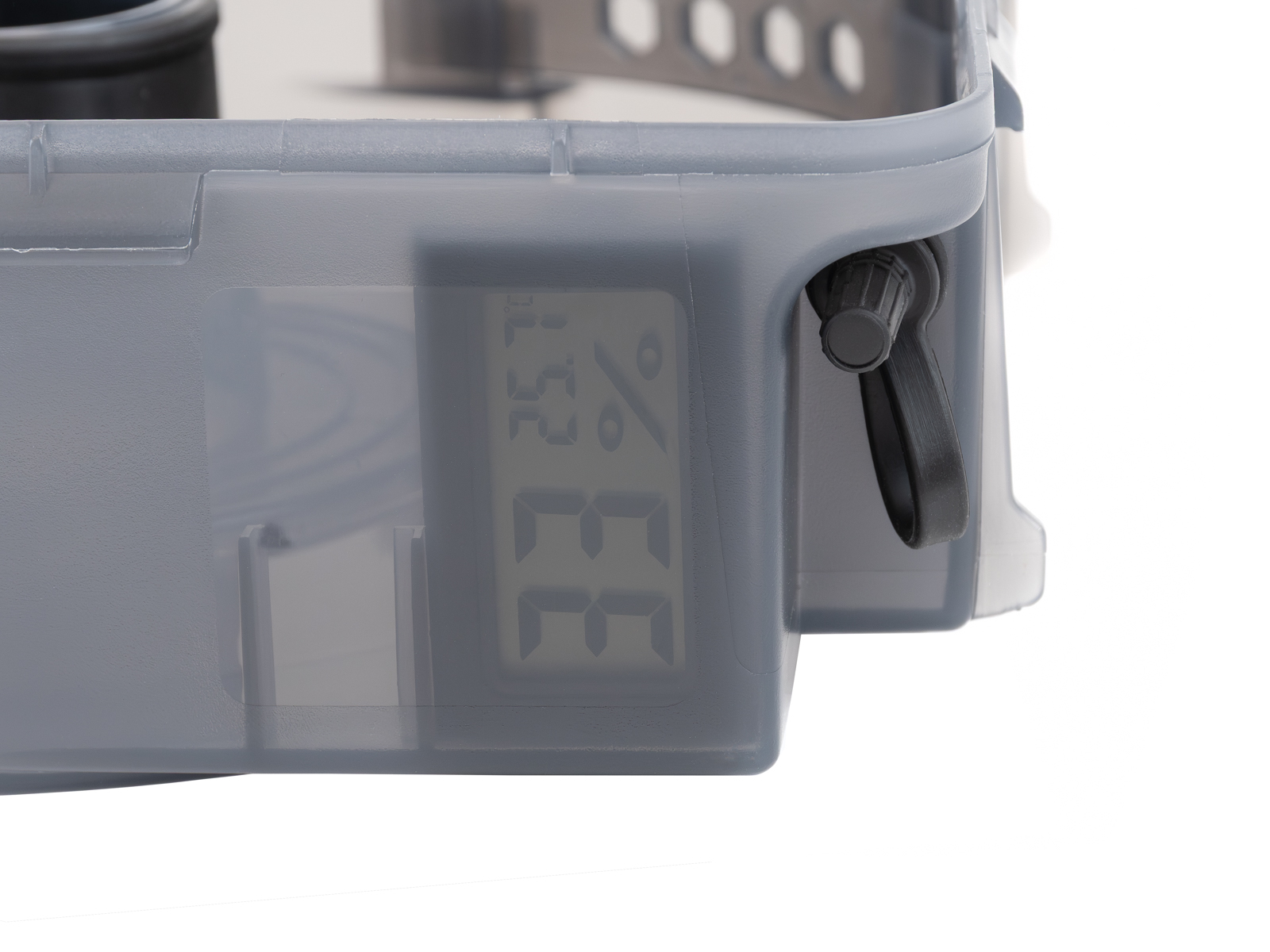
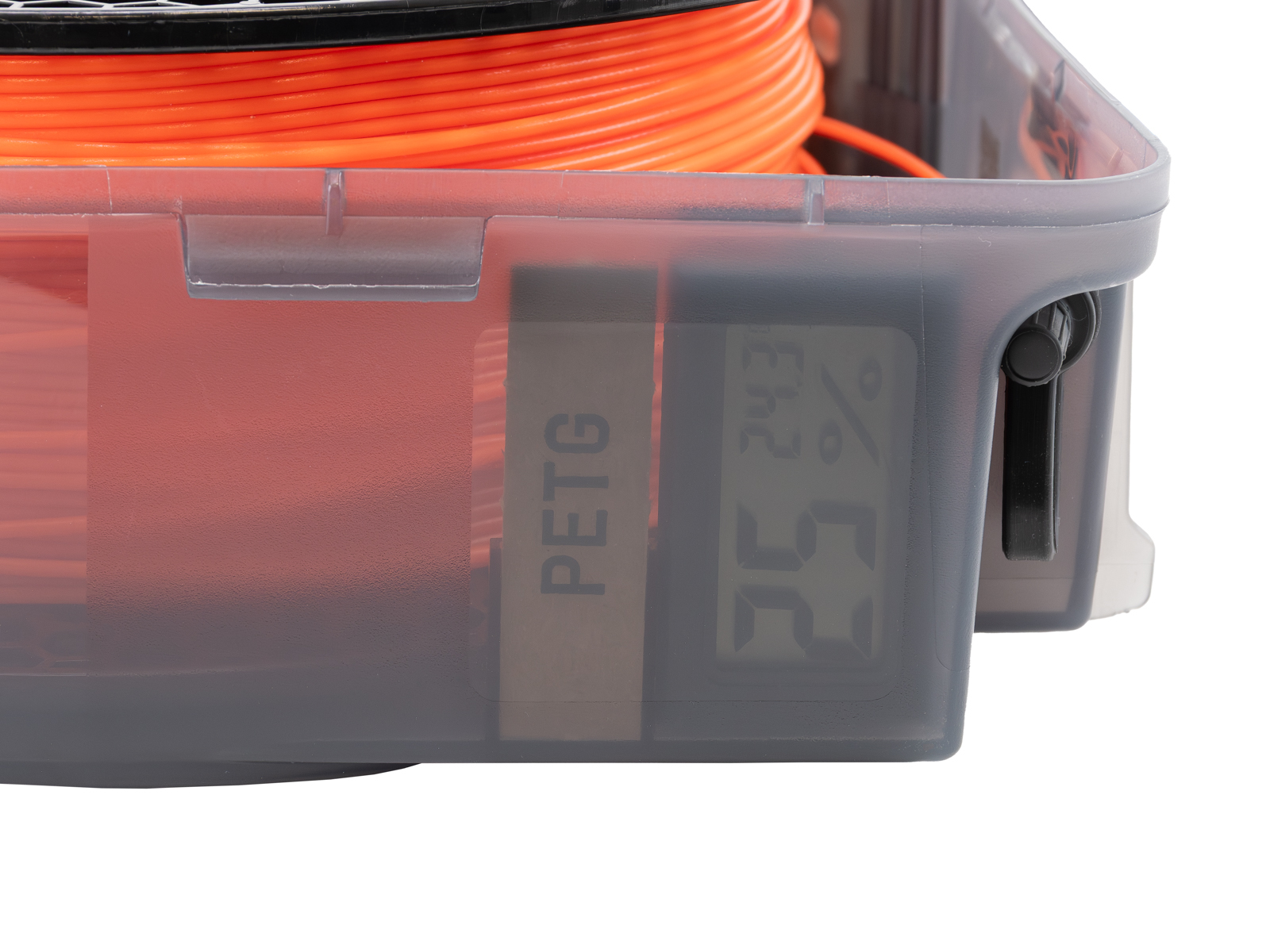
- Insert it into the dedicated slot inside the lid
- Make sure the display faces the transparent side of the box
You can switch between °C and °F using a double press of the button.
 |  |
 |  |
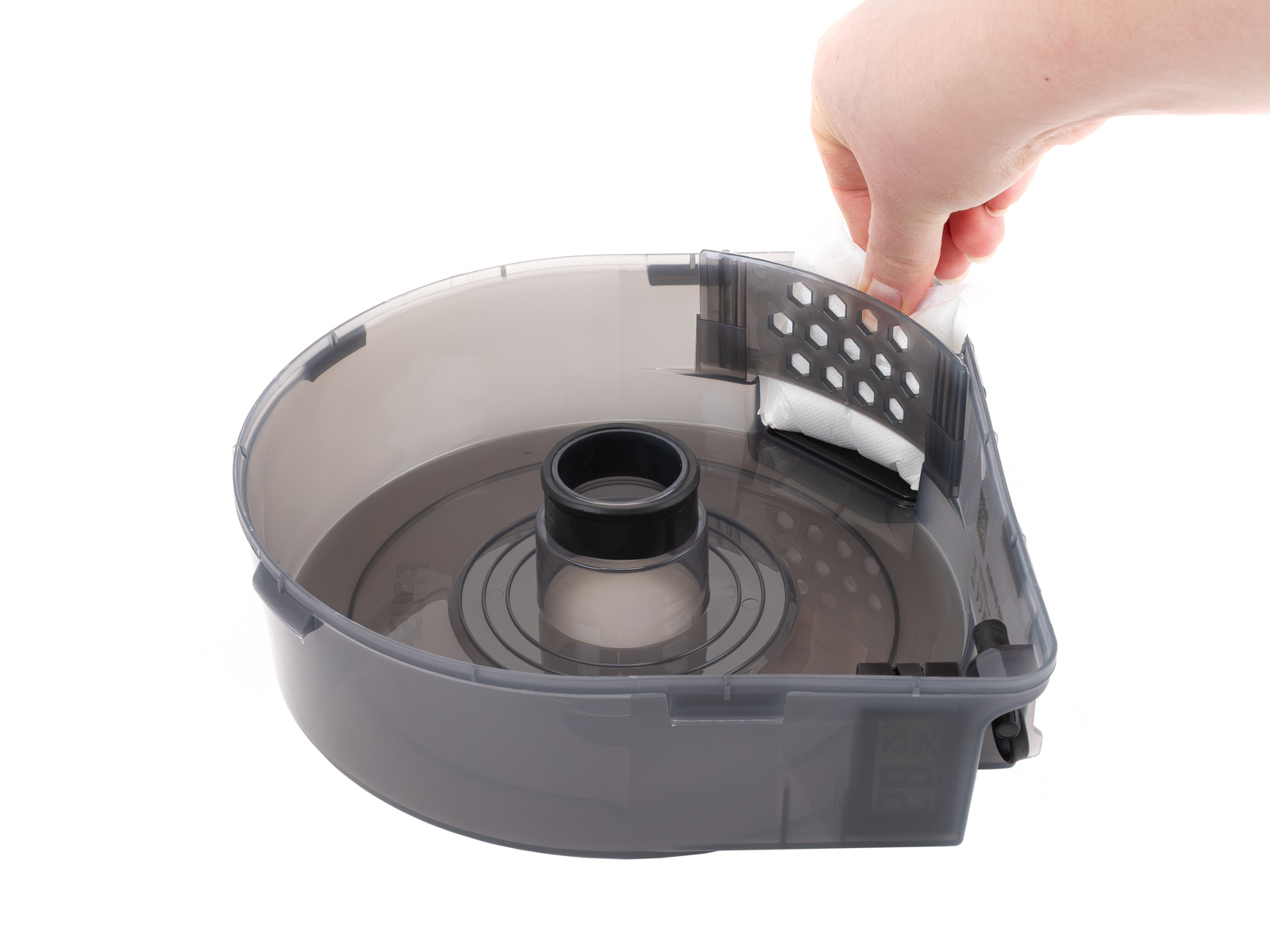
Add silica gel
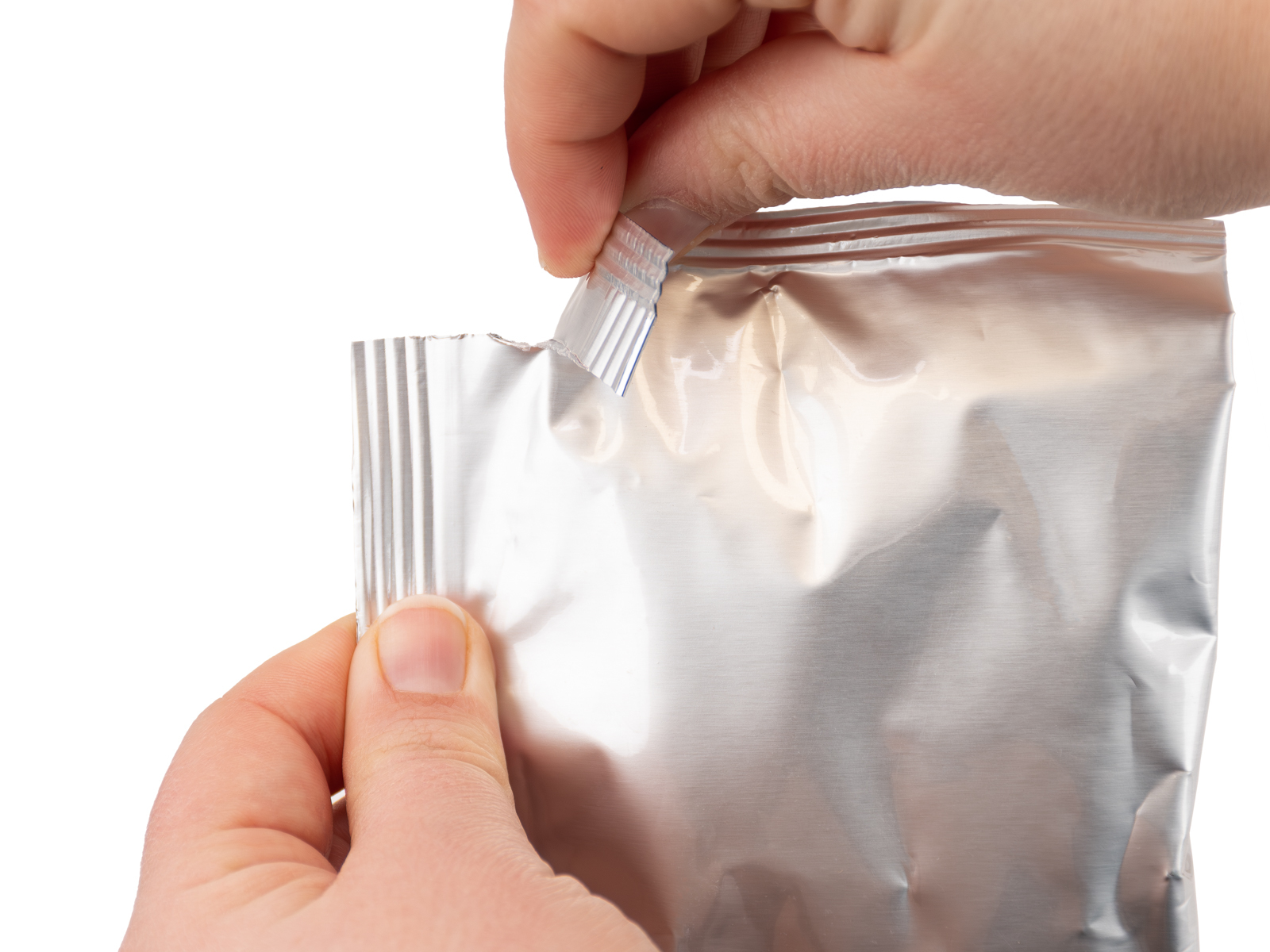
Open the aluminium packaging of the silica gel.
 |  |
Insert filament spool
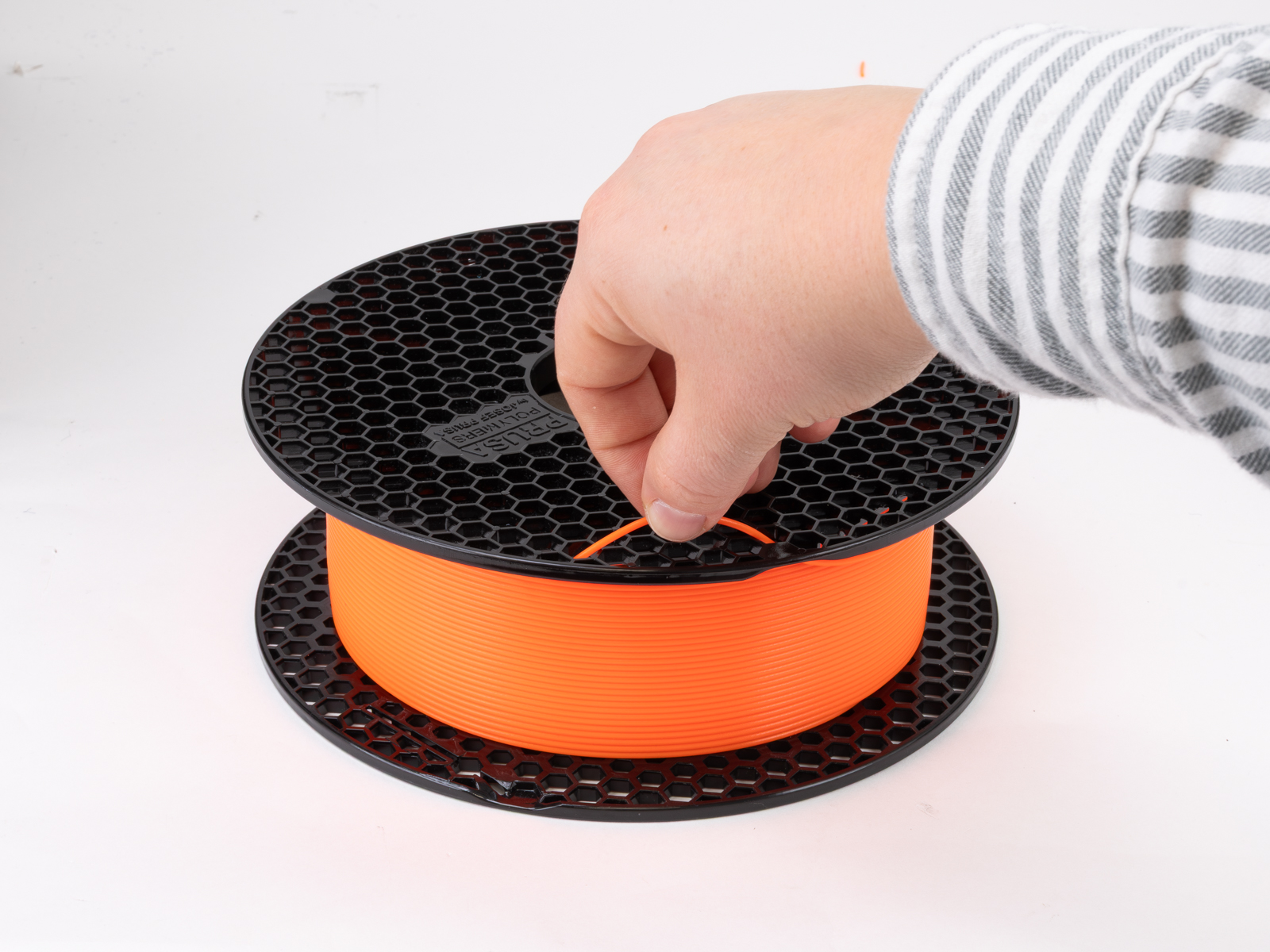
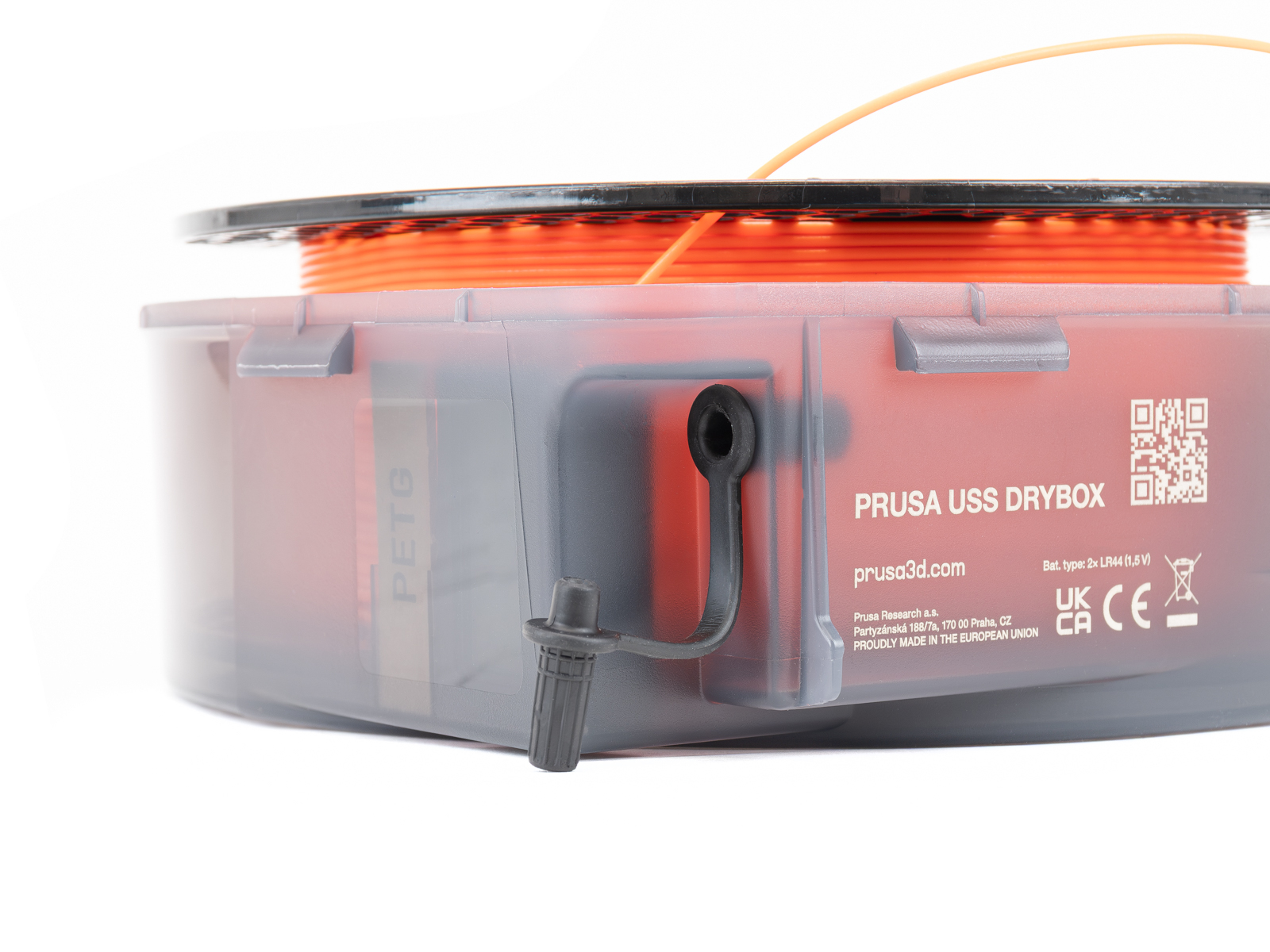
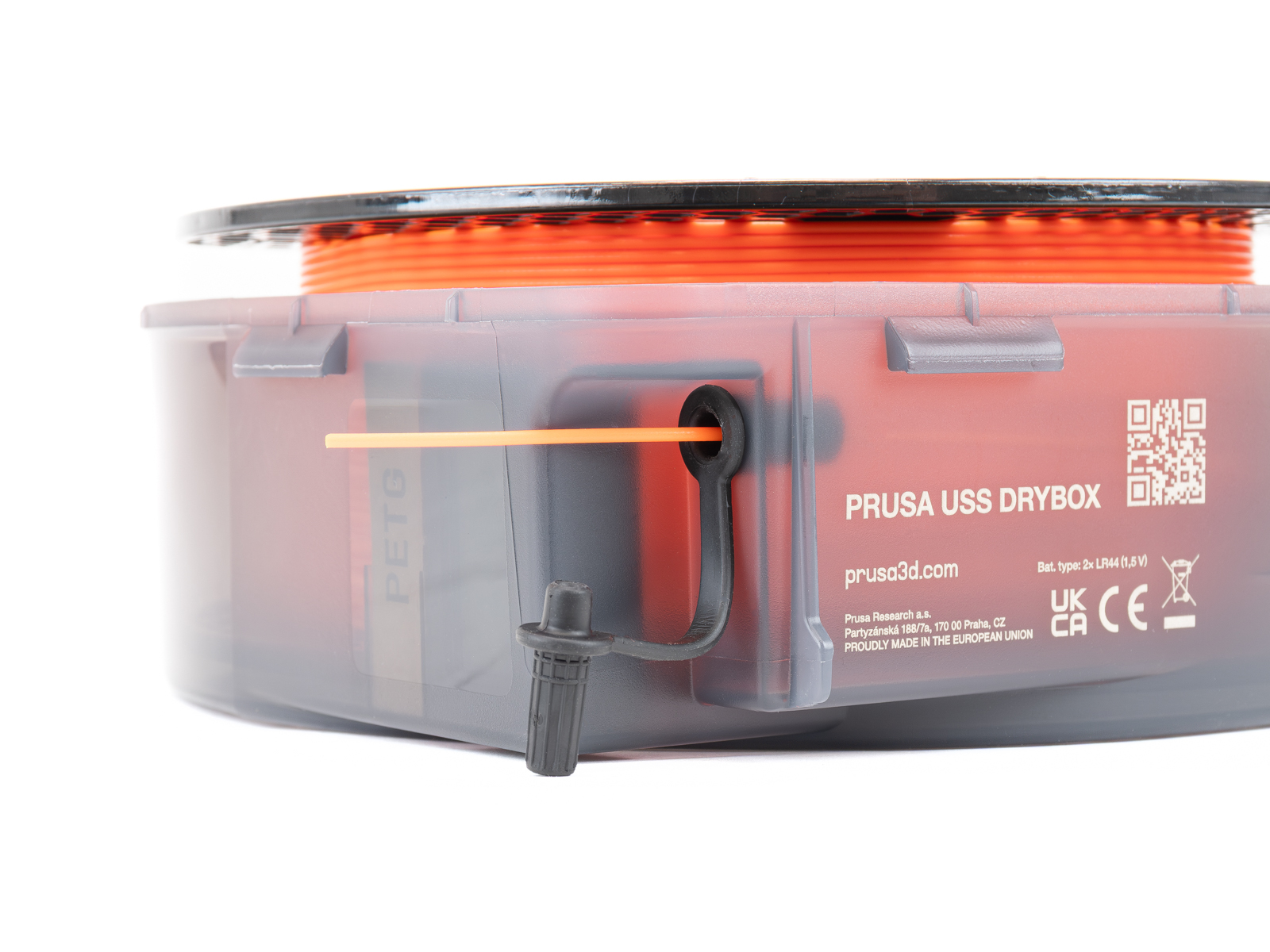
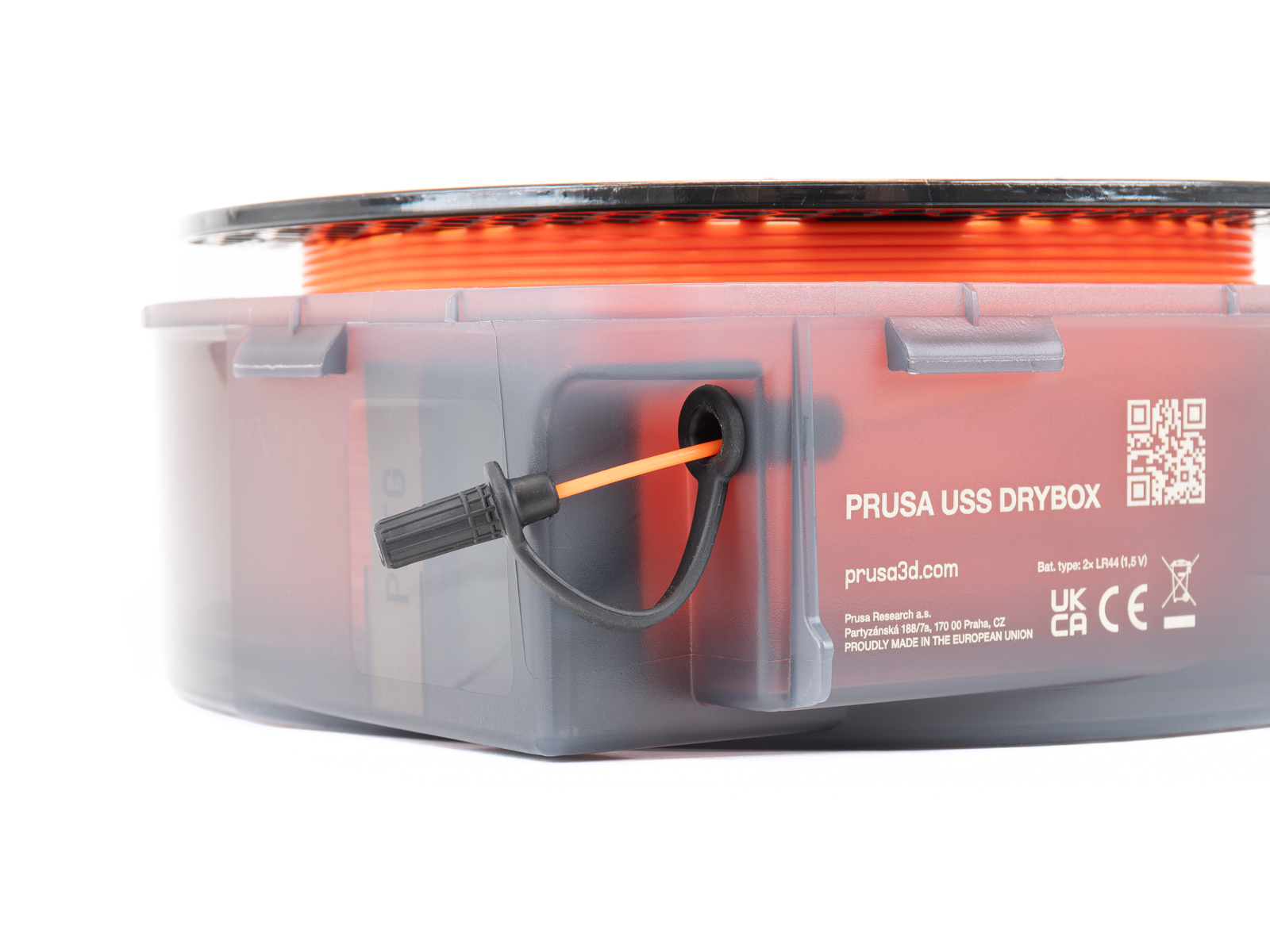
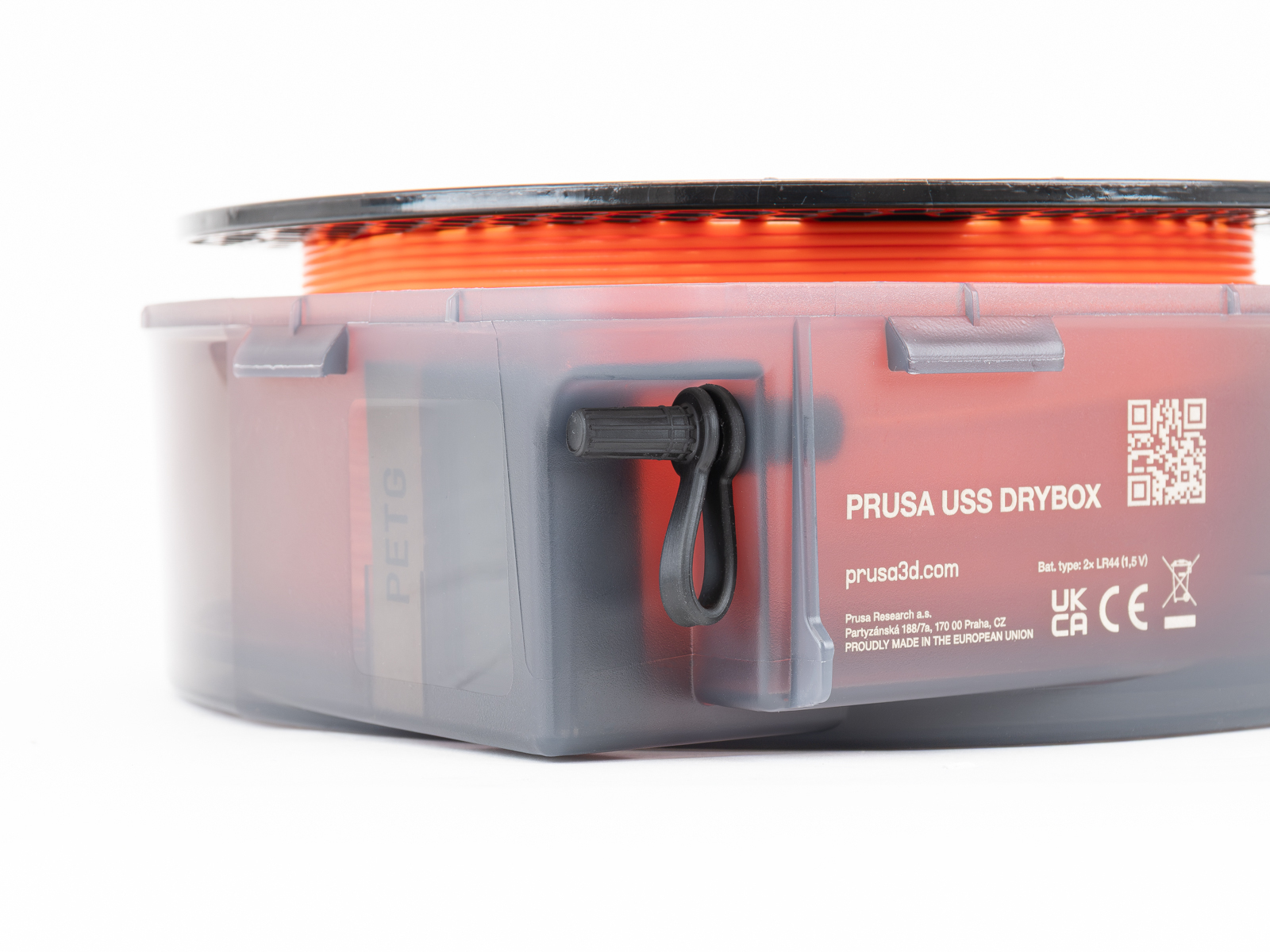
Place the filament spool inside the Drybox with the filament end oriented toward the filament outlet (grommet).
Secure the loose end of the filament so it does not unwind.
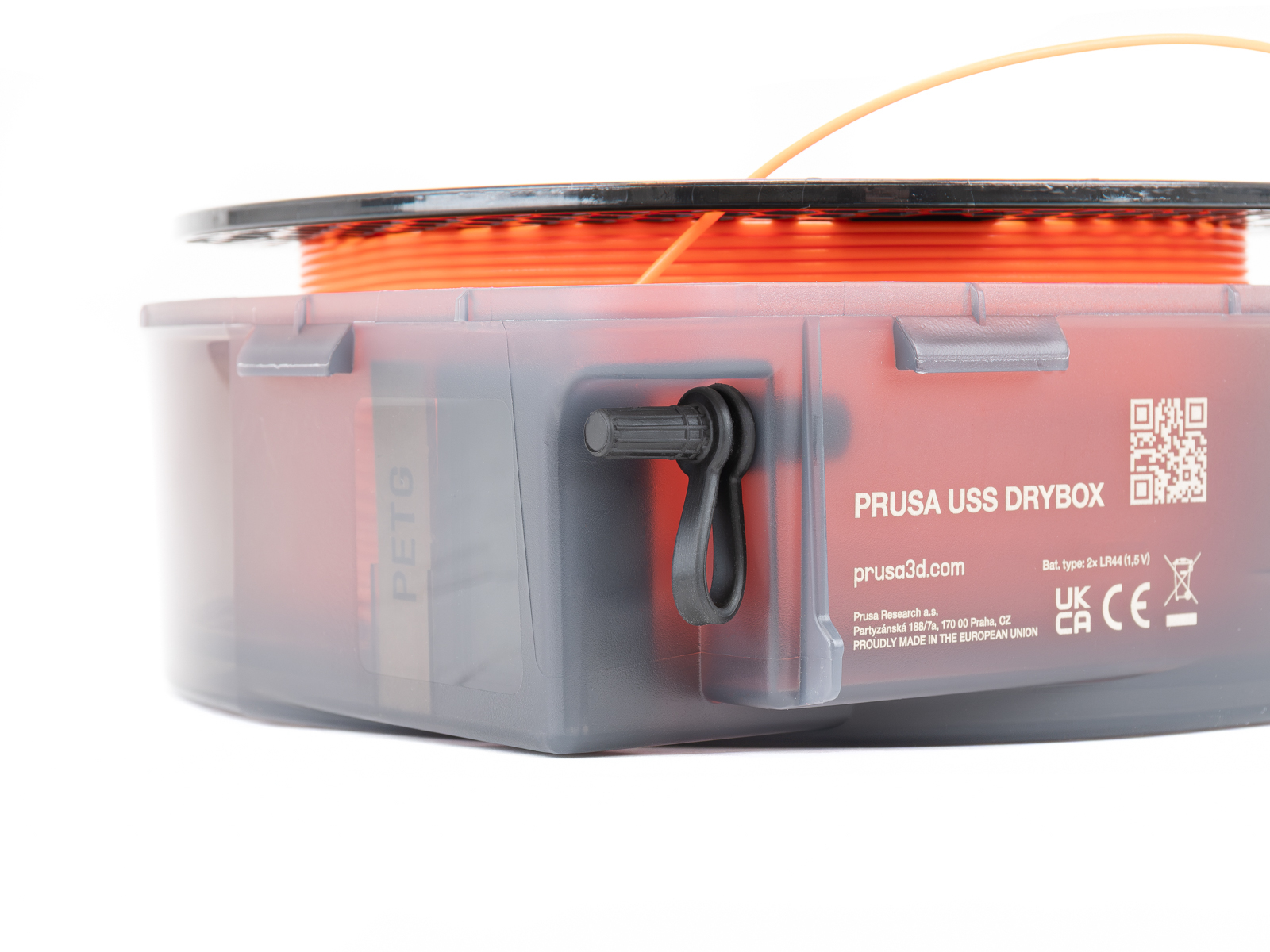
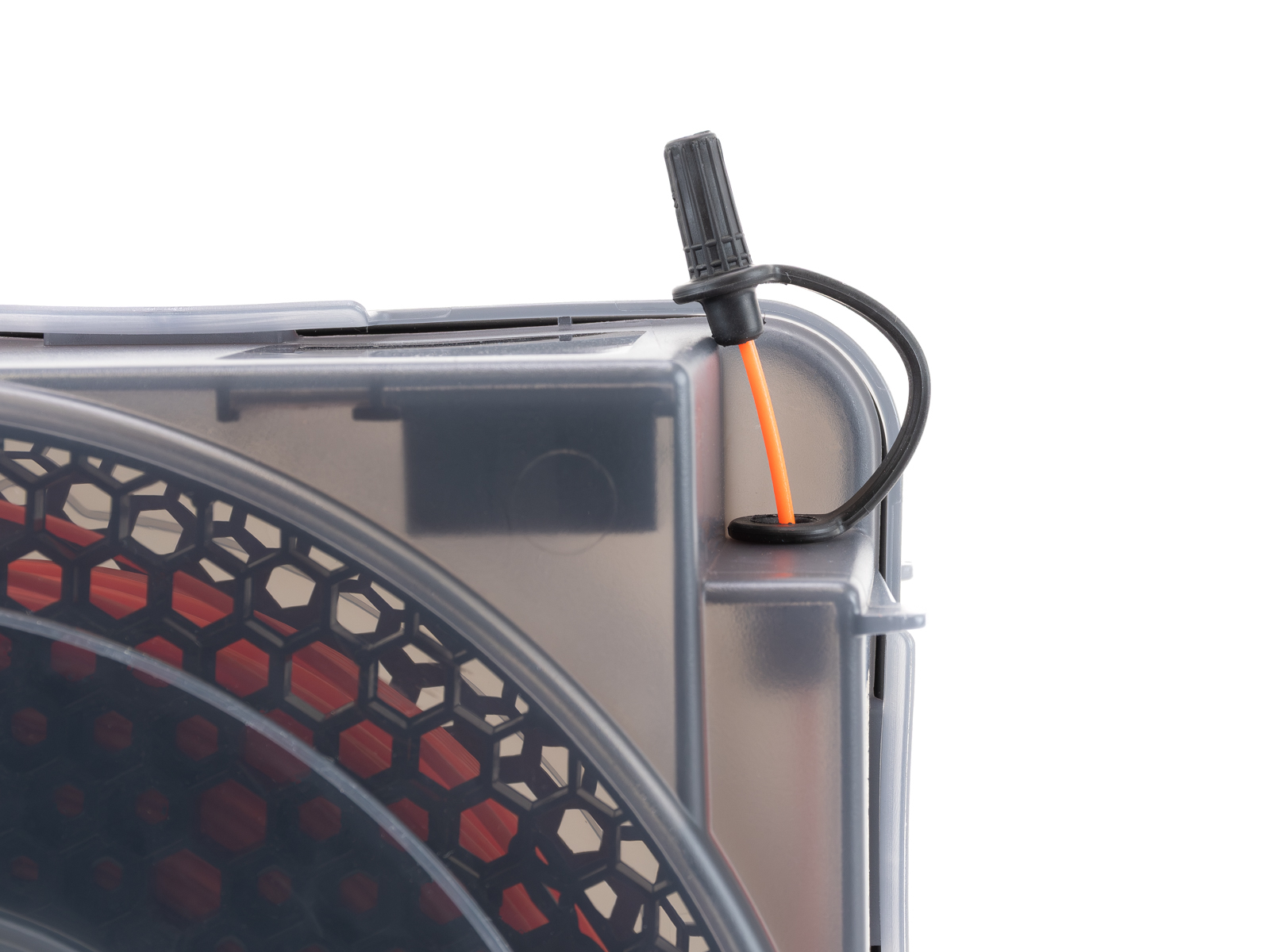
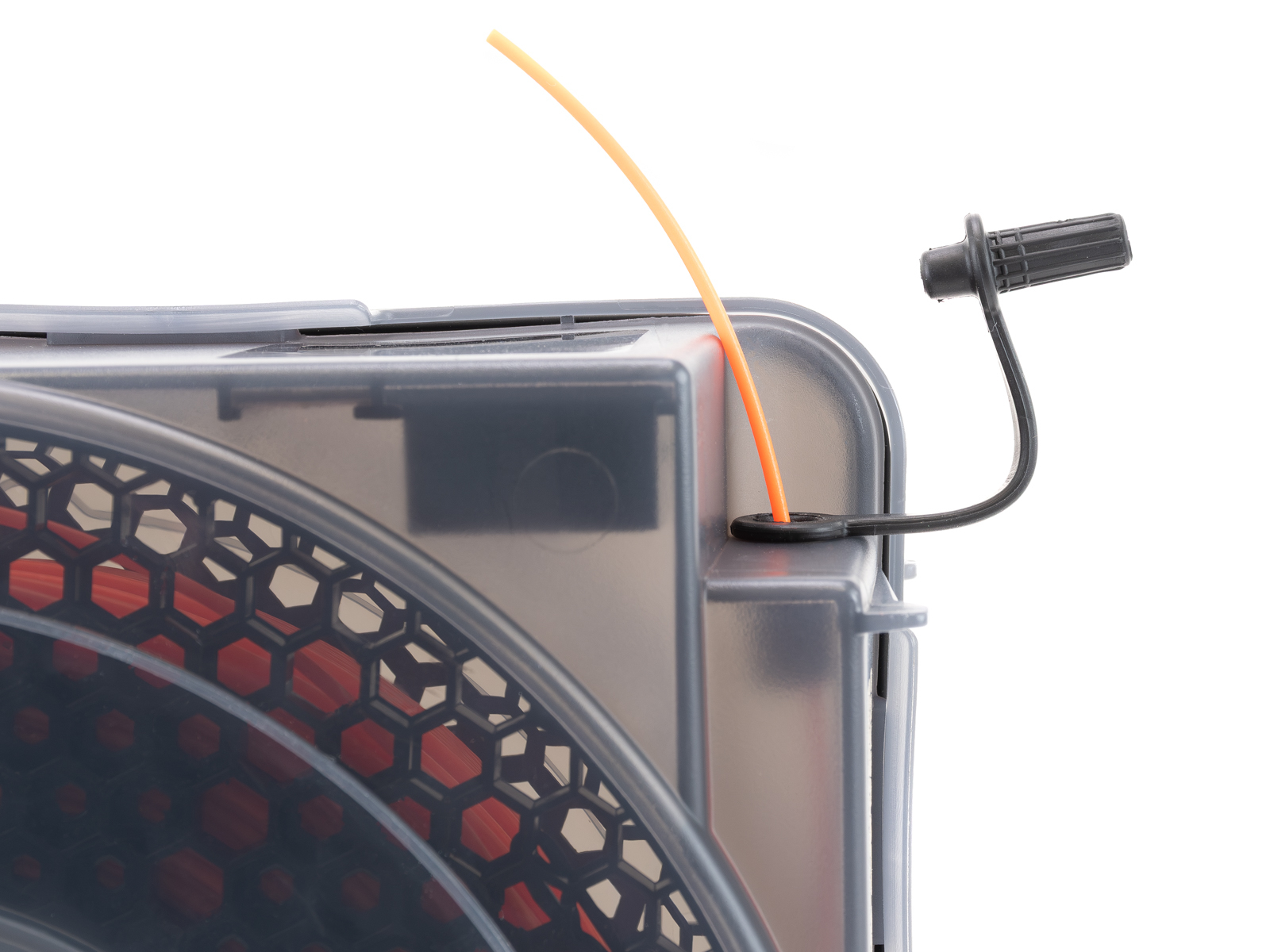
Use the grommet system:
- Open the grommet lid
- Insert filament through the opening
- Lock the filament end into the grommet cover
- Close the grommet to minimize air exposure
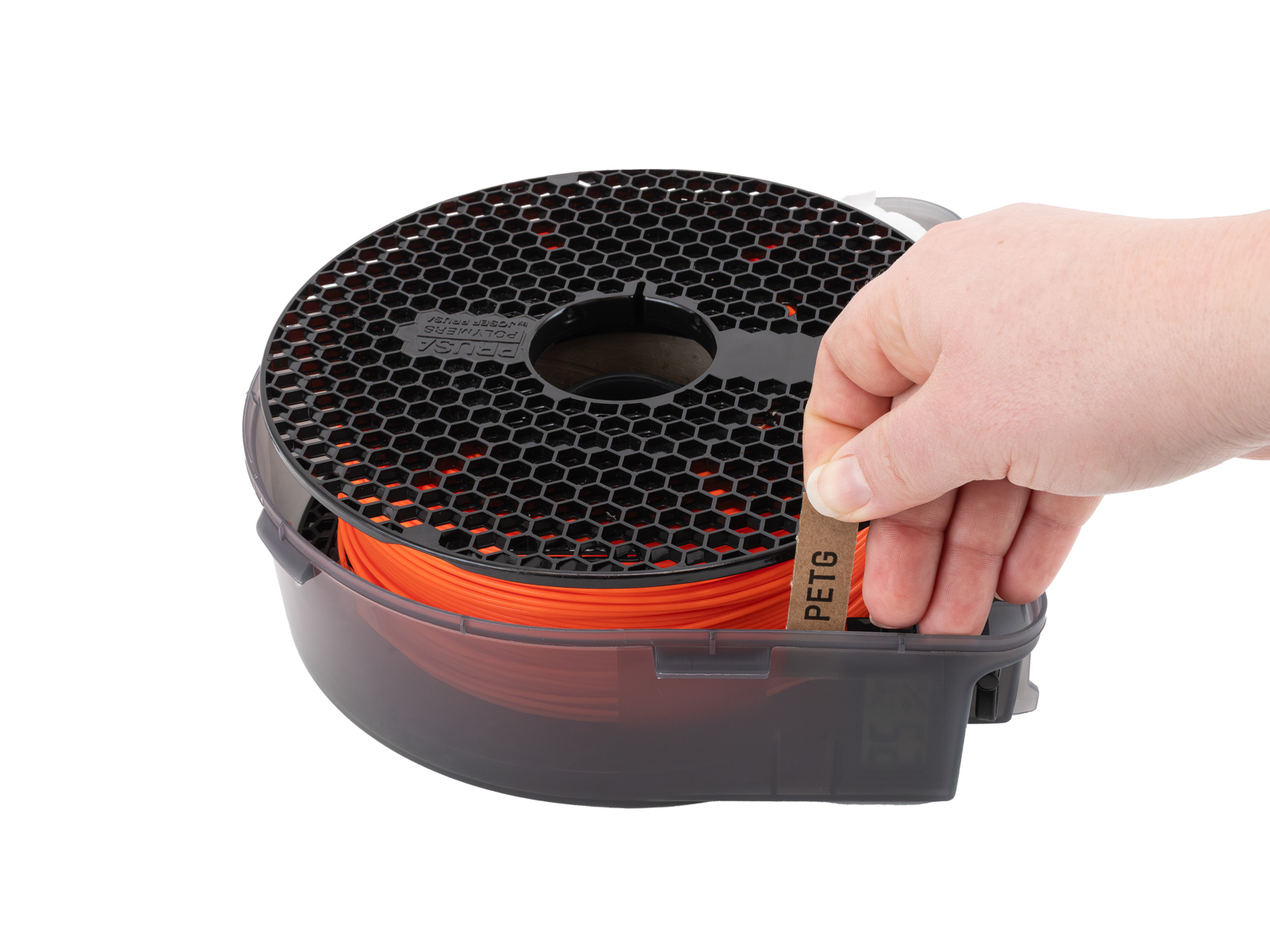
Before closing the Drybox, insert the filament label if you are using one.
 |  |
 |  |
 |  |
 |  |
Close the Drybox
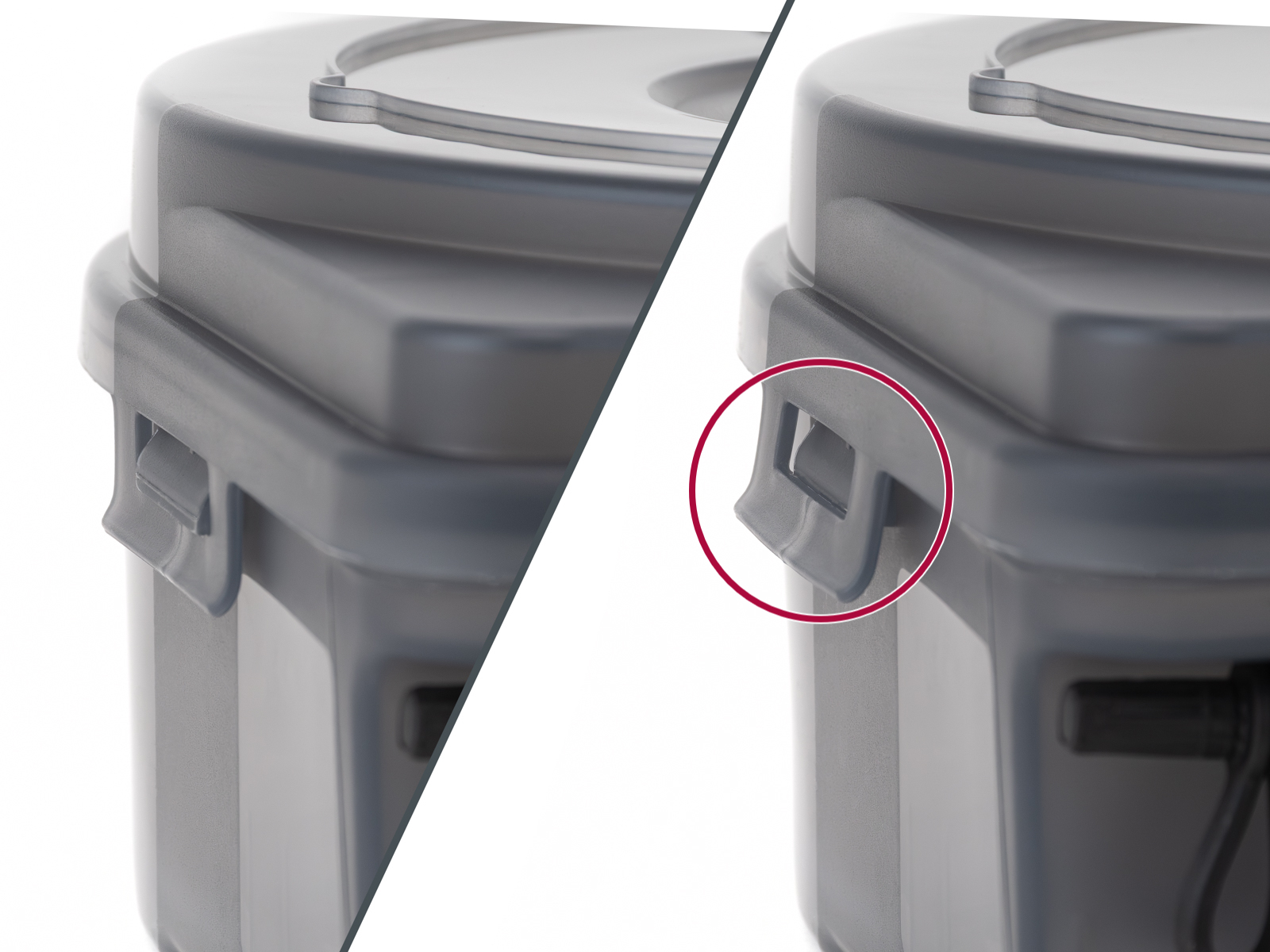
Close the lid and secure all latches.
Make sure:
- The gasket seals evenly around the entire perimeter
- All clips are fully engaged
- The box is tightly closed
Filament guiding
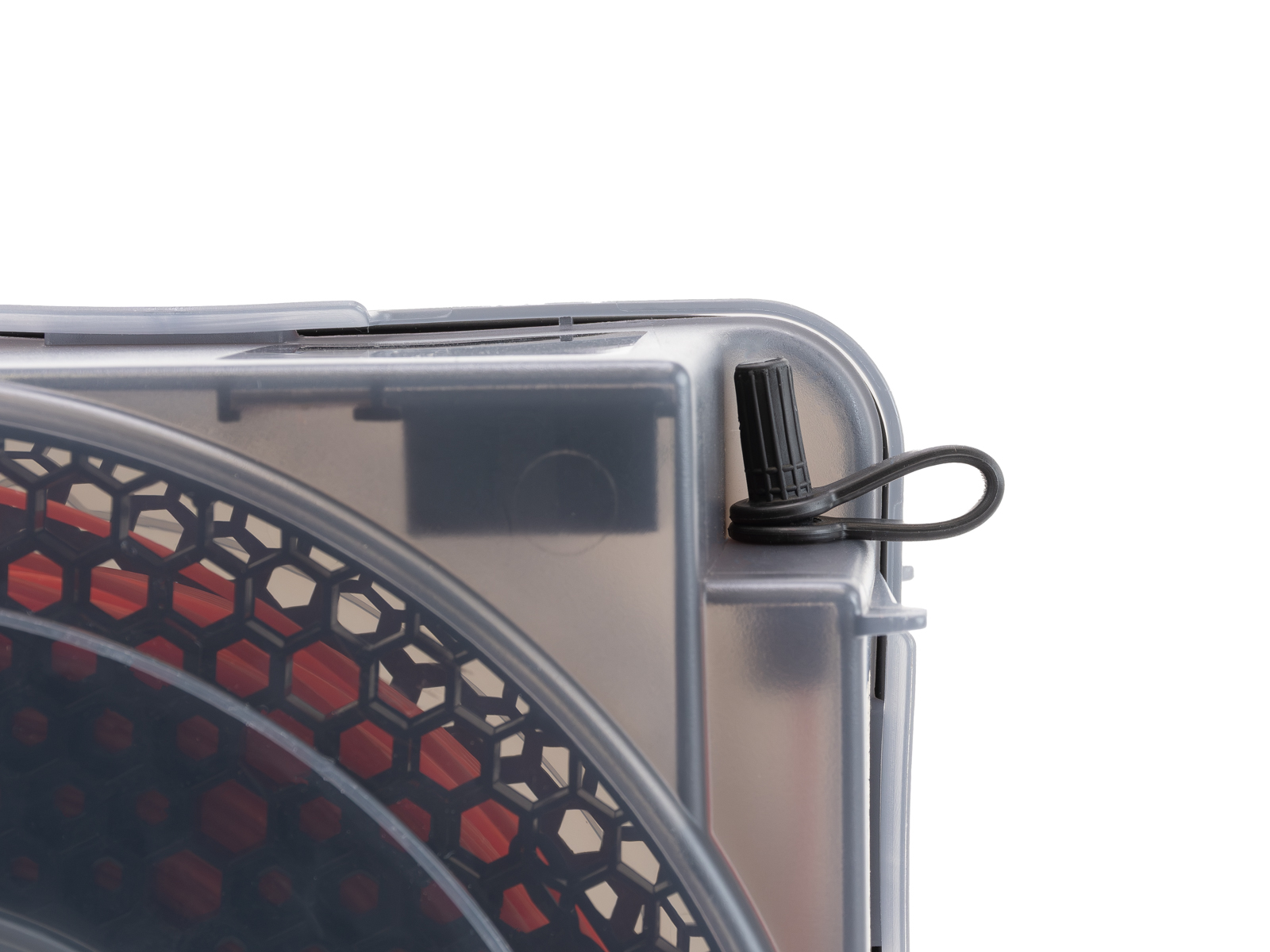
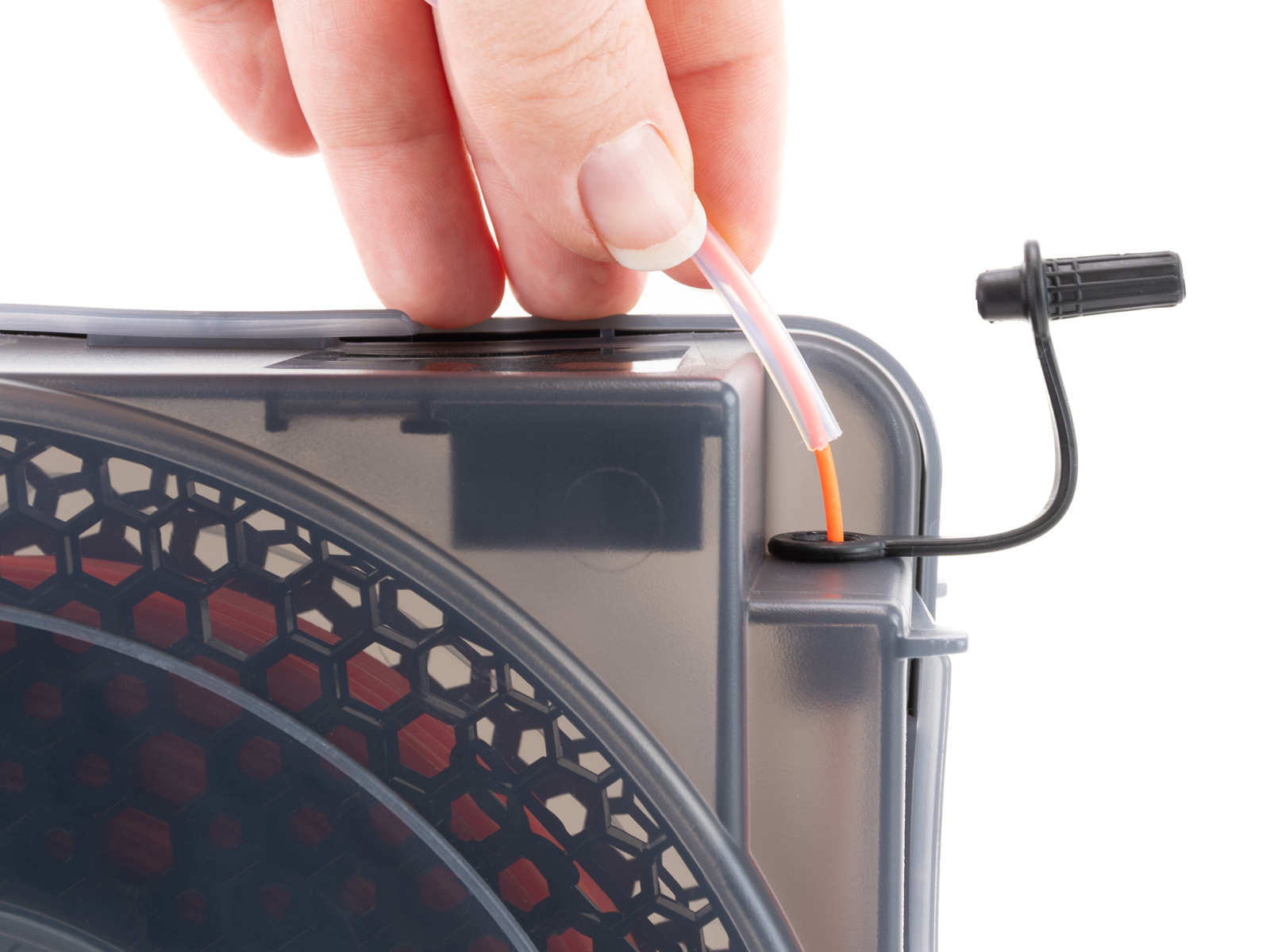
Open the grommet again.
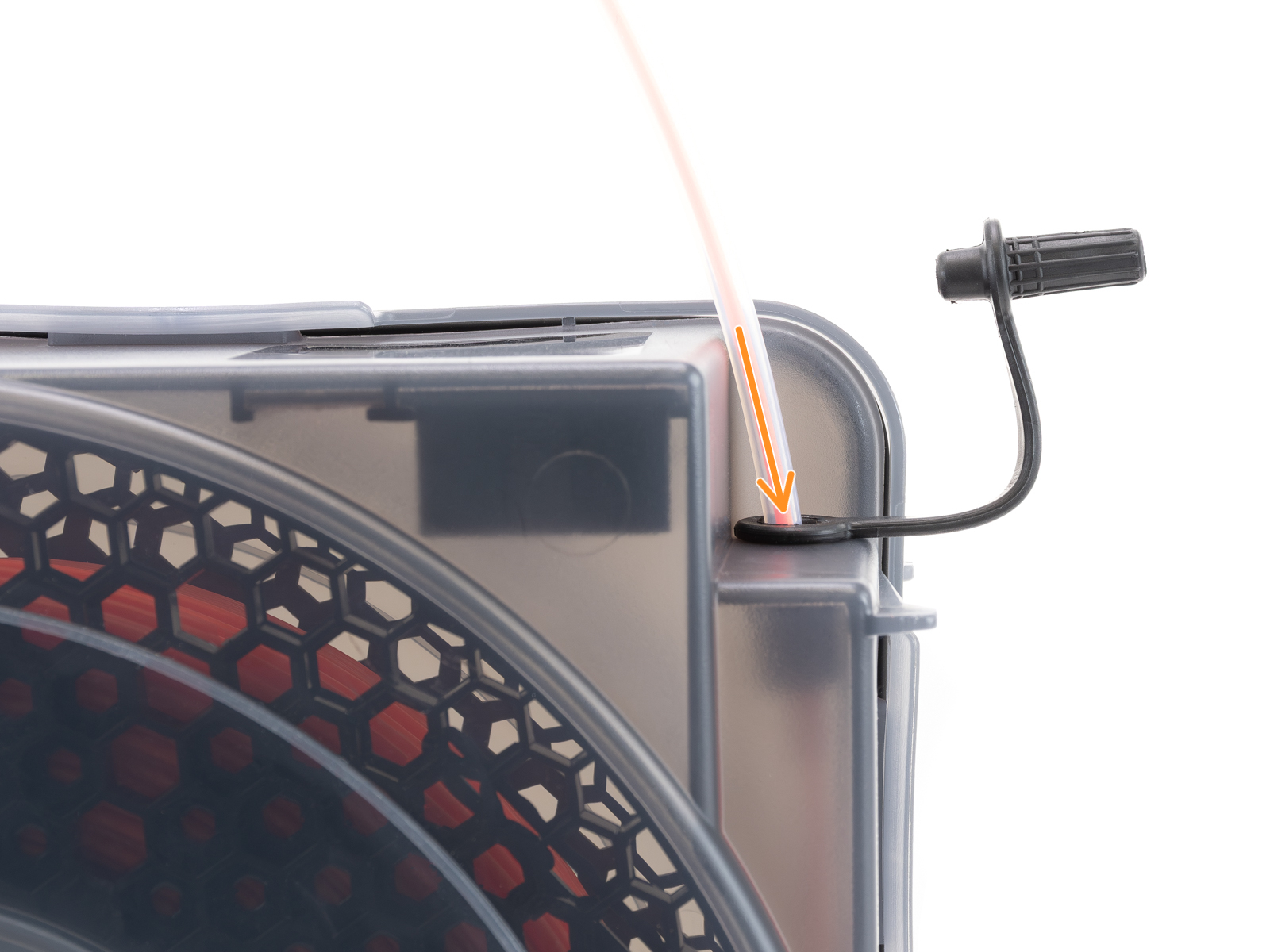
Take the filament end and guide it through the PTFE tube.
Insert the PTFE tube into the grommet opening.
 |  |
 |  |
 | |
Once closed, allow up to 1 hour for humidity levels to stabilize.
Check the hygrometer reading before printing. If humidity is too high for your material, replace or regenerate the silica gel.